How to add the Bulin 47 sound on TikTok, Reels and Shorts
The Bulin 47 trend uses the Dominican artist Bulin 47’s own freestyle from the viral clip. How to pick it on TikTok, Reels and Shorts and mix it right.
6 lettura minima · Aggiornato
The short answer
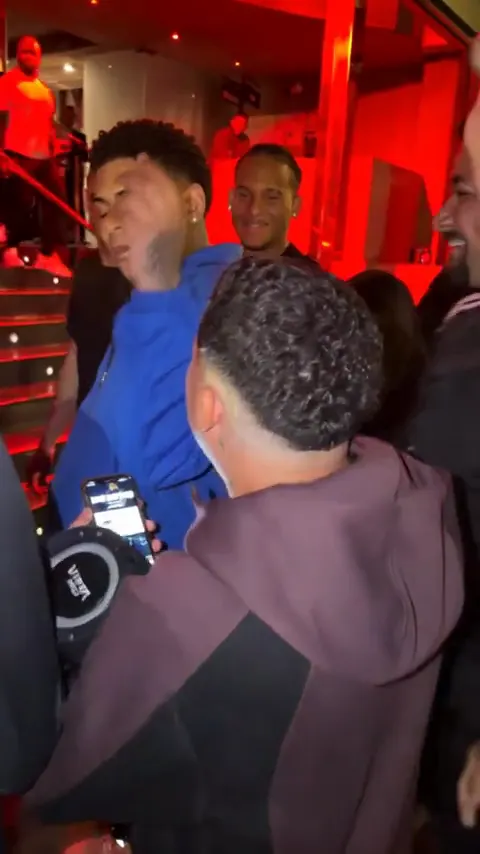
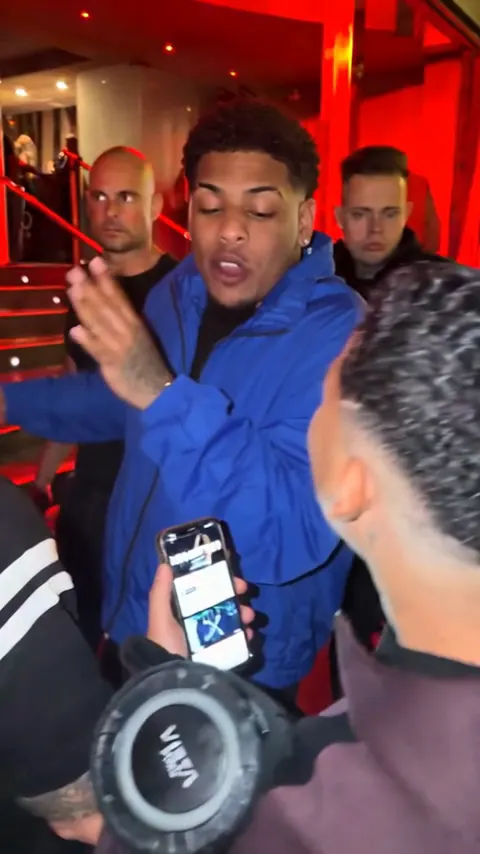
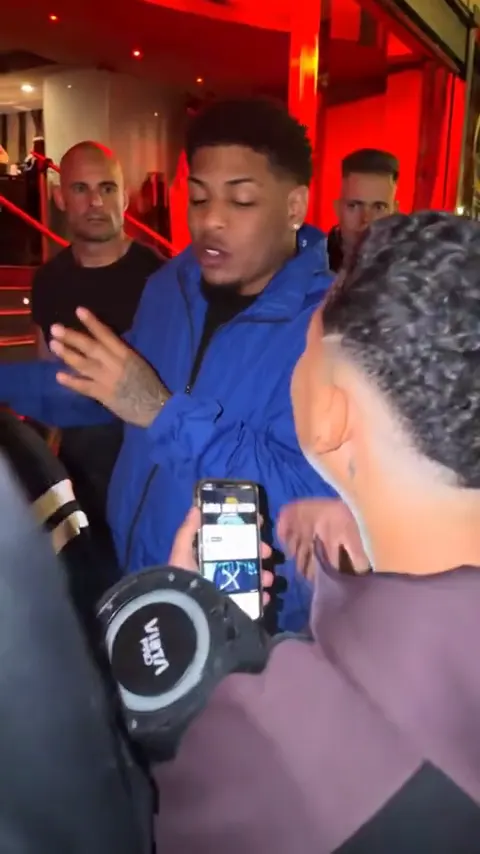
The Bulin 47 sound is the Dominican artist Bulin 47’s own freestyle, taken from the viral phone video of him rapping at a red-lit entrance over a beat from a friend’s speaker. To use it, open a Bulin 47 video you like, tap the sound name at the bottom, then Use this sound. On Reels it’s Use audio; on Shorts, Use this sound.
A video from the Bulin 47 page already has that freestyle audio over the whole clip. If you pick the sound in the app too, set the video’s original sound to 0 so the two don’t overlap.
Why pick the sound in the app
- It links your post to the sound’s page, where people scroll through every Bulin 47 video. Audio baked into your file doesn’t do that.
- It shows the sound’s name on your post, so viewers know what it is.
- If your file’s audio gets muted, the in-app sound is the version the platform plays.
If a search shows more than one upload, pick the one used on the most popular Bulin 47 posts. That’s the page that groups the trend.
TikTok
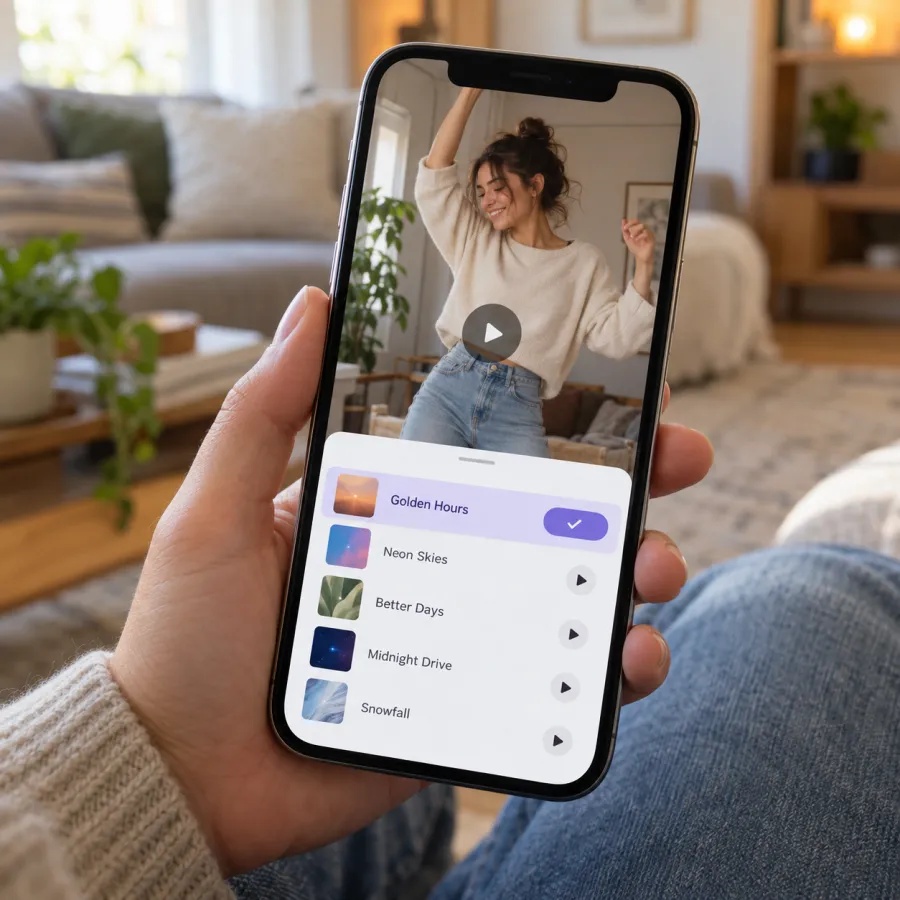
From a Bulin 47 video (best)
- Find a Bulin 47 video with the sound you want.
- Tap the sound name at the bottom.
- Tap Use this sound.
- Tap Upload and pick your video.
- Tap Volume (or the sound settings) and set Original sound to 0 if your video already has the audio.
- Post.
When you post
- Tap + and upload your video.
- Tap Add sound at the top.
- Search “Bulin 47” and pick the version the trend uses.
- Turn the original sound down, then post.
TikTok asks you to label AI-made videos: turn on the AI-generated content setting under More options before you post.
Instagram Reels
- On a Bulin 47 Reel, tap the audio name at the bottom, then Use audio, and add your video from the gallery.
- Or start a new Reel, add your video, tap Add audio (the music note), search “Bulin 47” and pick it.
- Tap the volume control and lower your clip’s own audio if it already has the freestyle.
- Share.
YouTube Shorts
- On a Bulin 47 Short, tap the sound name at the bottom right, then Use this sound.
- Or create a Short, add your video, and tap Sound (or Add sound) to search “Bulin 47”.
- Lower your clip’s own volume in the editor if it already has the audio, then upload.
Mixing: avoid an echo
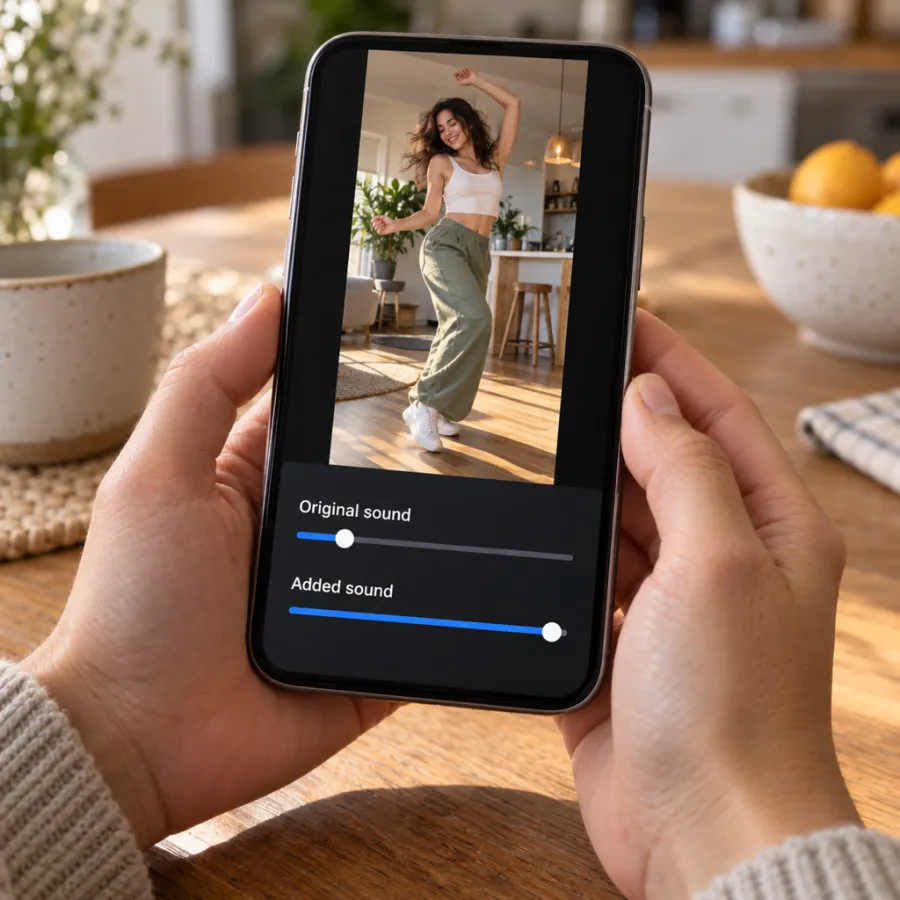
Our MP4 contains the freestyle audio from the original clip, laid over all 15 seconds. If you also pick the sound in the app, the two start at slightly different points and you hear an echo. Two fixes:
- Set Original sound to 0 and Added sound to full. You keep the link to the sound’s page.
- Or skip the in-app sound and post the file as it is. It sounds right, but your post won’t join the sound’s page.
If you filmed your own version, your clip has street noise and your own voice. Keep a little of it under the sound if you rapped for real; it makes it obvious you did.
If the sound is muted or missing
- Business accounts get a limited music library, and the sound may not show up. A personal account usually has it.
- If the platform mutes your post, re-upload with the sound picked in the app instead of the file’s own audio.
- If the sound isn’t available in your region, use the upload that other Bulin 47 posts near you use, or post the file with its own audio.
Captions and hashtags that fit
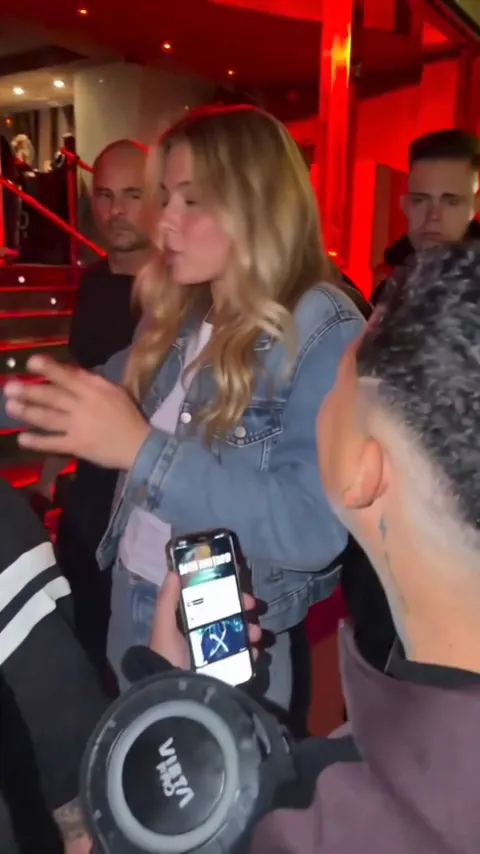
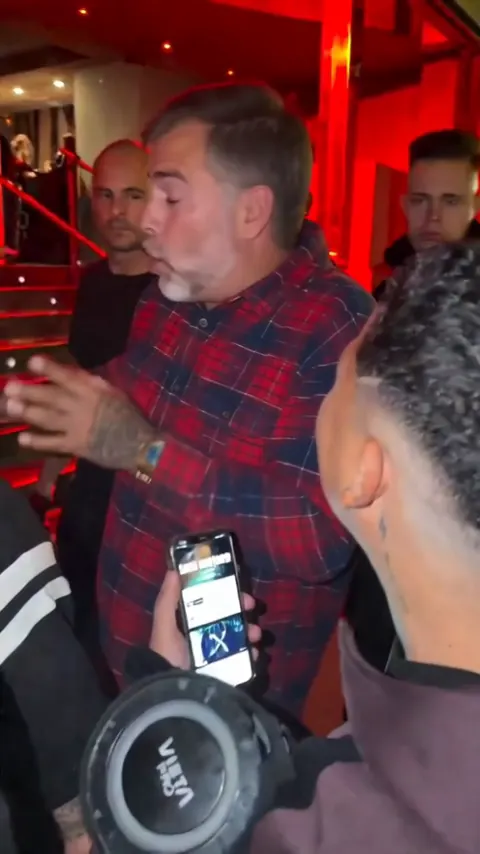
The clip is already busy: red light, a crowd, a friend’s speaker in the corner. Keep the caption short and put it near the top, where it won’t cover your face or the hand on the head. A few that fit:
- “me after one sip at the function”
- “when the speaker comes out and everyone looks at me”
- “my grandma when the beat drops” (if it’s her, with her yes)
- “freestyle Friday, no rehearsal”
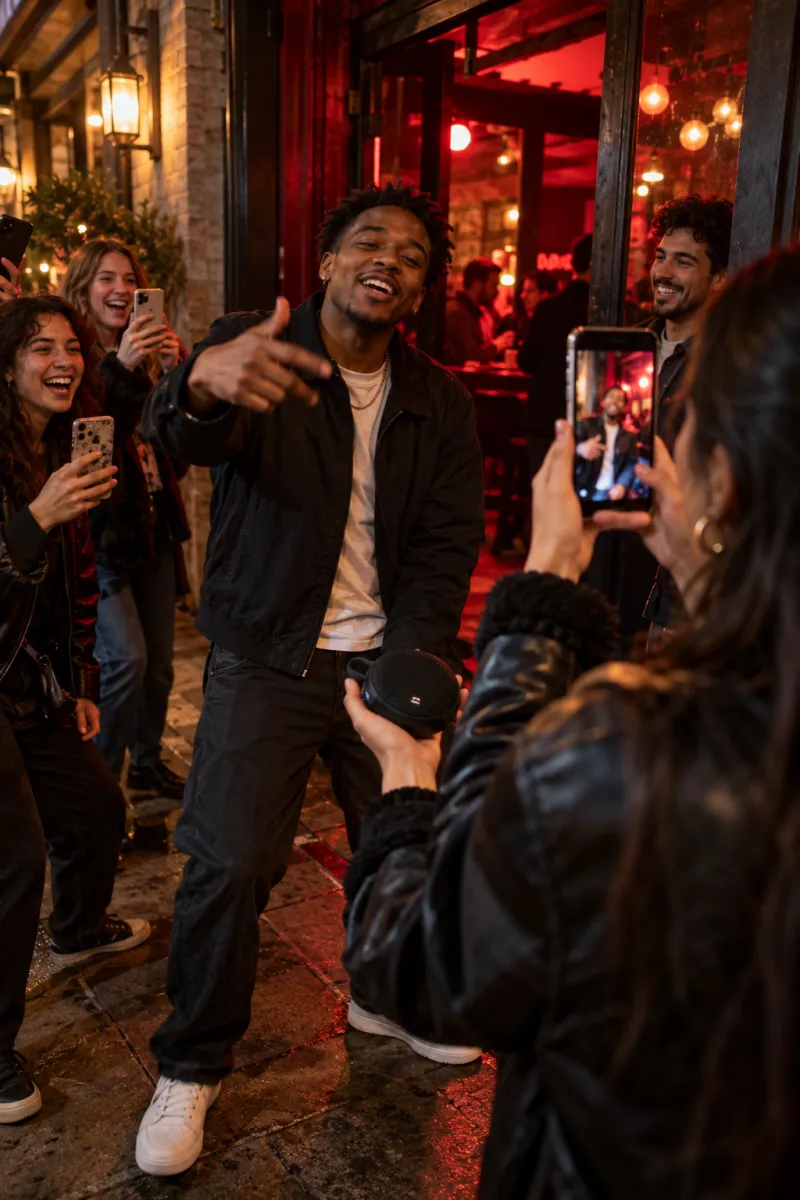
The funniest Bulin 47 posts put someone unexpected in the doorway: a parent, a grandparent, your quiet coworker. Ask first, and leave out anyone under 18. Hashtags like #bulin47 and #bulin47trend help people searching for the trend find yours.
Need the video first?
Add one photo on the Bulin 47 page and get the real red-door clip with you as the one freestyling, the audio included and no watermark, in about 5 minutes. One Standard video uses 90 credits. The smallest pack that makes one is $12.90 for 90 credits (1 video), a one-time buy whose credits never expire, and plans start at $19.90 a month for 270 credits. If a video fails, its credits come back. Or try the free prompt. NowStarring is an independent fan tool, not linked to Bulin 47 or the creators of the original video. The audio belongs to its rights holders.
Domande frequenti
What song is the Bulin 47 trend?
It’s Bulin 47’s own freestyle from the viral clip of him rapping at a red-lit entrance over a beat played from a friend’s portable speaker. Bulin 47 is a Dominican artist.
How do I add the Bulin 47 sound on TikTok?
Open a Bulin 47 video, tap the sound name, tap Use this sound and upload your video. Set the original sound to 0 if your file already has the audio.
How do I use the Bulin 47 audio on Instagram Reels?
Tap the audio name on a Bulin 47 Reel and choose Use audio, or tap Add audio while editing your Reel and search “Bulin 47”.
Does the NowStarring Bulin 47 video have sound?
Yes. The freestyle audio from the original clip plays over the whole video. Pick the sound in the app too and turn the original sound down.
Why can’t I find the Bulin 47 sound?
Business accounts have a limited music library, and some sounds aren’t in every region. Try a personal account, or use the sound from another Bulin 47 post.
Who is Bulin 47?
Bulin 47 is a Dominican urban music artist. The trend uses a phone video of him freestyling outside a venue at night, filmed by a friend holding a portable speaker.
Why does my Bulin 47 video sound doubled?
Your file already has the audio and you added it again in the app. Set Original sound to 0.