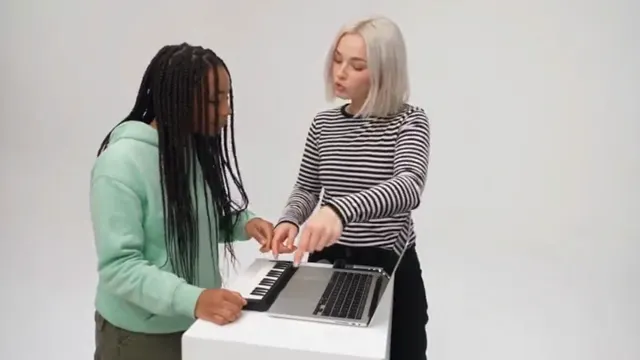
How to do the Alors On Danse AI trend for free
Yes, the Alors On Danse AI trend can be free: film it at a white wall with a friend, or run our two-photo prompt in a free tier. What each free route costs you.
7 lettura minima · Aggiornato
The short answer
Yes, you can do the Alors On Danse AI trend for free in two ways: film it yourself at a plain white wall with a friend and a small keyboard, or paste our free two-photo prompt into an AI video tool that gives free credits. Free costs you something else: a watermark or short clips in most free tiers, retries when the two faces swap or blend, and no song until you add it.
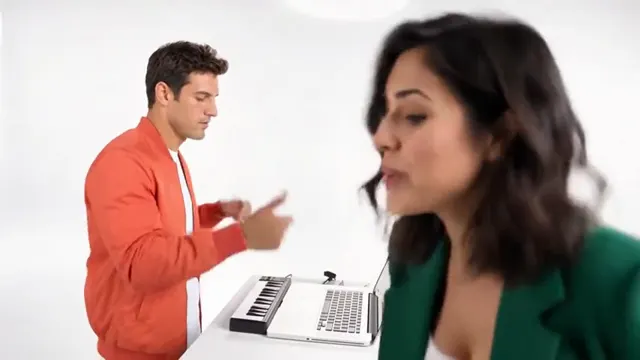
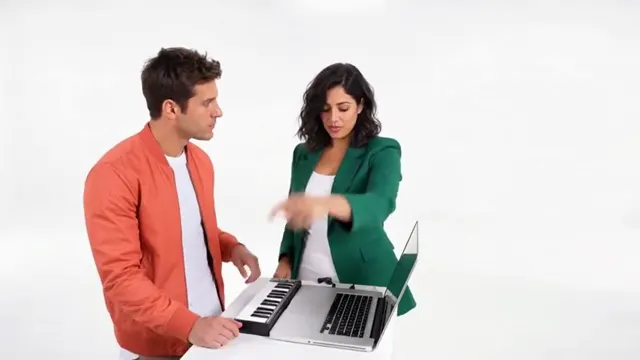
The trend is a duo: one of you plays a tiny keyboard next to a laptop, the other is the hype who cheers, points at the ceiling and finally lunges into the lens to sing, before you both dance across a white studio. Every route below needs two people.
NowStarring has no free credits. The free routes use your own camera or another tool; the Alors On Danse page is the paid two-photo route.
The free routes compared
| Route | What you need | What you get | The catch |
|---|---|---|---|
| Film it yourself | A white wall, a small keyboard, a friend | A real remake, your real faces | Your room, not a white studio |
| Our prompt in a free tier | Two photos, an AI tool that takes two references | You two in the white studio, made by AI | Watermark or short clips are common; faces can swap |
| A free editing template | Footage you filmed, a free editor | Your clip cut to the song | It edits your footage; it can’t make the studio |
| Two photos here (paid) | One photo of each of you | The full 30-second clip with the song | Costs credits; not free |
This is one of the easiest trends to film for real. You don’t need a crowd or a location, just a wall, a friend with good energy and something that looks like a keyboard.
Film it yourself: a shot plan
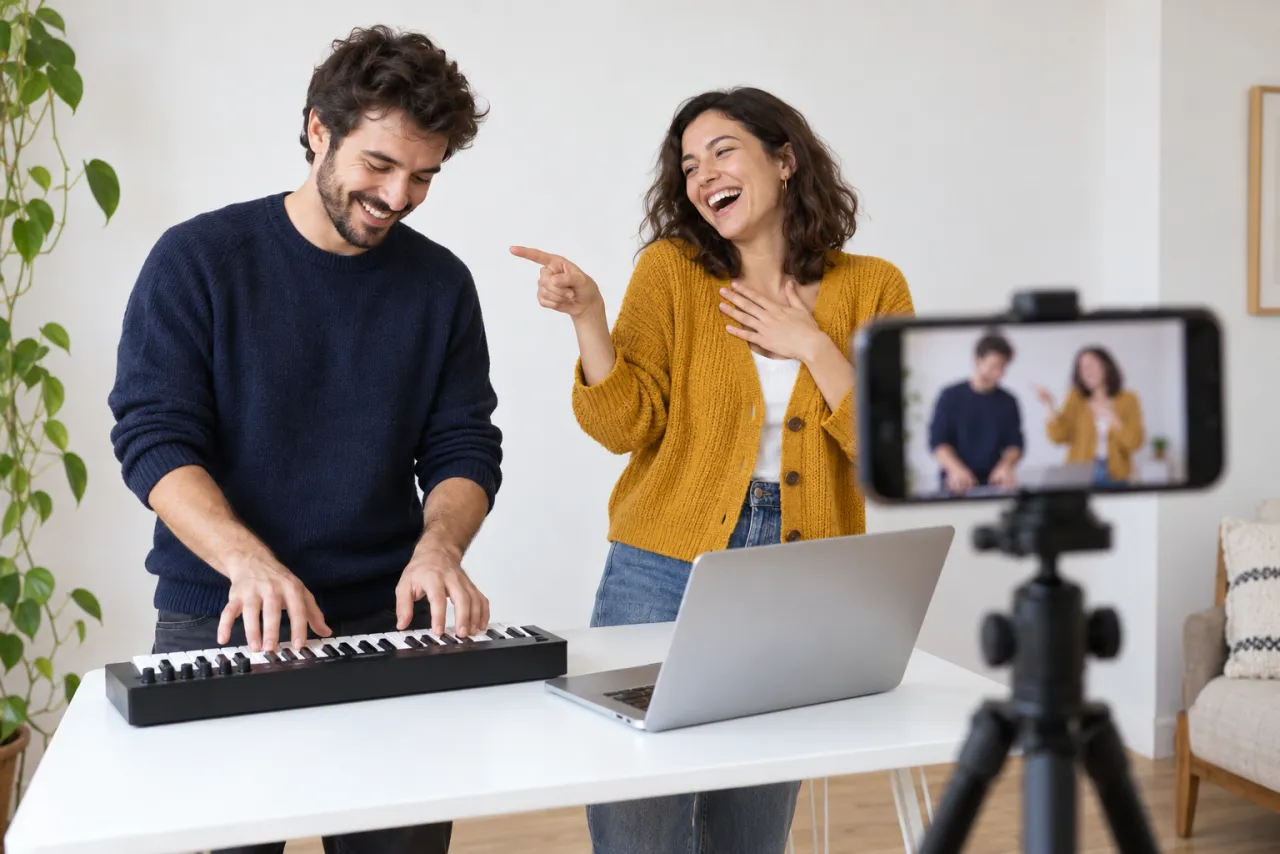
Push a table against the whitest wall you have. Put a mini keyboard on it (a laptop works as a stand-in) and set the phone on a stand at chest height, sideways, with both of you in frame from the waist up. Decide who plays and who hypes before you press record.
- 0–3 s, on the keys: the player taps out a few notes and nods along. The hype points at them, grinning.
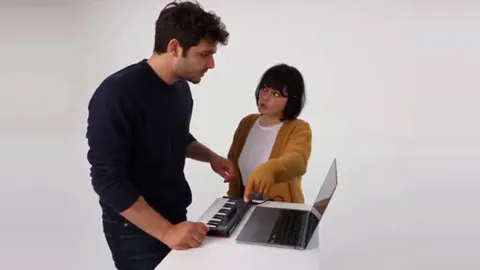
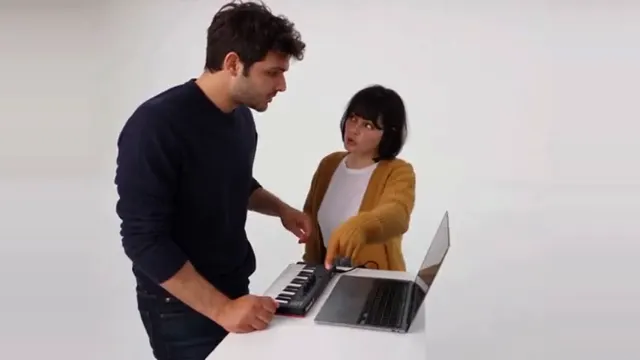
- 3–12 s, leaning in: you both lean over the laptop like you’re producing a hit, nodding and pointing at the screen.
- 12–21 s, full hype: the hype goes all out, a hand on the chest, a finger pointed at the ceiling. The player keeps playing.
- 21–25 s, into the lens: the hype lunges right up to the phone and sings along, face filling the frame.
- 25–30 s, the dance: you both step back and dance together, head to feet in the frame. Move the stand back first, or have a third friend pull the phone back.
- Play the song from a speaker while you film so the lunge lands on the beat; mute that audio later and add the sound when you post.
- Bright tops look great against white. Two people in black look like a funeral rehearsal.
- Light from the front, not from a window behind you, so the wall stays white instead of grey.
- The hype is the star. Over-acting is the point.
The free prompt route, step by step
- Copy the prompt from the Alors On Danse AI prompt guide. It is free and written for this clip, shot by shot.
- Open an AI video tool with image-to-video or reference-image mode that takes two reference photos and gives free credits to try. Kling, Higgsfield, Runway, Veo and CapCut’s AI video tools are the usual names.
- Attach the keys player’s photo first and the hype’s photo second, and pick widescreen 16:9.
- Paste the prompt and generate. If the tool makes shorter clips, make 0–21 s as one clip and the lunge and dance as another, then join them.
- Check that each person stayed on their side with their own face. If not, use the fix-it table in the prompt guide.
- Download, then add the Alors On Danse sound when you post. The sound guide shows how.
Use a waist-up photo of each person, facing the camera. The photo guide shows good and bad examples.
What free really costs you
- A watermark. Many free tiers stamp their logo on the video until you pay.
- Retries. Two faces in one clip is harder than one: they can swap sides, blend into one face, or a third person can appear. Each retry spends free credits.
- Length. About half a minute is long for one generation, so you may join parts.
- No song. Prompted video comes out silent or with made-up audio. You add Alors On Danse yourself.
- Time. Free queues can be slow, and daily free credits run out.
The two-photo route (not free)
On the Alors On Danse page you add one photo of each of you and get the whole clip: the keys, the leaning in, the hype, the lunge into the lens and the dance, with the Alors On Danse song over it, no watermark and no prompt. One Standard video uses 180 credits. The smallest pack that makes one is $34.90 for 270 credits (1 video), a one-time buy whose credits never expire, and plans start at $19.90 a month for 270 credits. If a video fails, its credits come back.
- Add two photos: the first plays the keys, the second is the hype. Got them the wrong way round? Tap swap.
- Pick Standard 480p, or HD 720p for a sharper picture. The video is widescreen 16:9 only, like the original clip.
- Wait about 7 minutes. You can close the tab: we email you when it’s ready, and it waits in My videos as an MP4.
That smallest pack makes 1 Standard video, which works out to $34.90 a video. Both photos are deleted automatically 7 days after upload. Compare packs and plans on the pricing page.
Which one to pick
- You and a friend are in the same room: film it. It’s free, quick and the real lunge is the funniest version.
- You live apart, or want the clean white studio, and like to tweak: the free prompt in a tool’s free tier.
- You want the full clip with both faces and the song, ready to post: the Alors On Danse page.
Curious what the song says? Alors On Danse meaning and lyrics translation explains it. NowStarring is an independent fan tool, not linked to the song’s artist or the original TV sketch. The song belongs to its rights holders.
Domande frequenti
Is the Alors On Danse AI trend free?
It can be. Film it yourself with a friend, or run our free prompt in an AI video tool that gives free credits. NowStarring has no free credits; its two-photo route is paid.
Can I do the Alors On Danse trend alone?
The trend is a duo, so you need a second person. With AI, use a photo of a friend who agreed to it; some tools can also invent a partner from a prompt.
Do I need a real keyboard?
No. Any small keyboard works, and a laptop can stand in. In the AI version, the mini keyboard is part of the scene.
Can I make the Alors On Danse AI video without a watermark for free?
Filming it yourself is free with no watermark. AI free tiers often watermark the video; the paid route here gives a clean MP4 with the song.
Can I do it with my pet?
Not on NowStarring: Alors On Danse is made for two people. For your pet, try one of the pet trends instead.
Which of us should be the hype?
The one who enjoys over-acting. The hype gets the close-up lunge into the lens, so pick the friend who will commit to it.