Alors On Danse AI prompt (copy and paste)
A copy-ready Alors On Danse AI prompt for two photos: the keys, the hype, the lunge into the lens and the dance. Plus variants, a fix-it table and photo tips.
7 lettura minima · Aggiornato
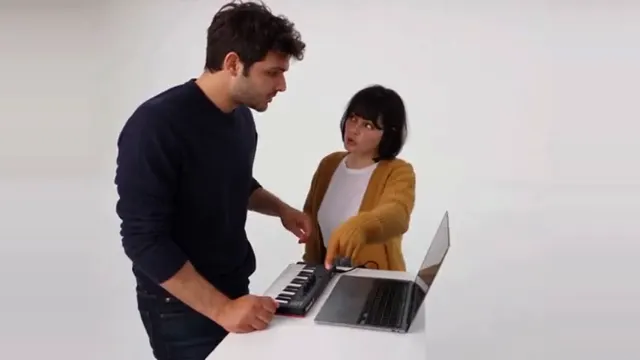
The Alors On Danse AI prompt
Here is an Alors On Danse AI prompt you can copy into any image-to-video tool that takes two reference photos: attach the keys player’s photo first and the hype’s second, paste the prompt and generate in widescreen. It describes the five beats in order and pins each person to one side, the most common thing to go wrong.
Alors On Danse, two photos
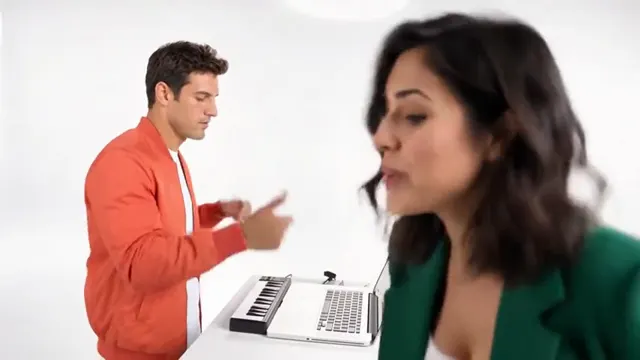
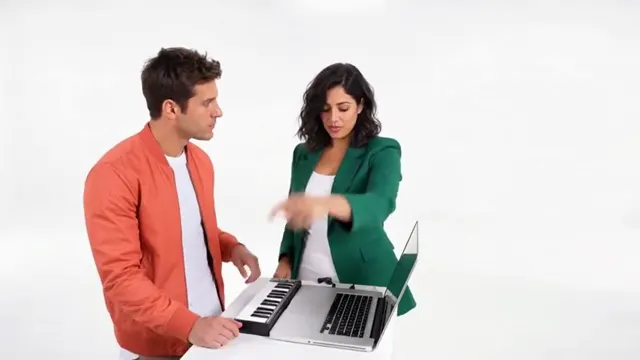
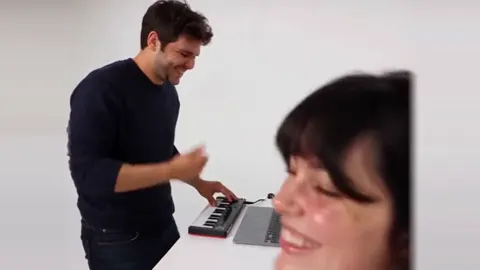
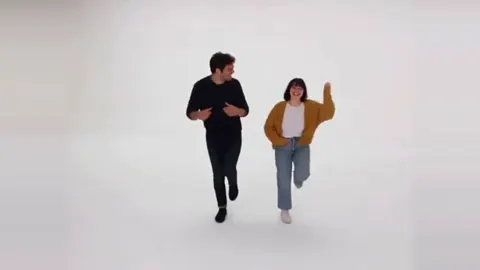
Widescreen 16:9, photoreal, bright and playful, about 30 seconds (or make it in parts and join them). Two people. Use reference photo 1 for the person on the LEFT (the keys player) and reference photo 2 for the person on the RIGHT (the hype). Keep each face, hair and outfit the same in every shot. Never swap sides or mix their faces. Setting: a seamless, evenly lit white studio with no visible corners. A small white table holds a black mini keyboard and an open plain silver laptop with no logo. 0–3 s: medium shot, both waist up behind the table. The left person plays the mini keyboard and nods along; the right person points at them, grinning. 3–12 s: both lean over the laptop together, nodding and pointing at the screen as if they are making a hit. 12–21 s: the right person goes all out: a hand on the chest, then a finger pointed straight up at the ceiling. The left person keeps playing. 21–25 s: the right person lunges toward the camera into a close-up and sings along into the lens; the left person keeps playing behind them. 25–30 s: wide shot, head to feet. Both step out from behind the table and dance loosely across the white studio, side by side. Sound: no music, I will add the song afterwards. Avoid: swapped sides, blended faces, extra people, logos, text, a grey or cluttered background, warped hands on the keys.
Keep the shot lines short. Long, detailed lines make the tool add extra gestures and the hype ends up waving in every shot.
How to use it
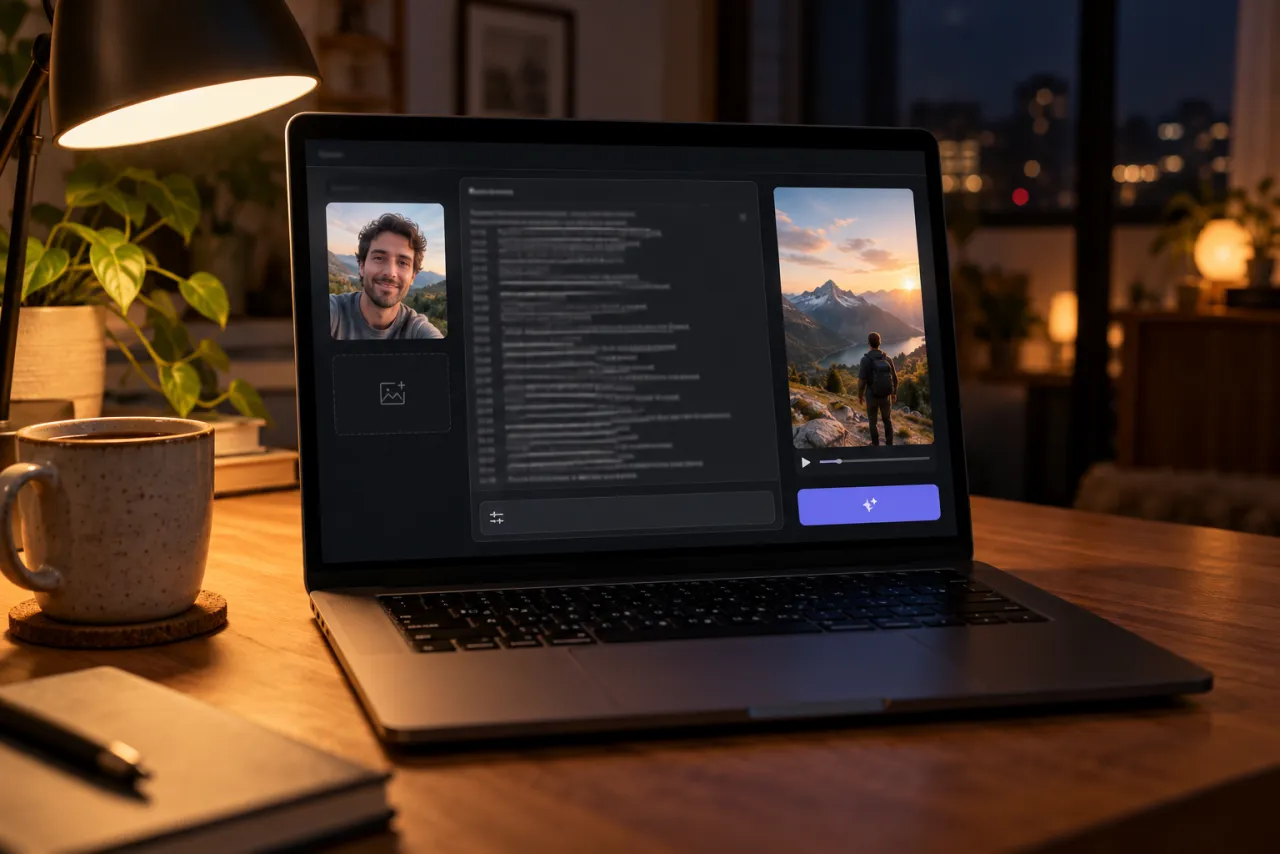
- Open the image-to-video or reference-image mode of your tool. Kling, Higgsfield, Runway, Veo and CapCut’s AI video tools all have one; check that yours accepts two images.
- Attach photo 1 (the keys player) and photo 2 (the hype), in that order.
- Set 16:9. The dance at the end needs the width.
- Paste the prompt and generate. Check sides and faces first.
- If the tool only makes short clips, generate 0–21 s and 21–30 s separately and join them.
- Add the Alors On Danse sound when you post.
Shot by shot: why each line is there
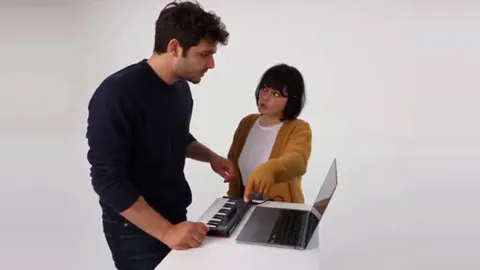
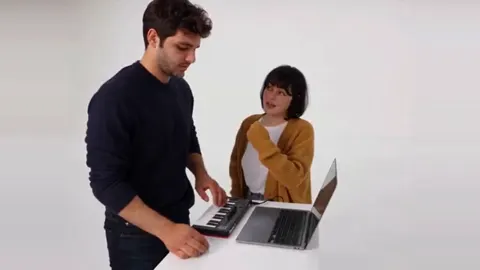
- On the keys sets up the roles. The player plays; the hype points. Without that, both start playing.
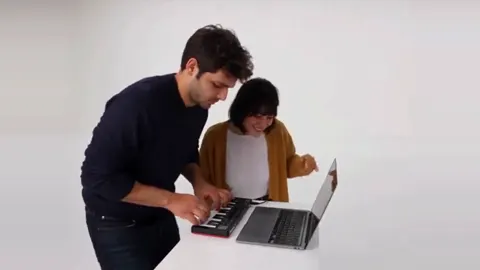
- Leaning in is the longest stretch. “As if they are making a hit” gives the pair something to do for nine seconds.
- Full hype names two exact moves, a hand on the chest and a point at the ceiling, so the tool doesn’t invent ten.
- Into the lens is the payoff. “Lunges toward the camera into a close-up” gets the face filling the frame.
- The dance needs “head to feet”, or the tool keeps the waist-up framing and the dance is lost.
Variants
Short version: the keys and the lunge
Alors On Danse, about 12 seconds
Widescreen 16:9, photoreal, bright white studio, about 12 seconds. Reference photo 1 is the person on the LEFT playing a black mini keyboard; reference photo 2 is the person on the RIGHT. Same faces and outfits throughout; never swap sides. 0–6 s: the left person plays and nods; the right person points at them, then puts a hand on the chest and points at the ceiling. 6–12 s: the right person lunges into a close-up and sings along into the lens while the left person keeps playing behind. Sound: none. Avoid: blended faces, extra people, logos, text.
Couples, siblings, grandparents
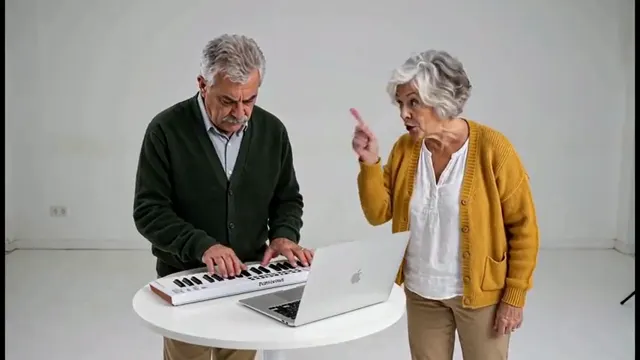
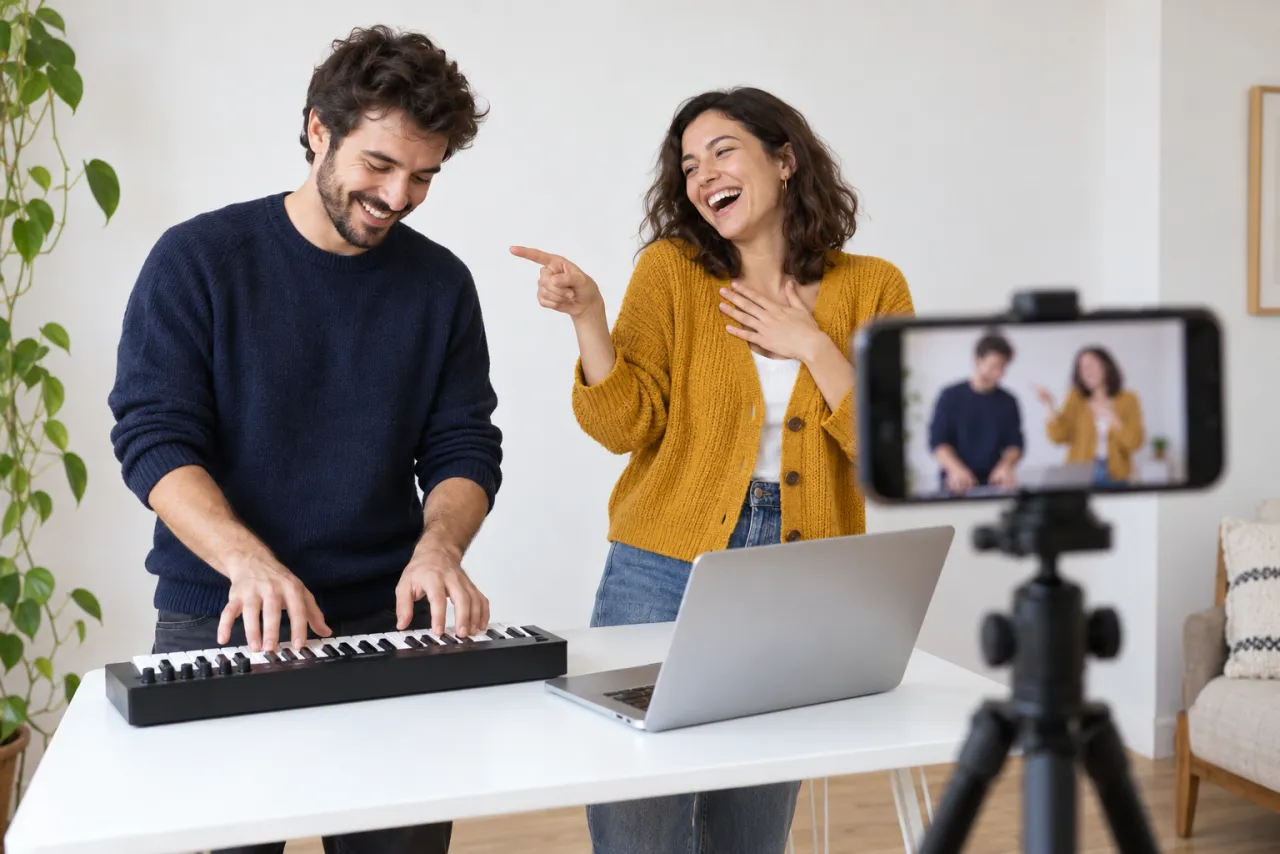
The main prompt works for any two adults. Grandparents doing the lunge works beautifully; so does the quiet partner on the keys with the loud one on hype. Only use photos of people who agreed to it, and never anyone under 18.
One photo, an invented partner
Only have your own photo? Change the second line to “Use my reference photo for the person on the RIGHT (the hype). The person on the LEFT is an ordinary, unrecognizable adult in a plain sweater.” Swap LEFT and RIGHT if you want to play the keys.
A pet as the hype
Some tools will put a dog or cat on hype duty: “Reference photo 2 is a dog sitting on a stool on the RIGHT; it barks along and leans into the lens.” Expect more retries. On NowStarring, Alors On Danse is made for two people, not pets.
Fix it: what goes wrong and what to change
| What you see | Why | Change in the prompt |
|---|---|---|
| The two swap sides | Roles not tied to photos | Say “photo 1 on the LEFT, photo 2 on the RIGHT” and repeat “never swap sides” |
| The faces blend into one | Two similar references | Use sharper, front-facing photos; add “two clearly different people” |
| A logo on the laptop | Laptops look branded | Ask for “a plain silver laptop with no logo” |
| A third person appears | Busy prompt | Add “only two people in the whole video” |
| The studio looks grey | Soft light | Ask for “a seamless, evenly lit, bright white studio” |
| No lunge | Motion too vague | Use “lunges toward the camera into a close-up” |
| No dance at the end | Clip cut short | Generate 21–30 s as its own clip, “head to feet” |
Photo tips
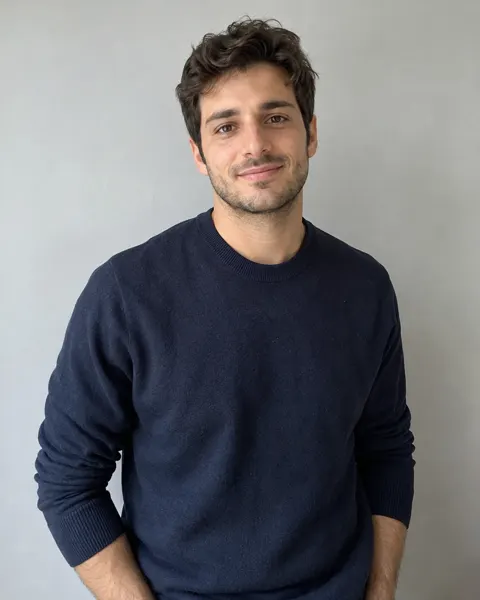
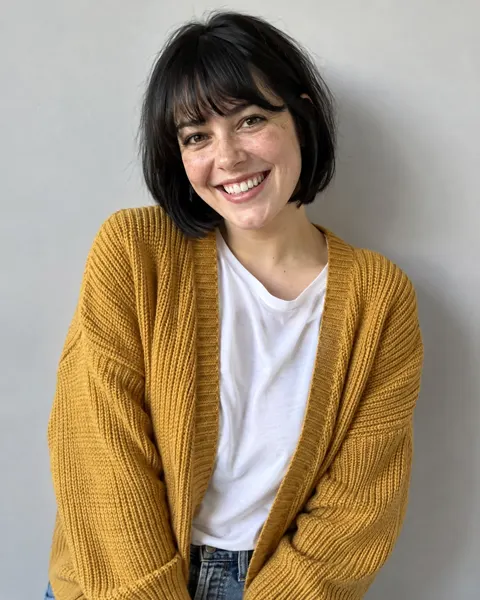
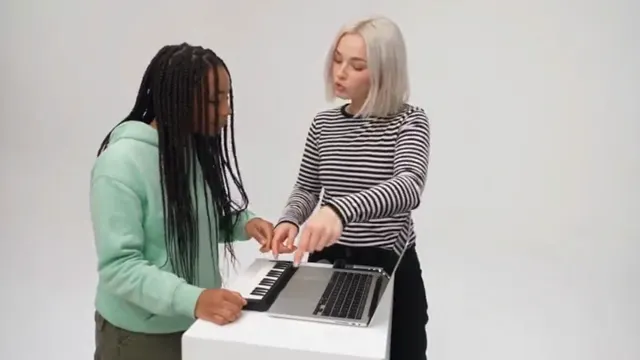
- One person per photo, facing the camera, in good light, from the waist up. The lunge shows the hype’s face very close.
- No sunglasses or hands over faces.
- What each of you wears comes along. Bright tops pop in the white studio.
- Only use photos of people who agreed to it. Never a celebrity, never anyone under 18.
More in the best photo for the Alors On Danse AI video.
What the prompt can’t do
- Add the song. Prompted video is silent or has made-up audio; add Alors On Danse when you post.
- Time the lunge to the music. The tool doesn’t hear the song, so line up the lunge with a strong beat in an editor or when you pick the sound’s start.
- Make the lip-sync match the real words. The hype “sings along”, but the mouth won’t follow the French.
- Keep half a minute in one go in every tool. Splitting and joining is normal.
The no-prompt route
If you’d rather skip the prompt, the Alors On Danse page makes the whole clip from two photos: the keys, the hype, the lunge and the dance, with the song, widescreen, no watermark, in about 7 minutes. One Standard video uses 180 credits. The smallest pack that makes one is $34.90 for 270 credits (1 video), a one-time buy whose credits never expire, and plans start at $19.90 a month for 270 credits. If a video fails, its credits come back.
More prompts for other trends are on the prompt page. To film it for real, see the free guide. NowStarring is an independent fan tool, not linked to the song’s artist or the original TV sketch. The song belongs to its rights holders.
Domande frequenti
What is the Alors On Danse AI prompt?
A widescreen, shot-by-shot description of the white-studio clip with two reference photos: one person on a mini keyboard, the other cheering, lunging into the lens and dancing. The full text is on this page.
Where do I paste the Alors On Danse prompt?
In the image-to-video or reference-image mode of an AI video tool that takes two photos, such as Kling, Higgsfield, Runway, Veo or CapCut’s AI video.
Why did the AI swap our faces?
The tool didn’t tie each photo to a side. Say which photo is LEFT and which is RIGHT, and add “never swap sides or mix their faces”.
Can I make the Alors On Danse AI video with one photo?
Yes, in other tools: give your photo one role and describe the other person as an ordinary, unrecognizable adult. NowStarring’s version uses two photos.
Can I make it vertical?
You can ask for 9:16, but the dance at the end gets cramped. The original is widescreen, and NowStarring makes it in 16:9 only.
Does the prompt add the song?
No. Add the Alors On Danse sound from the app’s library when you post, or use a route that includes the song.