How to add the Zombie Hug sound on TikTok, Reels and Shorts
The zombie hug trend has no single song: pick a sad sound from the trend’s own videos. Steps for TikTok, Reels and Shorts, and how to mix it with your video.
6 lettura minima · Aggiornato

Which sound to use
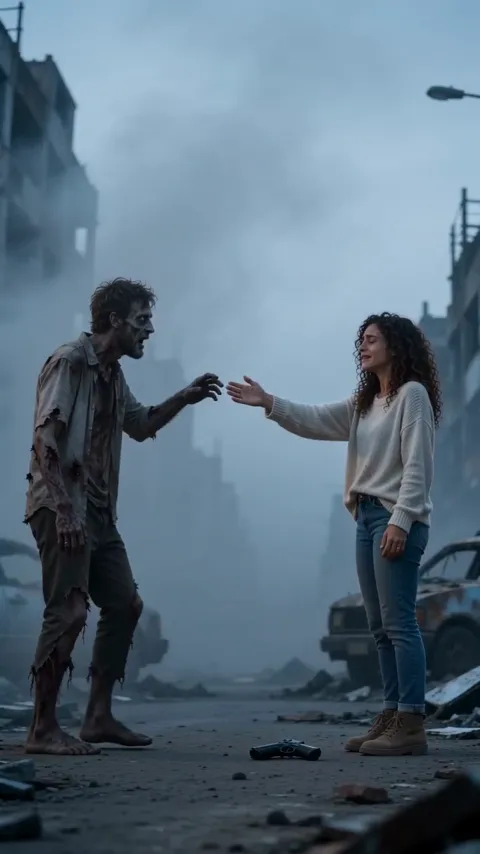
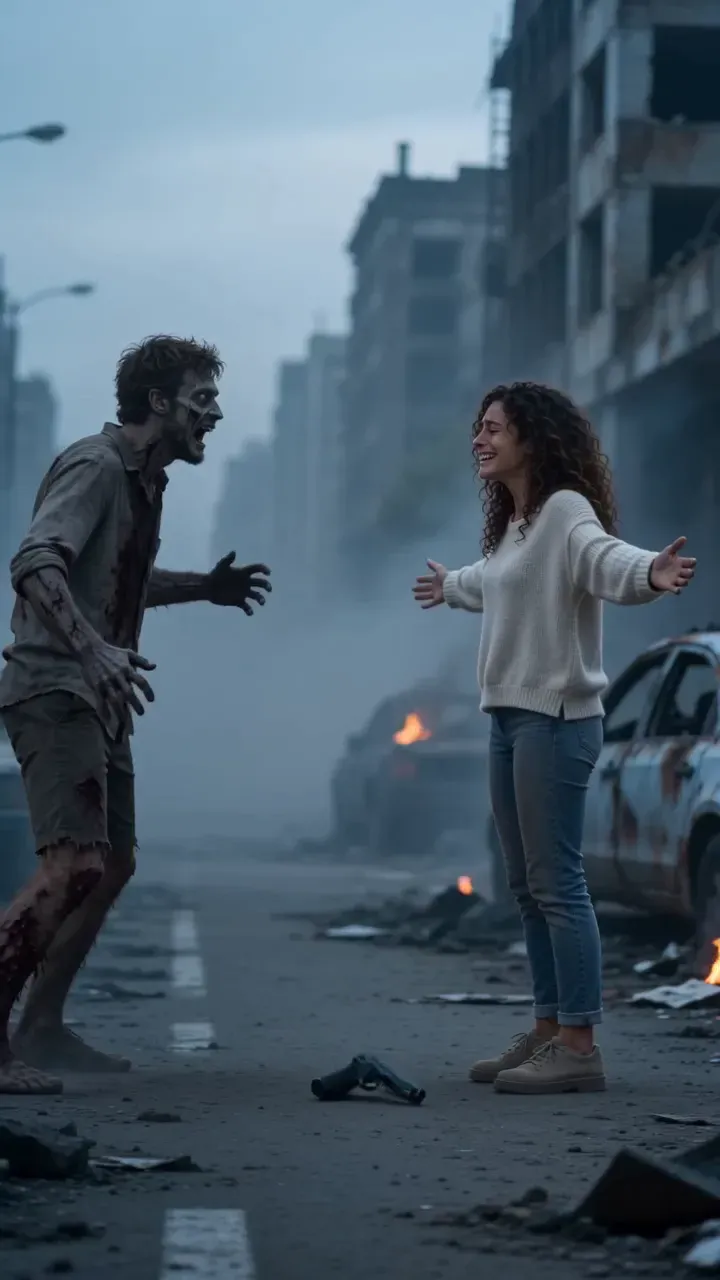
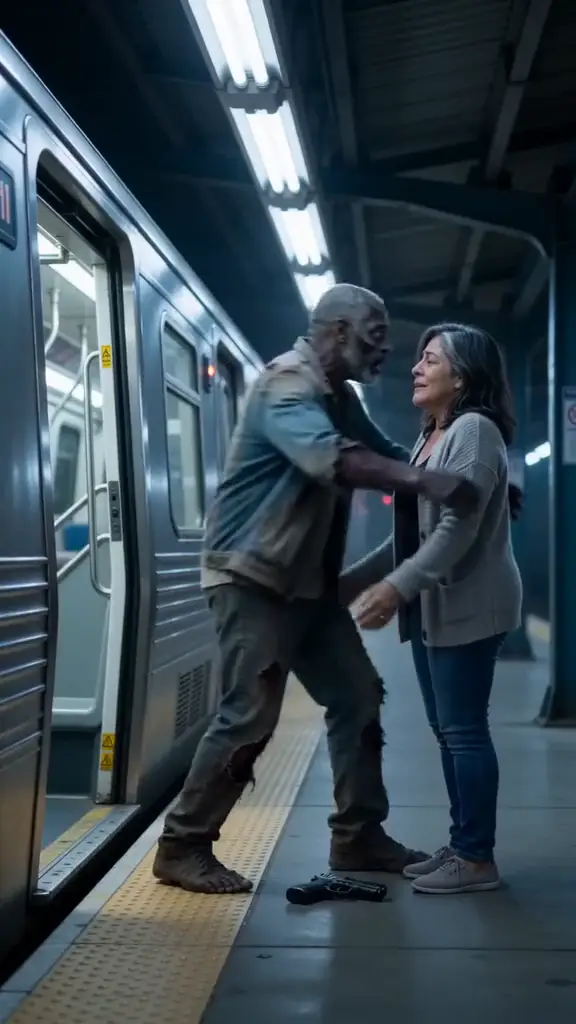
The zombie hug trend doesn’t have one official song. Most videos are posted with a slow, sad sound, and the easiest way to get the right one is to open a zombie hug video you love, tap its sound and choose Use this sound. Your NowStarring video already has its own original sound (cold wind, a slow heartbeat and a warm piano chord at the cut), so you can post it as is or lay the trend sound over it.
Why picking the trend’s sound matters
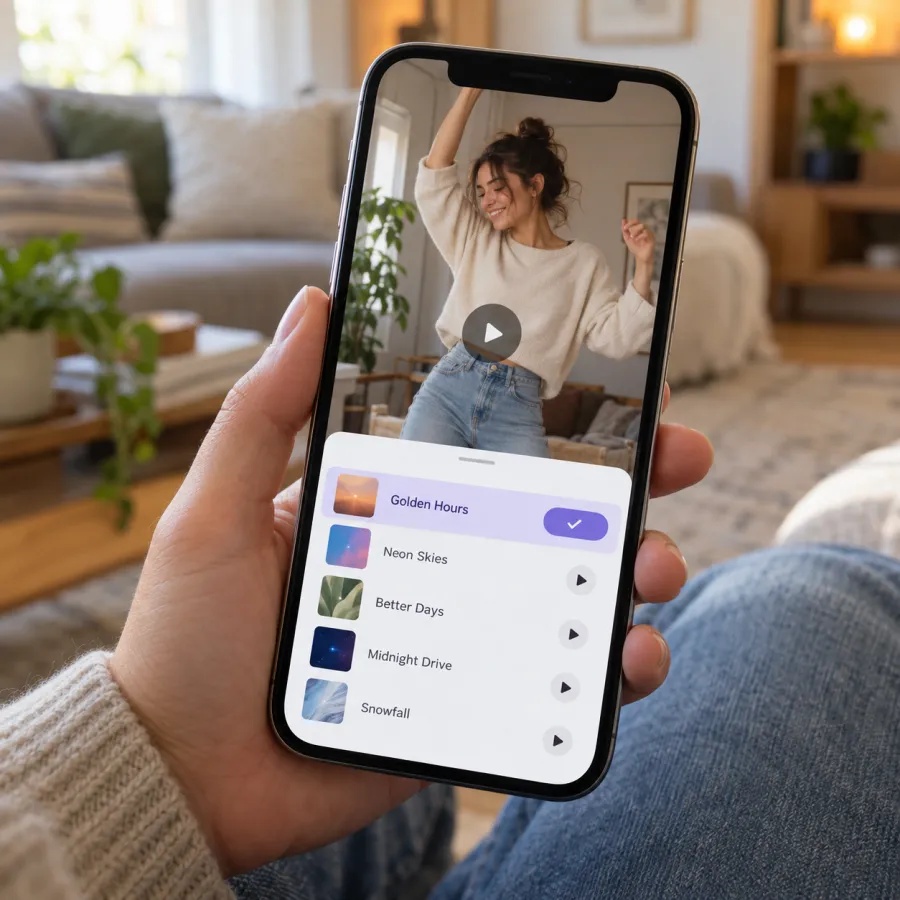
On TikTok, Reels and Shorts, every sound has its own page listing the videos that use it. When you post with a sound people already associate with zombie hugs, your video can appear there, next to the rest of the trend. Our original sound is yours alone, so it starts with no page full of zombie videos behind it.
Searching the word “zombie” in the sound library gives a mix of horror effects and songs. Starting from a real zombie hug video is quicker and gets you the sound people recognize.
TikTok
From a zombie hug video
- Find a zombie hug video whose sound you like.
- Tap the sound name at the bottom of the video.
- Tap Use this sound.
- Tap Upload and pick your video from your camera roll.
While posting
- Tap + and upload your video.
- Tap Add sound at the top of the editor.
- Search, or open your Favorites if you saved the sound earlier.
- Pick it, then set the volume (below) before you tap Next.
Save it for later
Found the right sound but your video isn’t ready? Open the sound’s page and add it to Favorites. It waits there when you tap Add sound later.
Instagram Reels and YouTube Shorts
Instagram Reels
- On a zombie hug Reel, tap the audio name at the bottom, then Use audio, and add your video.
- Or start a new Reel, add your video, tap Add audio and search or pick from Saved.
YouTube Shorts
- On a zombie hug Short, tap the sound name, then use the sound in a new Short and add your video.
- Or create a Short, add your video and tap Sound to search for it.
Mixing the volume: your video already has sound
Your file from the Zombie Hug page is an MP4 with its sound already in it: wind and a heartbeat in the cold part, then a piano chord right on the hard cut. There’s no song and no talking. If you add a trend sound on top, you’ll hear both at once unless you mix them.
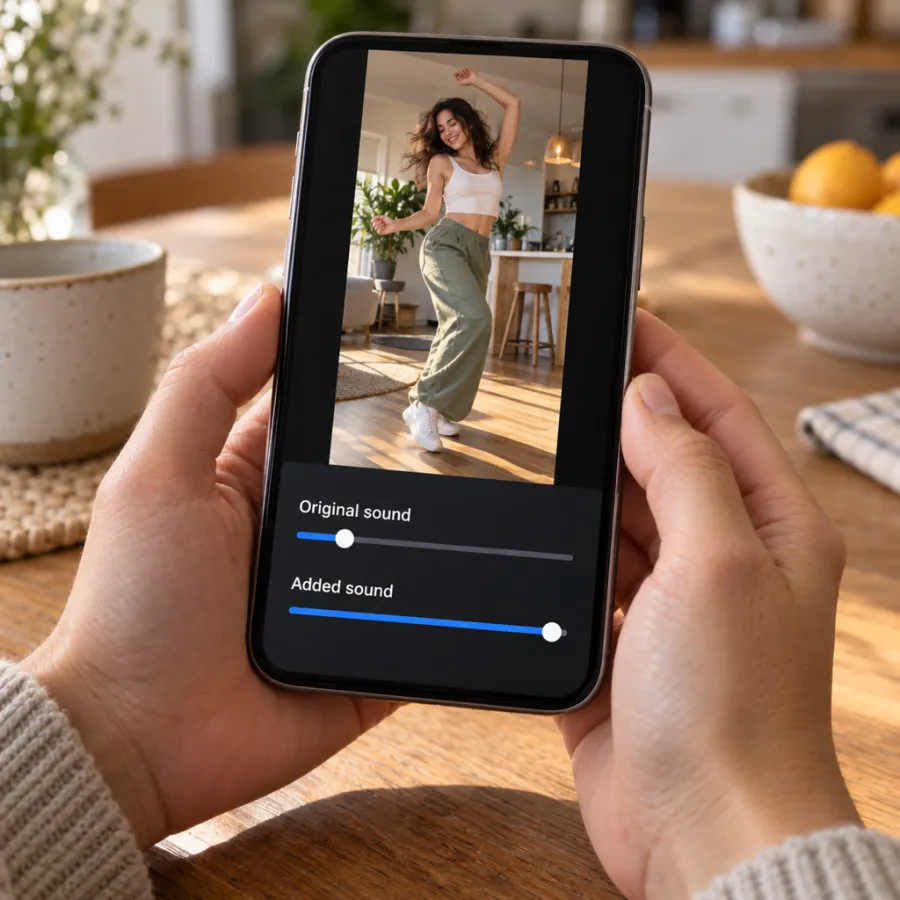
| You want | Original sound | Added sound |
|---|---|---|
| Only the trend sound | Off | Full |
| Trend sound, a hint of the piano | Low | Full |
| Only our wind, heartbeat and piano | Full | No sound added |
On TikTok, open Volume in the editor after adding a sound. Reels and Shorts have the same idea under their audio controls. A sound that swells around the nine-second mark lines up best, because that’s where the cut to the warm memory lands.
What’s in our sound, and where to line up yours
| When | In your video | Tip for an added sound |
|---|---|---|
| 0–9 s | Cold wind and a slow heartbeat | Keep the original low under a quiet intro |
| The cut | One warm piano chord | Start the sound so its swell lands here |
| To the end | The warm memory, then a fade to black | Let the added sound carry the ending |
Most apps let you choose which part of a sound plays. Drag the start point until the swell, or the line people know, hits the cut to the memory. Watch it once with the sound on before you post.
How to choose a good zombie hug sound
- Pick a sound whose page is full of zombie hug videos. That’s the page you want to appear on.
- Slow and sad beats dramatic. The trend is a love story with a twist, not a horror clip.
- Save two or three you like to Favorites, so you can switch if one is unavailable.
- If you made a widescreen version, post the vertical one on TikTok, Reels and Shorts so it fills the phone.
Keeping our original sound instead? Your video can still be found through the trend: add #zombiehug and #zombietrend to the caption, and say who it’s with.
Still need the video? Make it on the Zombie Hug page from two photos, or film it with the free guide. Making it with your partner? See the couple version. What it costs is on the pricing page.
If the sound is muted or unavailable
- Some sounds are blocked for business accounts or in some countries. Pick another zombie hug sound, or post with our original sound.
- If an app mutes your upload, add the sound again from its own library rather than uploading a video with music already in it.
- A sound that vanishes from a draft usually means it was removed; choose another.
TikTok asks you to label realistic AI videos. Turn on the AI-generated content setting under More options before you post.
Independent fan tool
NowStarring is an independent fan tool, not linked to the creators of the original zombie hug videos or their sounds. Those sounds belong to their rights holders.
Domande frequenti
What song is the zombie hug trend?
There isn’t one official song. Most videos use a slow, sad sound; tap the sound on a zombie hug video you like and choose Use this sound.
What is the zombie trend TikTok sound called?
It varies from video to video. Find a zombie hug video you like and the sound name is at the bottom of the screen.
Does the NowStarring zombie video have sound?
Yes. Cold wind, a slow heartbeat and a warm piano chord at the hard cut, with no song and no dialogue.
How do I stop two sounds playing at once?
After adding the trend sound, open the volume controls and turn Original sound down or off.
Why is my zombie sound unavailable?
Some sounds are blocked for business accounts or in some regions. Pick a different zombie hug sound or post with the original sound.
Can I post the zombie video with no music?
Yes. It already has wind, a heartbeat and a piano chord at the cut, so it plays well on its own. Add #zombiehug to the caption so people following the trend can find it.
Do I have to label my zombie AI video?
TikTok asks you to label realistic AI content; turn on the AI-generated content setting when you post.