Tung Tung Tung Sahur dance green screen: how to use it in CapCut and TikTok
How to dance with the Tung Tung Tung Sahur green screen: find the clip, key out the green in CapCut or use TikTok’s green screen, line up your moves, and when an AI duet is easier.
6 phút đọc · Cập nhật
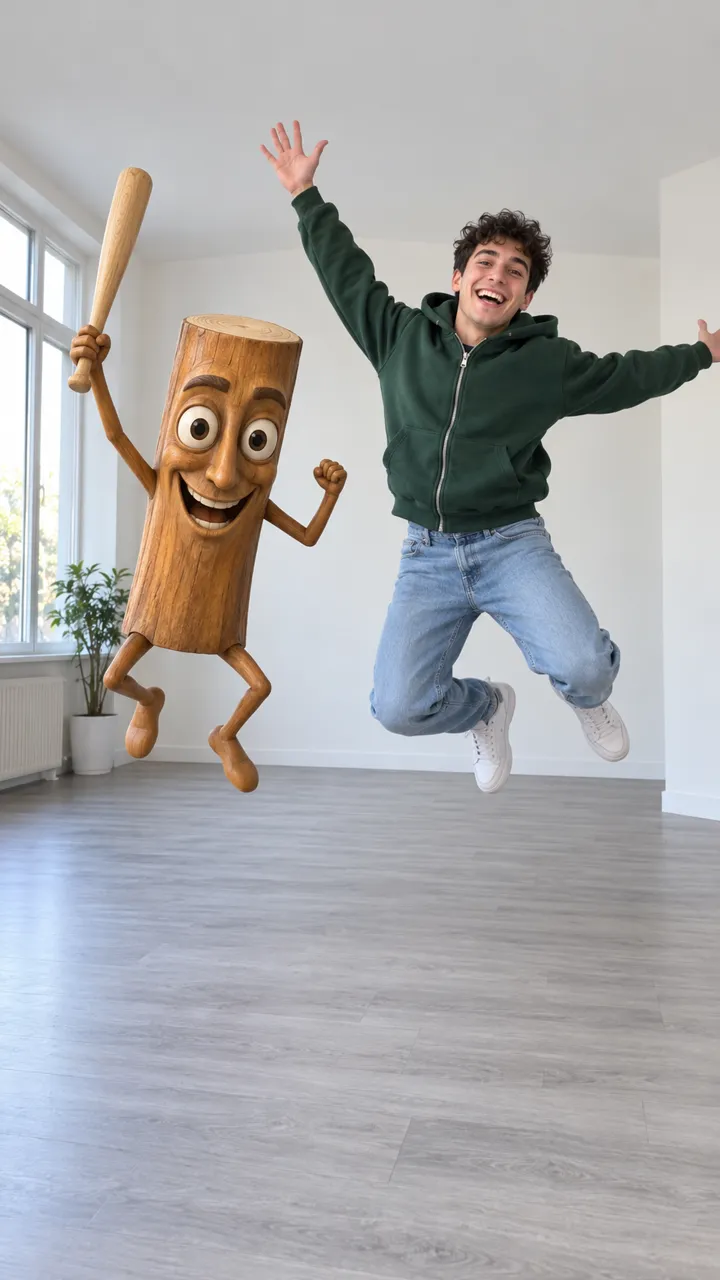
Đóng vai chính trong Tung Tung Tung Sahur chỉ với một bức ảnh
Tạo video của bạnHow the green-screen version works
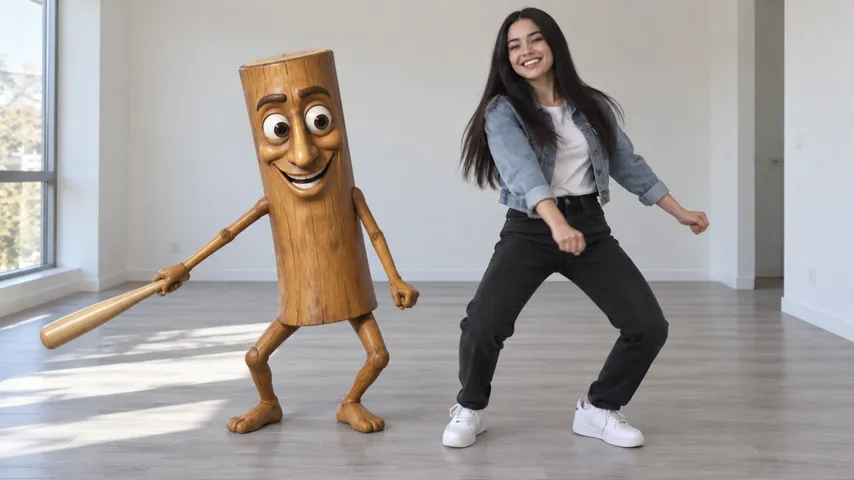
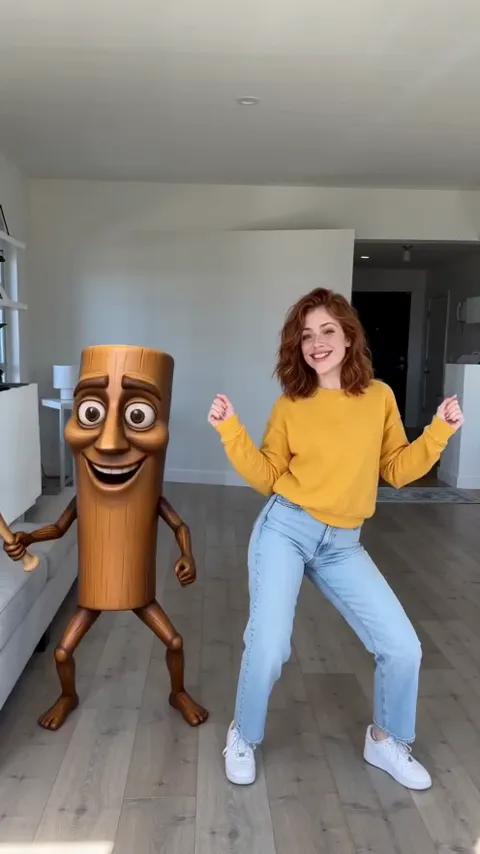
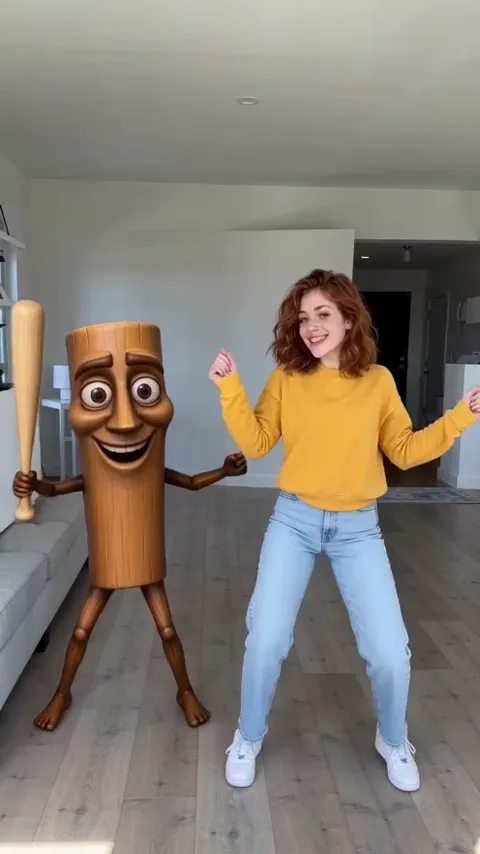
The clips that started the Triple T dance are green-screen videos: the log dances its half of a duet against flat green, with the other half left empty. You film yourself doing the moves, then lay the clip over your video and make the green transparent, so the log appears dancing next to you.
In CapCut, step by step
- Save a green-screen clip of the log dancing. Note which side it leaves empty and how long it is.
- Film yourself first: phone upright at chest height, head to toe, standing in the empty side, doing the moves while the clip’s sound plays from another device.
- In CapCut, start a new project with your dance video.
- Tap Overlay, then Add overlay, and pick the green-screen clip.
- Select the overlay and open Chroma key (inside Remove BG or Cutout). Tap the colour picker onto the green, then raise Intensity and Shadow until the green is gone and the log’s edges look clean.
- Pinch the overlay to size it: the top of the log about level with your eyes, its feet on your floor line.
- Slide the overlay along the timeline until its jumps land with yours. Zoom in and nudge a few frames at a time.
- Export at 1080p, 9:16, and post with the clip’s sound.
Menu names move around between CapCut versions. If you can’t find Chroma key, look for “Remove background” on the overlay and switch it from Auto to Chroma key.
With TikTok’s green screen effect
TikTok’s Green Screen effects put a picture or video behind you rather than beside you, so they work for a quick version: pick the log clip as the background, step to the empty side and dance along live. It saves the editing, but you can’t resize the log or fix the timing afterwards, and your outline flickers when you move fast. For a clean result, the CapCut route above is better.
Common problems
| What you see | Why | Fix |
|---|---|---|
| A green halo around the log | Intensity too low | Raise Intensity a little, then Shadow, until the edge is clean |
| The log looks pasted on | Different light | Film in daylight with a plain wall behind you; lower the overlay’s brightness to match |
| The log towers over you | Clip not scaled | Scale it down until its top is at your eye line |
| You’re out of step | Filmed without the beat | Film again with the clip’s sound playing, then line up on the first jump |
Green screen or an AI duet?
| Green screen | AI from a selfie | |
|---|---|---|
| You dance | Yes, several takes | No |
| Editing | Chroma key, sizing, timing | None |
| Light and shadows | Rarely match | Same room, same light |
| In step with the log | Up to you | Always |
| Cost | Free | 45 credits a video |
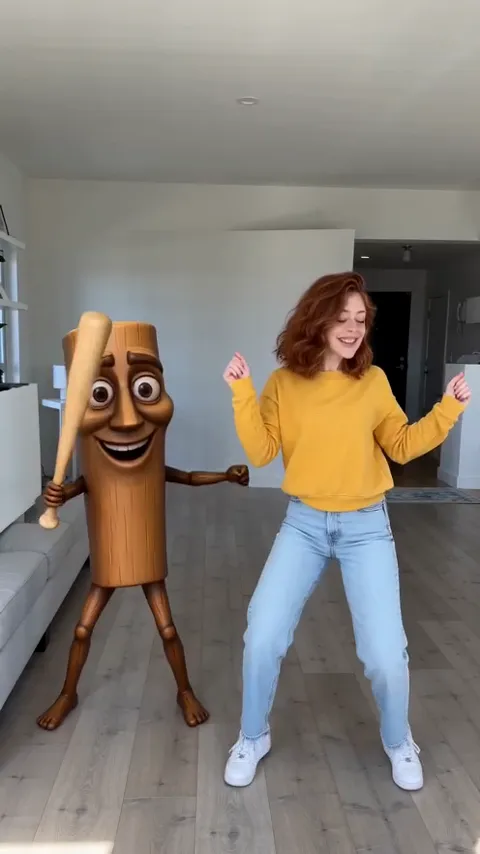
The Tung Tung Tung Sahur page does the AI version from one selfie. To learn the moves for the green-screen route, start with the dance guide.
NowStarring is an independent fan tool, not linked to the creators of the Tung Tung Tung Sahur character, the makers of any green-screen clip or video of it, or the owners of any sound used with the trend.
Câu hỏi
Where do I find the Tung Tung Tung Sahur green screen?
Search “tung tung tung sahur dance green screen” in CapCut’s template search, on TikTok or on YouTube. Pick a clip where the log dances on one side and the other side is empty green.
How do I remove the green in CapCut?
Add your own dance video as the main clip, add the green-screen clip as an overlay, select the overlay and use Chroma key (under Remove BG or Cutout, depending on your version). Pick the green, then raise intensity until the edges are clean.
Why does my green screen look bad?
Usually lighting and size: the log is lit like a bright studio and you’re filmed in a dim room, or the log is twice your height. Film by a window, and scale the overlay until the top of the log is level with your eyes.
Is the green screen free?
Yes. The clips are free to find and CapCut’s chroma key is free. The cost is time: matching your moves to the log usually takes several takes.
Is there a way without green screen?
Yes. On the Tung Tung Tung Sahur page the log is made in the same room as you, with the same light, already in step, from one selfie.