Halloween costume transition: CapCut vs an AI video generator vs one photo
CapCut, an AI video generator or a one-photo site for the Halloween costume transition? A fair comparison on likeness, the spin, the costume, sound, effort and cost.
6 phút đọc · Cập nhật
The honest verdict
For the Halloween costume transition, CapCut is great if you have a costume and two clips to cut together on a spin; an AI video generator with a good prompt can make the clip from a photo for little or no money but takes retries; a one-photo site like ours gives you the finished spin and reveal, for a price. CapCut is the best place to edit, whichever way you make the clip.
Short version: you have the costume and the footage, use CapCut. You like tinkering, use a generator. You want it done from a selfie, use one photo on the Halloween Costume page.
Side by side

| CapCut template | AI generator + prompt | One photo here | |
|---|---|---|---|
| Your face | Real, from your footage | From your photo; can drift through the spin | From your photo |
| The costume | The one you own | Any generic costume you describe | A classic witch |
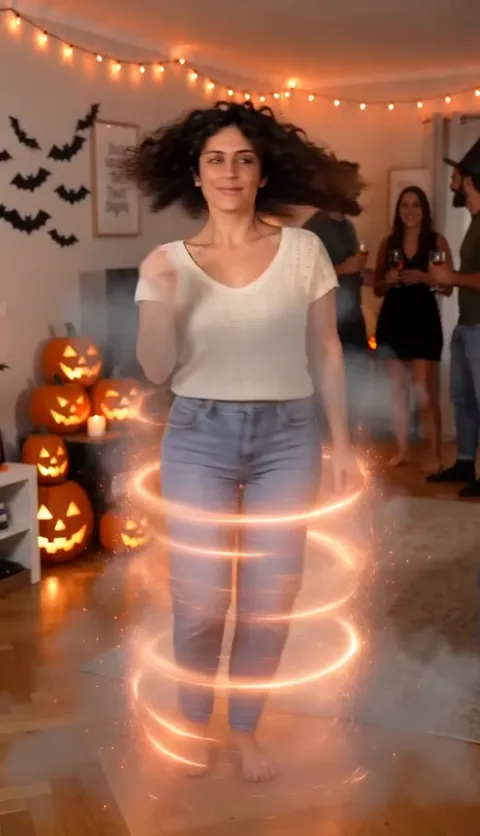
| The change | Your cut on the spin | From the prompt; it can come early | Built in: a snap, two spins in sparks and smoke |
| Sound | Template’s sound, or add your own | Varies by tool, often silent | The party: the snap, the whoosh and the cheer |
| Effort | Costume, two clips, then minutes | Prompting and retries | Add one photo |
| Cost | Free to start, plus the costume | Free tiers, then paid | Paid, from the price below |
When CapCut wins
You already have a costume and someone to film. CapCut is where the trick happens: two clips joined in the middle of a spin, a burst of sparks or smoke over the cut, a trim so it opens right on your wave. It’s free, and it’s the only route where the costume really is yours.
- If you use a template, pick one made for two clips with a transition between them.
- Cut right in the middle of the spin, when your back is to the camera.
- Keep the phone in the same spot for both clips so the room doesn’t jump.
What CapCut can’t do is make a costume you don’t have. If the two clips don’t line up, no effect will fully hide it.
When an AI video generator wins
You want to change things: a vampire, a skeleton or a black cat instead of a witch, your own kind of party, a shorter clip. With the Halloween costume AI prompt in Kling, Higgsfield, Runway, Veo or CapCut’s AI video tools, you control the costume and the scene, and free tiers let you try first.
The trade-offs: a face that drifts through the spin, a costume that shows up before the snap, a mask or face paint nobody asked for, and a costume that ends up looking like a famous character. You may also need to add the sound yourself.
Tools differ in how well they keep a face through fast movement, and they change often. Try the same prompt in two and keep the one that looks most like you.
When one photo wins
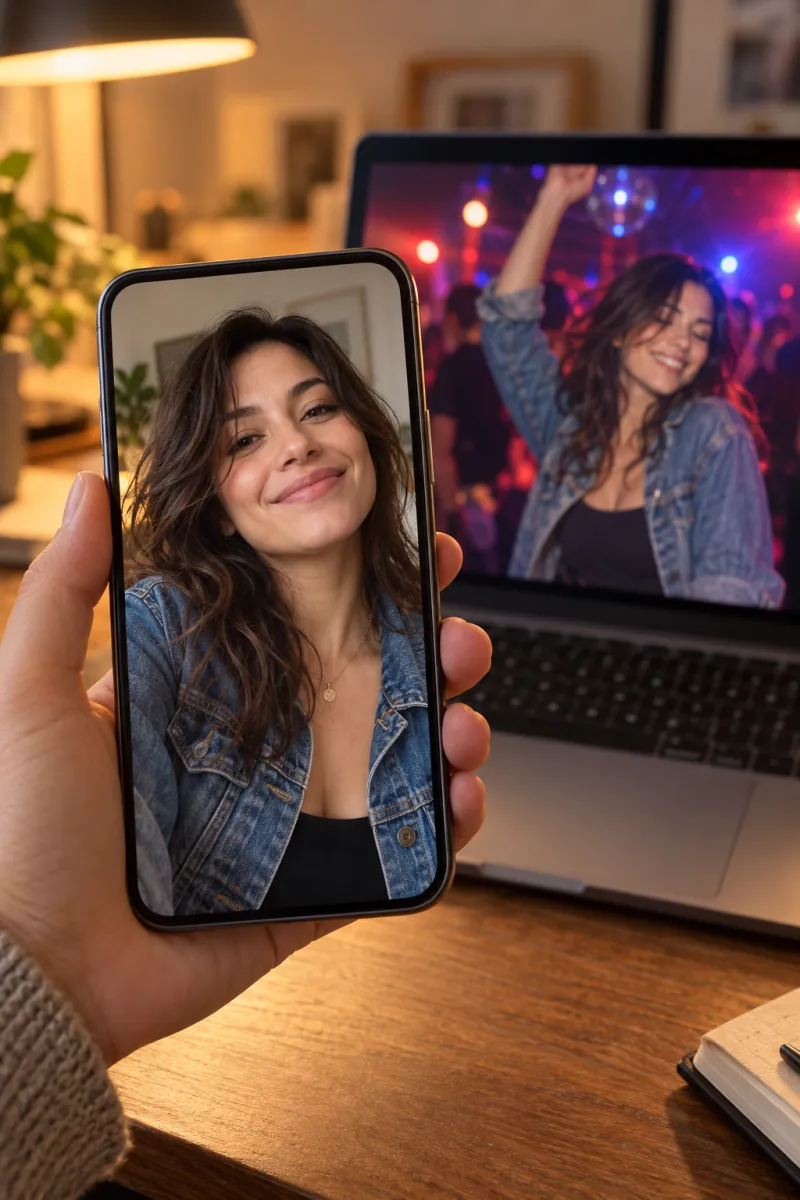
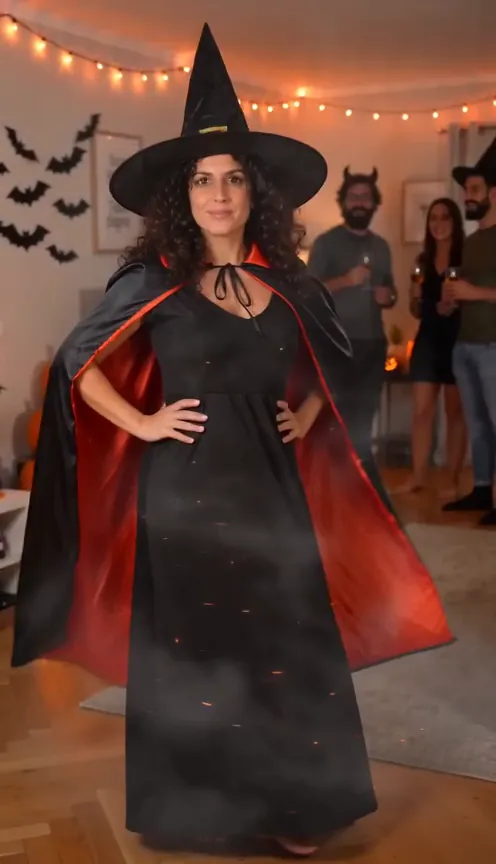
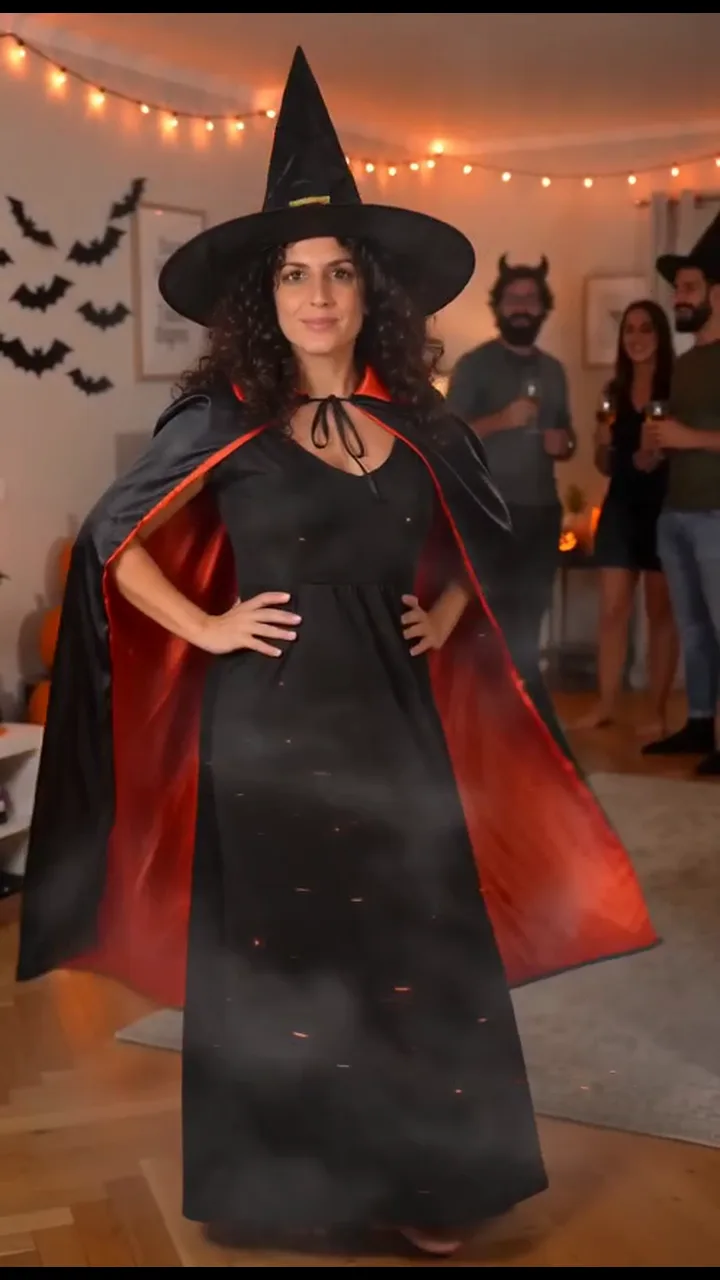
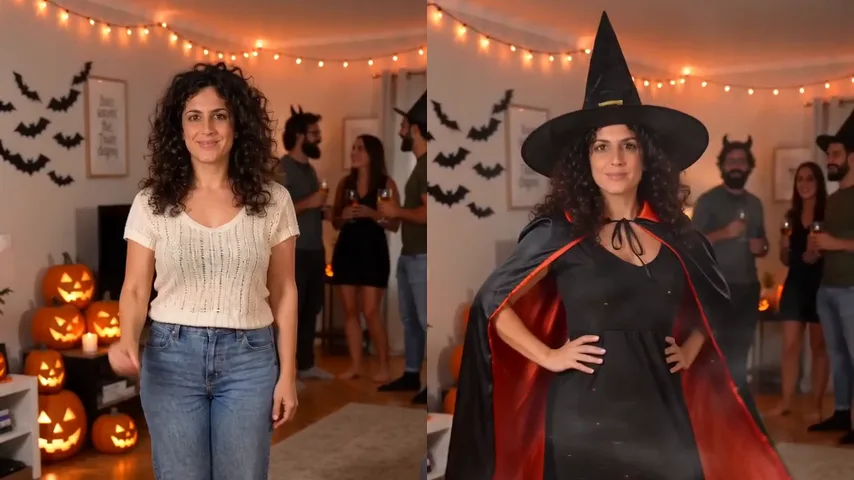
You don’t have a costume, a party or a friend to film, or you just want the trend as it looks on TikTok. On the Halloween Costume page you add one photo and get 10 vertical seconds: you at a Halloween house party in your everyday clothes, a snap, two fast spins in orange sparks and smoke, then you in a full witch costume, hands on hips, twirling the cape while your friends cheer. It comes with the party’s sound and no watermark.
One Standard video uses 45 credits. The smallest pack that makes one is $6.90 for 45 credits (1 video), a one-time buy whose credits never expire, and plans start at $19.90 a month for 270 credits. If a video fails, its credits come back.
The limits, honestly: one person per video, the costume is a witch, the party is the trend’s, there’s no pet version yet, and there’s no free video.
Mixing routes works too
You don’t have to pick just one. Common combinations:
- Make the clip from one photo, then add a caption in CapCut.
- Post your own homemade attempt next to the AI version of you.
- Make one for each friend and post them back to back, since each route is one person per clip.
- Add a caption about the costume you never got around to buying.
Whatever you do, keep the final edit vertical and short. The trend lives in about ten seconds, and the reveal loses its punch in a longer cut.
Step by step: the CapCut route
- Film your two clips with the shot plan in the free guide, or make one clip with an AI video tool and the prompt.
- In CapCut, start a new project with both clips, or tap Templates, search “costume transition” and use one with your footage.
- Trim the start so the video opens on your wave.
- Trim the end of the first clip and the start of the second so they meet in the middle of the spin.
- Want sparks or smoke? Add an effect from Effects over the cut, a second or less.
- Export vertical 9:16. Post to TikTok or Reels and add a sound you like in the app, or keep your own.
More moves to try are in the transition ideas.
NowStarring is an independent fan tool, not linked to any costume brand or to anyone who made the costume transition trend. The costume in our videos is a generic witch, not a character.
Câu hỏi
Is there a CapCut template for the costume transition?
Creators post templates for most trends, so search “costume transition” in CapCut’s Templates tab. A template cuts clips you already have; it won’t film you in a costume.
Can AI make the costume transition from one photo?
Yes. AI video tools can animate your photo from a prompt, and one-photo sites like ours make the whole clip, the party, the spin and the costume included.
Which option includes sound?
Ours comes with the party’s sound: the snap, the whoosh and the cheer. Templates may carry their own sound, and generators vary. There’s no single trend song, so any route can add a sound you like when you post.
Do I need a costume for the CapCut route?
Yes. CapCut edits what you filmed, so you need the costume and two clips: one in your everyday clothes and one in the costume.
Can I edit the NowStarring video in CapCut?
Yes. It’s a normal MP4 with no watermark, so you can add a caption, trim it or put it next to your own homemade attempt.
What’s the easiest way to do the costume transition?
One photo on a trend site: no costume, no filming and no prompt. It costs money; the other routes cost time.