Vikas editor CapCut template vs an AI video: what each one makes
What a Vikas edit CapCut or VN template does with your photos, why it can’t put you in the classroom, how it compares with an AI video of the edit, and how to post the square video to Instagram, Reels and Shorts.
5 dk okuma · Güncelleme:
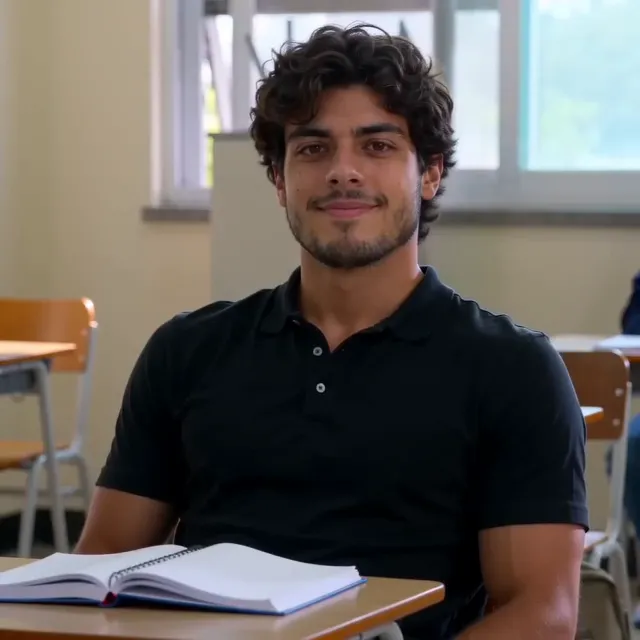
Tek fotoğrafla Vikas Editor videosunun yıldızı ol
Kendininkini yapWhat a template does
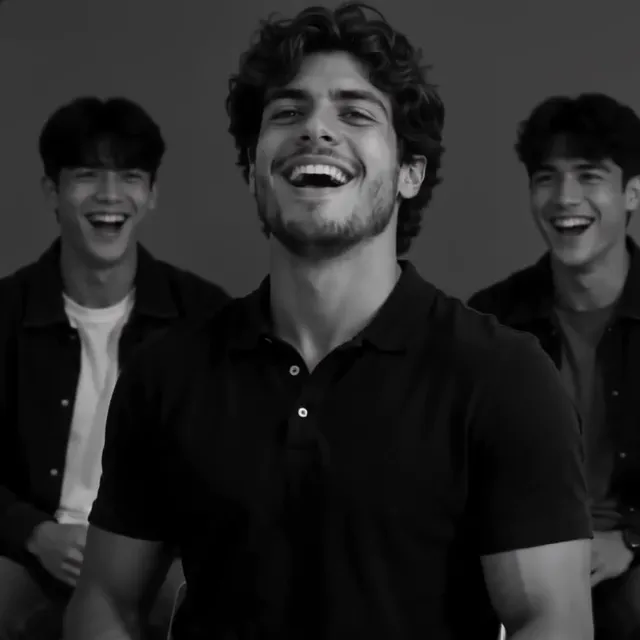
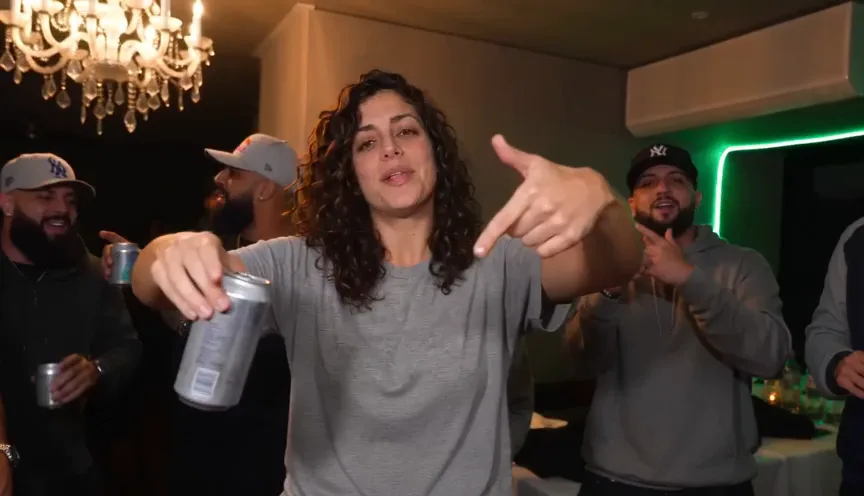
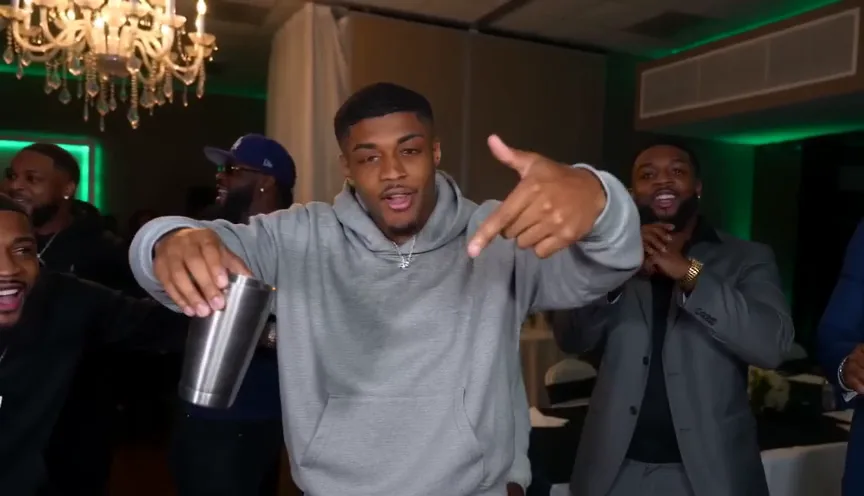
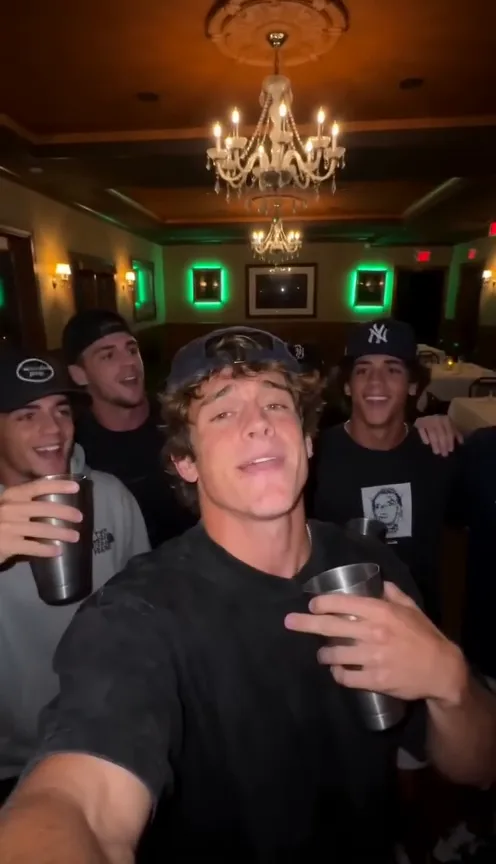
A “Vikas edit” template in CapCut or VN is someone else’s project with empty slots: you pick a few photos or clips, and the template drops them in, adds zooms, shakes and flashes, and times them to its song. It’s fast and free, and it looks like whatever you put in.
That’s also the limit. The template has no classroom, no classmate turning to look and no corridor; it can only move your own pictures. For the campus drama version, where you’re the one walking in, the scenes have to be made with your face in them.
Template or AI video
| CapCut or VN template | AI video of the edit | |
|---|---|---|
| What you add | Several photos or clips | One selfie |
| Where you are | Wherever your photos were taken | In the classroom and the corridor |
| Other people | Only those in your photos | Made-up classmates and a friend |
| Black-and-white drop | A filter over your photos | Shot that way, laughing and smirking |
| Cost | Free, sometimes a Pro template | 45 credits here |
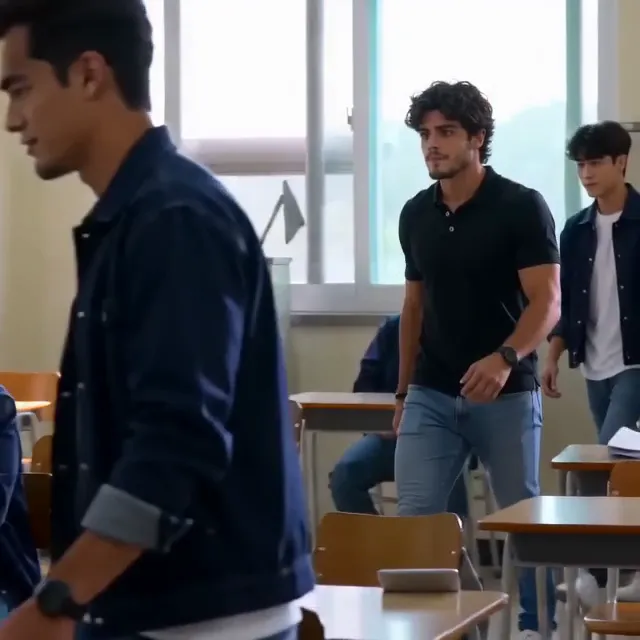
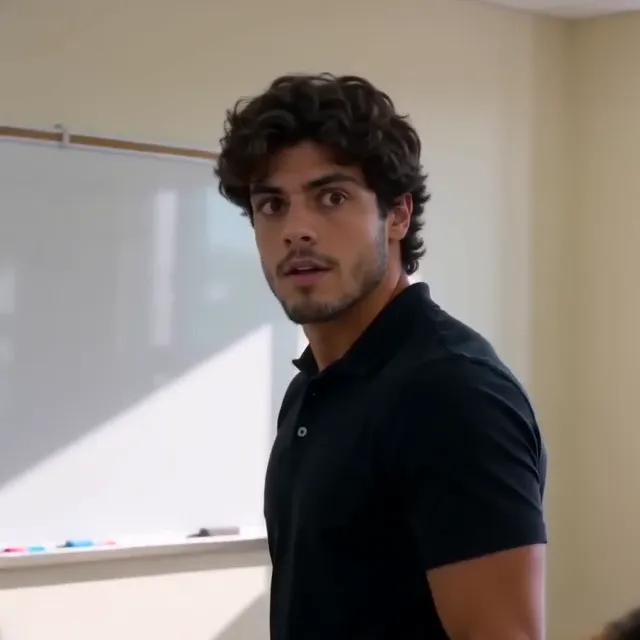

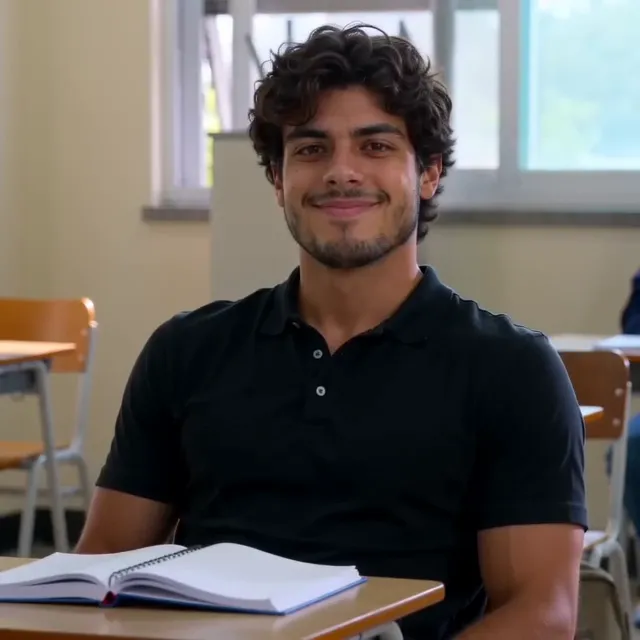
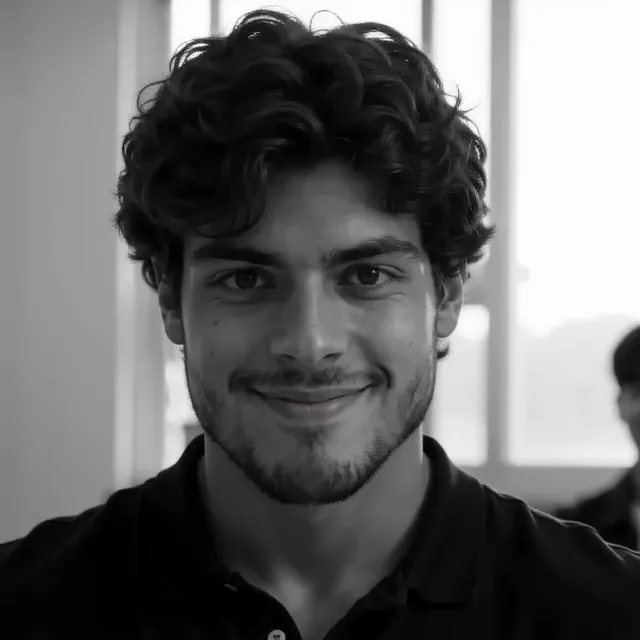
Make it from one selfie
- Take a selfie of your face and shoulders in good light, facing the camera, with nobody else in it.
- Add it on the Vikas Editor page and press Make my Vikas edit.
- Wait a few minutes; the video lands in My videos and we email you.
- Download it: square, 28 seconds, with the song and no watermark.

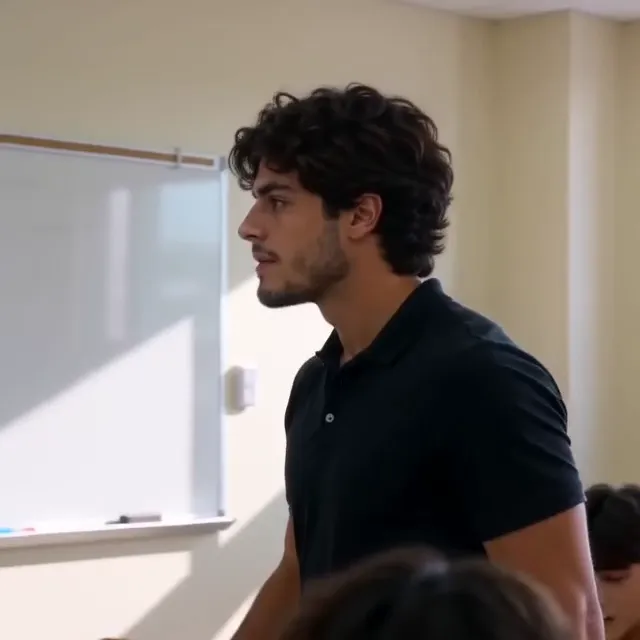
Want to make the clips yourself instead? The prompts and the Flow steps.
Posting the square video
- Instagram post: upload it as it is; square fills the feed.
- Reels and Shorts: it plays in the middle with a frame above and below. Add a caption in that space with the app’s text tool.
- If the app mutes the song, turn the original sound down and pick the trend’s sound from the app’s library.
- Caption ideas: the aura, your college’s name, or the classmate who “turned to look”.
One Standard video uses 45 credits. The smallest pack that makes one is $9.90 for 90 credits (2 videos), a one-time buy whose credits never expire, and plans start at $19.90 a month for 270 credits. If a video fails, its credits come back.
NowStarring is an independent video tool, not linked to any editor, channel, app or website called Vikas, to CapCut, VN or Google Flow, to any TV drama or its cast, or to the artists behind the song.
Sorular
Where do I find the Vikas edit CapCut template?
Search the template name in CapCut’s Templates tab or follow a template link from a Reels or Shorts creator. Templates come and go and many are region-locked, so the one from a video may not open for you.
Will a CapCut template put me in the classroom?
No. A template moves, zooms and flashes the photos or clips you give it, on the beat of its song. To be the lead walking into the classroom, the scenes have to be made with you in them, which takes an AI video.
Is the Vikas editor video square?
Yes, like the edits going around. It fits an Instagram post as it is; Reels and Shorts play it with a frame above and below.