Toc Toc AI: CapCut vs an AI video app vs one photo
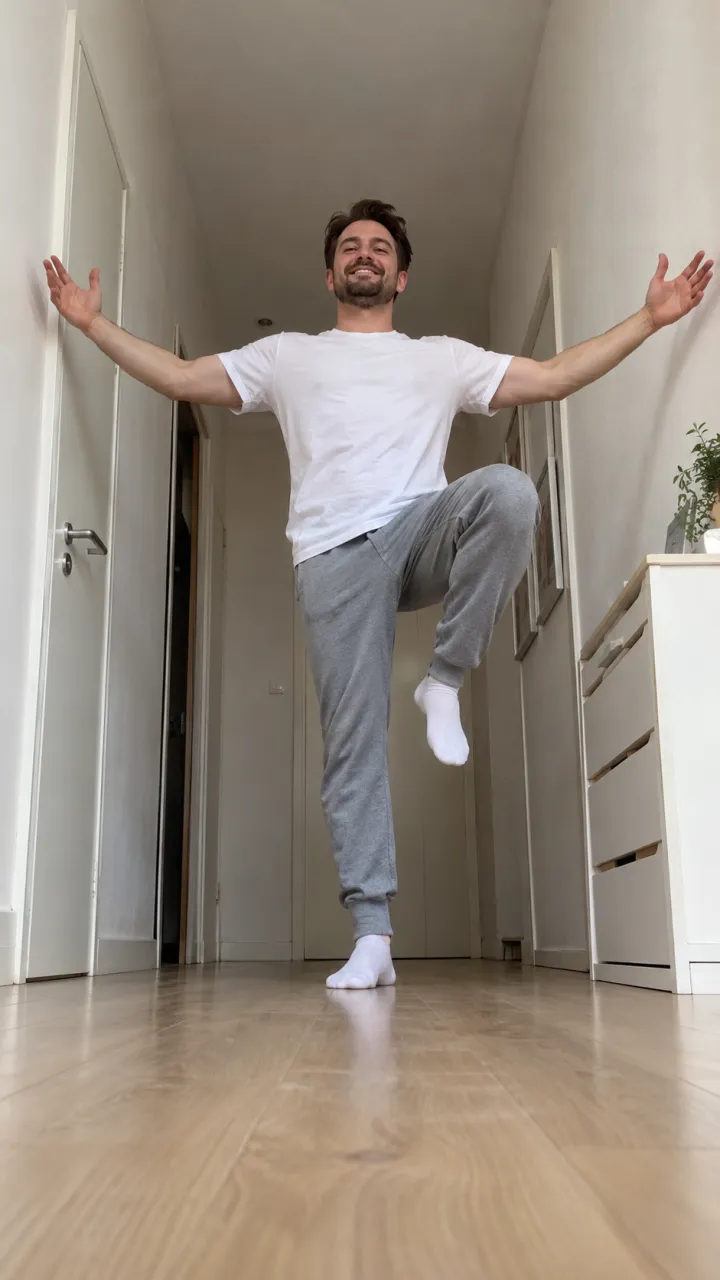
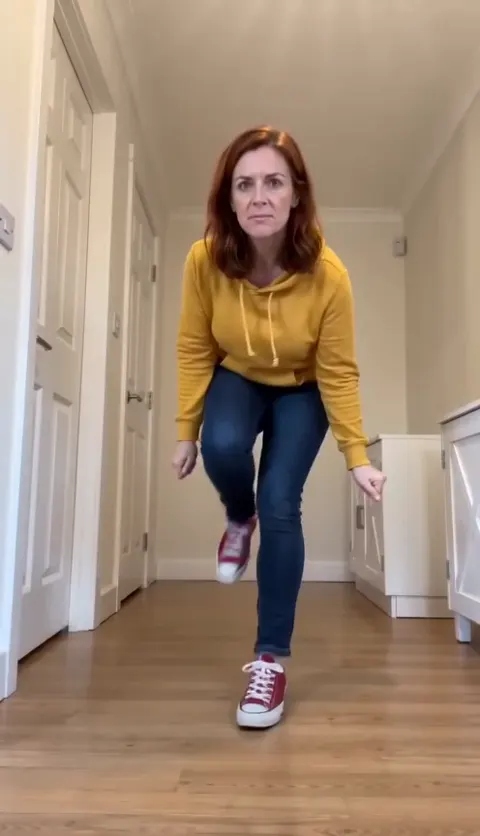
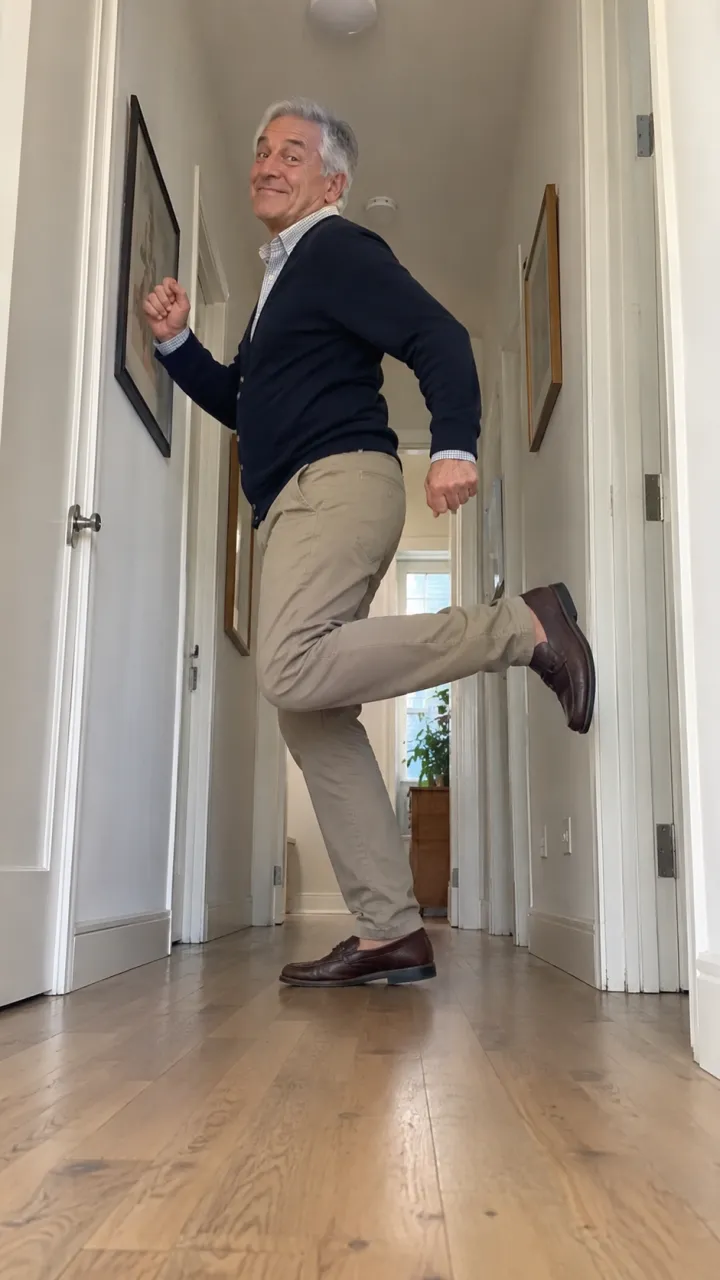
A Toc Toc CapCut template, a prompt in an AI video app, or one photo: which one gives you the hallway, the low angle, the hops that land and the ta-da?
5 min de leitura · Atualizado em
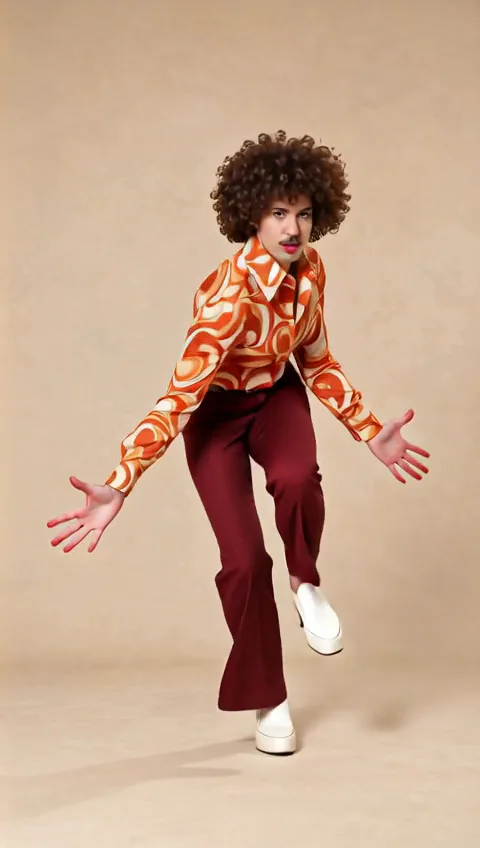
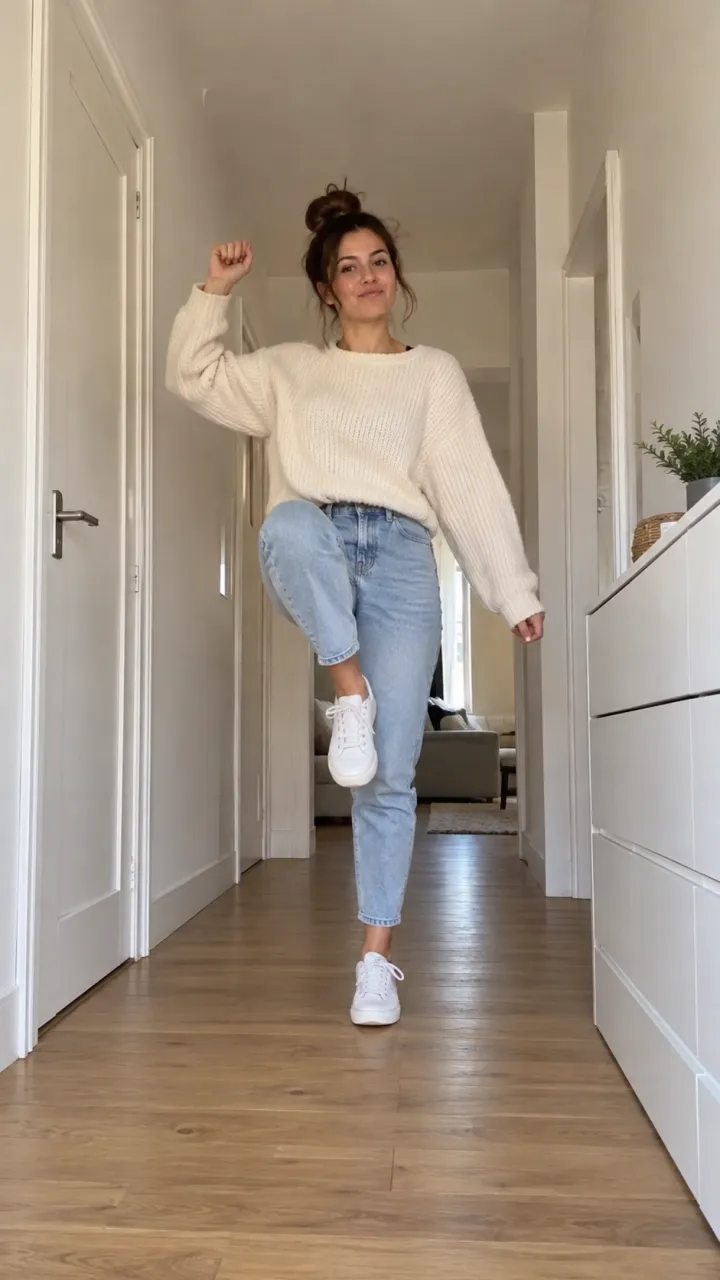
Estrele Toc Toc com uma foto
Faça o seuThe verdict
Toc Toc templates in CapCut play the Patrick Sébastien song over your photos, often with a knock-knock zoom. That’s a nice edit, but nobody marches into a hallway lens. If you want the dance itself, with you or your dog in it, you need a route that generates movement: an AI video app with a prompt, or one photo on a site built for this trend.

What makes a Toc Toc video read as Toc Toc
| The detail | CapCut template | AI app + prompt | One photo here |
|---|---|---|---|
| Narrow hallway, phone on the floor | No, your own photos | If the prompt describes it | Yes, rebuilt every time |
| Knee into the lens at the start | No | Often too timid | Yes |
| Knock knock on the two knocks | A zoom at best | Hit and miss | Timed to the song |
| Hops that land | Not needed | Feet often slide | Planted |
| Ta-da on the last beat | Sometimes a freeze frame | You line it up | Yes |
| The song in the file | Yes | No, add it later | Yes |
Where AI video apps slip on this dance
We pulled apart Toc Toc videos from several AI sites. The best kept the hallway and every move; the worst turned it into general wiggling in a random room, with no knock and the dancer walking out of frame at the end. The usual flaws: feet that glide between hops, a march that stops a metre short of the lens, and a costume or shoes that change colour mid-dance.
If you try it in Kling, Veo or CapCut’s own AI video, describe the hallway and the low camera in words, list the nine moves with timings, and expect a few runs. Our Toc Toc prompt does that for you.
With a dog or cat
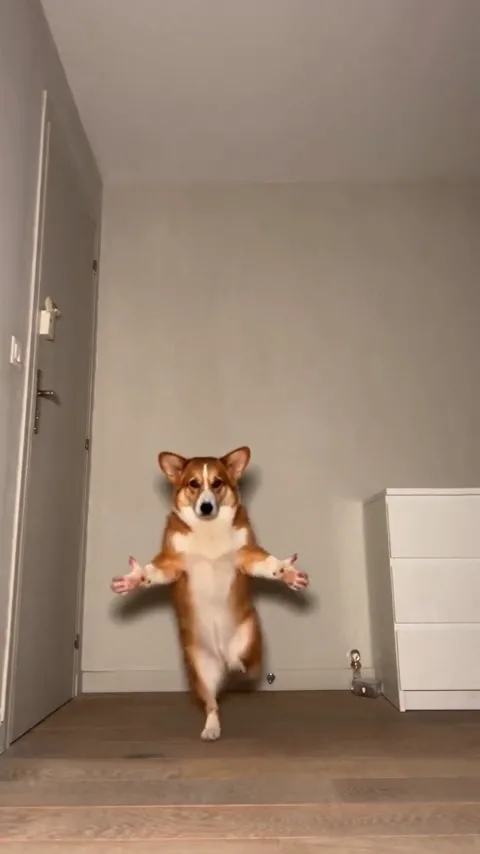
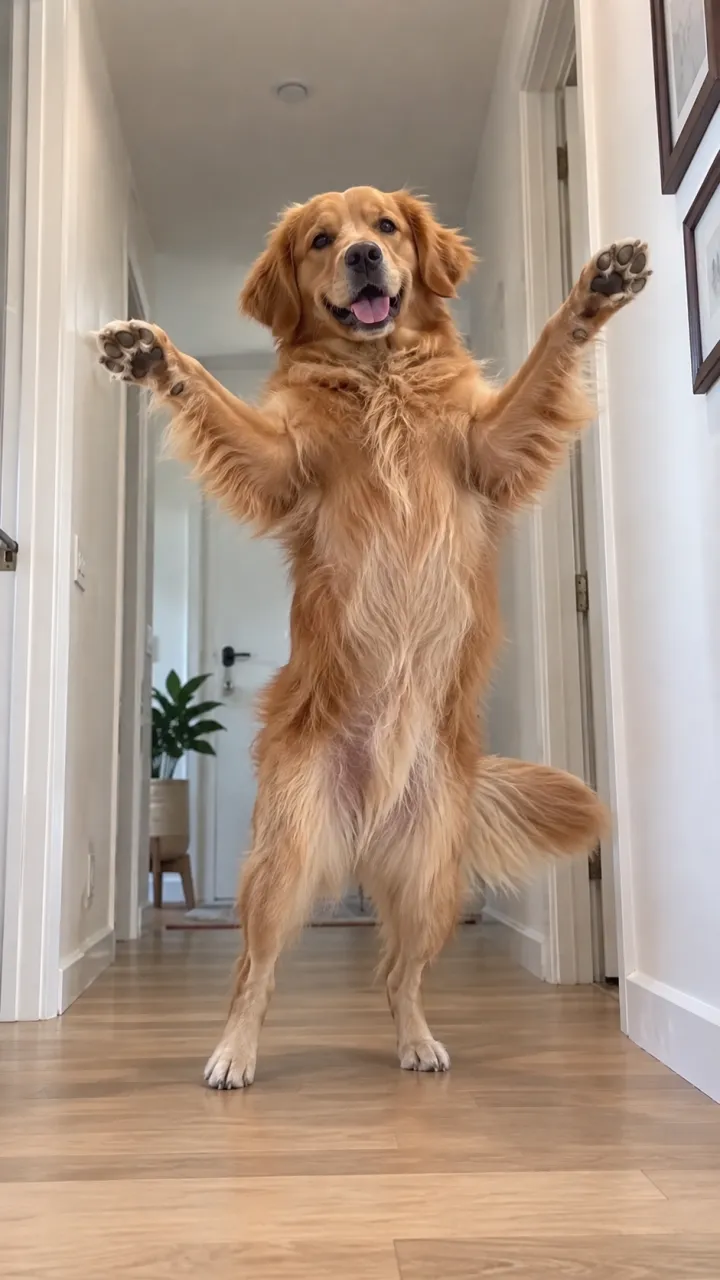
A template can’t stand your corgi up. An AI app can, but two things go wrong: front paws that become hands for the knock, and ears borrowed from the corgi most pet versions copy. A beagle should keep its floppy ears.
Using a Toc Toc template in CapCut
- In CapCut, open Templates and search “toc toc”. Watch the preview: most swap photos on the knocks.
- Pick one, choose your pictures, and let it cut them to the song.
- Export, then post with the Toc Toc sound so it lands on the sound page.
CapCut is also a handy finisher for AI clips: trim the start so the march begins on the first beat and add a caption before the ta-da.
The one-photo route
On the Toc Toc page, choose you or your pet and add one head-to-feet photo. The video comes back as 11 vertical seconds in the hallway, all nine moves on the beat and the song in the file, without a watermark. Costs are on pricing; a video that fails gives its credits back.
NowStarring is an independent fan tool, not linked to the song’s artist or the creator of the original dance. The song belongs to its rights holders.
Perguntas
Is there a Toc Toc template on CapCut?
Yes, several. They set your photos to the song; they don’t make you do the hallway dance.
Can CapCut’s AI do the Toc Toc dance?
It can try from a photo and a prompt. Describe the hallway and the nine moves, and check that the hops actually land.
Which route is best for a dog?
An AI route. Only AI can stand a dog up for the knock; check the paws stay paws and the ears match your dog.