Thriller dance AI prompt (copy and paste)
A copy-ready Thriller dance AI prompt: your photo leading a zombie crowd on a foggy street, timed shot by shot, with variants, fixes and photo tips.
6 min de leitura · Atualizado em
The Thriller dance AI video prompt
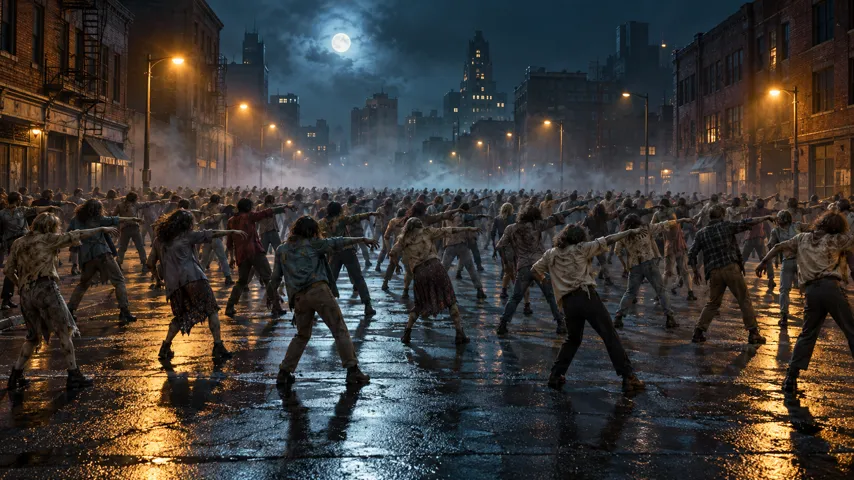
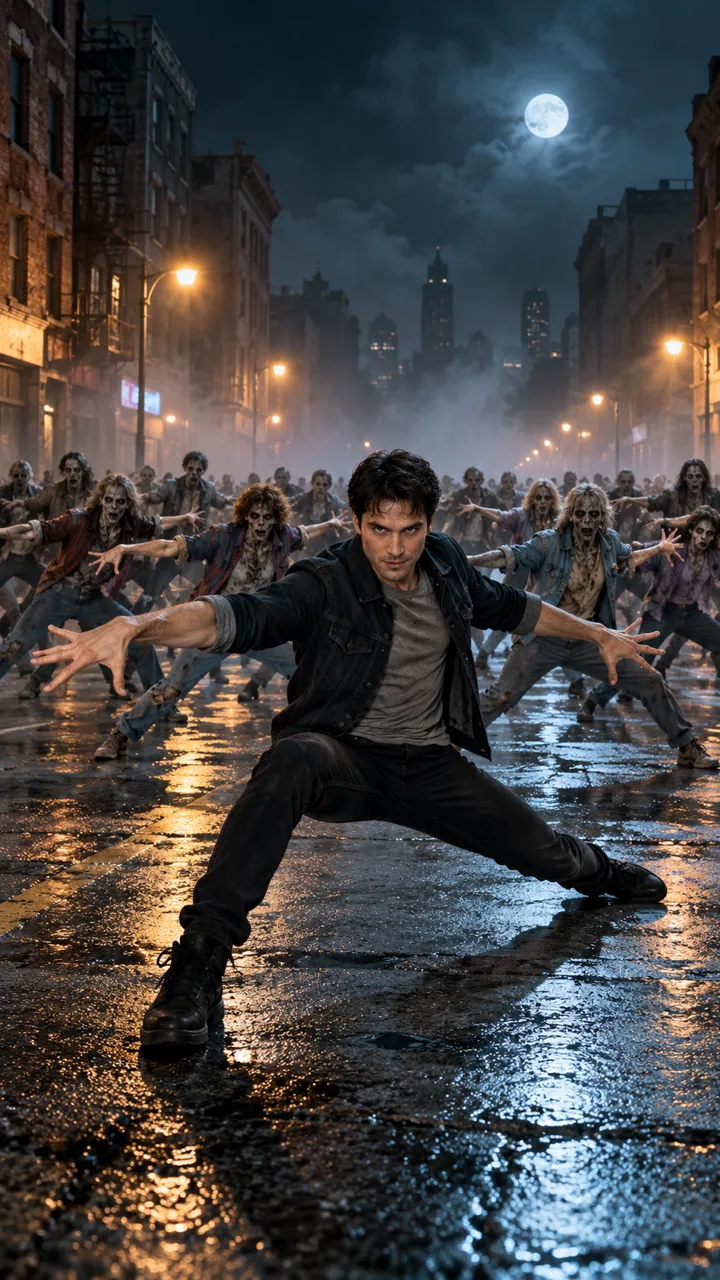
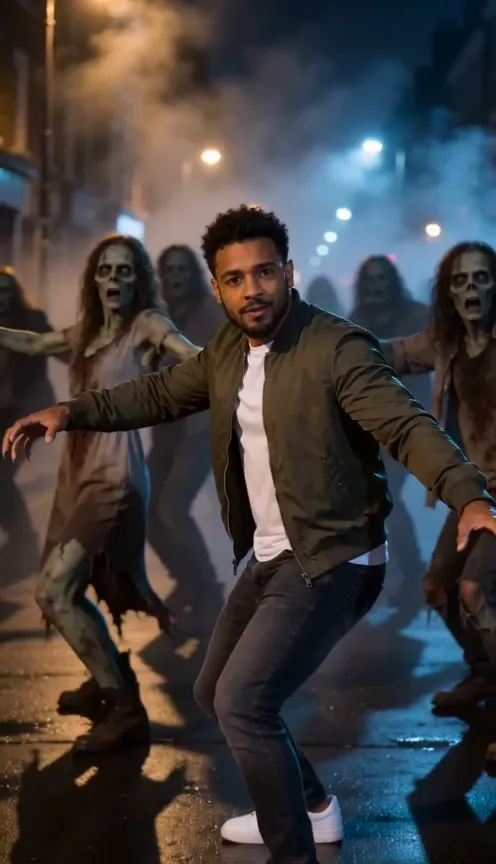
Here’s a copy-ready prompt for the Thriller dance AI trend: you on a foggy city street at night, a zombie crowd rising behind you, and a short take on the dance’s best-known moves. Attach your photo as the reference image and paste this in.
Thriller dance AI video prompt
Vertical 9:16 video, 10 seconds, photoreal, night. No cuts, no text, no logos. The dancer is the person in my reference photo: keep their face, hair, skin tone, age and build exactly, and keep the clothes they wear in the photo. No make-up changes on them. Setting: an empty city street at night, wet asphalt shining under old street lamps, low fog rolling along the ground, brick buildings on both sides, a full moon. Behind the dancer: a crowd of zombie dancers with grey skin, hollow eyes and torn, faded 1980s clothes. No blood and no wounds. 0–2 s: close, chest-up. The dancer stands completely still and stares into the lens. Fog drifts past. 2–3 s: the camera slowly pulls back to show them from the knees up as the zombies rise from the fog and shuffle into a loose line behind them. 3–4 s: on the beat, the dancer snaps their head back and to the side. 4–7 s: they drop into a deep, wide lunge, knees bent, arms flung out wide with palms open, then sway side to side. The crowd copies every move in sync. 7–10 s: hands curl into claws beside the face, shoulders shrug up and down, then they stomp three steps toward the camera, the crowd close behind. End close to the lens. Sound: none. I’ll add the music myself. Avoid: zombie make-up on the dancer, blood, gore, a famous singer’s outfit, a second clear lead dancer, captions, cuts, a shaky camera.
It describes the moves in plain words rather than asking for the real routine, which tools can’t copy reliably anyway. Want it without a prompt, with the song in? The Thriller dance page makes it from one photo.
How to use it
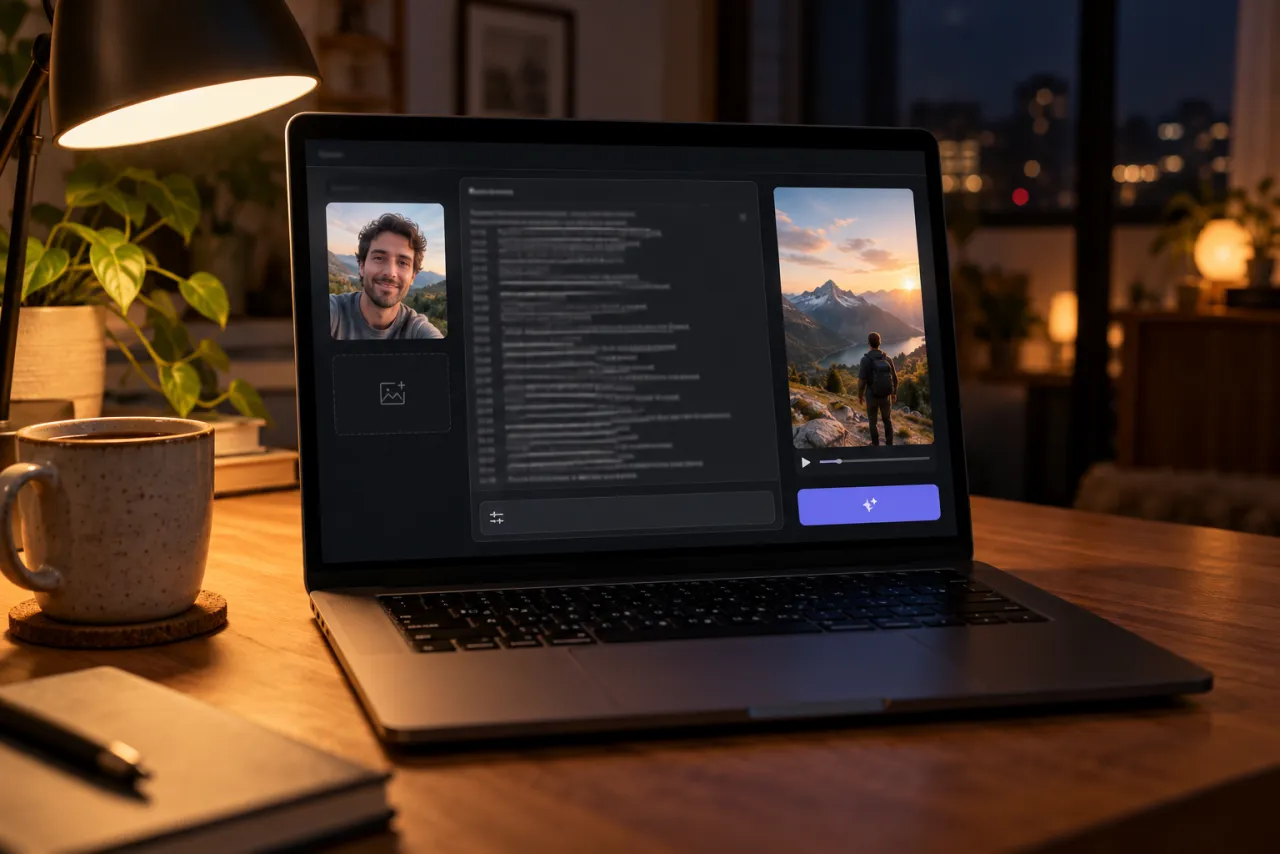
- Open an AI video tool’s image-to-video or reference-image mode: Kling, Higgsfield, Runway, Veo or CapCut’s AI video all have one.
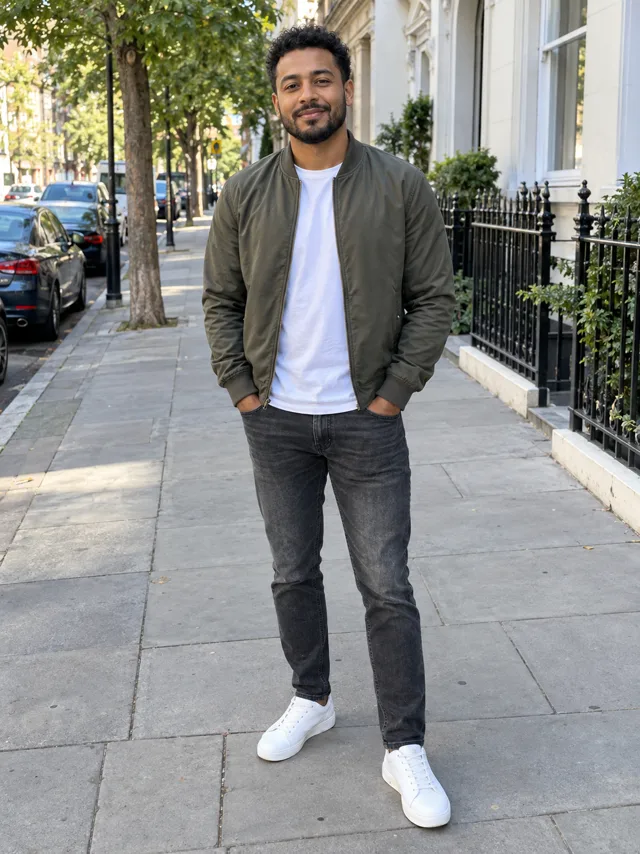
- Attach one photo of you facing the camera, ideally head to knees, in the clothes you want to dance in.
- Paste the prompt. Set 9:16 and 10 seconds, or the nearest length.
- Turn off the tool’s own music if it adds some.
- Generate, watch it against the frames below, and use the fix-it table for anything off.
Some tools have a separate mode that copies motion from a dance video you upload. That can follow a routine more closely, but only use footage you filmed yourself or have the rights to.
Shot by shot: what each line does
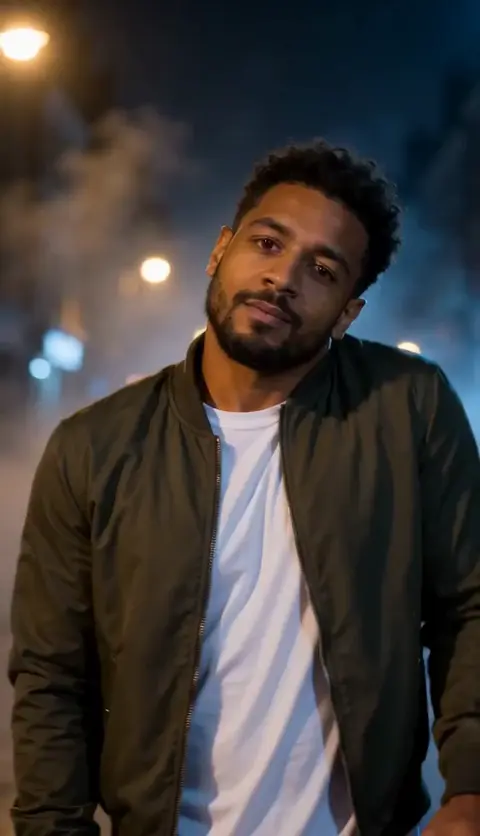
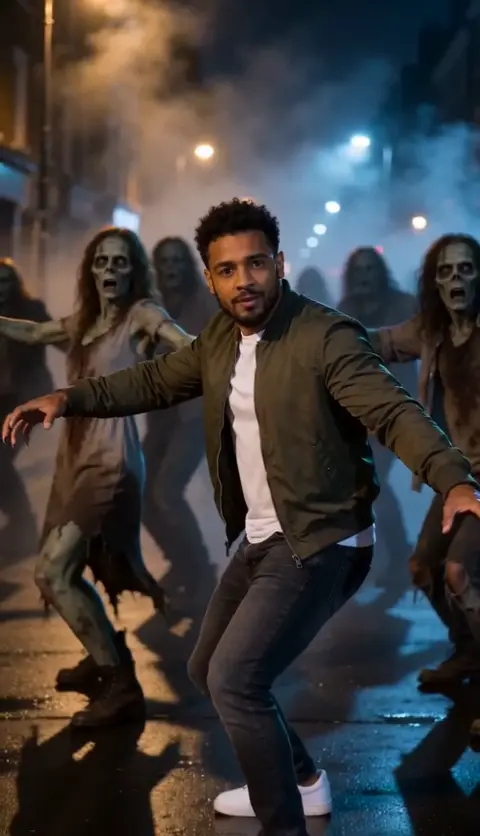
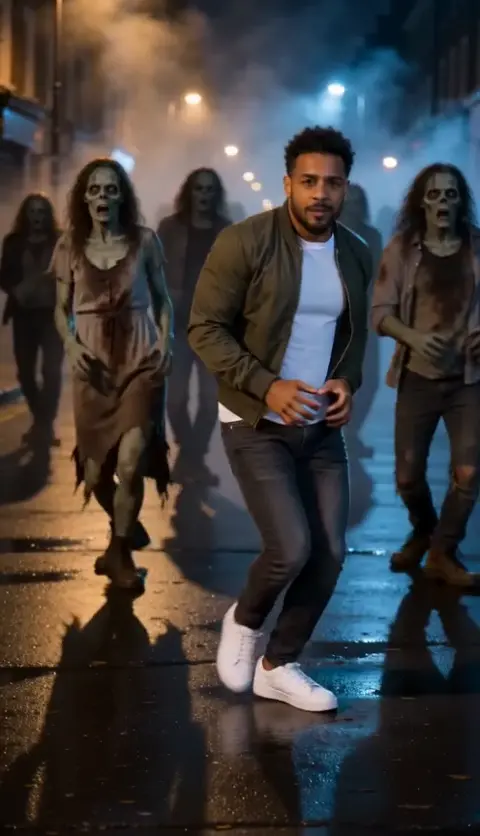
- 0–2 s, the stare: starting close and still makes the pull-back feel big. Without it, tools often start mid-dance.
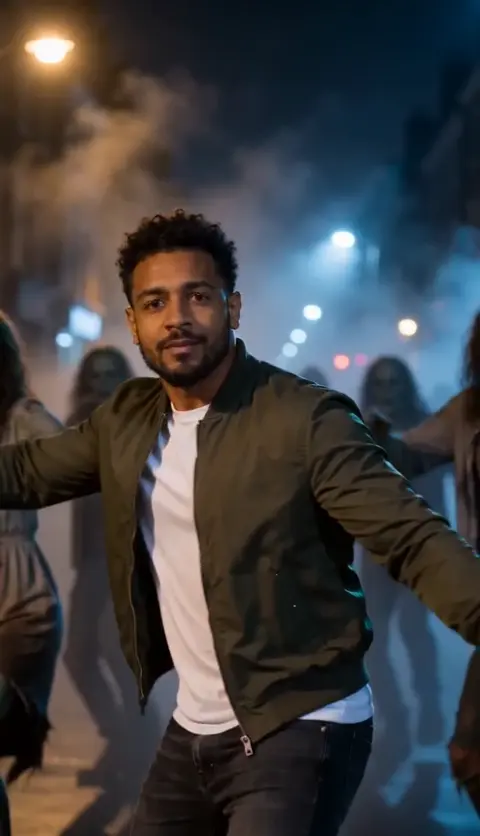
- 2–3 s, the rise: the camera move and the crowd appearing happen together, which gives the video its reveal.
- 3–4 s, the head throw: one sharp move on a beat. Asking for “sharp” and “on the beat” keeps it from turning into a slow nod.
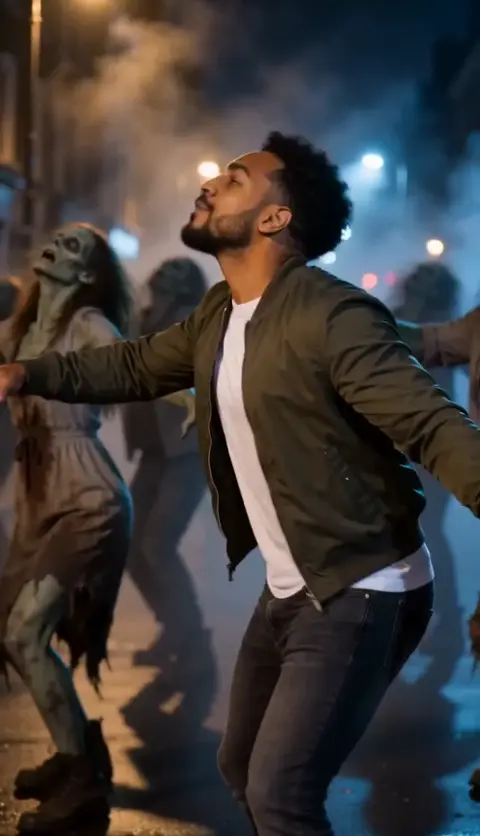
- 4–7 s, the lunge: the widest shape in the clip. “Knees bent, arms flung out” gives the tool something clear to draw.
- 7–10 s, claws and stomp: moving toward the lens gives the ending energy and makes a natural loop point.
Variants
You as a zombie too
Swap the “no make-up changes” line for “Give the dancer light zombie make-up: pale grey skin and dark shadows under the eyes, no blood.” Keep it light, or your face stops looking like you.
Halloween party
Replace the setting line with “a living room decorated for Halloween at night, string lights and smoke, friends in costumes behind”. The moves stay the same.
Shorter clip
If your tool only makes 5 seconds, keep the head throw, the lunge and the stomp, and drop the stare and the rise.
Daytime
Change “night” to “grey, foggy morning” and “street lamps” to “overcast light”. It’s less spooky but easier for tools to keep your face sharp.
Fix it: symptom and change
| What went wrong | Change in the prompt |
|---|---|
| You’re already dancing at 0 s | Add “completely still for the first 2 seconds” to the first line |
| Your face changes when you move | Use a sharper, front-lit photo; repeat “keep their face exactly” in the 7–10 s line |
| Arms or legs bend oddly | Fewer moves per line; drop the sway and the shoulder shrugs |
| You have zombie make-up | Keep “no make-up changes on them”; add “zombie make-up on the dancer” to Avoid |
| The crowd is gory | Keep “no blood and no wounds” and add “gore” to Avoid |
| Your clothes changed | Say “the exact clothes from my reference photo” and use a photo that shows them |
| The camera never pulls back | Move “the camera slowly pulls back” to the start of the 2–3 s line |
The photo you attach
- Face toward the camera, sharp and well lit, nothing covering it.
- Head to knees is better than a selfie: the clip shows your body, and the tool needs to see your clothes and build.
- Wear what you want to dance in. Jackets, jeans and sneakers look great under street lamps.
- Just you, no group photos, and only your own photo or an adult’s who has said yes. No celebrities and no one under 18.
Examples are in the photo guide.
What a prompt can’t do
- Add the song. You pick Thriller as a sound when you post.
- Dance the real routine. Tools approximate moves from words; expect the spirit of the dance, not a step-for-step copy.
- Land on the beat. A silent clip has no beat to follow, so you’ll line the song up afterwards.
The no-prompt route: add one photo on the Thriller dance page and get the finished video with the moves timed to the song. If it fails, the credits come back automatically, and prices are on Pricing. Comparing options? See CapCut vs AI vs one photo.
NowStarring is an independent fan tool, not linked to Michael Jackson, his estate or the makers of Thriller. The song belongs to its rights holders.
Perguntas
What is the prompt for the Thriller dance AI trend?
Describe a vertical 10-second shot of you on a foggy night street, a zombie crowd rising behind you, and the moves in order: stare, head throw, lunge, claws, stomp. The full copy-ready prompt is at the top of this guide.
Can AI copy the real Thriller choreography?
Not exactly. AI video tools approximate moves from a description, and some chat assistants decline to write out the original routine. Describe a few simple moves in your own words instead.
Why does my AI dancer look like a zombie?
The tool mixed you into the crowd. Keep “no make-up changes on them” and add “zombie make-up on the dancer” to the avoid line.
Will the prompt add the Thriller song?
No. AI video tools don’t add a specific commercial song. Pick the Thriller sound on TikTok or Reels when you post.
Can I do the Thriller AI dance with friends?
In tools that take several reference photos, you can ask for your friends in the front row. Expect more retries, since faces mix up more easily.
What photo works best?
One clear photo of you facing the camera, ideally from head to knees, in the clothes you want to dance in.