How to do the Halloween costume transition for free
Do the Halloween costume transition free: film the snap-and-spin cut yourself, or paste our prompt into an AI video tool’s free tier. What each route costs.
6 min de leitura · Atualizado em
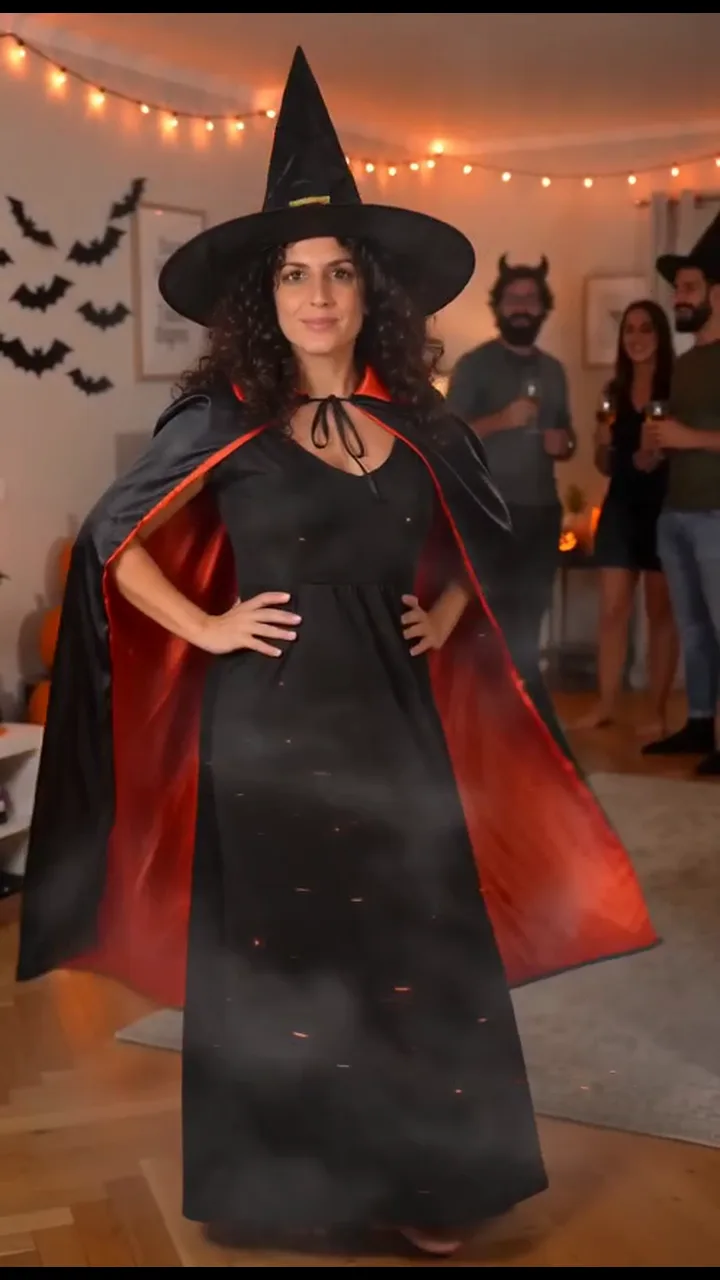
The short answer
Yes, you can do the Halloween costume transition for free in two ways: film it yourself in two clips and cut them together on a spin, or paste a written prompt into the free tier of an AI video tool with your photo attached. Free costs you time and retries, and on most AI tools a watermark. Filming it yourself also needs a costume.
If you’d rather skip all that, the paid route on the Halloween Costume page makes the 10-second video from one photo of you: a snap, a spin in a swirl of sparks and you in a full witch costume, with no costume to buy and no editing.
The free routes compared
| Route | What you need | What you get | The catch |
|---|---|---|---|
| Film it yourself | Phone, a costume, a friend or a shelf, a free editor like CapCut | Really you, in your real costume | Two clips that have to line up, then the cut |
| Free prompt in an AI tool | One clear photo and an image-to-video tool with a free tier | You spinning into an AI costume at an AI party | Often a watermark, shorter clips, retries |
| One photo on NowStarring (paid) | One clear photo of you | The finished 10-second vertical video | It costs credits; there’s no free video |
What actually happens
You don’t need to dance or act. The transition is a wave, a snap, a spin and a pose, all in one take from a friend’s phone. In plain words:
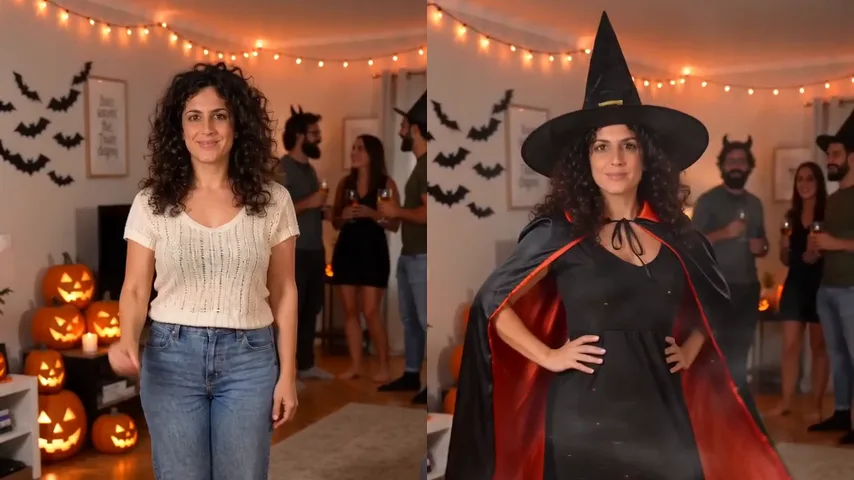
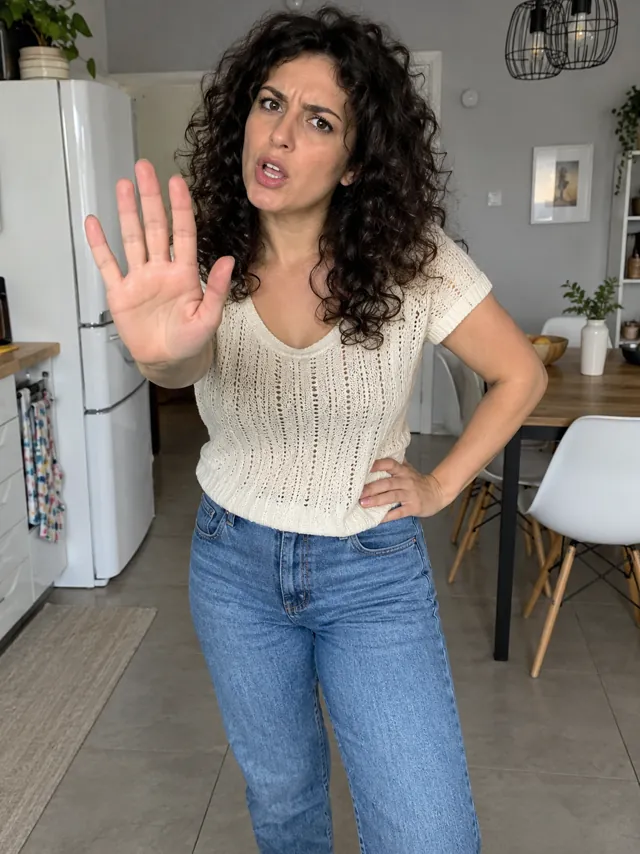
- Everyday clothes: you stand facing the camera and give a small wave.
- The snap: you snap your fingers and start to spin.
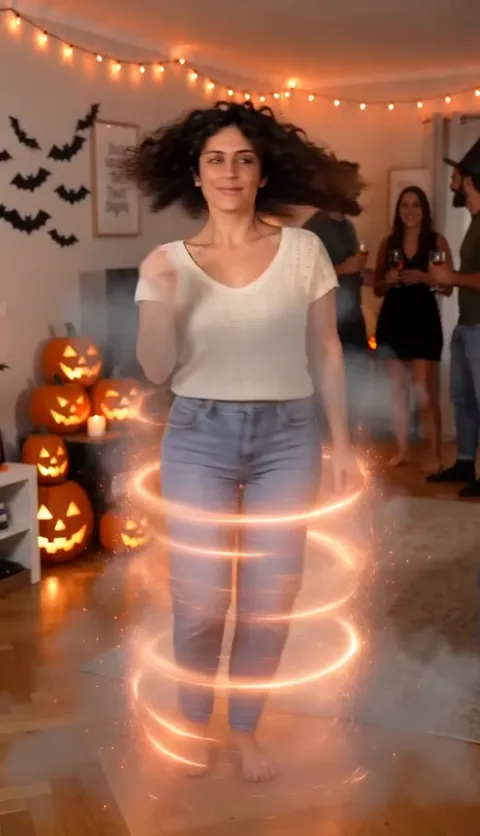
- The spin: two fast turns. This is where the change happens.
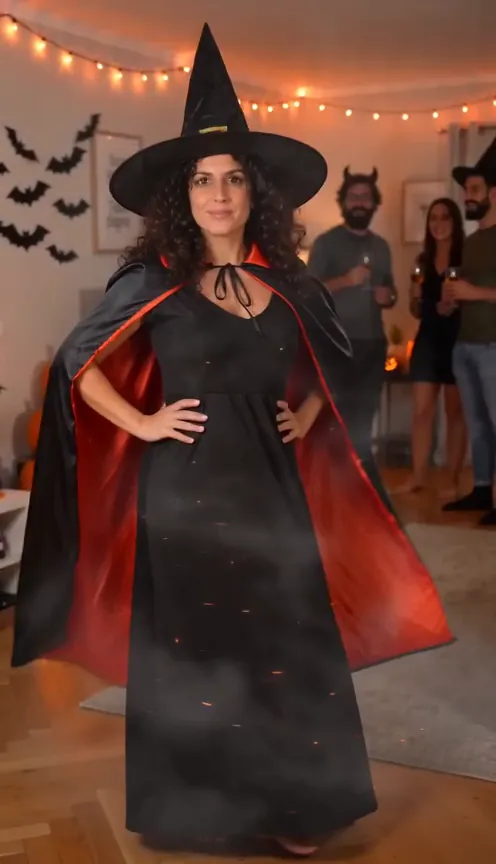
- Costume on: you come out facing the camera, hands on your hips.
- The reveal: a twirl of the cape while your friends cheer, then hold the pose.
The before and after is the whole joke, so make the before look properly everyday and the after look as proud as you can.
Free route 1: film it yourself
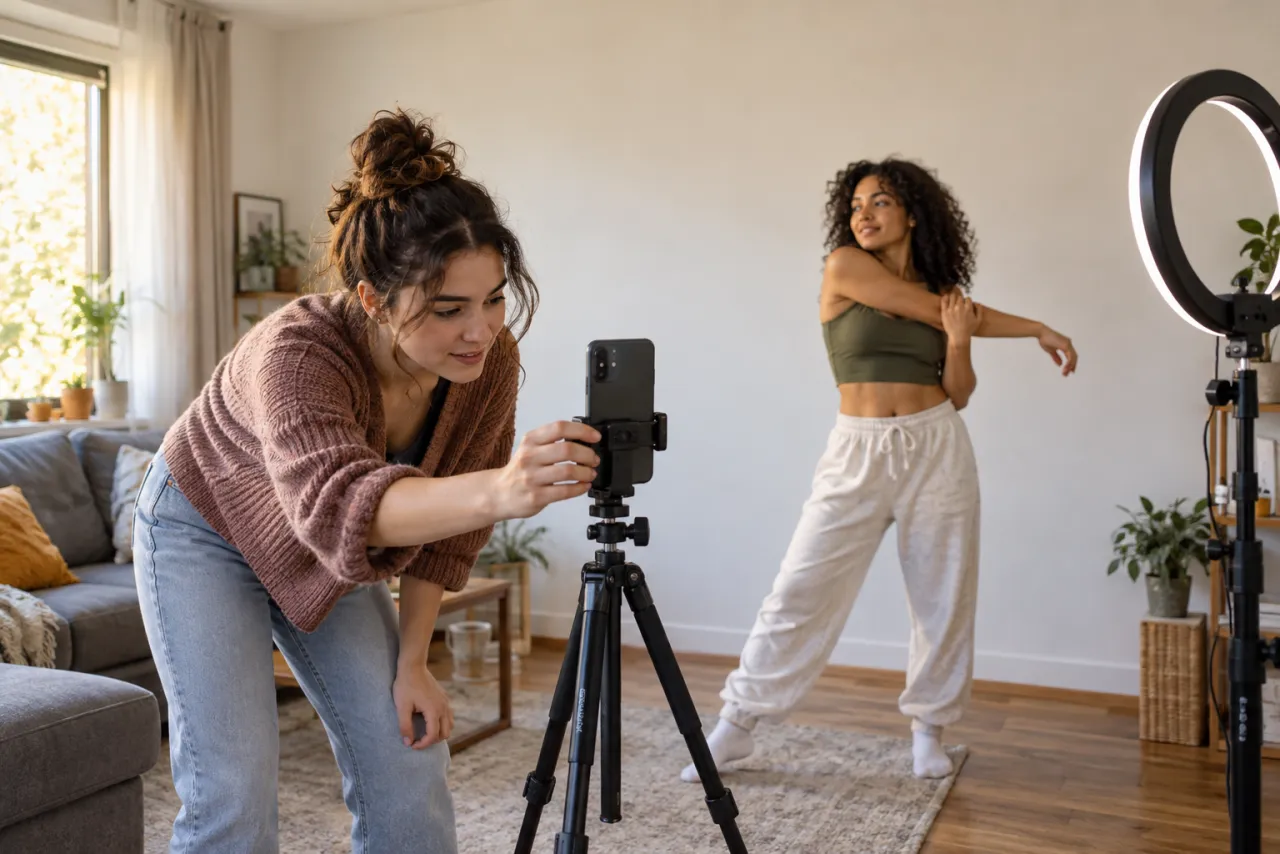
- Ask a friend to film from chest height, a few steps back, so you’re in view from head to toe. On your own, prop the phone at the same height.
- Clip one: in your everyday clothes, wave, snap your fingers and start to spin. Stop recording mid-turn.
- Change into your costume. Don’t move the phone.
- Clip two: stand on the same spot, start mid-turn, finish the spin and land facing the camera with your hands on your hips. Hold the pose.
- In CapCut, put the clips back to back and cut them together right in the middle of the spin.
- Want sparks or smoke over the cut? Add an effect in the editor. The steps are in the CapCut guide.
Give yourself room to spin, and watch the hem of a long dress or cape near candles and jack-o’-lanterns.
Free route 2: our prompt in an AI tool’s free tier
- Open an AI video tool’s image-to-video or reference-image mode, such as Kling, Higgsfield, Runway, Veo or CapCut’s AI video tools. Free tiers change, so check what’s on offer.
- Attach one clear photo of you, facing the camera, in your everyday clothes, head to toe if you have one.
- Copy the prompt from the Halloween costume AI prompt guide and paste it in.
- Set vertical 9:16 and 10 seconds, or the longest the free tier allows.
- Generate, then add any sound you like when you post.
Expect a retry or two: a different face after the spin and a costume that shows up before the spin are the usual problems. The fix-it table in the prompt guide covers them.
Selling the reveal
Whichever route you take, the second half is what people rewatch. The landing pose and the cheer behind you are what make the costume feel like a big moment.
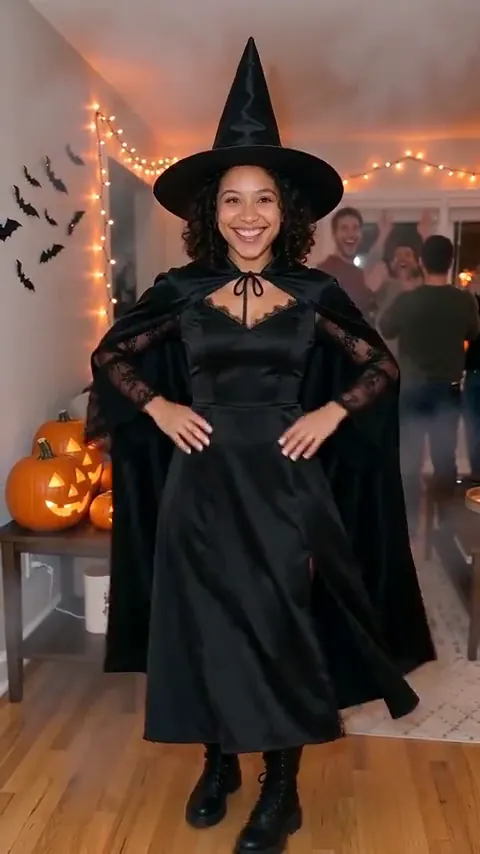
- Land facing the camera with your hands on your hips, chin up.
- Show the costume off once: a cape twirl, a hat tip or a turn of the skirt.
- Get the friends behind you to cheer on the reveal, not before it.
The paid route: one photo, no costume to buy
On the Halloween Costume page you add one photo of you and get the whole clip: you at a Halloween house party in your everyday clothes, a small wave, a snap, two fast spins in a ribbon of orange sparks and smoke, then you in a full witch costume, hands on hips, twirling the cape while your friends cheer. Only the clothes change; your face, hair and build stay yours.
One Standard video uses 45 credits. The smallest pack that makes one is $6.90 for 45 credits (1 video), a one-time buy whose credits never expire, and plans start at $19.90 a month for 270 credits. If a video fails, its credits come back.
It’s vertical, with the party’s sound and no watermark. We email you when it’s ready and it waits in My videos. Your photo is deleted automatically 7 days after upload. Full prices are on Pricing.
Which one should you pick?
- Film it yourself if you already have a costume and a friend to film. It’s free and it’s really you.
- Use the free prompt if you like tinkering and don’t mind a watermark or a few tries.
- Use one photo if you want it done once, without a costume, a party or an edit.
New to the trend? Read what the Halloween costume transition is, look through the transition ideas, and check the photo guide before you upload.
NowStarring is an independent fan tool, not linked to any costume brand or to anyone who made the costume transition trend. The costume in our videos is a generic witch, not a character.
Perguntas
Is the Halloween costume transition free?
It can be. Film it yourself with a costume you already have, or paste a written prompt into an AI video tool’s free tier with your photo. NowStarring has no free videos; it’s the paid one-photo route.
Do I need a costume?
To film it yourself, yes, plus your everyday clothes for the before part. The AI routes put the costume on you, so you don’t need one.
How do you hide the costume change?
With the spin. Film yourself turning in your everyday clothes, stop, change, then film the rest of the turn in the costume from the same spot. Cut the two clips together mid-spin and the turn hides the change.
Do I need someone to film me?
It helps, because the trend is filmed by a friend at chest height. If you’re on your own, prop the phone at chest height on a shelf or a stack of books and keep the same spot for both clips.
Does a free AI video come with sound?
Often not. Ours comes with the party’s sound: the snap, the whoosh of the spin and the cheer. There’s no single trend song, so you can add any sound you like when you post.
Can I pick a different costume?
On NowStarring the costume is a classic witch. With the free prompt you can change the costume line to another generic costume, such as a vampire or a black cat.