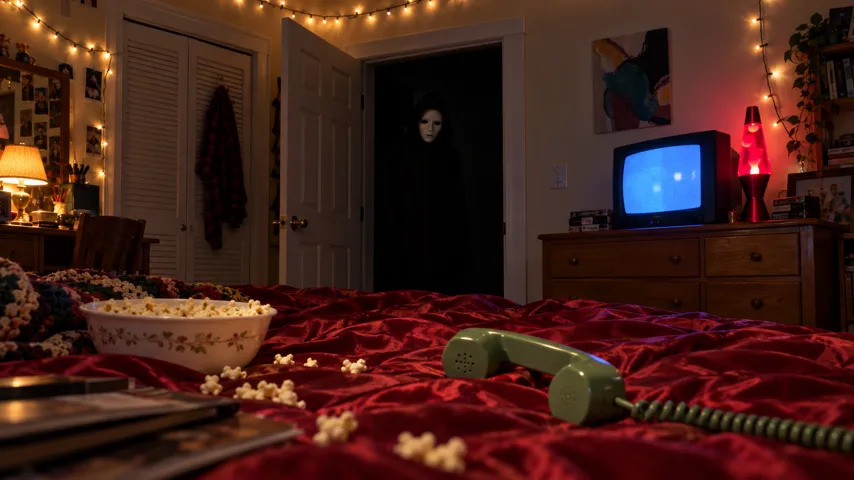
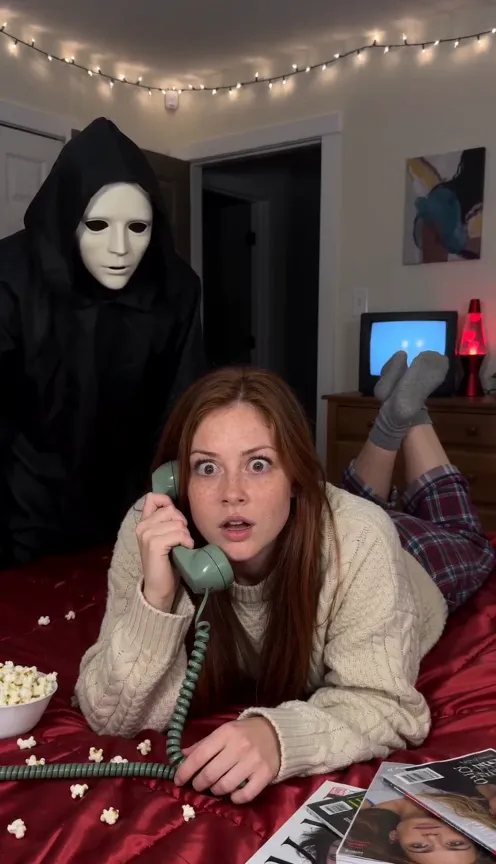
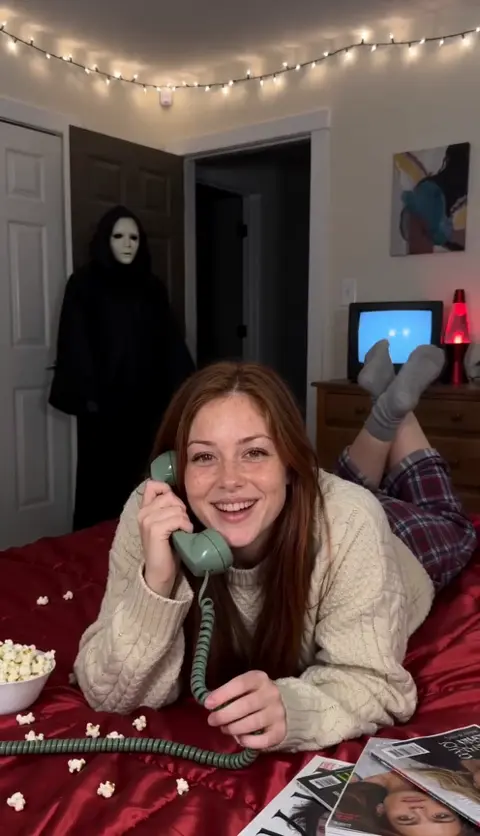
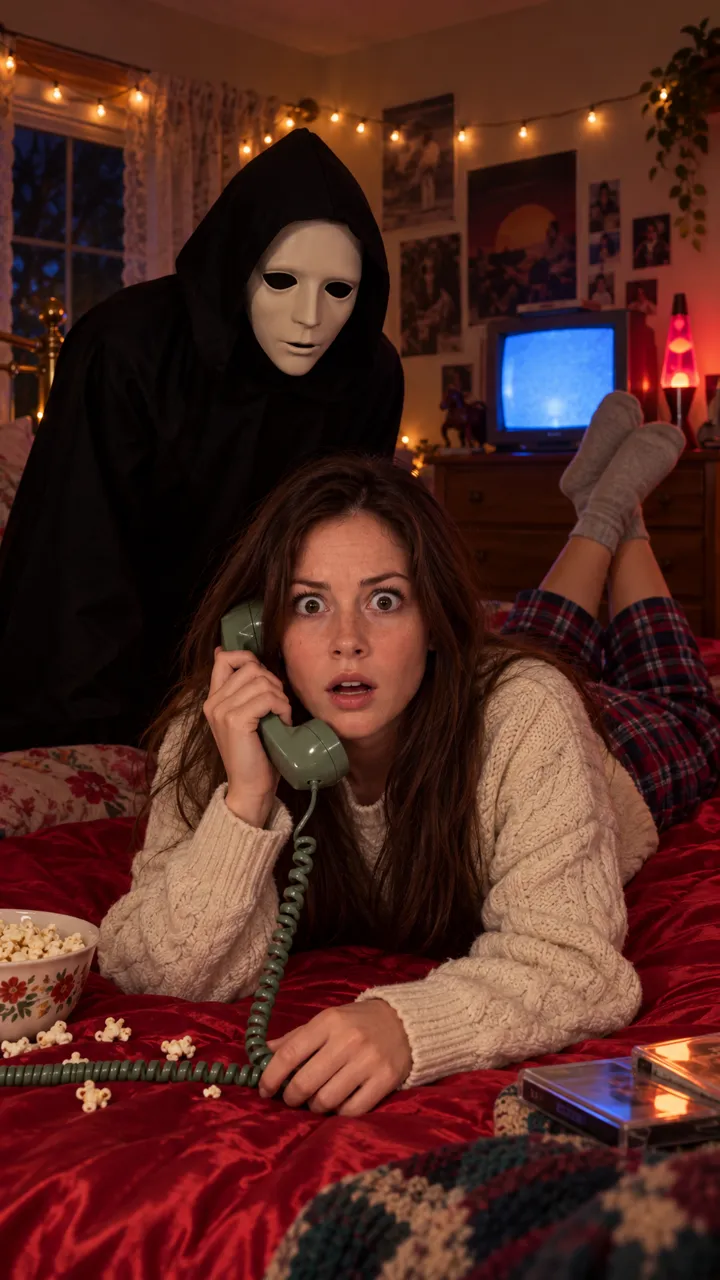
How to add the Ghostface sound on TikTok, Reels and Shorts
The Ghostface trend sound is Le Tigre’s Deceptacon, usually a remix. How to add it on TikTok, Reels and Shorts and mix it with your video’s scene sound.
6 min de leitura · Atualizado em
The sound, in one line
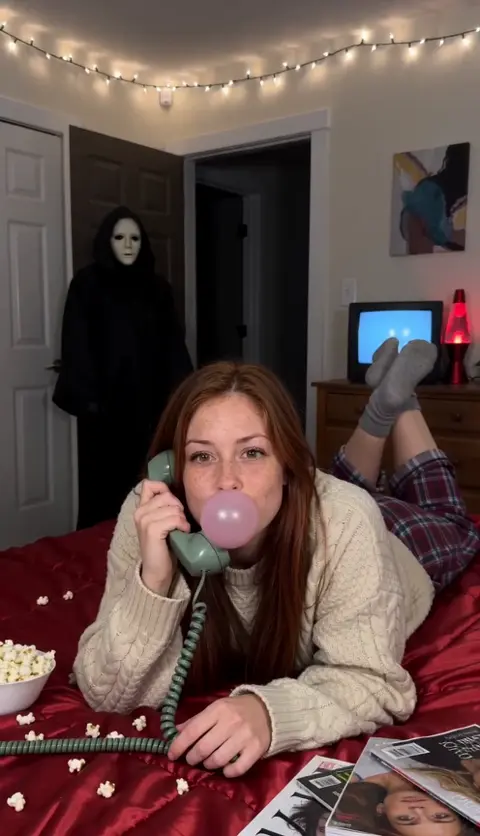
The Ghostface trend is posted with Deceptacon by Le Tigre, usually a remix of it. Your NowStarring video doesn’t include that song: it comes with scene sound, the hiss of the phone line, a low hum that builds and a loud hit on the scare. You add Deceptacon in the app when you post.
Several remixes float around, so the easiest way to get the version everyone uses is to start from a Ghostface video you like and take its sound.
Why pick the sound in the app
- Your post lands on the sound’s page, next to every other Ghostface video. That page is where a lot of trend views come from.
- The platform licenses the music it offers. A song you bake into the file yourself is more likely to be muted.
- You can slide the song so its biggest hit lands on the scare at about seven seconds.
- Posting to more than one app? Add the sound separately in each one. A video exported from one app with its music baked in won’t link to the sound page on another.
Line the song up with the scare
The trend works when the music hits as the figure appears behind you. In our video that’s at about seven seconds, right on the light flicker. Here’s how to land it:
- Play the song on its own once and note where its biggest hit or drop comes.
- In the app’s music trimmer, drag the song so that hit sits about seven seconds after the start of your clip.
- Play it back with your video. If the hit lands early, drag the song later; if it’s late, drag it earlier.
- If the version you picked has no strong hit in the right place, keep your scene sound up so the scare still has a punch.
Made your clip somewhere else and the scare isn’t at seven seconds? Line the song up to wherever your scare actually is, not to the clock.
On TikTok
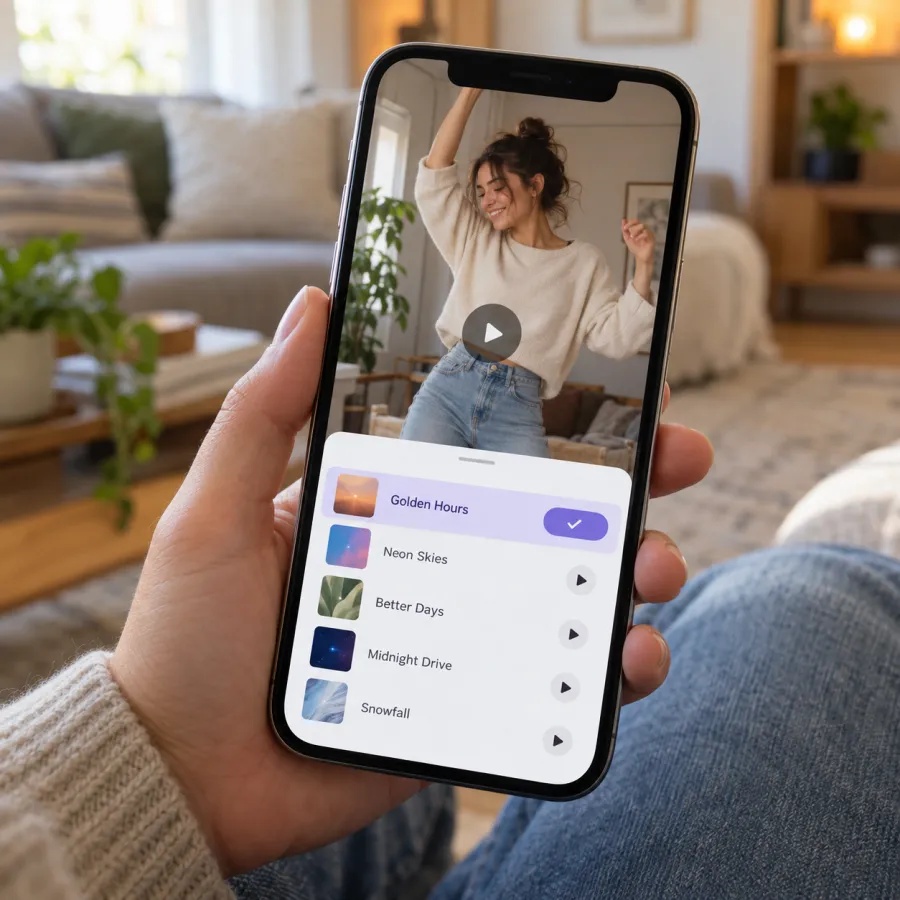
From a trend video (best)
- Find a Ghostface video that uses the sound you want.
- Tap the sound name at the bottom of the video, then Use this sound.
- Tap upload and pick your Ghostface video from your gallery.
- Adjust where the song starts so its hit lines up with the flicker, then post.
From your own video
- Tap + and pick your video.
- Tap Add sound and search Deceptacon.
- Pick the version you’ve heard on the trend and trim it.
- Tap Volume to balance it with the original sound, then post.
On Instagram Reels
- On a Reel that uses the sound, tap the audio name, then Use audio, and add your video.
- Or tap + and choose Reel, pick your video, tap the music button and search Deceptacon.
- Choose the part of the song that plays so the hit lands on the scare.
- Use the volume controls to set your original sound and the music, then share.
On YouTube Shorts
- On a Short that uses the song, tap the sound name, then Use this sound, and pick your video.
- Or upload your video as a Short and tap Sound to search the library.
- Set the volume of your original sound and the added song, then upload.
Not every remix is in every library. If you can’t find it on Shorts, use the closest version of Deceptacon you can, or post with the scene sound alone.
Mixing it with the scene sound
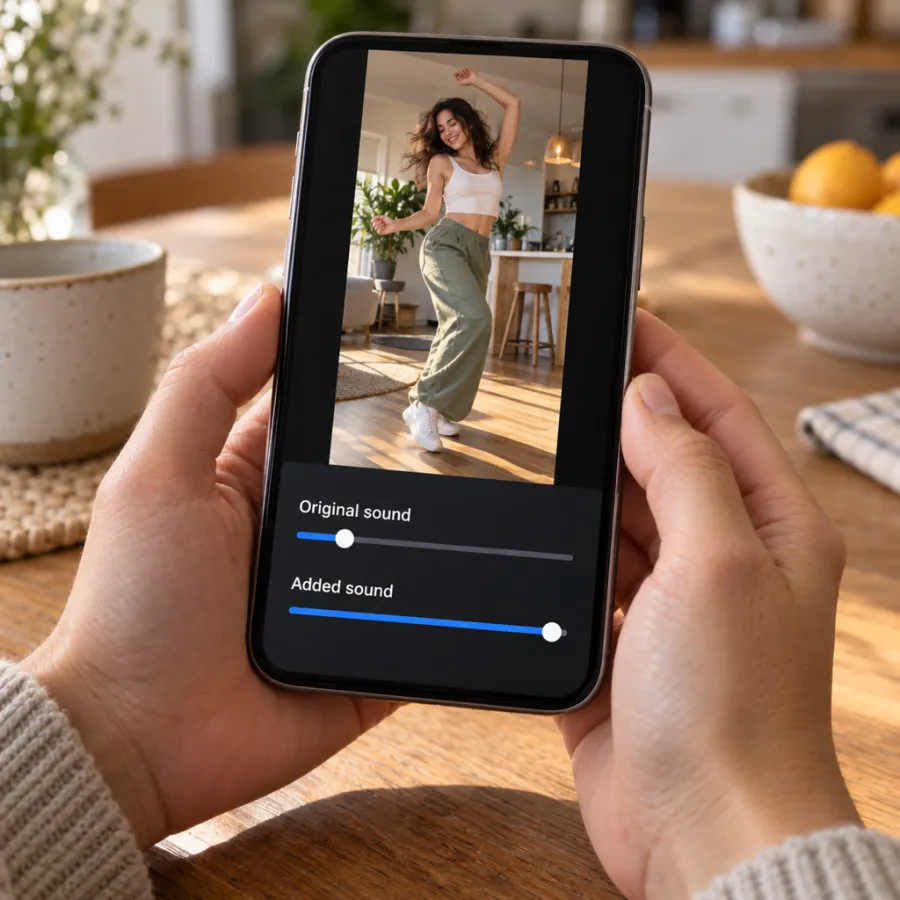
Because our file has no song in it, there’s no double track to worry about. The choice is about mood:
| You want | Original sound | Added sound |
|---|---|---|
| The song, with a punch on the scare | Low, about a third | Full |
| Only the song | Off | Full |
| A quiet, tense version | Full | Off or very low |
What’s in our file, from start to end: the hiss of the phone line, a low hum that builds under it, and a loud hit on the scare. At about a third of the volume, that hit still cuts through the song, which is why we suggest keeping it low rather than off.
Made your clip elsewhere? AI tools often add their own music or noise. Turn that original sound right down so it doesn’t fight the song.
If the sound is muted or missing
- Switch from a business account to a personal or creator account; business accounts often get a smaller music library.
- Update the app; newer sounds may not show in old versions.
- Start from a trend video’s sound instead of searching by name.
- If a platform mutes your post, re-upload and pick the Deceptacon sound from its library instead of a song baked into the file.
One more thing: if your video is AI-made, label it. On TikTok, turn on the AI-generated content setting before you post.
In the caption, name the trend in plain words, for example “ghostface trend” and “halloween”, so people searching for it can find you, and keep your own line short: the video does the talking.
No video yet? Make yours from one photo, or try the free routes. The Ghostface page has examples with the sound on. Prices are on Pricing, and if you’d rather make the clip yourself, start with the Ghostface AI prompt.
NowStarring is an independent fan tool, not linked to the Scream films, their makers or the owners of the Ghost Face mask. The masked figure in our videos is a generic one.
Perguntas
What song is the Ghostface trend?
Most Ghostface trend videos use Deceptacon by Le Tigre, usually a remix. Start from a trend video you like and tap its sound to get the same version.
Does the NowStarring Ghostface video have the song?
No. It comes with scene sound: phone-line hiss, a hum that builds and a loud hit on the scare. Add Deceptacon when you post on TikTok, Reels or Shorts.
Should I keep the original sound when I add Deceptacon?
Keep it low rather than off if you like the hit on the scare. Turn it off if you want only the song.
Why can’t I find Deceptacon on TikTok?
Business accounts often get a smaller music library, and availability varies by country. Try a personal or creator account, or start from a trend video’s sound page.
Which version of Deceptacon is the Ghostface trend?
Several remixes are used. The surest way to get the one you’ve heard is to open a trend video you like and tap its sound name.
Do I have to label the Ghostface video as AI?
Label it if it’s AI-made. On TikTok, turn on the AI-generated content setting under more options before you post.