How to make the I Love the Smiths video with your crush or partner
Filming the elevator scene yourselves in one fourteen-second take, or making it from two photos: who stands where, which photos work, what to caption it, and what the AI version changes.
5분 분량 · 업데이트
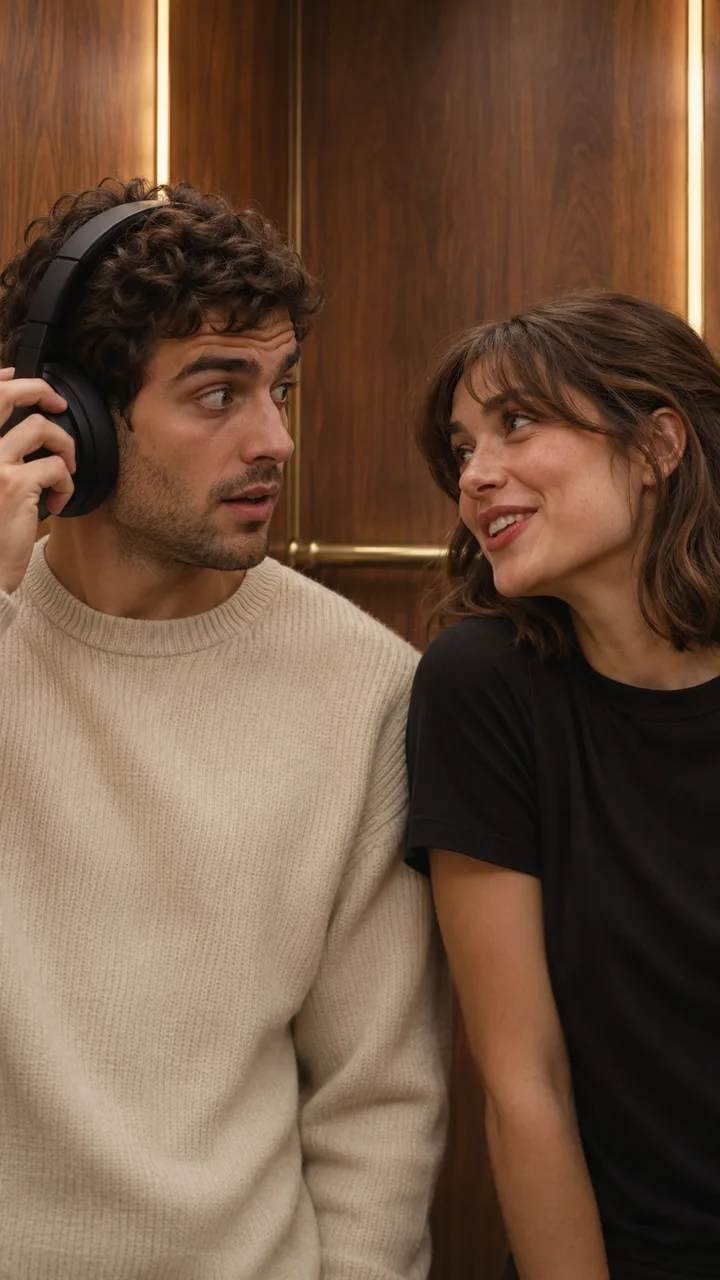
사진 두 장으로 I Love the Smiths의 주인공이 되어 보세요
만들어 보기Filming it yourselves
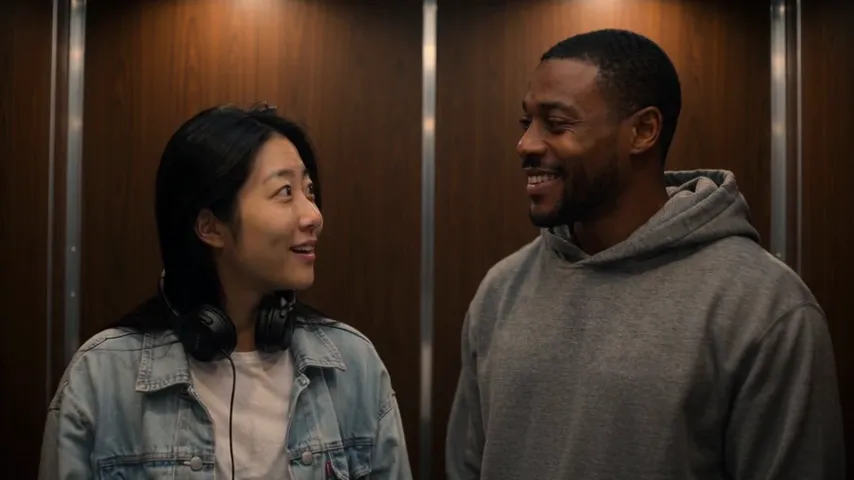
You need an empty elevator, a pair of over-ear headphones and a phone propped on the handrail or held by a third person facing you both. It’s one take, side by side, about fourteen seconds, with these beats:
- 0 to 2 seconds: the listener, on the left, is lost in the music. The one on the right turns and says “I love the Smiths.” Quietly, almost to themself.
- 2 to 3: the listener pulls the headphones down around the neck: “Sorry?”
- 3 to 5: louder, half laughing: “I said, I love the Smiths!”
- 5 to 9: the look. Hold it a beat longer than feels comfortable, and let the smile come slowly.
- 9 to 11: “You’ve got good taste in music.”
- 11 to 14: the listener manages a “Wow.” and the other one hums along, mouth closed.
Two things trip people up. A lift that moves will stop and open its doors mid-take, so hold the door-open button or film where nobody calls it. And the music in your headphones should be loud enough to leak but not loud enough to drown the line; if you post with the original film audio, expect it to be muted.
Making it from two photos
On the I Love the Smiths page you add one photo for each role. The first is the one in headphones, who stands on the left; the second says the line and stands on the right. Each keeps their face, hair and clothes from the photo, and only the listener gets headphones, so you don’t need a photo with them on.


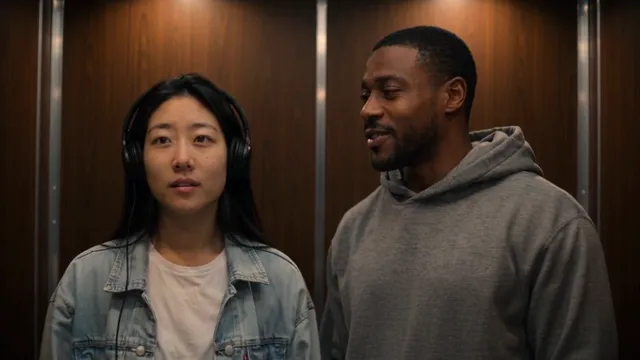

Swap the roles before you make it if you want to be the one who says it. Most people who send it to a crush put themselves on the right.
What you hear
The lines stay in English in every language, because the line is the meme. You get new voices that suit the two faces, a tinny instrumental leaking from the headphones and the elevator hum. There is no film audio and no Smiths recording, so the clip isn’t muted for copyright, and you can post it with its own sound.
One honest limit: the model times the lines itself, so one can land a second early or late. The order never changes: the line, “Sorry?”, the line again, “You’ve got good taste in music”, then “Wow.” at the end.
Posting it
- Tag the other person. That is the point of the trend, and it’s why the video exists.
- Keep the caption short. The line already says everything; “we met like this (we didn’t)” or just the date you met is enough.
- Use #ilovethesmiths and #500daysofsummer so it lands with the other versions.
- It comes in widescreen, so it works on TikTok and Reels as it is, and just as well on YouTube or sent in a chat.
One Standard video uses 65 credits. The smallest pack that makes one is $9.90 for 90 credits (1 video), a one-time buy whose credits never expire, and plans start at $19.90 a month for 270 credits. If a video fails, its credits come back.
NowStarring is an independent video tool, not linked to TikTok, the film (500) Days of Summer, its makers or the Smiths.
자주 묻는 질문
Can I make the I Love the Smiths video with only one photo?
Ours needs two, one per person, because the joke is two people. If the other person doesn’t want to be in it, use a friend as the stand-in and play the one who says the line yourself.
Can I change the line to another band?
Not in our maker yet: the line is what makes it the I Love the Smiths trend. If you film it yourselves, saying your own band works, and plenty of people do it with the song you two share.
Why is it widescreen and not vertical?
The scene is two people side by side, and a vertical crop cuts one of you out. Widescreen is how the film shoots it and what most template sites make; TikTok, Reels and Shorts play it as it is. If you film it yourselves, turn the phone sideways for the same reason.