Money Flex AI: CapCut vs AI video tools vs one photo
CapCut template, an AI video tool with a prompt, or one photo: which makes the best Money Flex video? An honest comparison, with steps for each route.
6 最小読み取り · 更新済み

The verdict
A CapCut template is the right pick only if you already filmed your own flex: it re-cuts your footage, it doesn’t invent the cash or the shot. An AI video tool with our prompt can make the flex from a photo, free to start, but you’ll retry and add the sound yourself. A one-photo trend site like the Money Flex page gives you the whole 15-second take with the sound in one go, and it’s paid.

Side by side
| CapCut template | AI tool + prompt | One photo here | |
|---|---|---|---|
| Starts from | Your own clips | Your photo + a prompt | Your photo |
| Your face | Real, it’s your footage | Close, can drift | Kept from the photo |
| The flex shots | Only if you filmed them | Often, after retries | All five beats |
| Props | Your own play money | Made for you | Made for you |
| Sound | Added in the app | Add it yourself | Already in the file |
| Effort | Film, then edit | Prompt, retry, edit | Upload, wait |
| Cost | Free to start | Free tier, then paid | 90 credits |
When a CapCut template wins
CapCut is free to start and an excellent editor. A template copies someone else’s cuts, text and timing and drops your clips into them. Money Flex is one continuous low shot, so a template mostly helps you line your clip up with the sound and add a caption.
- Film your flex: phone flat on a table looking up, play money, straight face. The free guide has a shot plan.
- On a Money Flex post that links a CapCut template, tap the template link, or search CapCut’s templates for the trend.
- Tap the option to use the template and pick your clip.
- Check the beat drops as you push the cash at the lens, then export and post.
Wins when: you already own a pile of play money, you want the real you on camera, and you’d rather film than prompt.
When an AI video tool with a prompt wins
Kling, Higgsfield, Runway, Veo and CapCut’s own AI video can make a flex from a photo and a prompt. You control every line, you can move it to your office or your car, and free tiers let you start without paying.
- Open the tool’s image-to-video or reference-image mode and attach a clear face-and-shoulders photo.
- Paste the Money Flex AI prompt and set vertical 9:16, as long as the tool allows.
- Generate, check the low camera, the straight face and the hands, and retry with the fix-it table if needed.
- Bring the clip into CapCut or the TikTok editor and add the Money Flex sound.
Wins when: you like tinkering, want a version nobody else has, and don’t mind a few tries.
When one photo wins
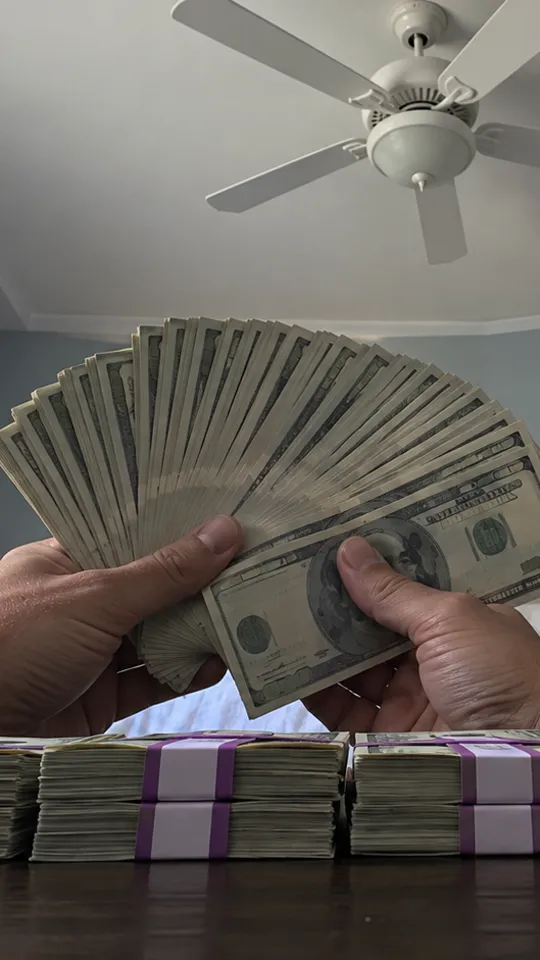
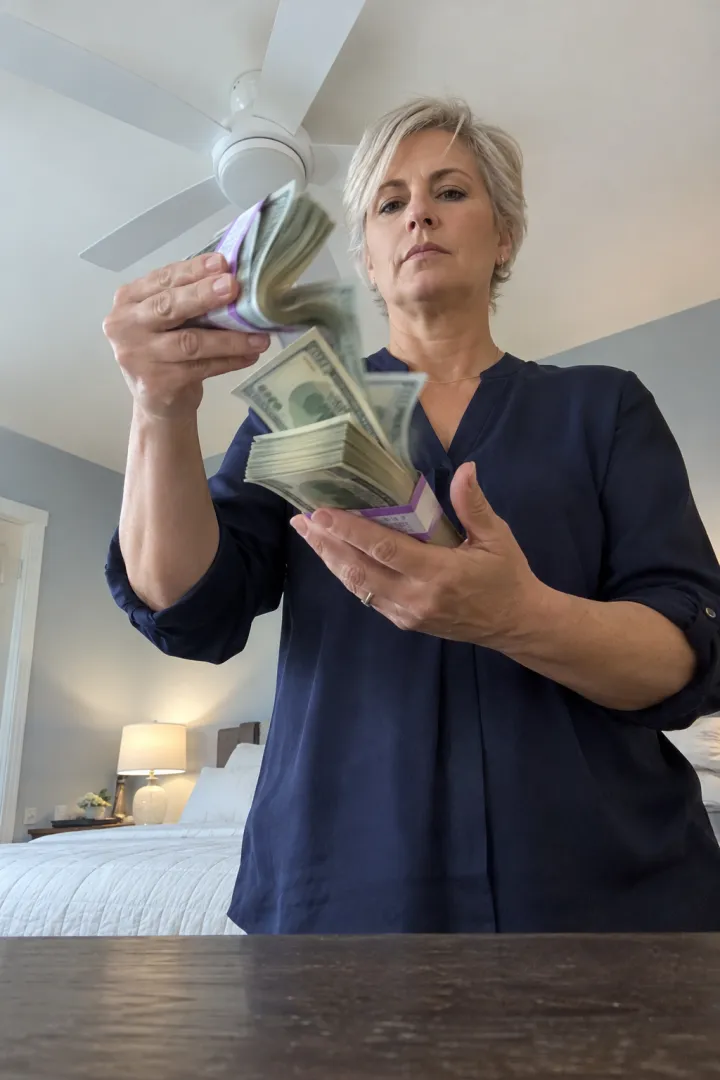
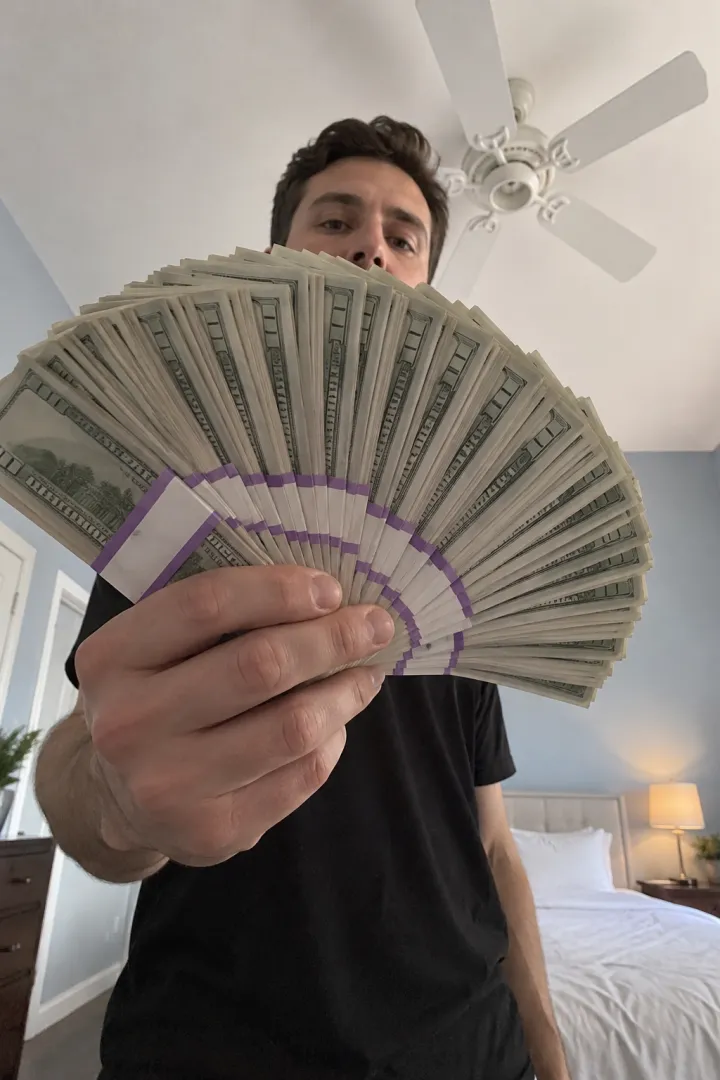
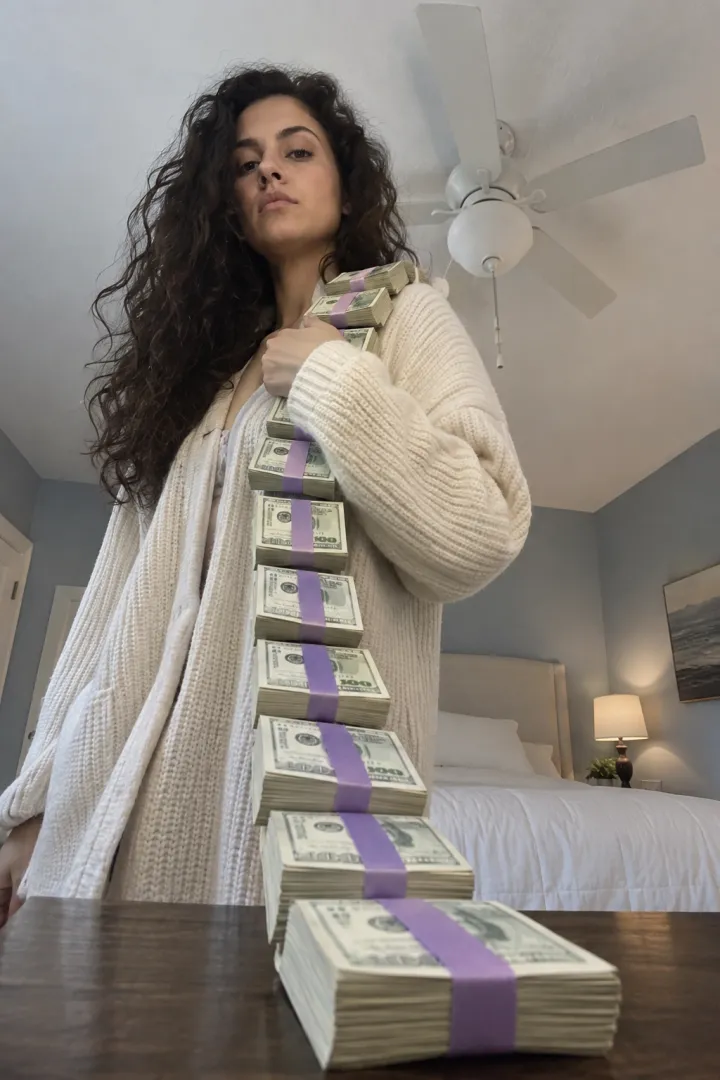
On the Money Flex page you upload one face-and-shoulders photo and get the flex made for this trend: the armful, the scarf of stacks, the throw, the flip and the fan with only your eyes showing, in the same bedroom and the same low shot, with the sound already in the file. It’s 15 seconds, vertical, no watermark, Standard 480p or HD 720p, in about 5 minutes.
One Standard video uses 90 credits. The smallest pack that makes one is $12.90 for 90 credits (1 video), a one-time buy whose credits never expire, and plans start at $19.90 a month for 270 credits. If a video fails, its credits come back.
Wins when: you want it today, you don’t own a pile of props, and you don’t want to write or fix a prompt. It’s people only: pets end up growing fingers.
Finishing touches in CapCut, whichever route
CapCut is worth opening even if your clip came from an AI tool or from us. A few quick edits make any version land harder:
- Trim the start so the armful of cash is already coming at the lens in the first second.
- Hold the ending. The fan of bills with only your eyes showing is the punchline, so don’t cut it short.
- Add one short caption that sets up the joke: “Payday hit different”, “When the refund finally lands”.
- Leave the colors alone. Soft daylight and pale walls are the look; heavy filters make the props look cheap in the wrong way.
- Export vertical 9:16 at the resolution you made it in. Upscaling a 480p clip doesn’t add detail.
- Post from the app with the trend’s sound, then turn your original sound down. The sound guide has the taps.
Honest trade-offs
- Nothing beats real footage for looking exactly like you. If you can film it, it’s the most “you” version.
- AI tools are flexible but general: they don’t know this trend, so the prompt has to spell out every beat, and they like to add a smile.
- A one-photo site does one thing. You get this exact flex, not a remix of it.
- Whichever you pick, the money is a joke. Never post it as proof of income or an offer.
More: how to do the trend, the best photo and adding the sound. NowStarring is an independent fan tool, not linked to the creators of the original Money Flex videos. The money in every video is fake, for fun only, and never proof of income. The sound belongs to its rights holders.
よくある質問
Is there a CapCut template for the Money Flex trend?
Creators share CapCut templates for popular sounds, and you can use one from a post that links it. A template only re-cuts your own footage, so you still need to film your flex.
Can CapCut make a Money Flex AI video from a photo?
A template can’t. CapCut’s AI video feature can try, with a reference photo and a timed prompt like ours, then you add the sound in the editor.
Which is cheapest?
Filming it yourself and editing in CapCut costs nothing beyond play money. AI tools have free tiers with limits. NowStarring is paid per video with credits.
Which looks most like me?
Real footage of you. Among the AI routes, a clear face-and-shoulders photo used as the reference keeps your face closest.
Can I make a Money Flex video with my dog or cat?
Not on NowStarring. The flex is all hands, and pets end up growing fingers, so it’s made for people. Pet trends are on the trend library instead.
Does the one-photo version come with the sound?
Yes. The Money Flex sound is already in the NowStarring video. You can also add it from a Money Flex video when you post.
Can I edit the NowStarring video in CapCut?
Yes. It’s a plain MP4 with no watermark, so you can trim it, add a caption or put it in a template like any other clip.