How to do the Rumpelstiltskin AI trend: 3 ways that work
Make the Rumpelstiltskin AI video three ways: one photo here, a free prompt in an AI video tool, or film it yourself. Steps, timings and posting tips.
6 最小読み取り · 更新済み
The short answer
The quickest way to do the Rumpelstiltskin AI trend is to upload one clear photo of your face to a one-photo tool: you get the barn, the velvet tailcoat, the shush, the grin and the tiptoe dance with your face on the dancer, sound included. If you want it free, paste a shot-list prompt into an AI video tool with your photo attached, or film a homemade version with a friend.
Pick your route
| Route | You need | Time | Best for |
|---|---|---|---|
| One photo here | A selfie | About 5 minutes | Looking like the real scene |
| Prompt in an AI tool | Our prompt, your photo, an account | An hour or more with retries | Free tiers and tinkering |
| Film it yourself | A friend, a blazer, straw or blankets | An evening | A funny homemade parody |
Way 1: one photo, step by step
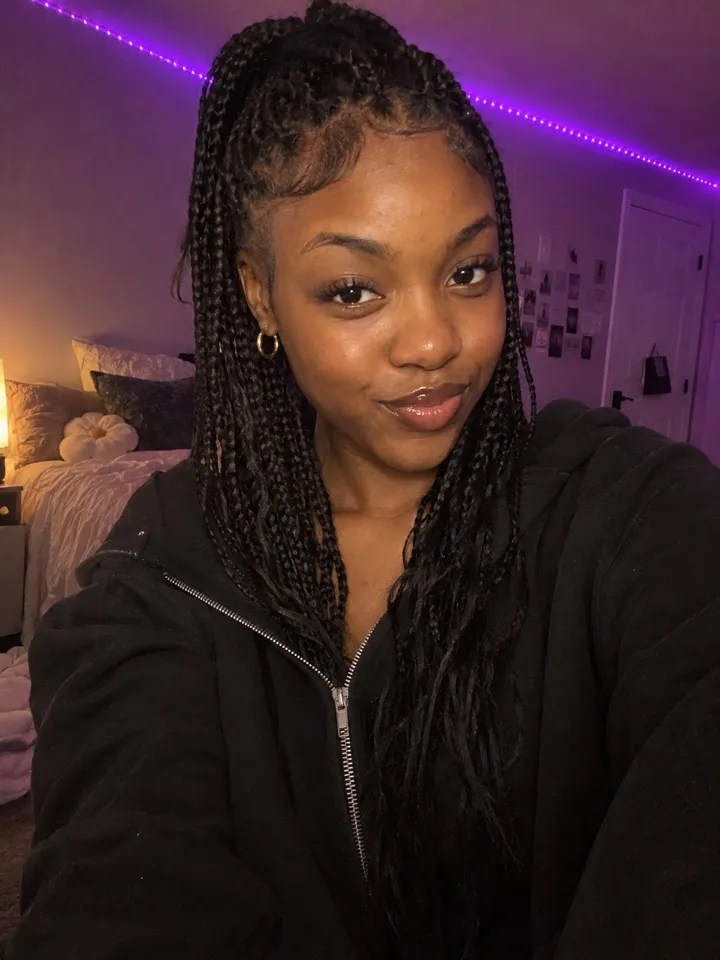
- Pick a photo. One face, looking at the camera, in good light, nothing covering it. A selfie is fine, and glasses or a beard come along. The photo guide shows what works.
- Open the Rumpelstiltskin page, add your photo and press Make my video. Choose Standard 480p, or HD 720p for a sharper picture.
- Wait about 5 minutes. You can close the tab: we email you when it’s ready, and it waits in My videos.
- Download the MP4. It has the trend’s sound and no watermark.
- Post it, and pick the Rumpelstiltskin sound in the app so your video joins the trend’s sound page. The sound guide shows how.
What the one-photo video looks like
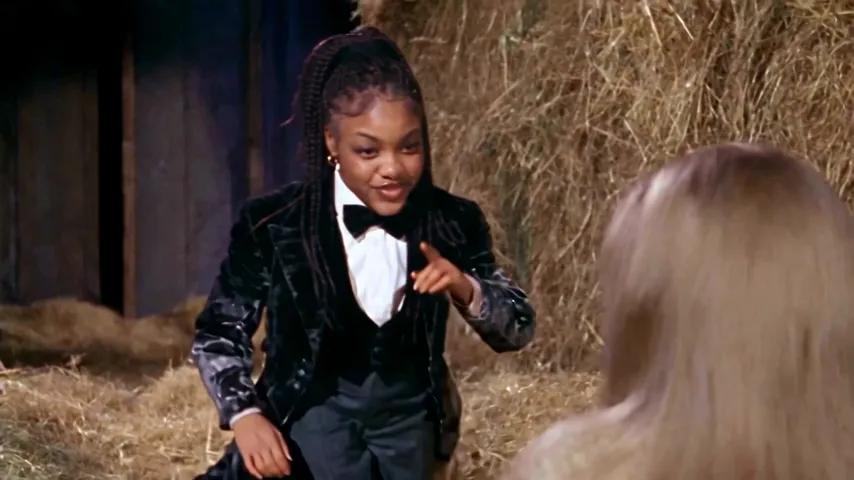
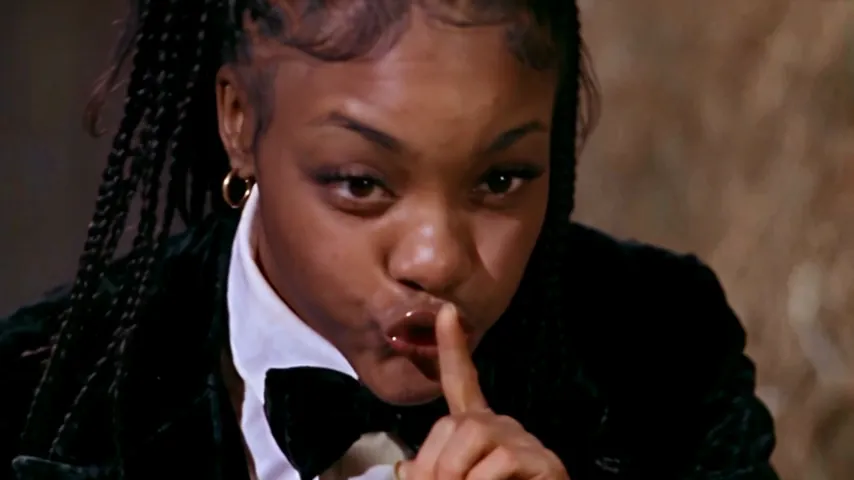
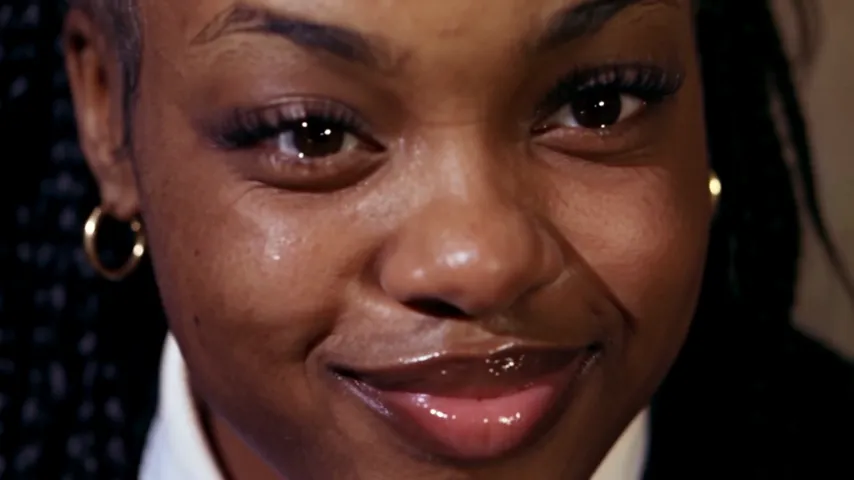
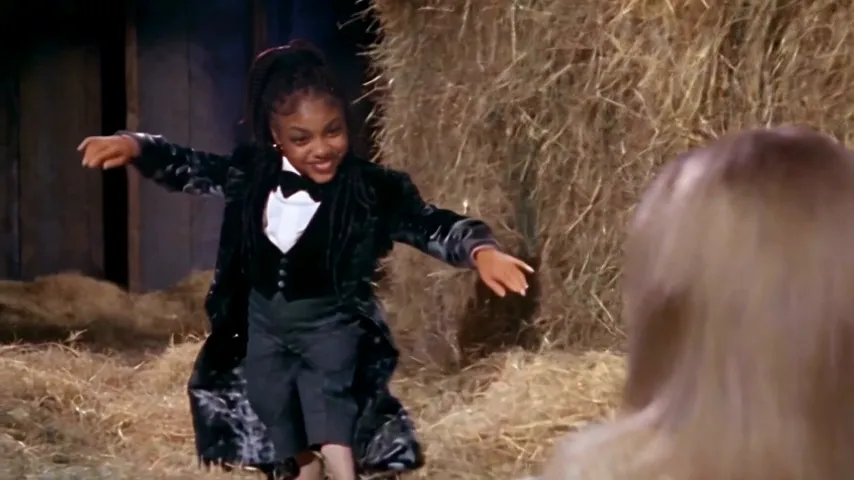
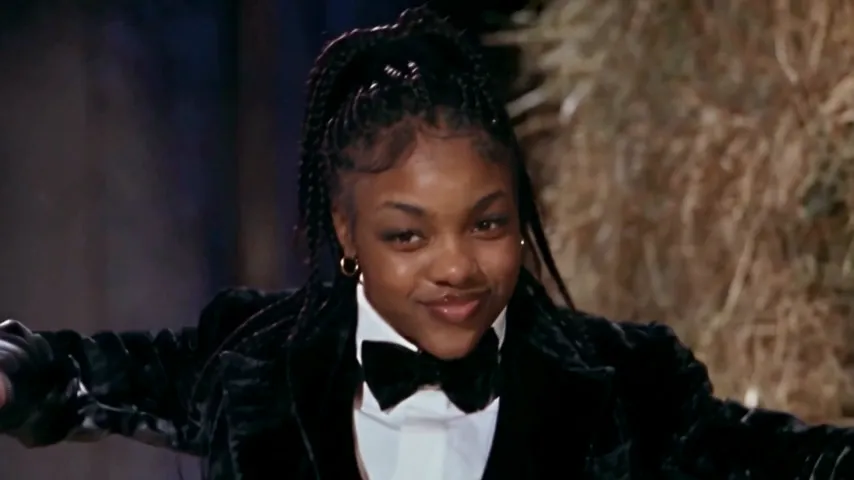
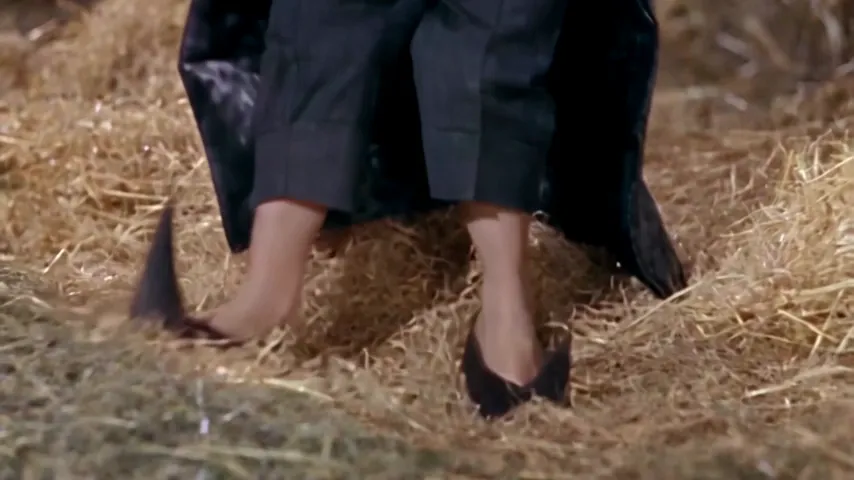
- 15 seconds, widescreen 16:9 like the original film. There’s no vertical version; it plays with bars above and below on TikTok and Reels, which is how the meme is usually posted.
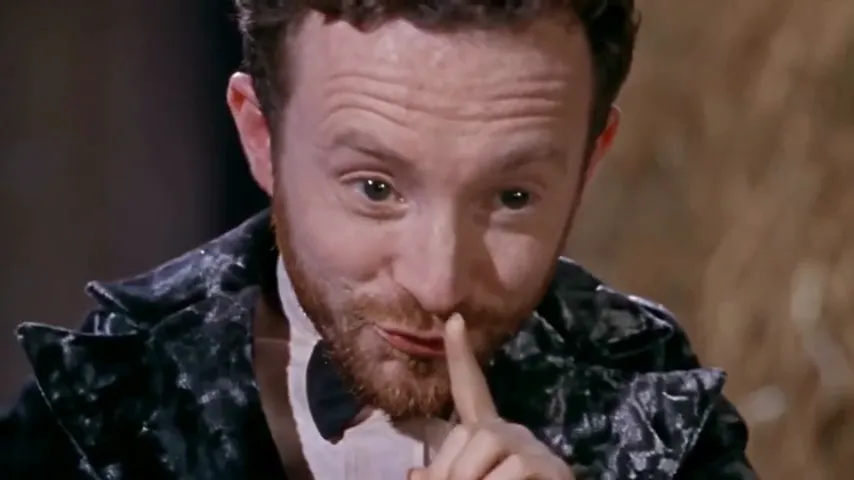
- Your face and hair on the dancer in every shot, including the shush and grin close-ups. Glasses, beards and braids come along.
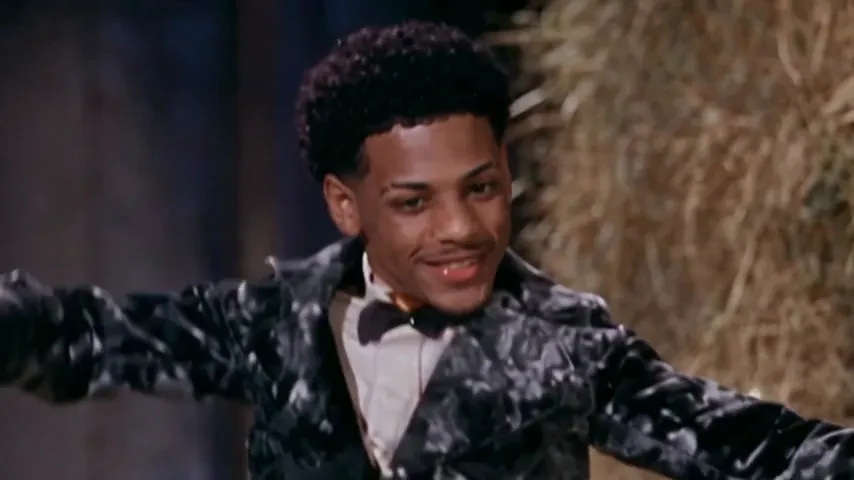
- The costume stays: velvet tailcoat, white shirt, bow tie and curled shoes, whatever you wear in your photo.
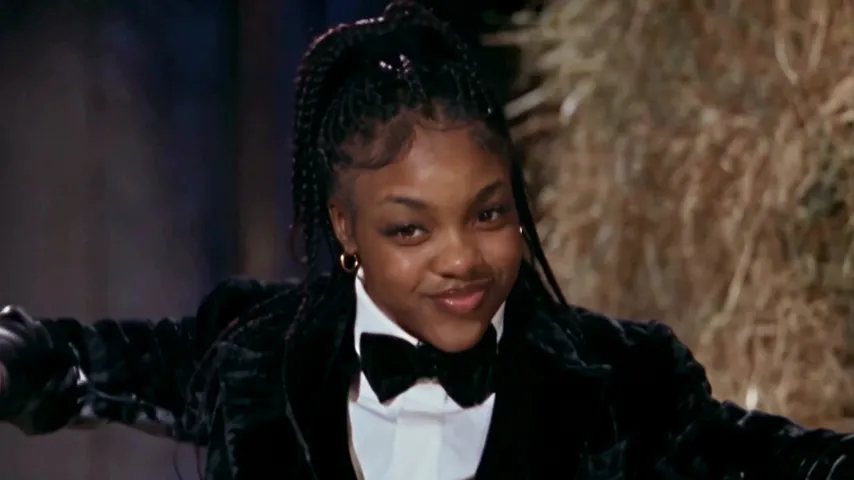
- The girl in the hay is a made-up face, and no frame of the original film is used.
- The trend’s sound is laid over the whole clip. MP4, no watermark.
- Your photo is used only for your video and deleted automatically 7 days after upload.
One Standard video uses 90 credits. The smallest pack that makes one is $12.90 for 90 credits (1 video), a one-time buy whose credits never expire, and plans start at $19.90 a month for 270 credits. If a video fails, its credits come back. See the packs and plans.
Way 2: a free prompt in an AI video tool
- Copy the prompt from the Rumpelstiltskin AI prompt guide.
- Open an AI video tool with an image-to-video or reference-image mode, such as Kling, Higgsfield, Runway, Veo or CapCut’s AI video.
- Attach your photo as the reference and paste the prompt. Set 16:9.
- Generate. If the tool makes short clips, make the creep-shush-grin part and the dance part separately and join them in an editor.
- Add the Rumpelstiltskin sound when you post, because the prompt can’t give you the song.
Expect a few tries. The close-ups are where faces drift, and the curled shoes are where feet melt. The prompt guide has a fix-it table for both.
Way 3: film it yourself
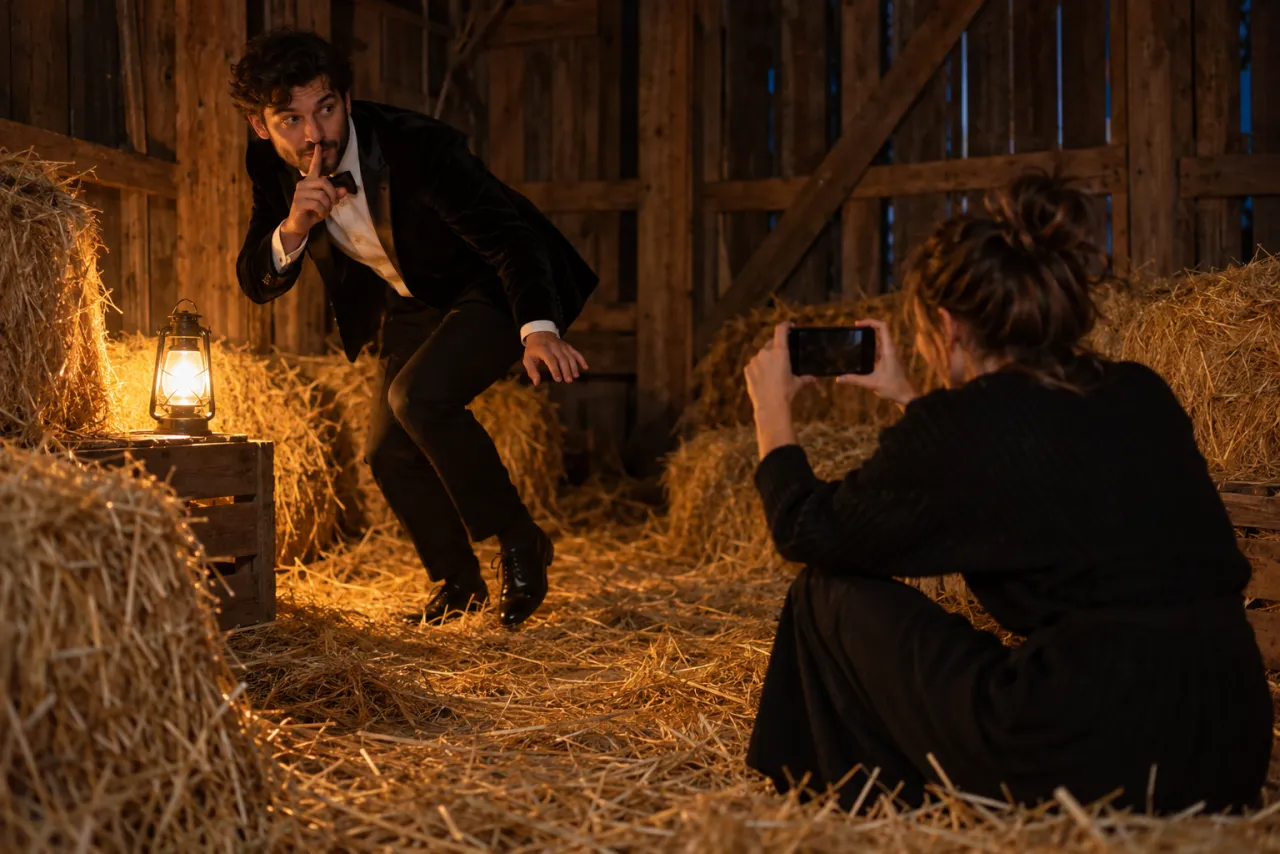
No AI at all: a dark room, a lamp, a velvet or black blazer, a bow tie and a friend with long hair sitting with their back to the camera. Hold the phone sideways, film each shot separately (creep, shush, grin, wide dance, sway, feet) and cut them together on the beat. The free guide has the full shot plan and a props list.
Posting it so it lands
- Use the trend’s sound from the app’s library, and turn our file’s own sound down so it doesn’t double up.
- Keep the caption short. The best ones set up the grin: “me when the group chat goes quiet”, “Shh. Then the grin.”
- Don’t trim the start. The creep and shush in the first two seconds are the hook.
- If you made it about a friend, tag them. It’s their face people will be screenshotting.
- TikTok asks you to label AI-made videos: turn on the AI-generated content setting before you post.
Common mistakes
- A photo with sunglasses. The shush and the grin are all eyes; without them the dancer won’t look like you.
- A group photo. Crop to one face first.
- A photo of someone who hasn’t agreed. Ask first, and never use a photo of a celebrity or anyone under 18.
- Expecting your outfit. The costume is the trend; your clothes don’t carry over.
Ready? Add your photo. Curious where the meme came from? Read what the Rumpelstiltskin AI trend is. NowStarring is an independent fan tool, not linked to the creators of the original film or to Riff Raff. The song belongs to its rights holders.
よくある質問
How do you do the Rumpelstiltskin AI trend?
Upload one clear photo of your face to a one-photo tool and download the finished clip, or paste a shot-list prompt into an AI video tool with your photo as the reference, then add the Rumpelstiltskin sound when you post.
Do I have to dance for the Rumpelstiltskin AI video?
No. The AI version is made from one still photo. The tiptoe, the shush, the grin and the dance all come from the scene.
Do I get the velvet costume?
Yes. Your face and hair go onto the dancer, and the tailcoat, bow tie and curled shoes stay as in the scene, whatever you wear in your photo.
Can I make the Rumpelstiltskin video vertical?
Not on NowStarring. It’s widescreen 16:9 only, like the film it comes from, and it plays that way on TikTok and Reels.
How long does the Rumpelstiltskin AI video take?
About 5 minutes. You can close the page; we email you when it’s ready and it waits in My videos.
Does the video come with the song?
Yes. The trend’s sound plays over the whole clip. When you post, pick the Rumpelstiltskin sound in the app too and turn the original sound down.