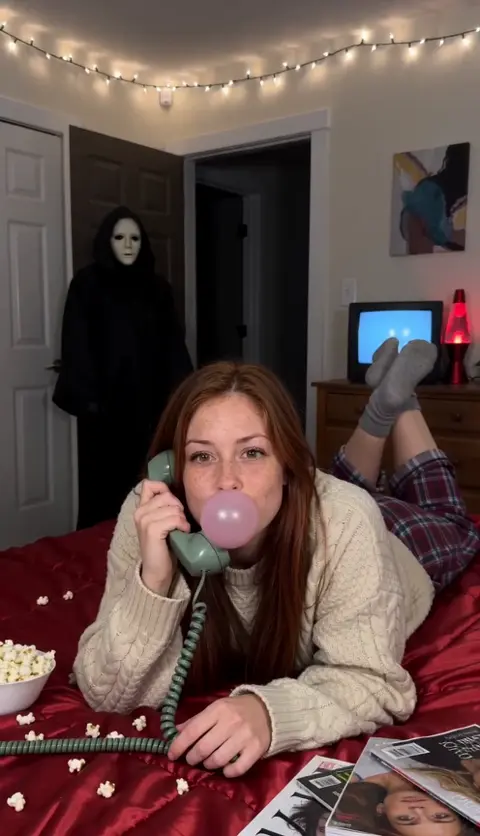
How to do the Ghostface AI trend for free
Yes, you can do the Ghostface AI trend free: film it with a friend in a mask, or paste our prompt into an AI tool’s free tier. What each route costs you.
6 最小読み取り · 更新済み
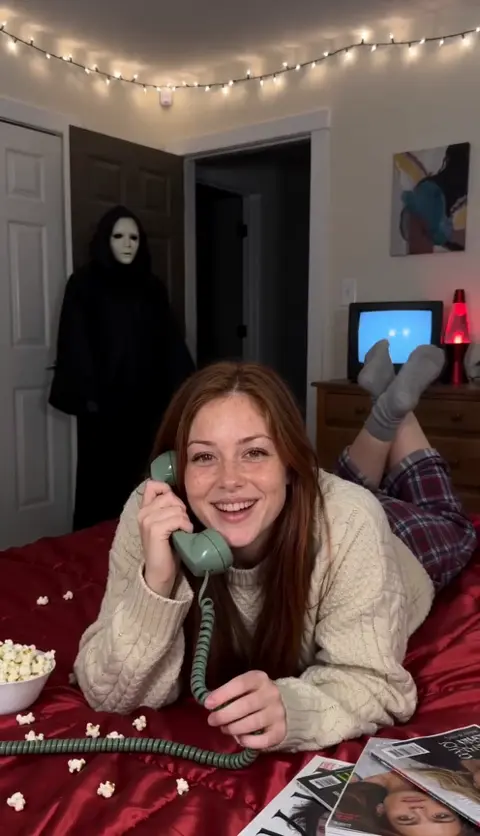
The short answer
Yes, there are two free ways to do the Ghostface AI trend. You can film the 90s phone-call scare yourself with a friend standing in the doorway in a plain mask, or paste a written prompt into the free tier of an AI video tool with your photo attached. Free costs you time, retries and, on most AI tools, a watermark and no song.
If you’d rather skip the setup, the paid route on the Ghostface page makes the whole 10-second video from one photo. Below are all three, so you can pick.
The free routes compared
| Route | What you need | What you get | The catch |
|---|---|---|---|
| Film it yourself | Phone, tripod, fairy lights, a friend, a black robe and a plain mask | Your real room and your real reaction, no watermark | A costume, a dark hallway and a few takes to land the flicker |
| Free prompt in an AI tool | One clear photo and an image-to-video tool with a free tier | An AI bedroom scene with you in it | Often a watermark, shorter clips, retries, no song |
| One photo on NowStarring (paid) | One clear photo | The finished 10-second vertical video with sound, no watermark | It costs credits; there’s no free video |
Whichever you pick, the song comes from the platform: pick Le Tigre’s Deceptacon when you post. The sound guide shows where to tap.
Free route 1: film it yourself
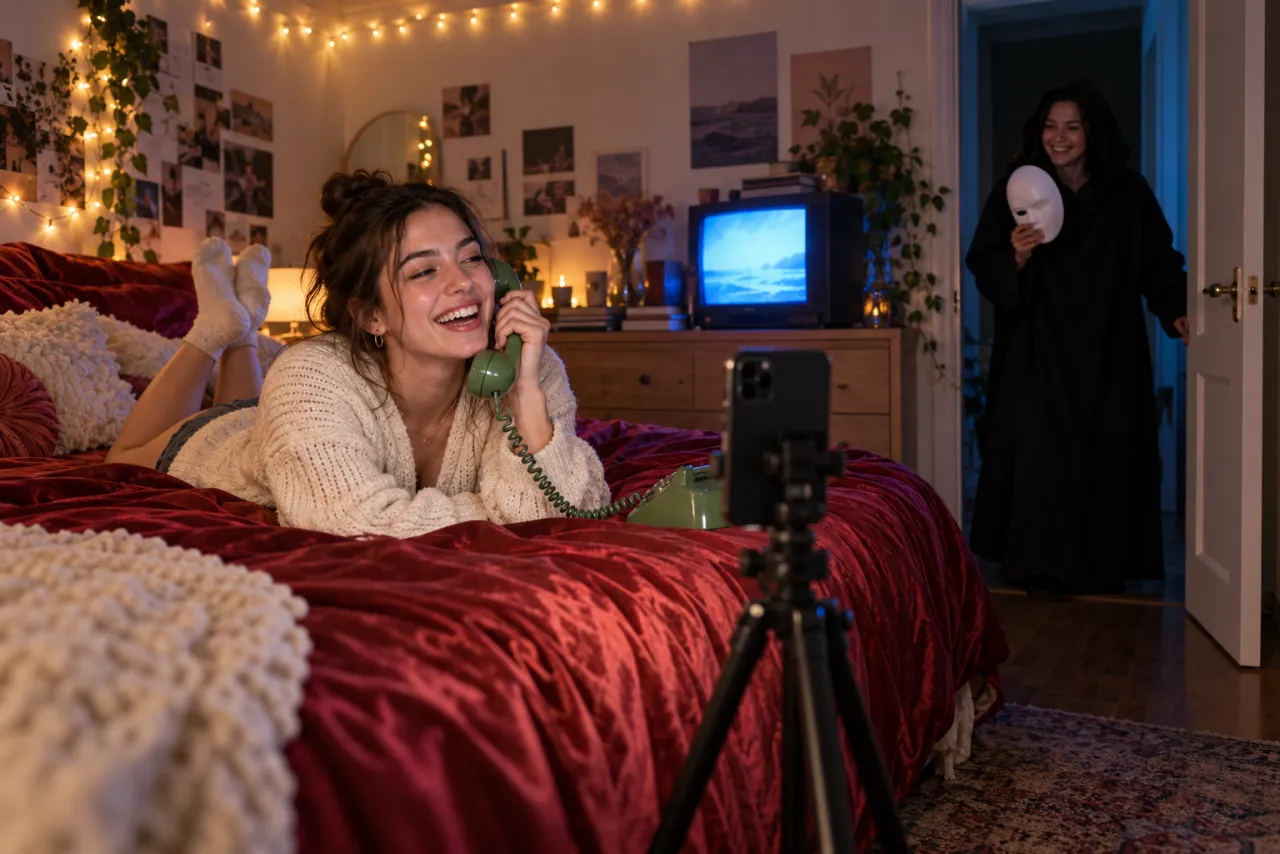
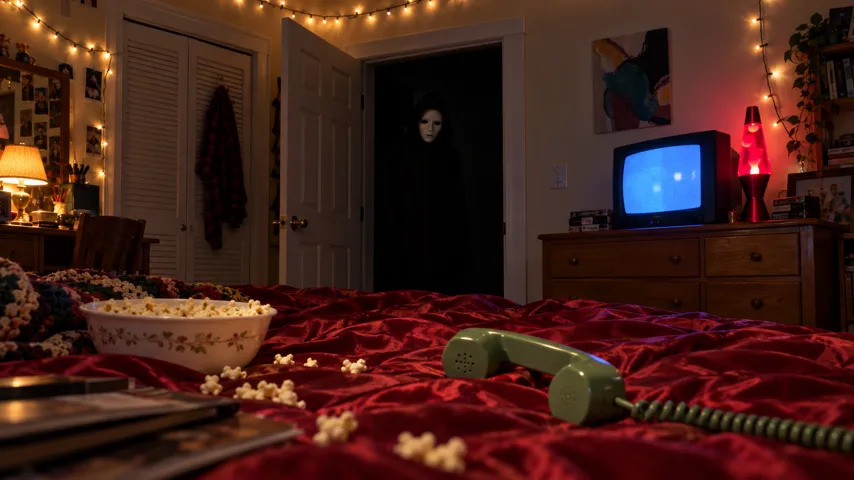
The trend is one fixed shot, so it’s easier to film than it looks. What sells it is timing: the figure appears while you’re still laughing, and the scare lands at about seven seconds.
- Set your phone on a tripod at the foot of the bed, vertical, with the open bedroom door in the back of the shot.
- Turn the hallway light off and the fairy lights on, so the doorway stays dark. A small lamp or a TV screen adds the blue glow.
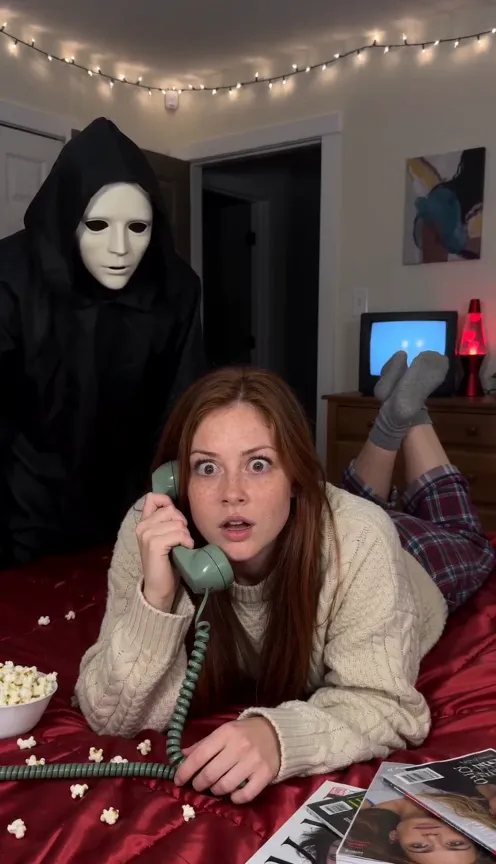
- Lie on your stomach across the bed, propped on your elbows, facing the camera, with a corded phone if you can find one (any phone held to your ear works).
- 0–3 s: laugh into the phone and twirl the cord. Your friend waits out of sight.
- 3 s: your friend steps into the doorway in a black robe and a plain white mask and stands completely still.
- 4–7 s: blow a bubble, let it pop, then let your smile fade and your eyes slide sideways.
- 7 s: someone flicks the light switch off and on while your friend moves to just behind your shoulder. Both of you stare into the lens until the end.
Keep the costume generic: a plain hooded robe and a blank or simple white mask. Skip knives and fake blood. They aren’t part of the trend, and platforms are more likely to limit a post with weapons in it.
Free route 2: our prompt in an AI tool’s free tier
Any AI video tool with an image-to-video or reference-image mode can try this, such as Kling, Higgsfield, Runway, Veo or CapCut’s AI video tools. Free tiers come and go, so check what each one offers today.
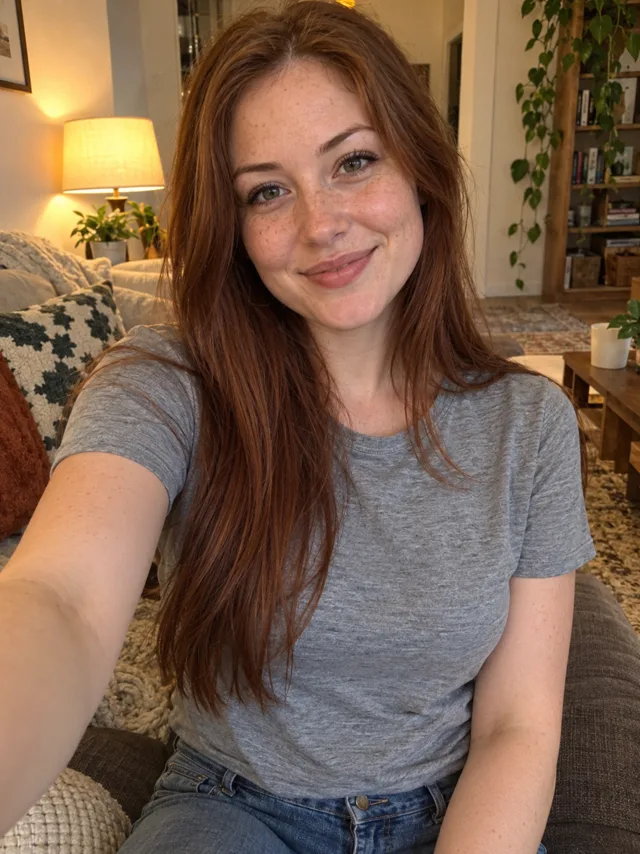
- Open the tool’s image-to-video or reference-image mode and attach one clear photo of your face.
- Copy the prompt from the Ghostface AI prompt guide and paste it in.
- Set vertical 9:16 and 10 seconds, or the longest length the free tier allows.
- Generate. If the tool refuses, it’s usually a word, not your photo: see why the Ghostface trend isn’t working.
- Download, then add the Deceptacon sound when you post.
Expect a few tries. The usual misses are a figure that appears too early, a face that drifts from your photo, or the camera moving. Each retry uses free credits or daily limits, so tighten the prompt rather than regenerating blindly.
- Change one line per retry, so you know what fixed it.
- If the figure keeps arriving early, generate a shorter clip and trim the start later instead of fighting the timing.
- Save the best take even if it isn’t perfect; a quick trim in an editor often rescues it.
The paid route: one photo, no setup
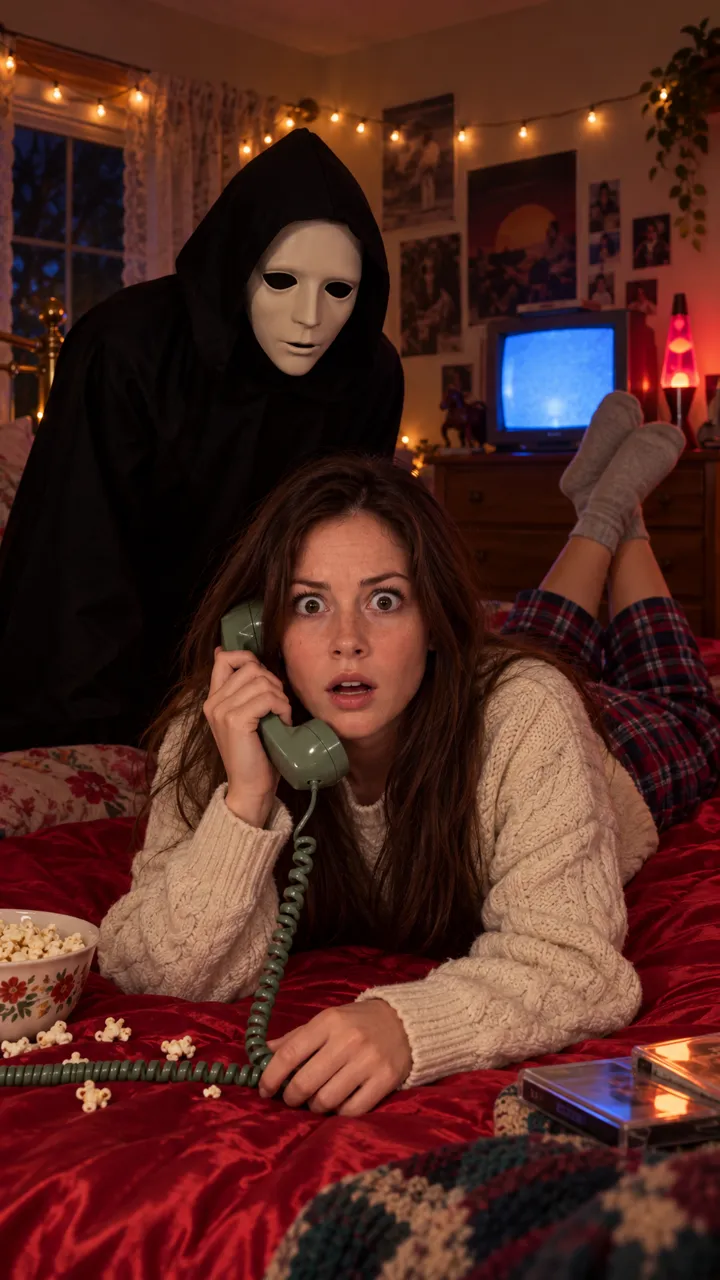
On the Ghostface page you add one photo and get the whole call: the 90s bedroom, the cosy outfit, the figure in the doorway and the scare at seven seconds, in one take, vertical, with no watermark. It comes with scene sound: the hiss of the phone line, a hum that builds and a loud hit on the scare.
One Standard video uses 45 credits. The smallest pack that makes one is $12.90 for 90 credits (2 videos), a one-time buy whose credits never expire, and plans start at $19.90 a month for 270 credits. If a video fails, its credits come back.
It’s ready in a few minutes; we email you when it’s done and it waits in My videos. Your photo is deleted automatically 7 days after upload. Full prices are on Pricing.
Which one should you pick?
- Pick filming it yourself if you have a friend, a dark hallway and an evening. It’s free and your reaction is real.
- Pick the free prompt if you like tinkering and don’t mind a watermark or a few retries.
- Pick one photo if you want it done once, right, with sound and no watermark, and don’t want to own a mask.
New to the trend? What the Ghostface AI trend is covers where it came from, and the photo guide shows which selfie works best.
NowStarring is an independent fan tool, not linked to the Scream films, their makers or the owners of the Ghost Face mask. The masked figure in our videos is a generic one.
よくある質問
Is the Ghostface AI trend free?
It can be. Film it yourself with a friend in a plain mask, or paste a written prompt into an AI video tool’s free tier with your photo attached. NowStarring has no free videos; it’s the paid one-photo route.
Can I do the Ghostface trend without an app?
Yes. You need a phone on a tripod, fairy lights, a dark doorway and a friend in a black robe and a plain white mask. The shot plan in this guide gives you the timing.
Why does the free AI tool refuse my Ghostface prompt?
Many tools block the character’s name and words like knife or killer. Describe the costume instead: a black hooded robe and a plain white mask. The not-working guide has the full list of fixes.
Does a free AI video come with the Deceptacon song?
Usually not. Most AI tools make a silent clip or their own sound. You add the song when you post by picking the Deceptacon sound on TikTok or Reels.
Do free versions have a watermark?
Free tiers of AI video tools often add one, and limit length or how many clips you can make. Check the tool’s plan page before you start. Filming it yourself has no watermark at all.