Cheba Man AI: CapCut vs an AI video app vs one photo
CapCut template, AI video app or one photo: which makes the best Cheba Man AI dance? Face likeness, the red-stage shots, sound, effort and cost compared.
6 最小読み取り · 更新済み
The verdict
For the Cheba Man song over your photos, a CapCut template is the quickest and it’s free to start. For the actual routine, with you or your pet alone on the red stage while the crowd films, you need AI video: an AI app with our prompt and a few retries, or a one-photo site that builds the stage, the moves and the sound for you.
They make different things. A template makes an edit; AI makes a performance. Decide which you want, and the choice is easy.

Side by side
| CapCut template | CapCut or Kling-type AI + our prompt | One-photo site | |
|---|---|---|---|
| Face likeness | Your own photos | Varies; red light makes faces drift | Built from your photo, your own clothes |
| Exact shots | No red stage or crowd | Close when it lands, after retries | Stage, crowd and routine in order |
| Sound | In the template | You add it when you post | In the file |
| Pets | Pet photos cut to the beat | Possible; hands can appear | Real paws on the stage |
| Effort | A few taps | Prompting, retries, syncing | One upload, about 3 minutes |
| Cost | Free to start; some templates paid | The app’s own credits | Credits per video; failures refunded |
Face likeness and the exact shots
A template re-cuts your own photos or footage, so it always looks like you, but it can’t put you on a red stage in front of a crowd. Some templates add AI effects that change faces, so preview first. If you filmed it yourself, a plain CapCut edit is all you need.
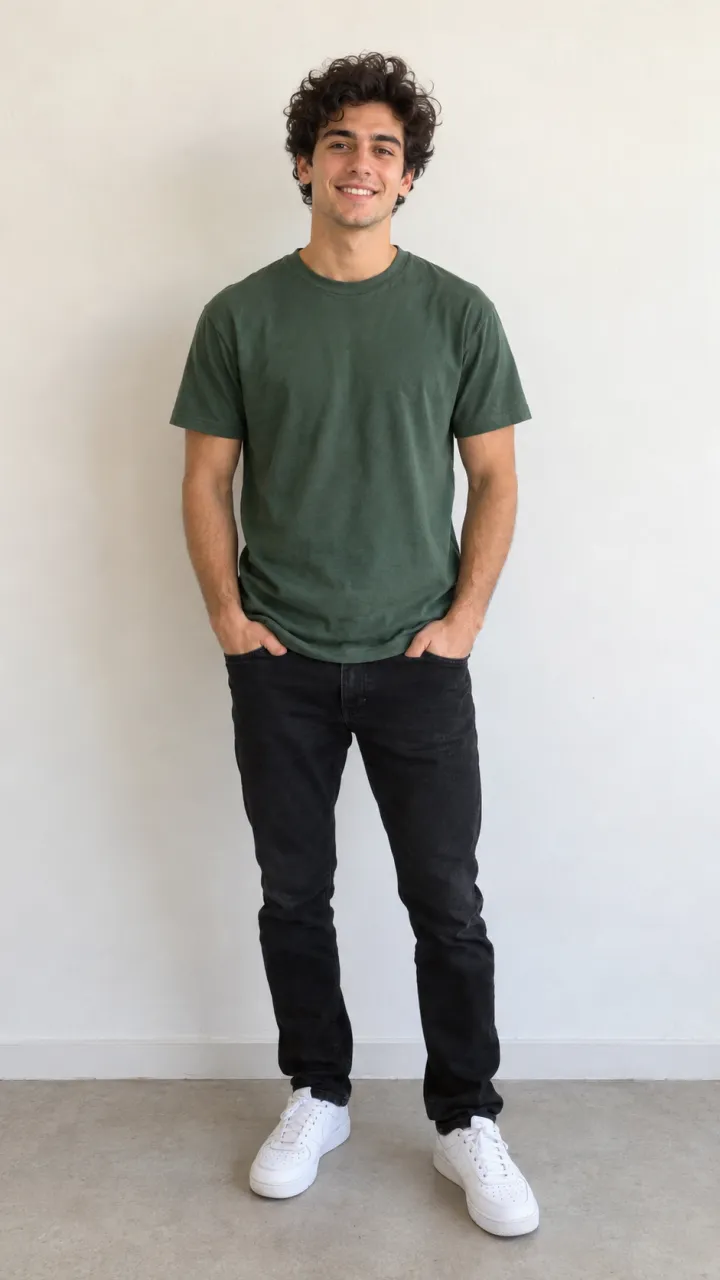
The AI routes rebuild you under deep red light, which is hard on faces: skin tones shift and features soften. A sharp, evenly lit head-to-feet photo keeps you recognizable. For the shots, an AI app needs every second spelled out (ours is in the Cheba Man AI prompt guide), while a one-photo site has the stage and the routine built in.
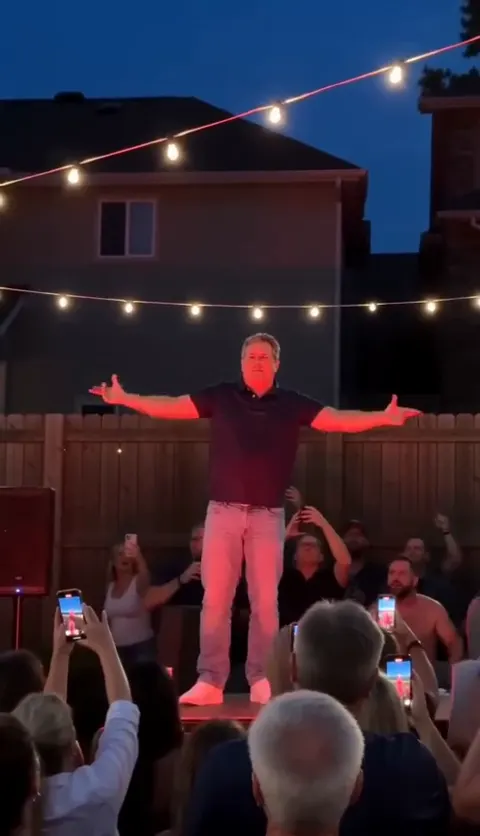
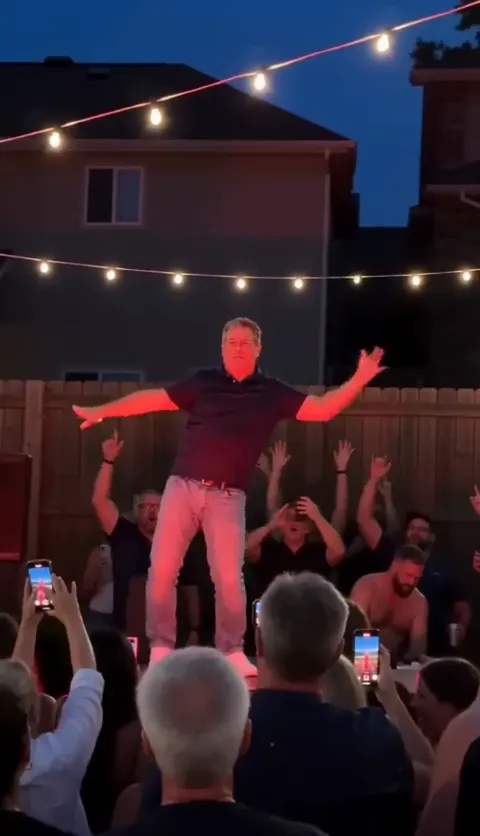
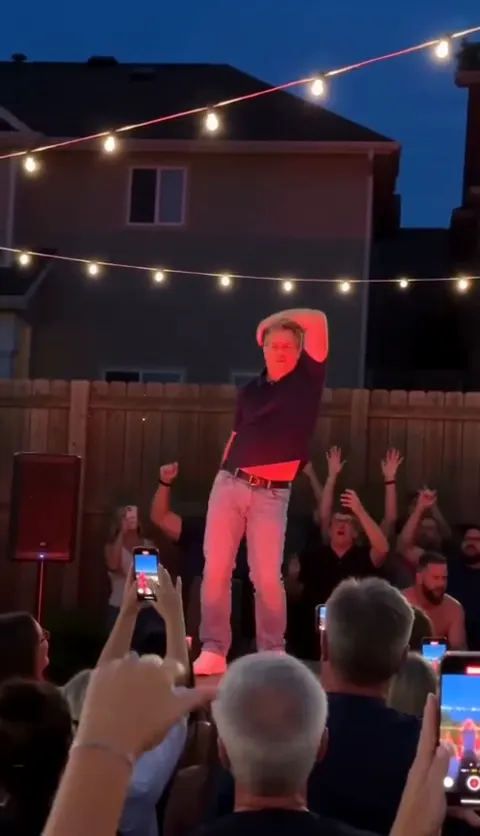
The cat and dog version
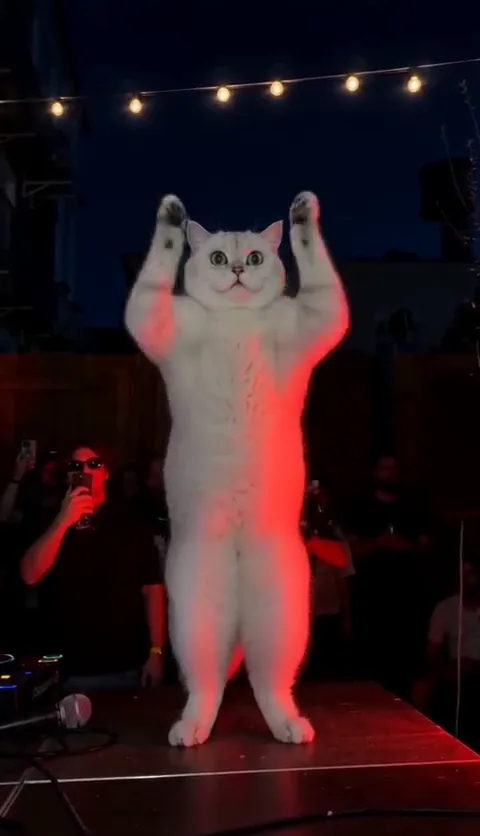
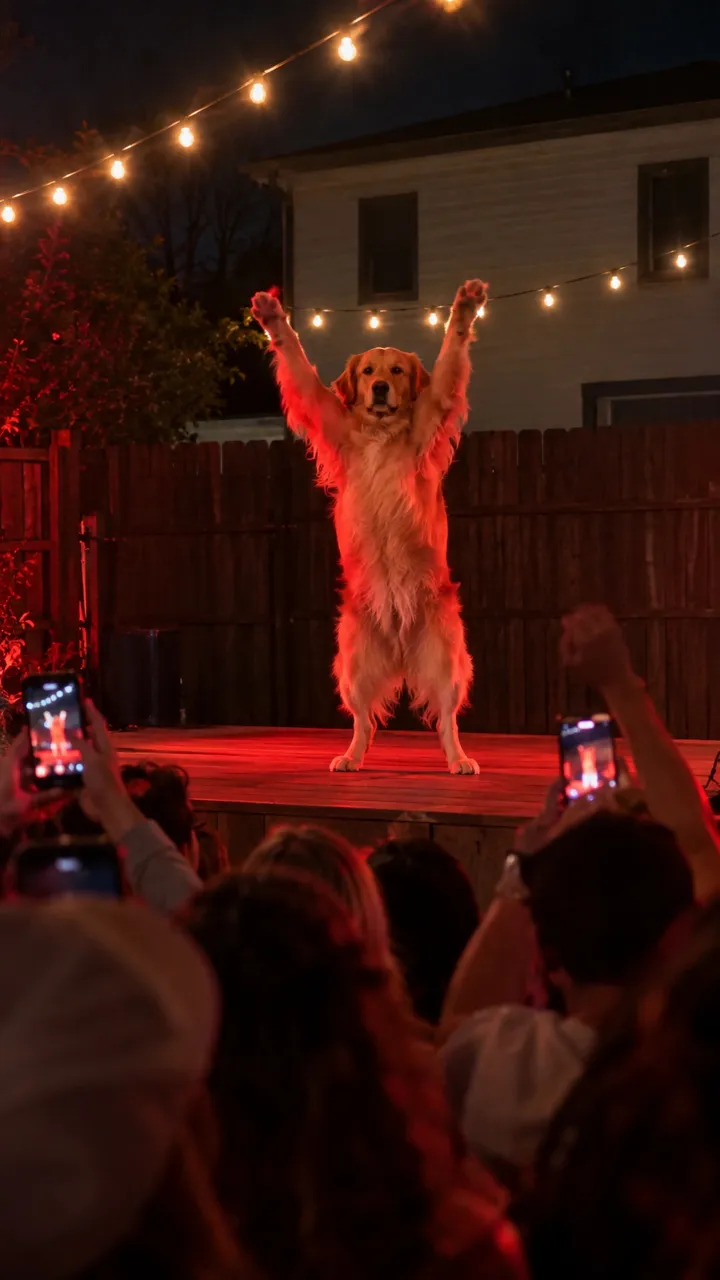
A pet on that stage, arms out like wings, not a flicker on its face, is the Cheba Man video people forward most. That’s where the routes split furthest.
- A template can’t make a pet stand up; it cuts its photos to the song.
- An AI app can, with the pet prompt. Watch for paws that turn into hands.
- A one-photo site built for the trend keeps real paws as part of the routine.
Whichever AI route you take, start from a photo of the whole animal at its eye level. A close-up of a face gives the app nothing to build legs and paws from, so it guesses, and the guess is usually a person in a pet costume.
Sound, effort and cost
Templates come with the song. AI apps don’t, so you add it and land the freeze on the last beat yourself. On the Cheba Man page the song is already in the video. Either way, pick the official sound when you post (how).
CapCut is free to start, and some templates sit behind its paid tier. AI apps run on their own credits or plans. Here, One Standard video uses 65 credits. The smallest pack that makes one is $12.90 for 90 credits (1 video), a one-time buy whose credits never expire, and plans start at $19.90 a month for 270 credits. If a video fails, its credits come back.
When each one wins
- CapCut template: you want the song over your photos and don’t need the routine.
- An AI app with our prompt: you like to tinker and already have credits there.
- One photo: you want yourself or your pet on that red stage, crowd and all, first try.
- Filming it yourself: you have a deck, a red bulb and friends. Free, and the most fun.
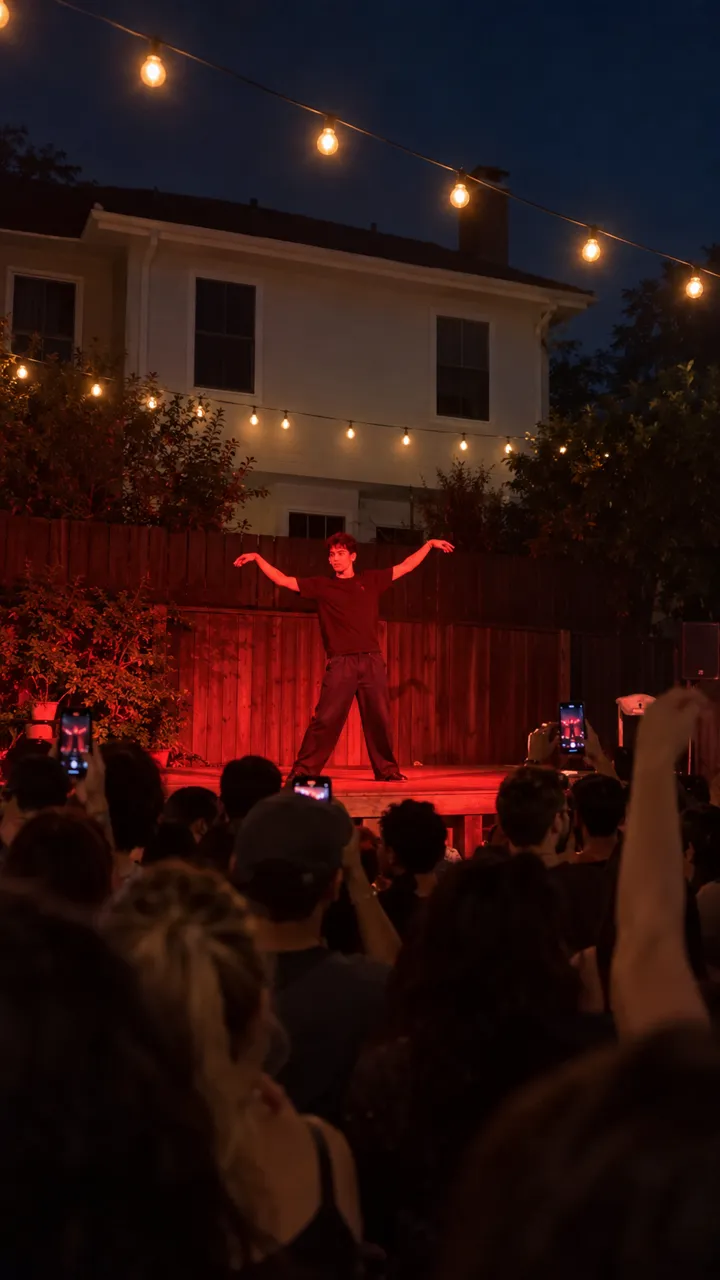
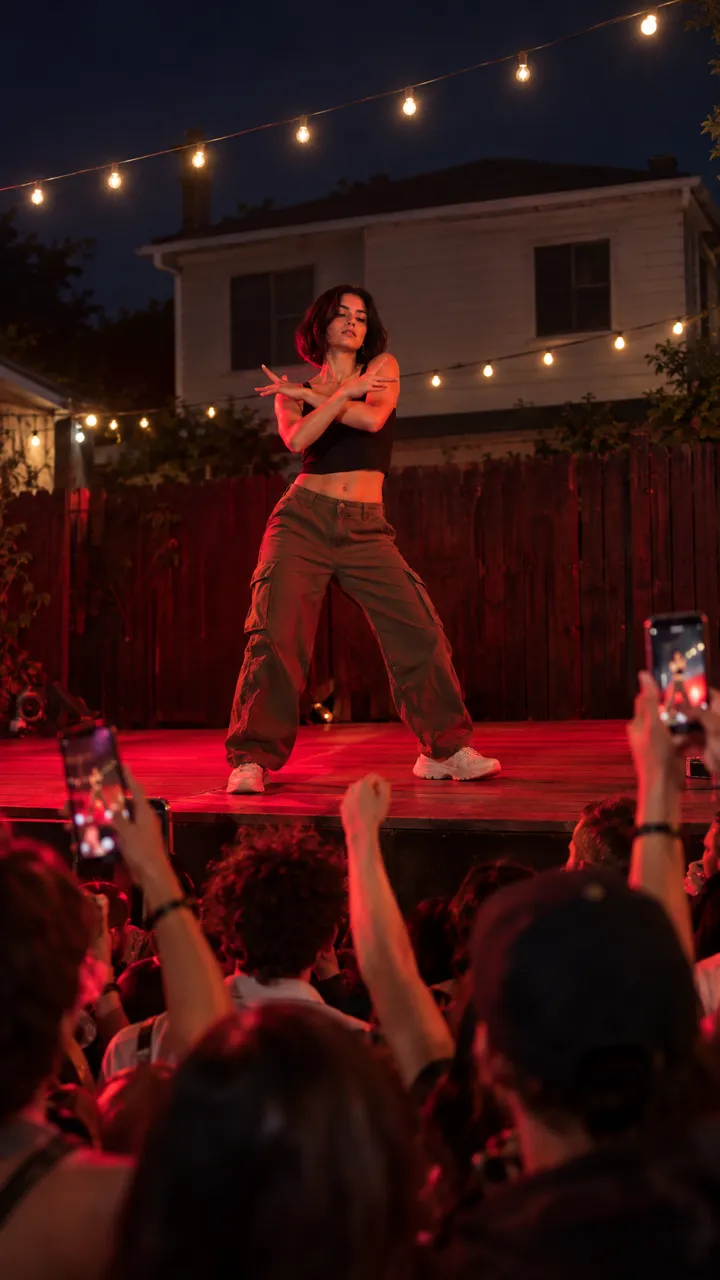
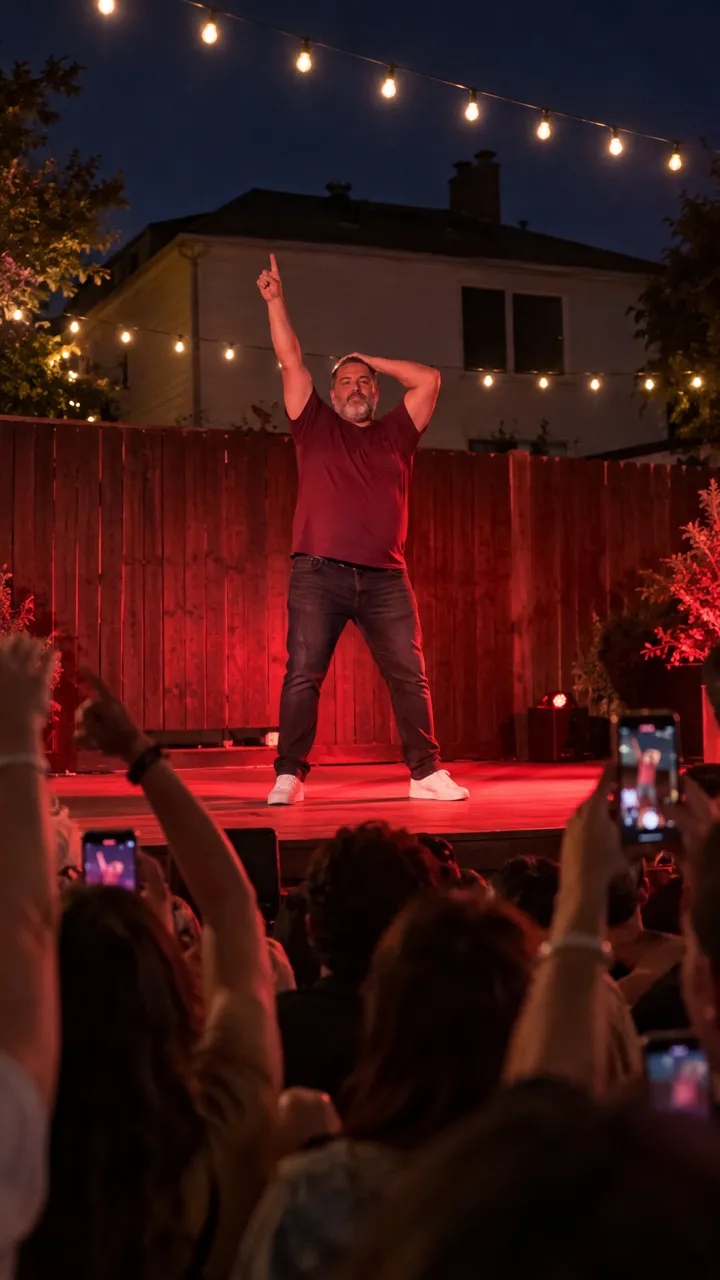
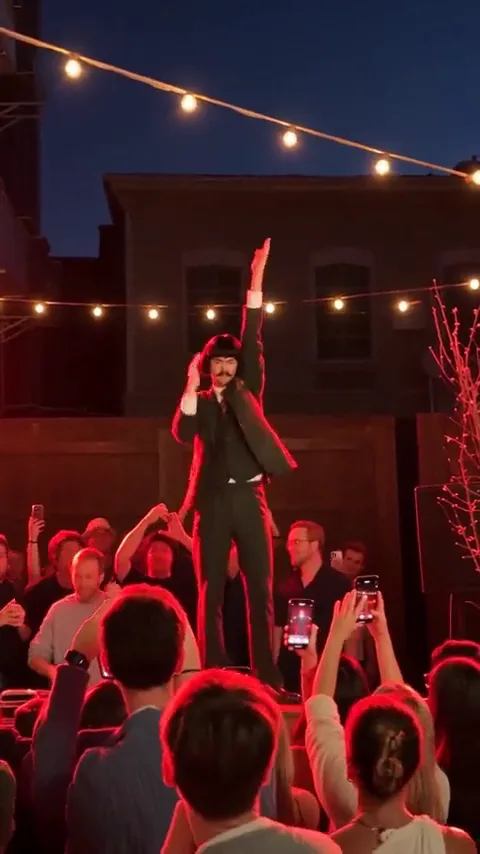
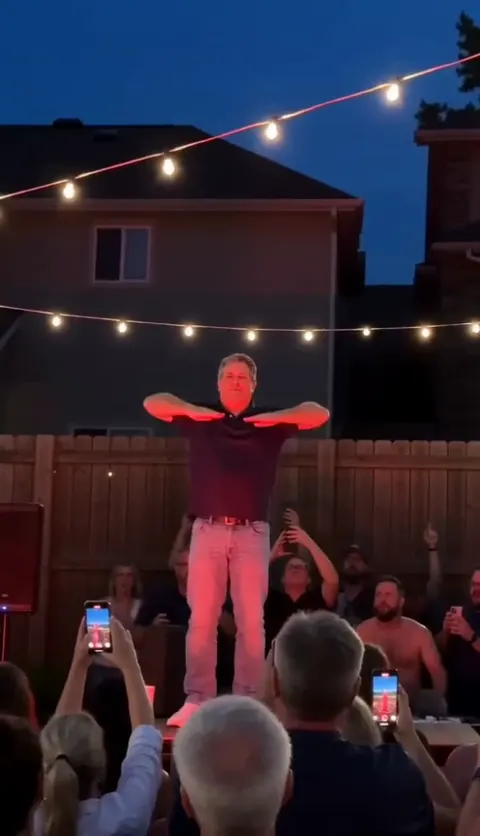
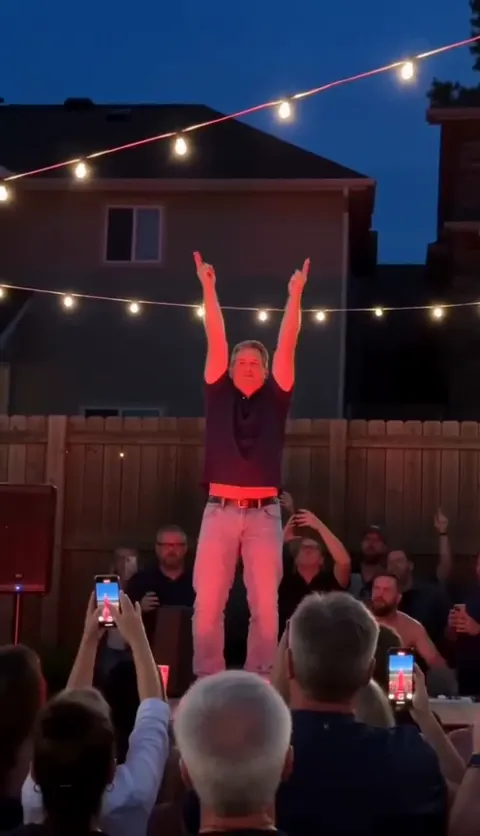
The crowd matters more than people expect. The original works because it feels like a clip someone shot on their phone at a party: heads and raised phones at the bottom of the frame, the dancer lit red above them. A template has none of that, and an AI app only gets it if the prompt asks for it.
They mix well, too. CapCut is a great editor, so plenty of people make the routine with AI and finish it there: trim, caption, then post with the official sound.
How to do it in CapCut
With a template
- Open CapCut and go to Templates.
- Search “Cheba Man” and preview a few to see whether each uses photos or clips.
- Tap Use template and add your photos or clip.
- Preview and export. Some templates add a watermark or need the paid tier.
- Post and check that the Cheba Man sound is attached.
With CapCut’s AI video
- Open the AI video or image-to-video tool.
- Upload your photo and paste our person or pet prompt.
- Set 9:16 and generate.
- Add the song on the timeline and line the freeze up with the last beat.
The one-photo route
Upload one photo on the Cheba Man page and pick you or your pet. You get a 15-second vertical MP4 with no watermark and the song in it, in about 3 minutes, and your photo is deleted 7 days after upload.
Want free first? See the Cheba Man AI trend for free, or compare plans and packs.
NowStarring is an independent fan tool, not linked to Cheba, the song’s artist or the people in the original clip. The song belongs to its rights holders.
よくある質問
Is there a Cheba Man CapCut template?
Search “Cheba Man” in CapCut’s templates. Templates cut your photos to the song; they don’t put you on the red stage.
Can CapCut make the Cheba Man AI dance?
CapCut’s AI video can try with a photo and a prompt. Use our prompt and expect a few runs.
What’s best for a Cheba Man video with my cat?
An AI route. A template only cuts your cat’s photos to the beat; AI can make it stand up and do the arms with real paws.
Is the Cheba Man AI trend free in CapCut?
CapCut is free to start and many templates are free to use. Some templates and AI features need its paid tier, so check before you build on one.
Which looks most like me?
A template, because it uses your real photos. For AI, a sharp, evenly lit head-to-feet photo matters most.
Which one has the song?
CapCut templates and our one-photo videos. With an AI app, you add it when you post.