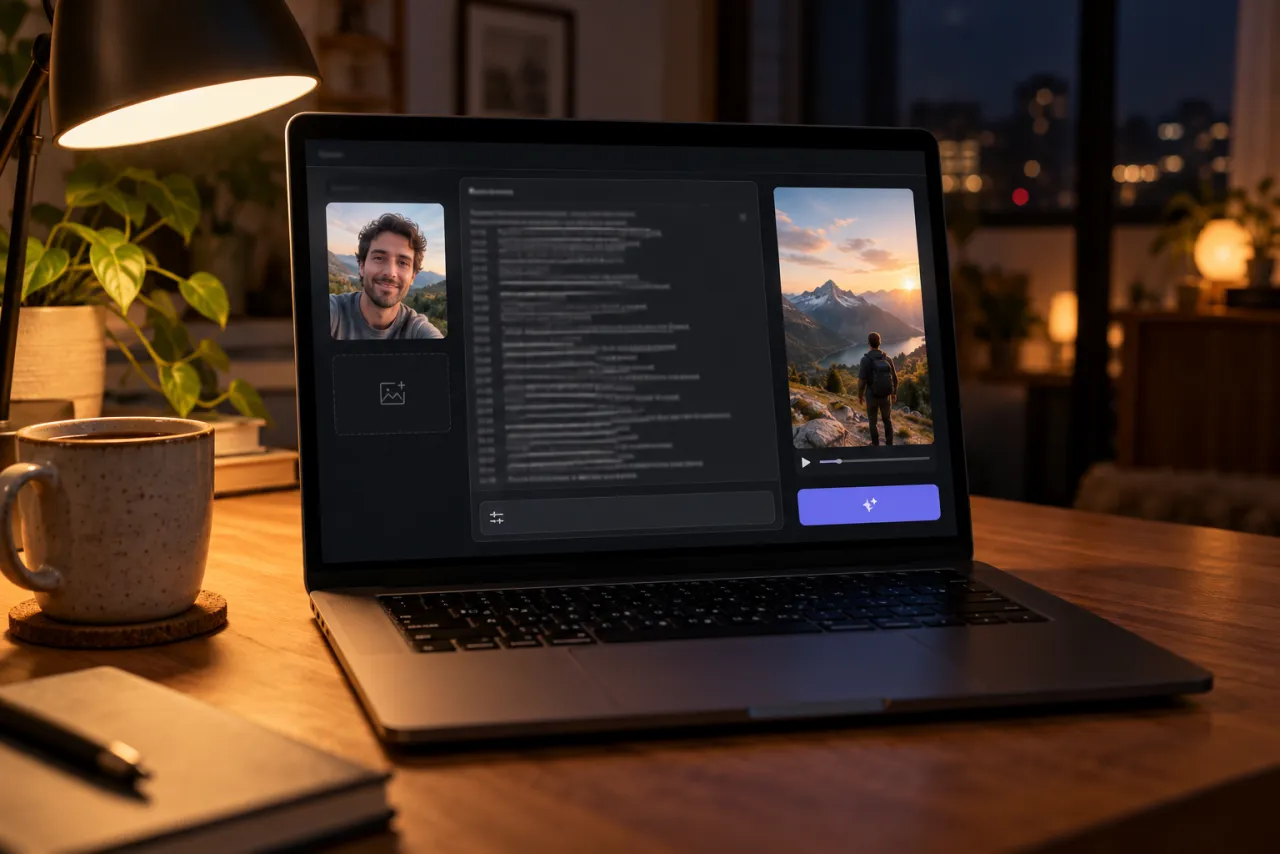
Bad Times AI prompt (copy and paste) for you or your pet
A free Bad Times AI prompt for you or your pet, timed shot by shot to the beat, plus variants, a fix-it table and photo tips for Kling, Veo or CapCut.
7 最小読み取り · 更新済み
The Bad Times prompts
Here’s a free Bad Times AI prompt you can paste into any image-to-video app, with a version for a person and one for a pet. Each one walks the app through the kitchen routine second by second, so the face-palm, the stop hand and the slap on the lens come in the right order.
Person
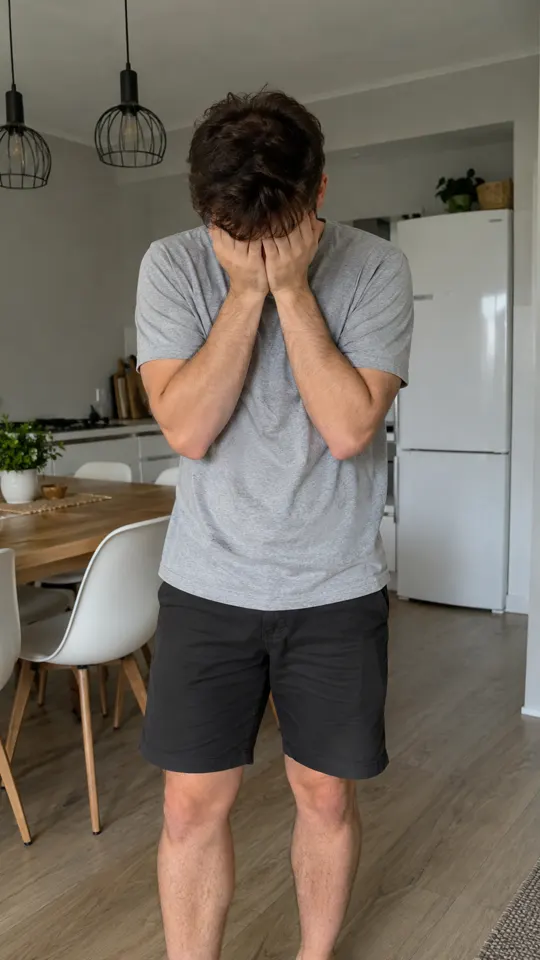
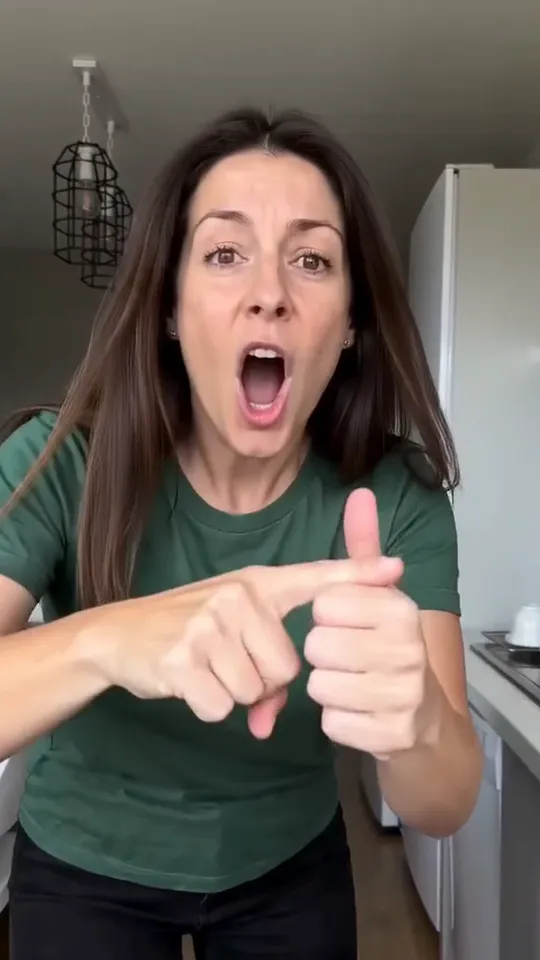
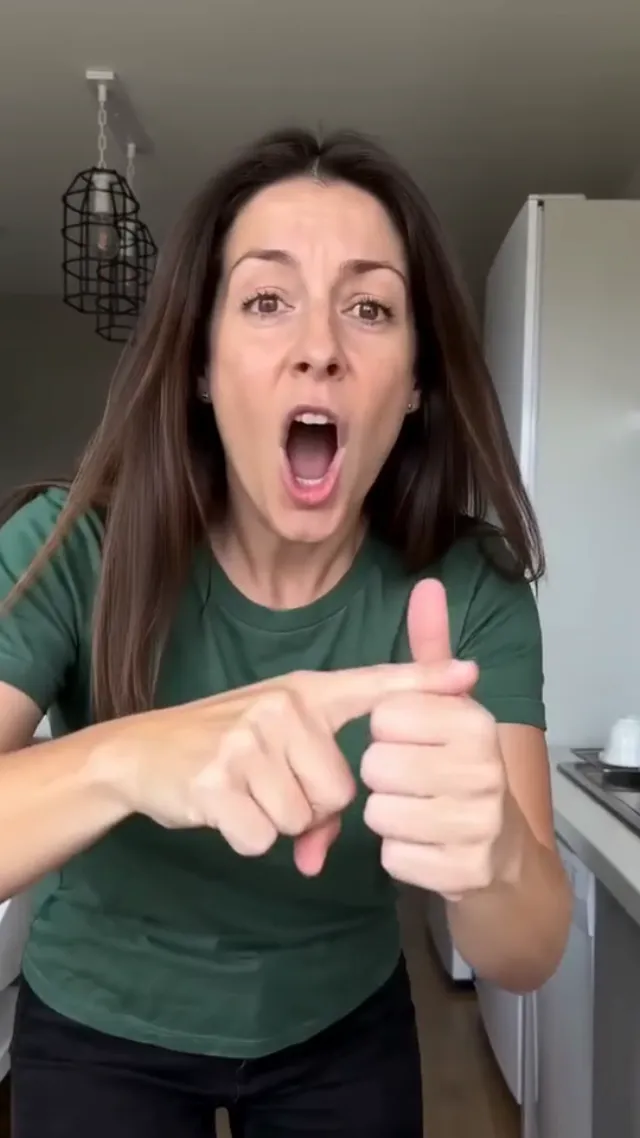
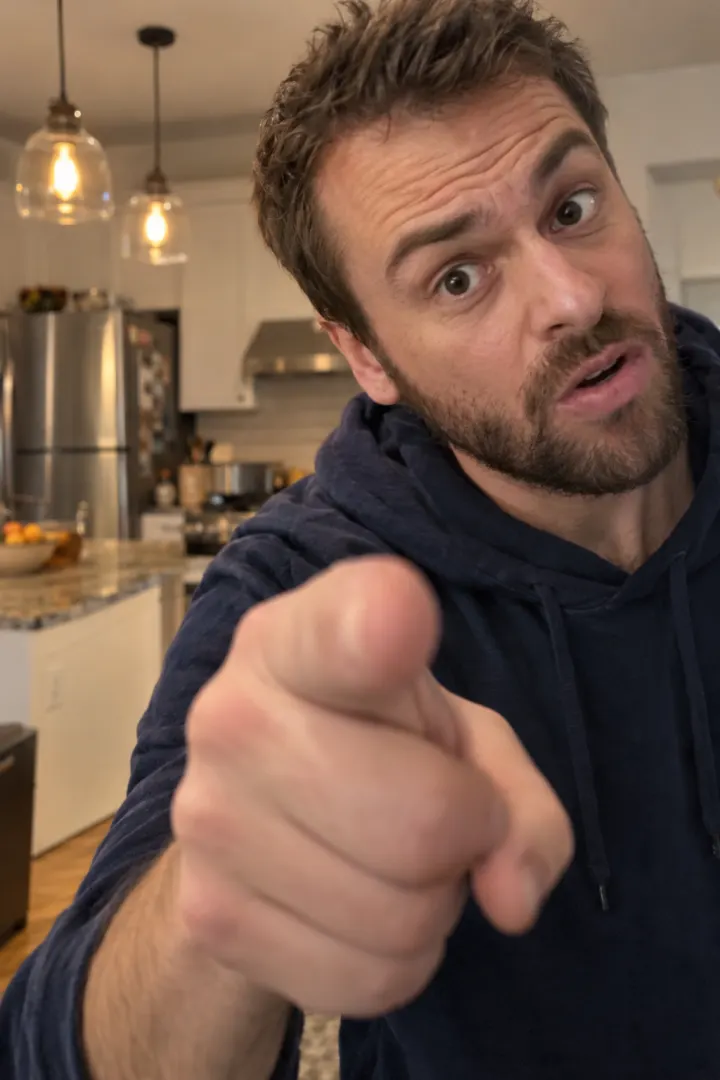
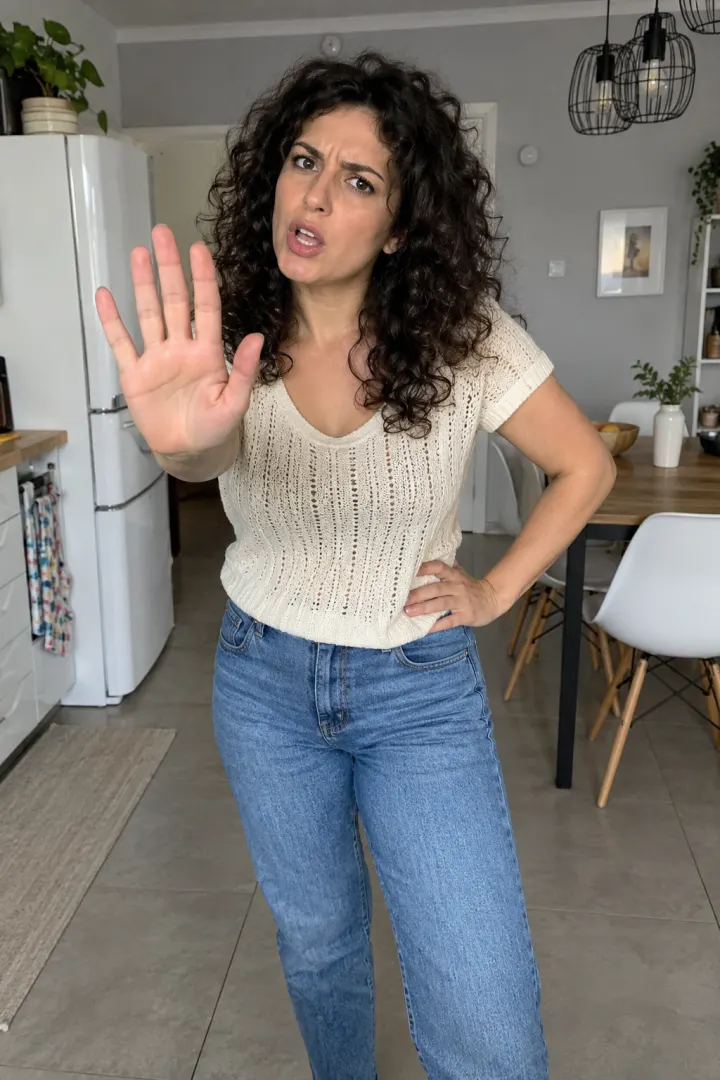
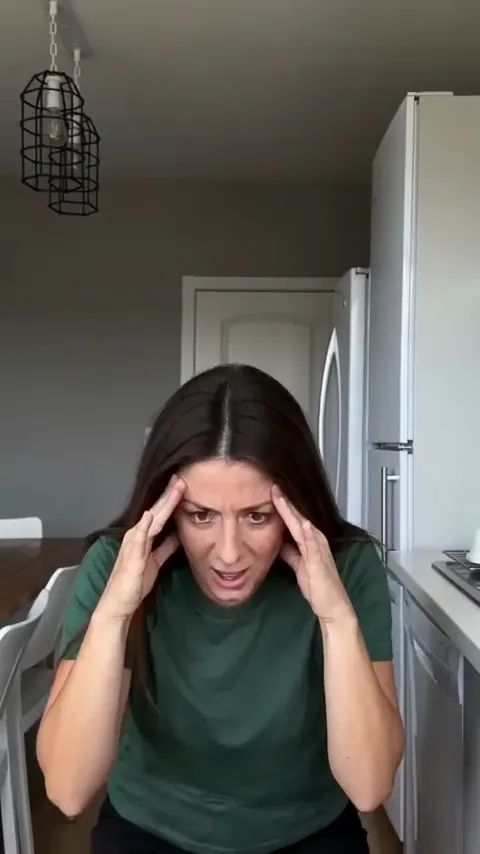
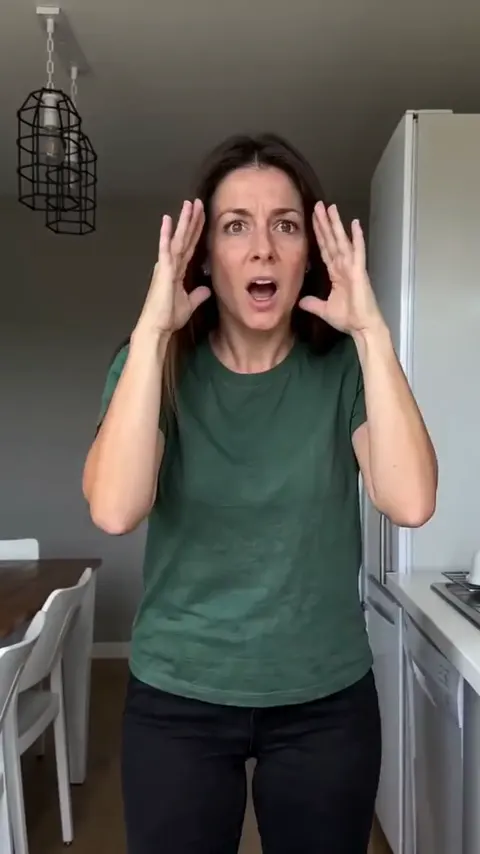
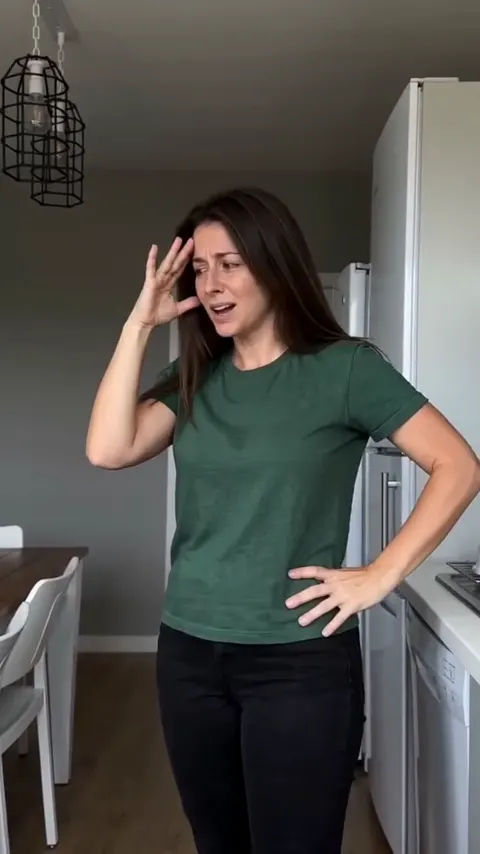
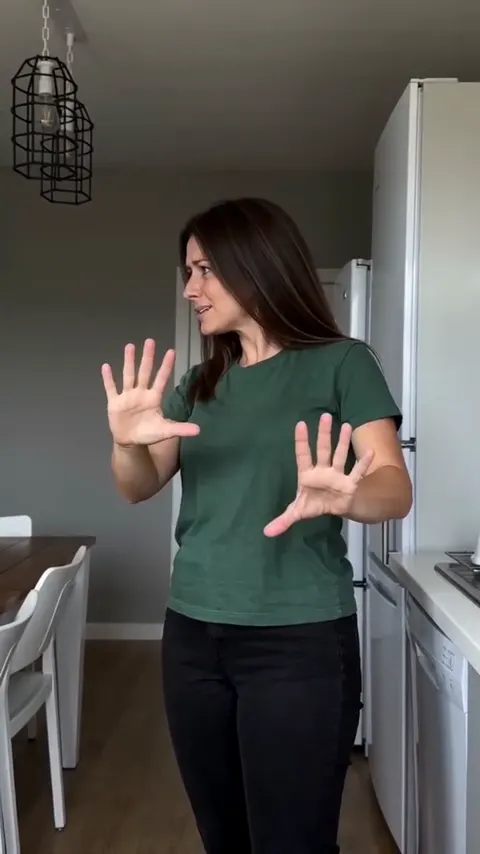
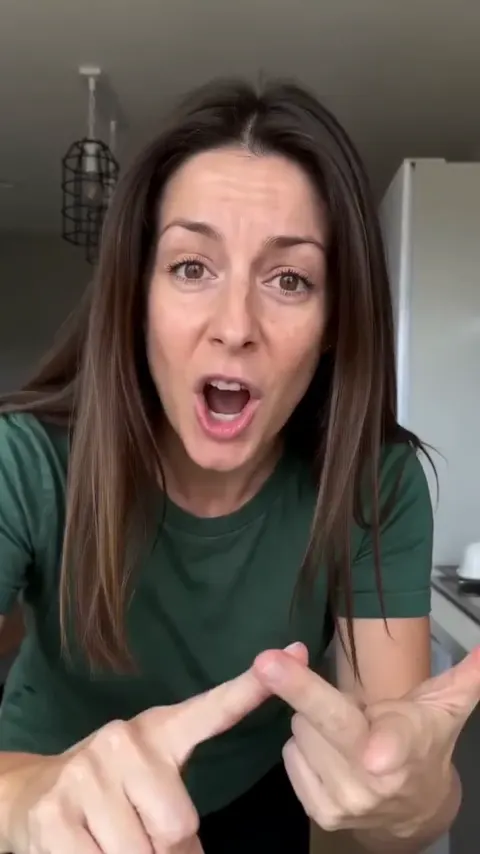
Vertical 9:16, 15 seconds, photoreal, one continuous phone shot with no cuts. Use the person in my reference photo: keep their face, hair, body and clothes exactly. Setting: a bright home kitchen with pale grey walls, a white fridge, black wire pendant lamps and a dining table with white chairs. The phone sits on the counter at chest height and never moves. They are telling off whoever is filming, all attitude, lip-syncing. 0–1 s: face hidden in both hands. 1–2 s: head snaps up, hands pressed to the temples, glaring into the lens. 2–3 s: side-on, one hand on the hip, the other palm turned up as if to say excuse me. 3–6 s: back of one hand on the forehead, a slow eye-roll, hips swaying. 6–10 s: facing the lens, both palms pushed out in a stop, nodding on each beat. 10–11 s: a sudden lunge toward the phone. 11–14.5 s: close to the lens, a sarcastic thumbs-up, pointing, counting on fingers, mouthing words. 14.5–15 s: one palm slapped flat over the lens; the screen goes dark. Sound: a punchy deep house beat with the drop at 10 s. Avoid: extra people, camera moves, cuts, text on screen, a changed face.
Dog or cat
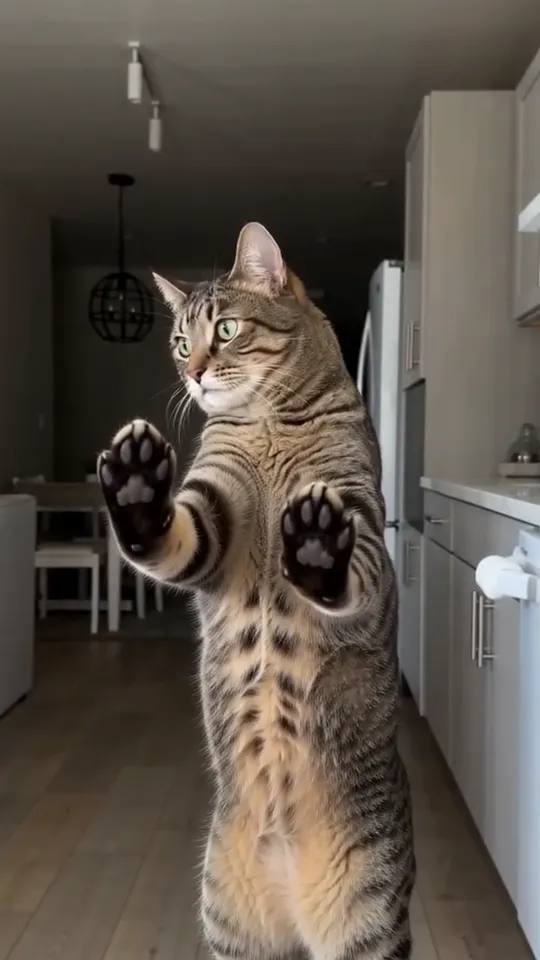
Vertical 9:16, 15 seconds, photoreal, one continuous phone shot with no cuts. Use the animal in my reference photo: keep its breed, fur, markings and size exactly. Setting: a bright home kitchen with pale grey walls, a white fridge and black wire pendant lamps. The phone sits on the counter and never moves. The pet stands on its hind legs and argues with the camera, copying a sassy human with its own animal body. Every gesture is made with real furry paws, never hands or fingers. 0–1 s: head bowed, both front paws over its face. 1–2 s: head up, paws to the sides of its head, wide eyes on the lens. 2–3 s: side-on, one paw on its hip, looking back at the camera. 3–6 s: one paw to its forehead, head tossing. 6–10 s: both front paws pushed flat at the lens, pads showing, nodding on each beat. 10–11 s: it lunges toward the phone. 11–14.5 s: its face fills the frame, head tilting, mouth opening and closing like it is talking back. 14.5–15 s: one paw pressed over the lens; the screen goes dark. Sound: a punchy deep house beat with the drop at 10 s. Avoid: human hands, fingers, extra animals, camera moves, cuts.
Prompts give the app a plan, not a guarantee. You’ll often need two or three runs to get one you’d post.
How to use the prompt
- Open an AI video app with image-to-video, such as Kling, Higgsfield, Runway, Veo or CapCut’s AI video.
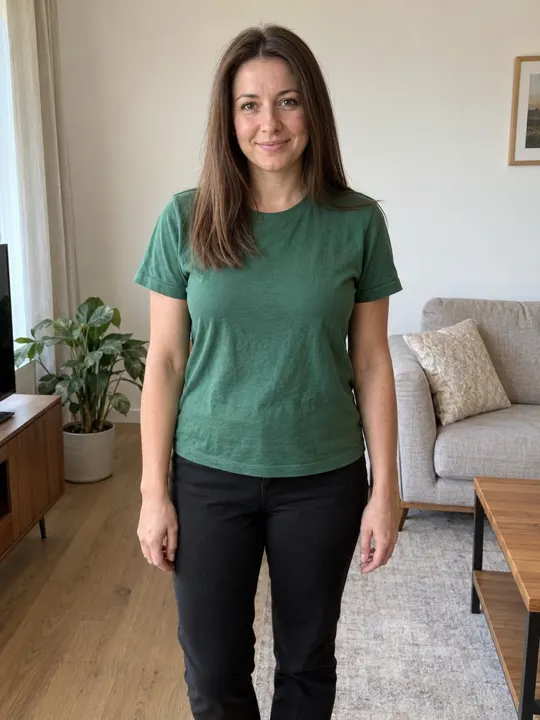
- Upload your photo: you head to knees, or your pet’s whole body.
- Paste the prompt that matches, and set the shape to 9:16.
- If the app caps the length below 15 seconds, cut the timeline and keep the drop and the slap.
- Generate, check the beats against the stills below, and add the Bad Times sound when you post (how).
The shots, one by one
Check your result against these beats. If one is missing, that’s the line to make stronger in the prompt.
Variants worth trying
- Gentler ending: swap the last line for “one palm held up flat toward the lens, frozen, deadpan” if you don’t want a dark frame.
- Your own kitchen: replace the setting line with a plain description of your kitchen, and keep the phone on the counter.
- Couple: “two people side by side, both doing every move in sync”. Expect more retries.
- Cat: add “ears flicking, tail swishing” to the close-up line.
- Bird: replace paws with “its own feathered wings”.
Fix-it table
Change one thing at a time, so you know what fixed it.
| What you see | Why | What to change |
|---|---|---|
| The pet’s paws turn into hands | The app copies a human dancer too closely | Move “real furry paws, never hands or fingers” up to the second line |
| The camera pans or zooms | Apps like to add camera moves | Add “the phone never moves” to the format line and “camera moves” to Avoid |
| Moves in the wrong order | Too many moves in one line | One move per timed line; cut the extras |
| The face doesn’t look like you | A soft or side-on photo | Use a sharp, front-facing photo, head to knees |
| Everything is too slow | No sense of tempo | Add “snappy, every move on the beat” after the setting line |
| No dark frame at the end | The slap is too subtle | Say “the palm covers the whole lens” in the last line |
Photo tips
- You: head to knees, facing the camera, soft daylight, nothing over your face.
- Pet: the whole body in view, taken at its eye level. Sitting or standing both work.
- One subject only. A second person or pet confuses the app.
- Only use photos of yourself, your own pet, or adults who’ve said yes. Never a celebrity or a child.
More examples in the best photo for the Bad Times AI video.
What the prompt can’t do
- It can’t add the song. You add the Bad Times sound in the app when you post.
- It can’t make the drop land on the beat, because the app never hears the song.
- It can’t promise the same result twice: every run is different.
- It can’t stop a pet from growing fingers every time. Retries are part of the route.
The no-prompt route
If you’d rather skip the retries, the Bad Times page takes one photo and gives you the whole routine back on the beat, with the song already in the file. One Standard video uses 65 credits. The smallest pack that makes one is $12.90 for 90 credits (1 video), a one-time buy whose credits never expire, and plans start at $19.90 a month for 270 credits. If a video fails, its credits come back.
Comparing all the free options? Read the Bad Times AI trend for free.
NowStarring is an independent fan tool, not linked to the song’s artist or the creator of the original video. The song belongs to its rights holders.
よくある質問
What is the Bad Times AI prompt?
A timed, shot-by-shot description of the kitchen routine that you paste into an image-to-video app with your photo. Our person and pet versions are above.
Does the Bad Times prompt work for cats?
Yes. Use the pet version with a full-body photo. It asks for real paws, which is what makes the cat version funny.
Which AI app should I use for the Bad Times trend?
Any app with image-to-video and a vertical shape can run it, such as Kling, Higgsfield, Runway, Veo or CapCut’s AI video. Results vary run to run.
Why is there no music in my AI clip?
AI apps don’t add the song. Add the Bad Times sound when you post; our [sound guide](/guides/add-the-bad-times-sound-on-tiktok-and-reels) shows how.
Can I use the prompt with a photo of someone else?
Only an adult who has said yes. Never a celebrity, a child or anyone who hasn’t agreed.
Is the prompt free?
Yes, copy it and use it anywhere. The app you run it in may charge for its own credits.