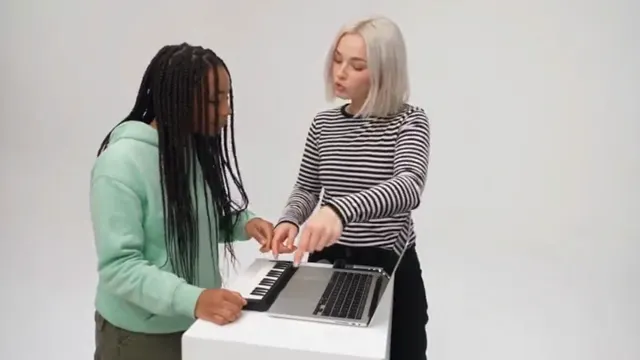
Alors On Danse AI: CapCut vs an AI video generator vs two photos
CapCut, an AI video generator or two photos for the Alors On Danse trend? A fair comparison of faces, studio, sound, effort and cost, with steps for each.
6 最小読み取り · 更新済み
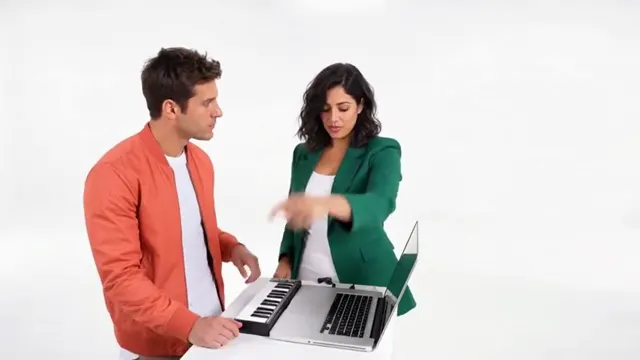
The honest verdict
For the Alors On Danse trend, CapCut is best when you and a friend can film it together, because the real lunge is funny and the edit is simple. An AI video generator with a good prompt is best when you live apart or want the clean white studio and like to tweak. A two-photo trend site is best when you want the whole clip with both faces and the song without retries.

The three routes side by side
| CapCut template | AI video + our prompt | Two photos here | |
|---|---|---|---|
| Your faces | Real, it’s your footage | From photos; can swap or blend | From photos, each on their side |
| The white studio | Your wall at home | Yes, if the prompt says so | Yes |
| The exact beats | If you filmed them | Close, after some retries | All five, in order |
| The song | Add it yourself | Add it yourself | Alors On Danse included |
| Effort | Filming plus editing | Prompting plus retries | Upload two photos |
| Cost | Free to start | Free tier, then paid | $34.90 a video with the smallest pack |
When each one wins
CapCut wins when you are in the same room
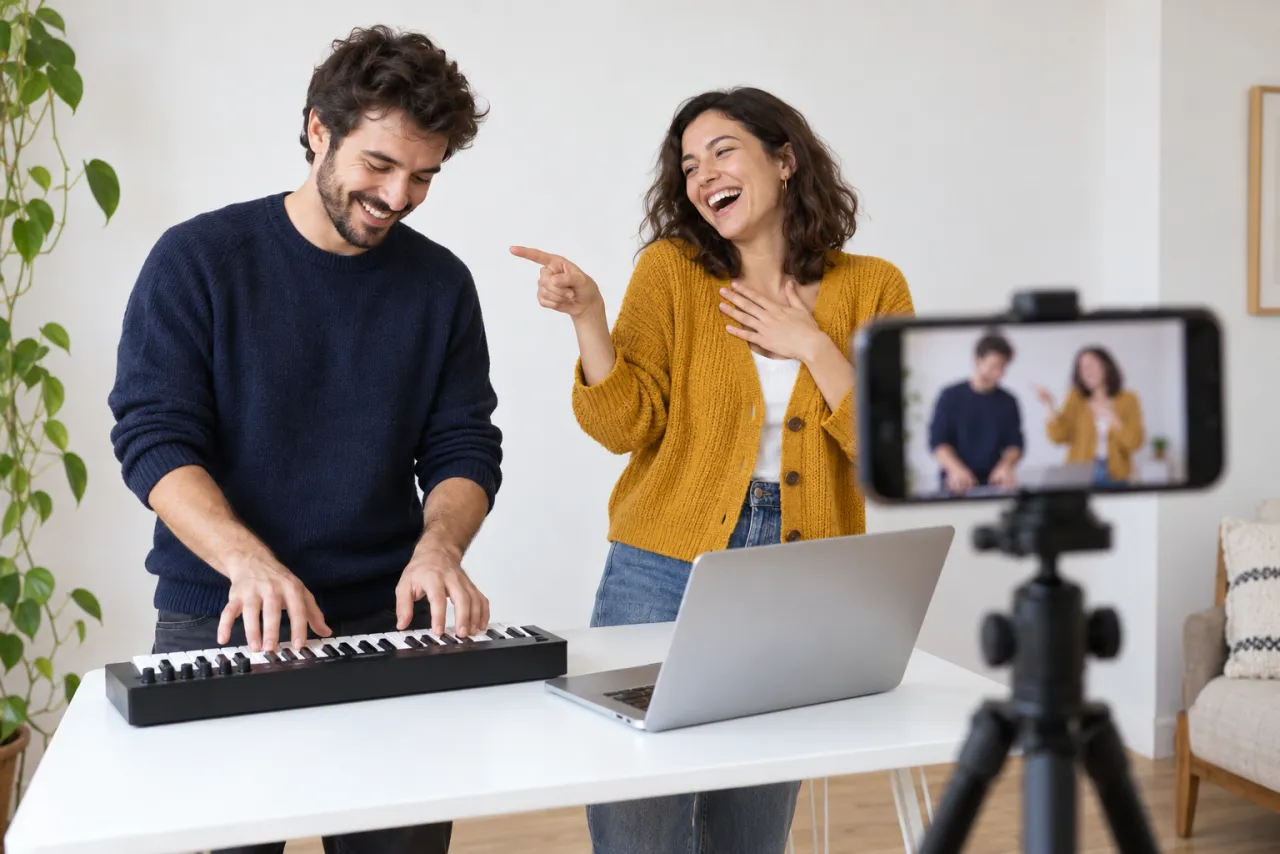
CapCut is free to start and very good at the parts this trend needs: trimming, lining the lunge up with the beat, adding captions. An Alors On Danse template drops your footage into the right rhythm. It re-cuts what you filmed, so it can’t turn your living room into a white studio.
An AI generator wins when you want a twist
Kling, Higgsfield, Runway, Veo or CapCut’s own AI video tools can build the studio from scratch and let you play with the cast: grandparents, a friend abroad, an invented partner. The price is retries, mostly faces swapping sides.
Two photos win when you want it done
A trend site like the Alors On Danse page is built for this exact clip. You add two photos, tap swap if needed, and the song is already there.
The CapCut route, step by step
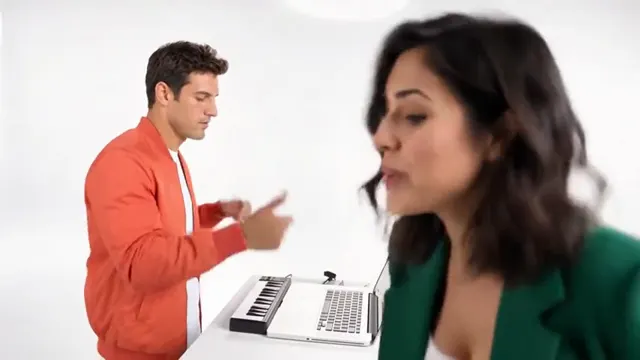
- Film it sideways against a white wall: keys and hype waist up, then the lunge, then the dance head to feet. The free guide has the shot plan.
- Open CapCut and start a new project with your clips, or search its templates for “Alors On Danse” and drop your clips in.
- Trim the leaning-in part if it drags; keep the lunge whole.
- Brighten the white wall a little if it looks grey, then export widescreen without music.
- Post on TikTok or Reels and add the Alors On Danse sound there, so your video links to the sound’s page. The sound guide shows how.
The AI generator route, step by step
- Copy the prompt from the Alors On Danse AI prompt guide.
- In your tool’s reference-image mode, attach the keys player’s photo first and the hype’s second. Set 16:9.
- Generate and check sides and faces. Use the fix-it table if they swap or blend.
- If the clip is short, make the lunge and dance separately and join them.
- Add the Alors On Danse sound when you post.
The two-photo route
- Add one photo of each of you on the Alors On Danse page. The first plays the keys; tap swap to change roles.
- Choose Standard 480p or HD 720p. The video is about 30 seconds and widescreen.
- Wait about 7 minutes; we email you when it’s ready, and it waits in My videos.
- Download the MP4, with no watermark and the song included, and post it.
One Standard video uses 180 credits. The smallest pack that makes one is $34.90 for 270 credits (1 video), a one-time buy whose credits never expire, and plans start at $19.90 a month for 270 credits. If a video fails, its credits come back. Both photos are deleted automatically 7 days after upload. See the pricing page for packs and plans.
The hard parts, route by route
| Two clear faces | The lunge and the dance | |
|---|---|---|
| Filmed + CapCut | Easy: it’s really you | Easy, if the phone is pulled back for the dance |
| AI generator | Hard: sides swap, faces blend | The dance often gets cut short |
| Two photos here | Built in: each photo keeps its side | Built in: both follow the original |
Whatever route you take, bright clothes help. Two people in contrasting colors read clearly in a white room, and the AI is less likely to mix them up.
For a filmed version, the dance is where most remakes fall apart: the phone stays at chest height and the ending turns into two torsos wiggling. Pull the stand back a couple of steps before the last part, or film the dance as a second clip and join it in CapCut. For an AI version, the lunge is the part to check first. If the hype only leans a little, the payoff is gone, so generate that shot again on its own.
So which one?
- Same room, good energy: film it, finish it in CapCut.
- Apart, or want a twist on the cast: an AI generator with our prompt.
- Want the white studio, both faces and the song today: two photos.
New to the trend? Start with what is the Alors On Danse AI trend. NowStarring is an independent fan tool, not linked to the song’s artist or the original TV sketch. The song belongs to its rights holders.
よくある質問
Is there a CapCut template for Alors On Danse?
Search CapCut’s templates for “Alors On Danse”. A template cuts footage you filmed to the song; it can’t put you in the white studio.
Can CapCut make the Alors On Danse AI video?
CapCut’s AI video tools can try it with a prompt and photos, like other generators. Check that they accept two reference photos, and expect retries if faces swap.
What is the easiest way to do the Alors On Danse trend?
If you’re together, filming it at a white wall is easiest. If not, two photos on a trend site gives the whole clip with no prompt.
Which route includes the Alors On Danse song?
Only the two-photo route on NowStarring includes it in the file. With CapCut or a generator, add the sound when you post.
Can we do it if we live in different places?
Yes, with AI. Each of you sends one waist-up photo, and a generator with our prompt or the two-photo route here puts you side by side in the white studio.
Is an AI generator free for this trend?
Many give free credits to try, often with a watermark or shorter clips. CapCut is free to start for editing. NowStarring’s route is paid, with no free credits.