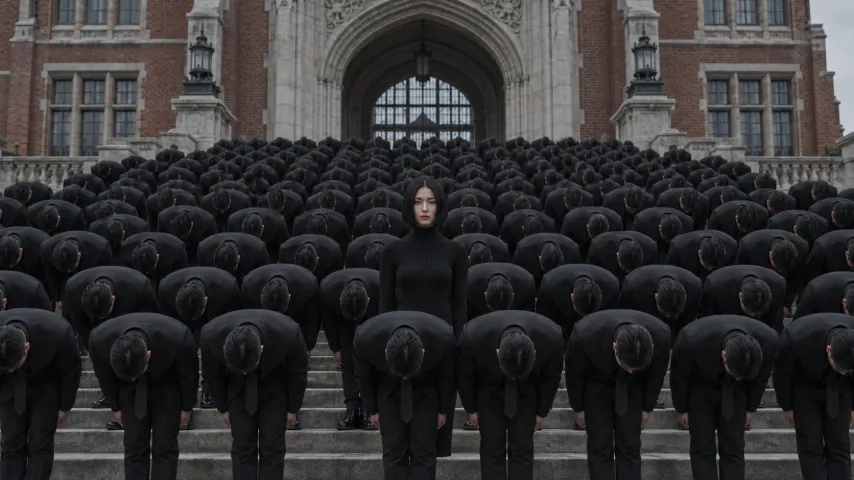
Storm Dance AI prompt (copy and paste)
A copy-ready Storm Dance AI prompt, shot by shot: the close-up, the walk, the stare, the sky and the bows. Plus variants, a fix-it table and photo tips.
8 lettura minima · Aggiornato
The Storm Dance AI prompt
Here is a Storm Dance AI prompt you can copy into any image-to-video tool: attach one photo of your face as the reference, paste the prompt and generate in widescreen. It describes the five shots of the scene in order and keeps telling the tool the most important thing: you never move.
Storm Dance, one person
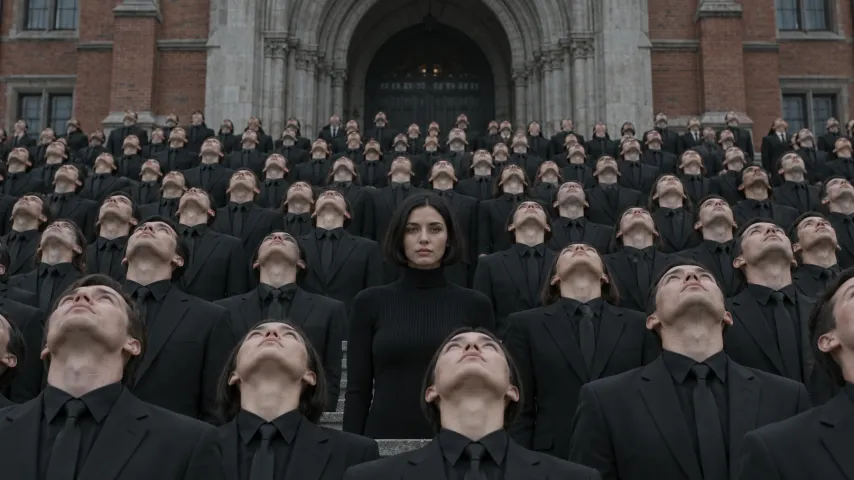
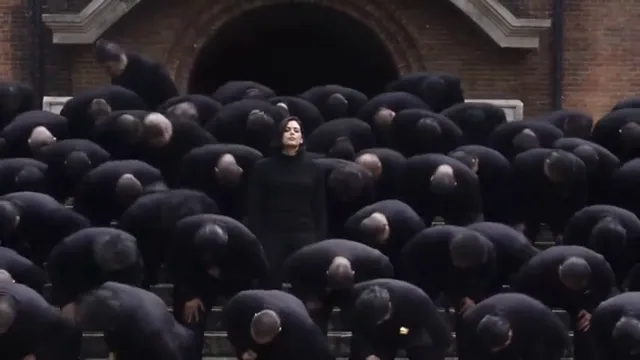
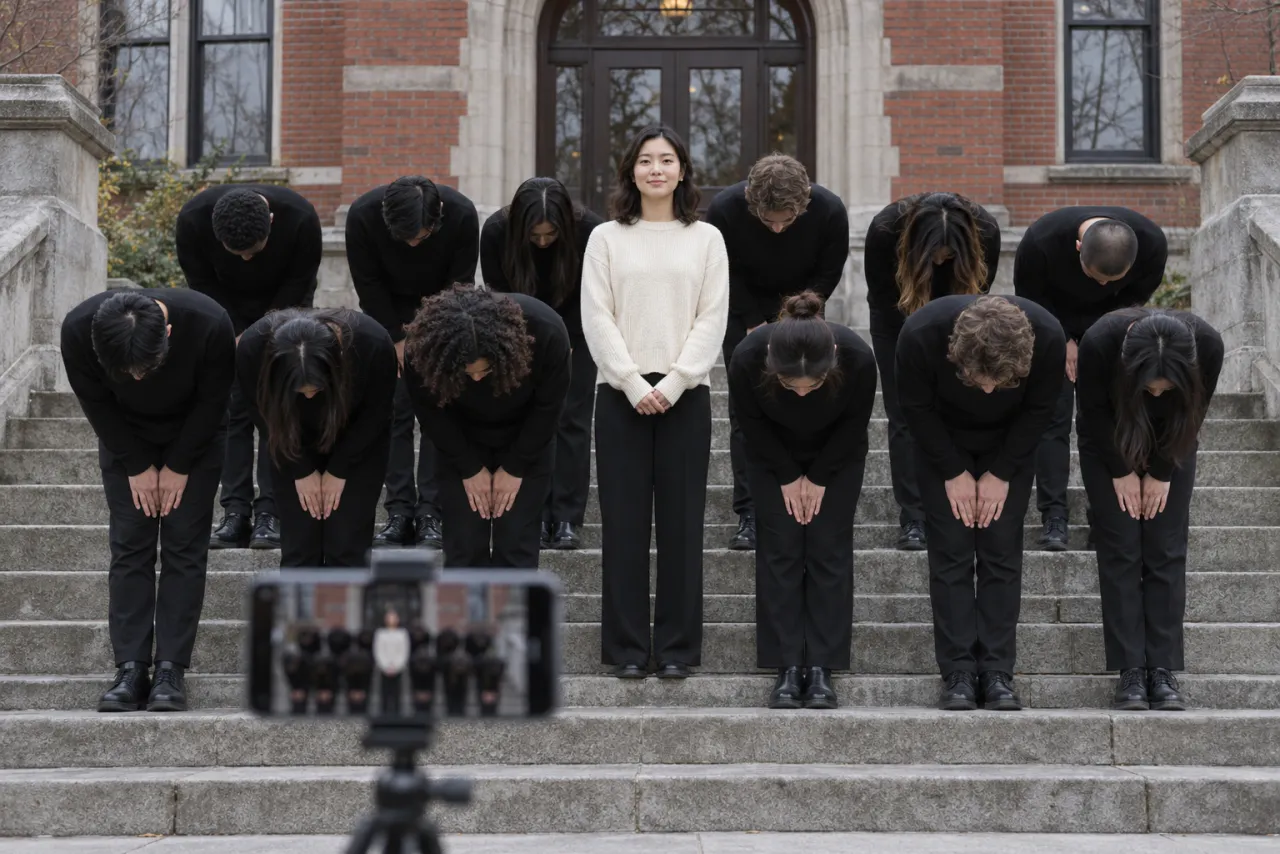
Widescreen 16:9, photoreal, cinematic film look, overcast daylight, about 27 seconds (or make it in parts and join them). Use my reference photo for the lead: keep the same face, hair and clothes in every shot. The lead never moves, never bows and never looks up. Setting: wide stone steps in front of an old red-brick building with arched doors. A huge crowd of adults in identical black suits fills the frame around the lead. 0–5 s: close-up of the lead in front of the crowd, staring calmly into the lens, completely still. 5–16 s: the lead turns and walks slowly back into the crowd; the camera follows from behind; nobody else moves. 16–21 s: the camera pulls back to a wide frontal shot; the whole crowd stands frozen; the lead stares into the lens from the middle. 21–24 s: on a hard beat, the whole crowd snaps its heads back to look at the sky at the same moment; the lead keeps looking at the camera. 24–27 s: wide shot on the steps; the crowd folds into deep bows in perfect unison on every beat, then straightens and looks up; the lead stays upright, arms at the sides. Sound: no music, I will add the song afterwards. Avoid: the lead bowing or moving, the face changing between shots, the crowd out of sync, text, logos, extra limbs, vertical framing.
If your tool makes clips shorter than 27 seconds, split the prompt in two: the 0–16 s lines as one clip (close-up and walk), the 16–27 s lines as another (stare, sky, bows). Keep the format, reference and avoid lines in both.
How to use it
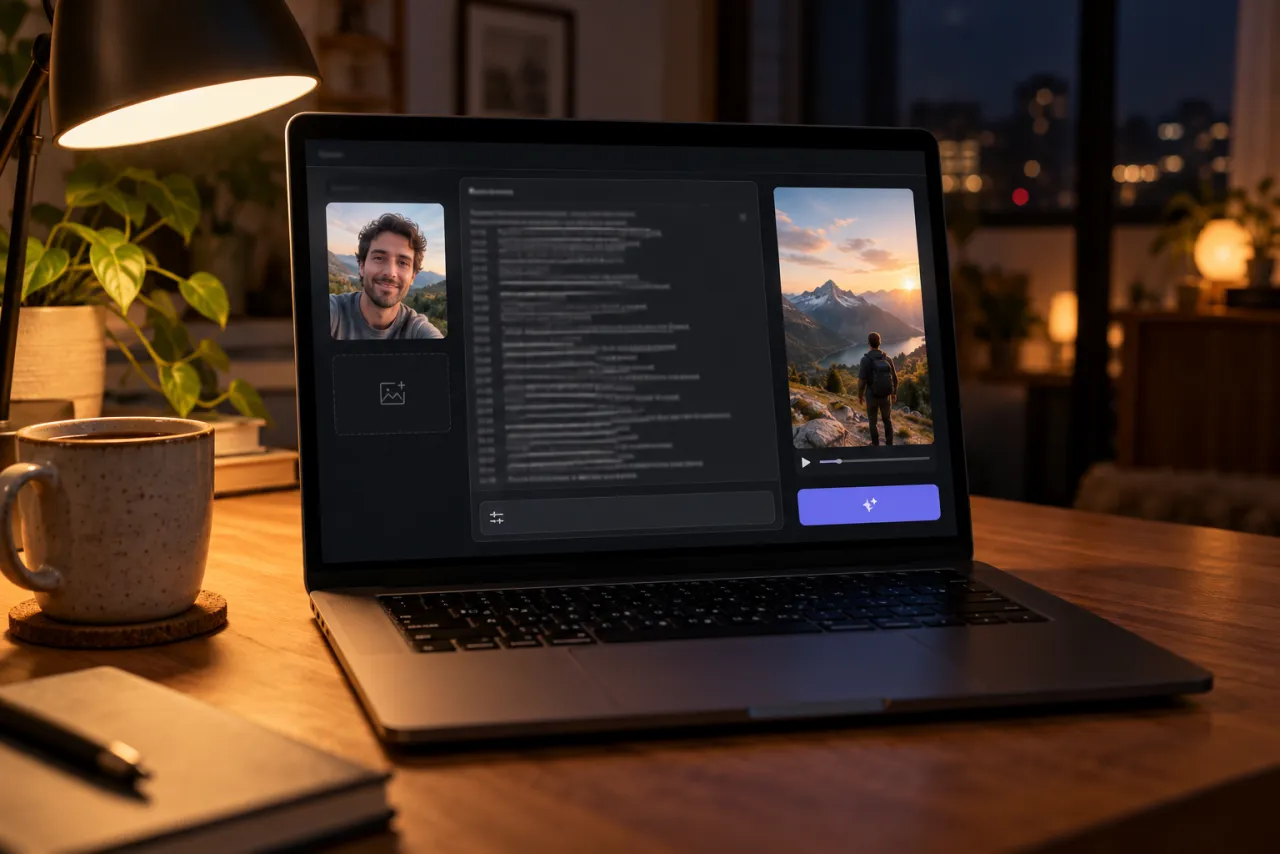
- Open the image-to-video or reference-image mode of your tool. Kling, Higgsfield, Runway, Veo and CapCut’s AI video tools all have one.
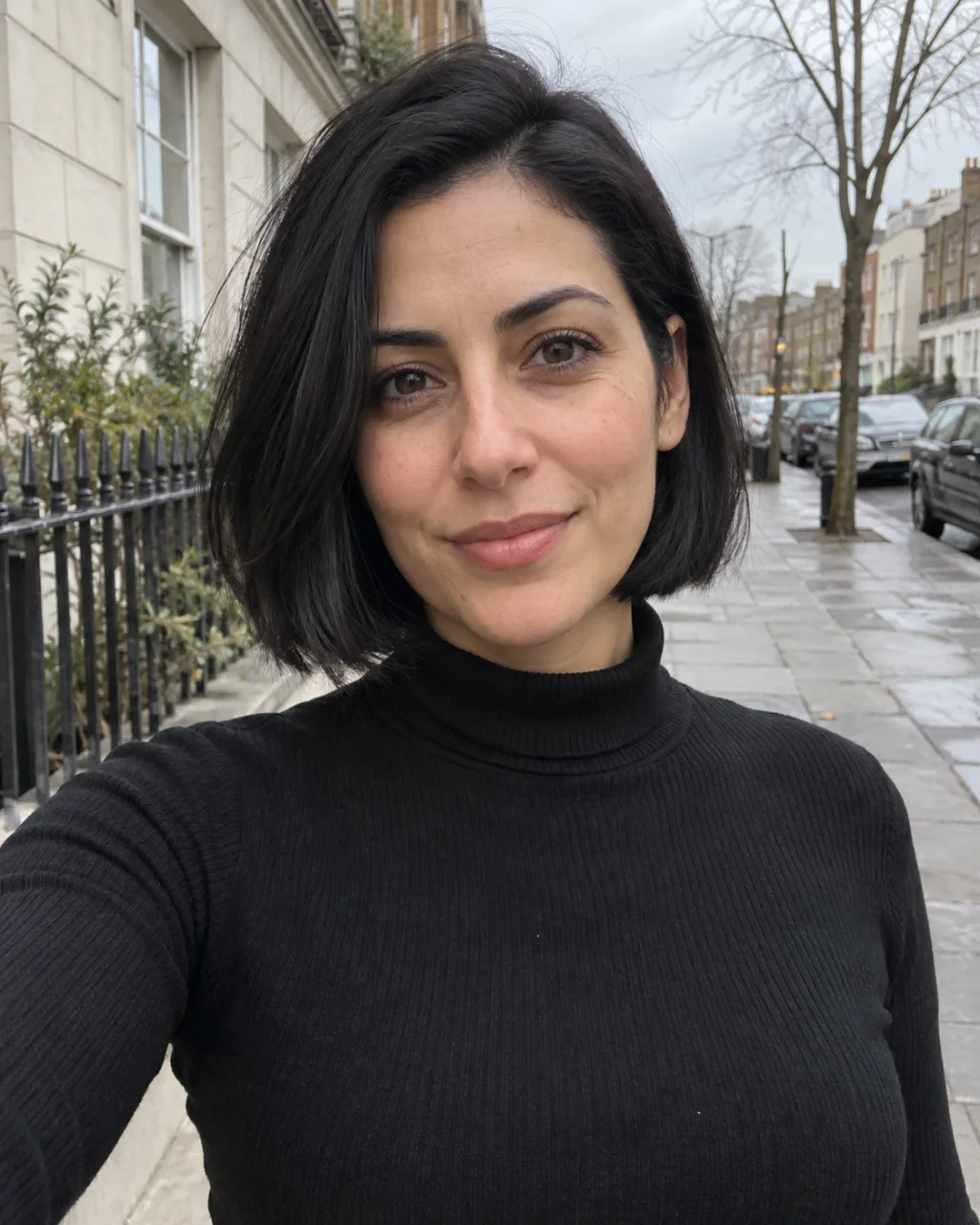
- Attach one sharp photo of your face. Don’t describe your face in words; the photo does that better.
- Set the aspect ratio to 16:9. The crowd needs the width.
- Paste the prompt, generate, and watch the lead first: still the whole time?
- Keep the best take, then add the STORM II sound when you post.
Shot by shot: why each line is there
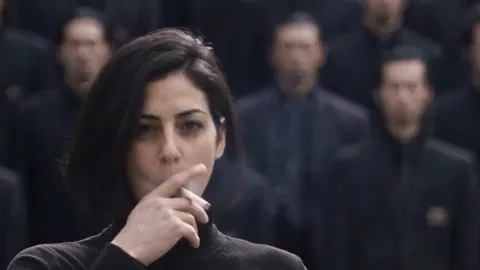
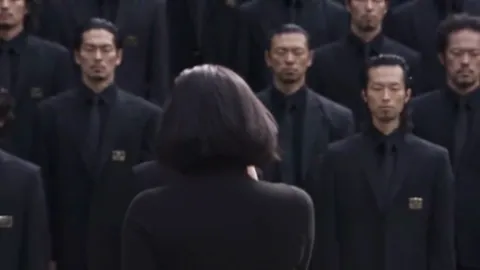
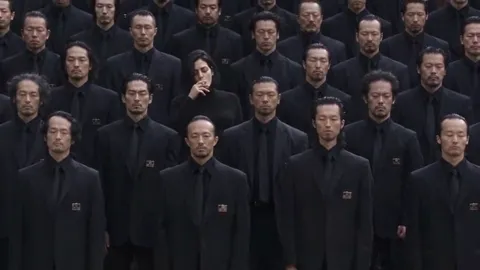
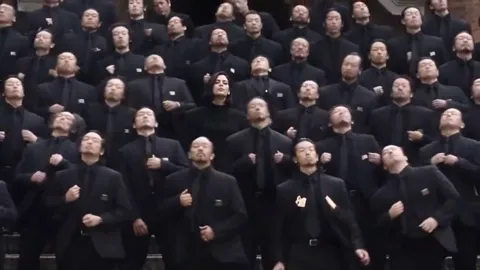
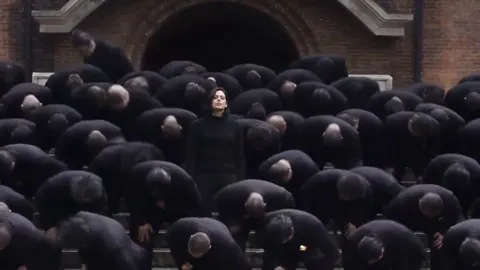
- The close-up sets up who the lead is. Without it the tool may treat you as one more face in the crowd.
- The walk back is the longest shot. “Nobody else moves” keeps the crowd from wandering.
- The stare is the pause before the storm. A wide frontal shot shows how big the crowd is.
- Eyes to the sky is the first big move. “At the same moment” matters: a ripple looks wrong.
- The bows are the payoff, repeated on each beat. “Then straightens and looks up” makes them loop instead of freezing in a bow.
Variants
Short version: the bows only
Storm Dance, bows only (about 8 seconds)
Widescreen 16:9, photoreal, overcast daylight, about 8 seconds. Use my reference photo for the lead in the middle; same face, hair and clothes. The lead stays completely still, staring into the lens. Wide shot of stone steps in front of an old red-brick building, a huge crowd of adults in identical black suits around the lead. 0–3 s: everyone frozen. 3–4 s: the crowd throws its heads back to the sky at once. 4–8 s: the crowd bows deeply in unison on each beat and straightens again. Sound: none. Avoid: the lead moving, faces changing, text, logos.
The crowd from a second photo
A popular twist makes every member of the crowd look like one friend. If your tool takes two reference images, add a photo of a friend who agreed to it and change the setting line to: “The crowd is made of identical copies of the person in reference photo 2, all in black suits.” Keep the lead line pointing at photo 1.
Your pet as the still one
Other tools can put a dog or cat in the middle. Swap the lead line for “Use my reference photo for the pet in the middle; it sits perfectly still and stares at the camera.” If the crowd is pets too, give them pet moves: “the pets lie low on each beat, then sit up with their chins raised.” On NowStarring, Storm Dance is made for one person, not pets.
For men, or a different outfit
The prompt works the same for anyone; the tool takes your look from the photo. To stand out more, add “the lead wears a white shirt” or “a light-colored coat”. A lead in a black suit disappears into the crowd.
Fix it: what goes wrong and what to change
| What you see | Why | Change in the prompt |
|---|---|---|
| You bow with the crowd | Motion spreads to everyone | Move “the lead never moves, never bows” to the second line and repeat it in the bows line |
| Your face changes between shots | The tool loses the reference | Use a sharper, front-facing photo; add “same face in every shot” |
| The crowd bows out of sync | No timing given | Add “in perfect unison, all at the same moment” |
| Crowd faces look like someone famous | The tool fills in faces | Add “ordinary, unrecognizable extras” |
| Heads vanish when they look up | Fast head motion | Ask for “a sharp head tilt back, faces still visible” |
| The crowd is cropped | Vertical frame | Set 16:9 and say “wide shot, the whole crowd in frame” |
| The clip ends early | Length limit per clip | Split at 16 s and join the two clips |
Photo tips
- One face, looking at the camera, in daylight. The close-up and the stare show it big.
- No sunglasses, hats or hands over your face. The stare needs your eyes.
- What you wear comes along. A light or bright top stands out against the black suits.
- Only use a photo of yourself, or of someone who agreed to it. Never a celebrity, and never anyone under 18.
More examples in the best photo for the Storm Dance AI video.
What the prompt can’t do
- Add the song. Prompted video comes out silent or with made-up audio, so you add STORM II when you post.
- Hit the beat exactly. The tool doesn’t hear the song, so bows land near the beat, not on it. Trim the clip in an editor to line them up.
- Guarantee the crowd size. Some takes give a few dozen people, some hundreds. Generate again for a bigger crowd.
- Keep 27 seconds in one go in every tool. Splitting and joining is normal.
The no-prompt route
If you’d rather skip the prompt, the Storm Dance page makes the whole scene from one photo: all five shots, the STORM II song timed to the bows, widescreen, no watermark, in about 6 minutes. One Standard video uses 165 credits. The smallest pack that makes one is $34.90 for 270 credits (1 video), a one-time buy whose credits never expire, and plans start at $19.90 a month for 270 credits. If a video fails, its credits come back.
More prompts for other trends are on the prompt page. To make the trend without AI at all, see the free guide. NowStarring is an independent fan tool, not linked to the makers of the STORM film or the song’s artists. The song belongs to its rights holders.
Domande frequenti
What is the Storm Dance AI prompt?
A widescreen, shot-by-shot description of the scene: a close-up of you, the walk back into a crowd in black suits, the frozen stare, the crowd looking at the sky, then the bows on the beat, with you never moving. The full text is on this page.
Where do I paste the Storm II AI prompt?
In the image-to-video or reference-image mode of an AI video tool such as Kling, Higgsfield, Runway, Veo or CapCut’s AI video. Attach your photo as the reference first.
Why does the AI make me bow with everyone?
Video tools spread motion to everyone in the frame. Put “the lead never moves, never bows and never looks up” near the top and repeat it in the bows line.
Can I make the Storm Dance AI video vertical?
You can ask for 9:16, but the crowd gets cropped and the scene loses its size. The original is widescreen, and NowStarring makes it in 16:9 only.
Does the prompt add the STORM II song?
No. Prompts can’t add a real song. Add STORM II from the app’s sound library when you post, or use a route that includes the song.
Can I use the prompt with a photo of a friend?
Yes, if they agreed to it. Never use a photo of a celebrity or of anyone under 18.