Money Flex AI prompt (copy and paste, shot by shot)
A free Money Flex AI prompt: the low table shot, the armful of cash and the fan of bills, timed shot by shot, with variants and a fix-it table for bad takes.
7 lettura minima · Aggiornato
The prompt
Here is a free Money Flex AI prompt. Attach one clear photo of yourself as the reference image, paste this into an image-to-video or reference-image mode, set vertical 9:16, and add the Money Flex sound when you post.
Money Flex AI prompt
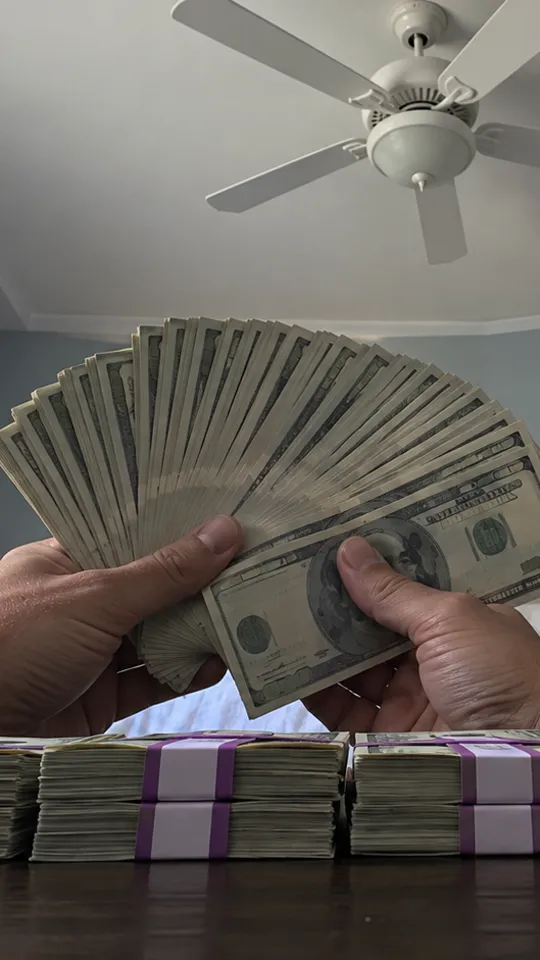
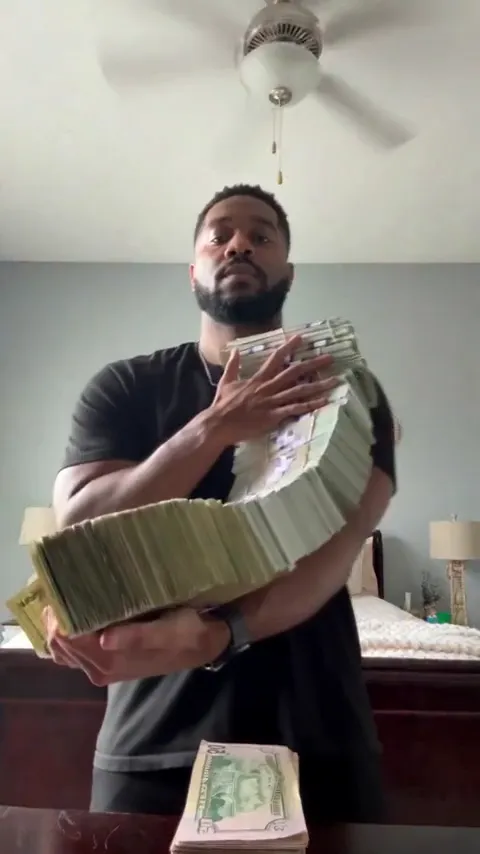
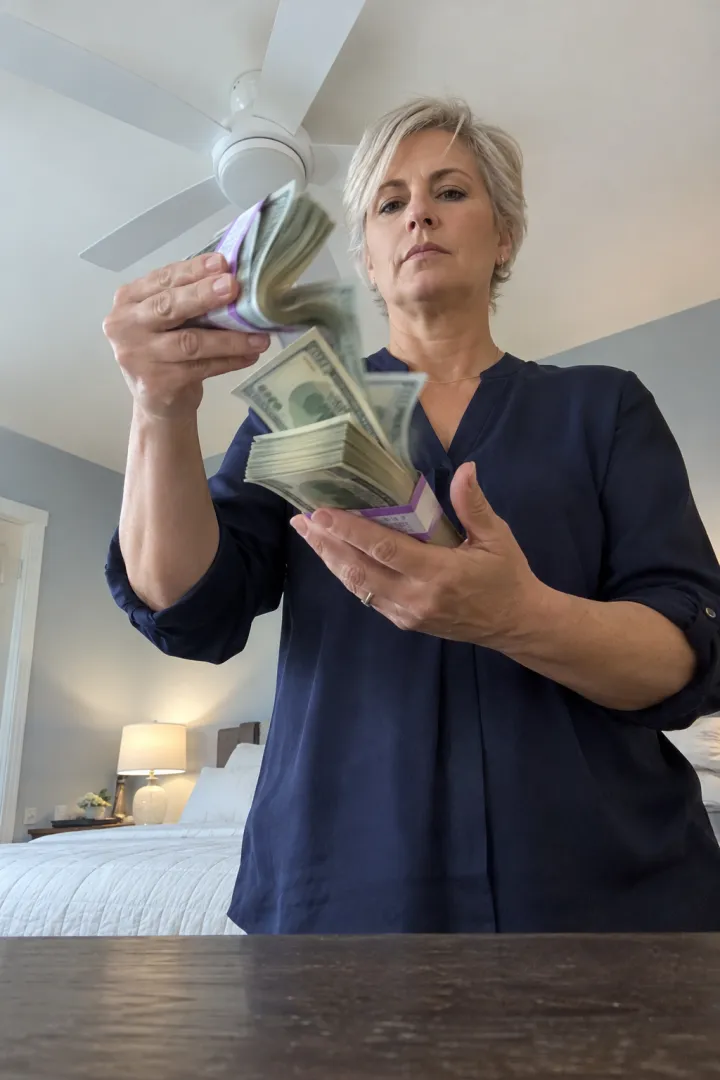
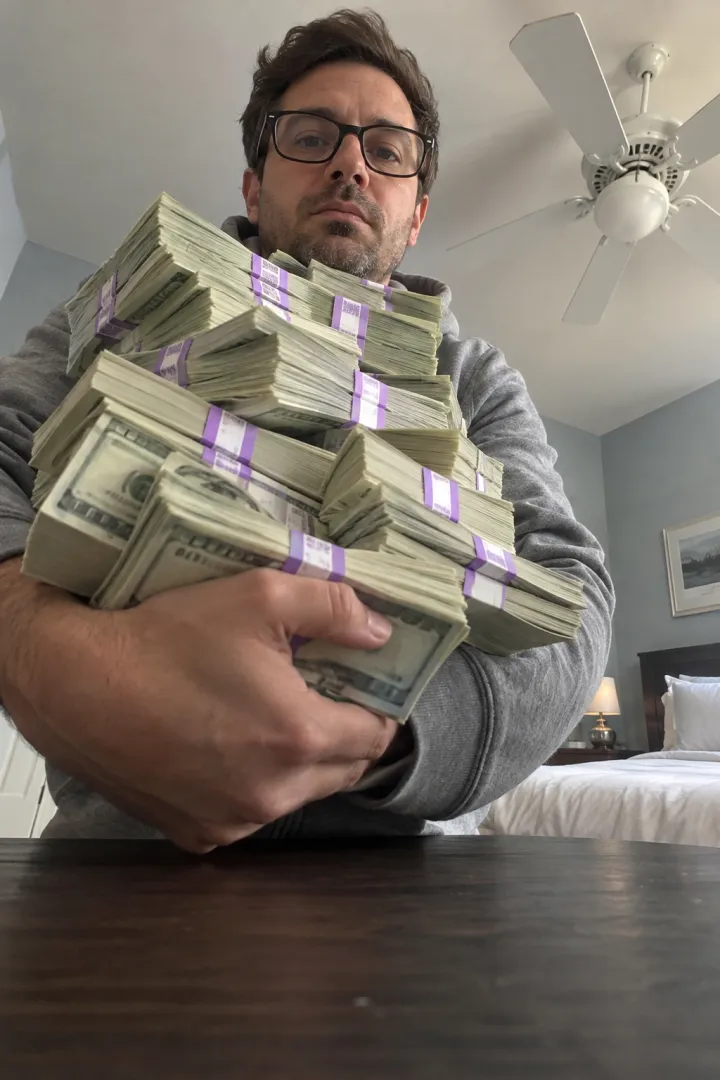
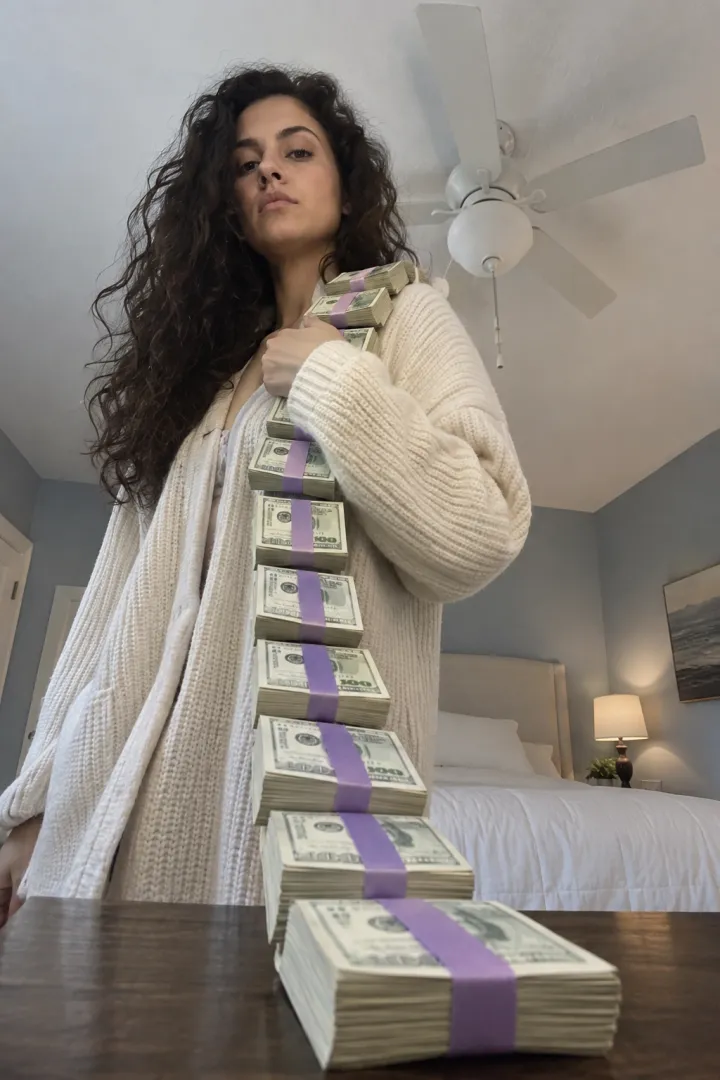
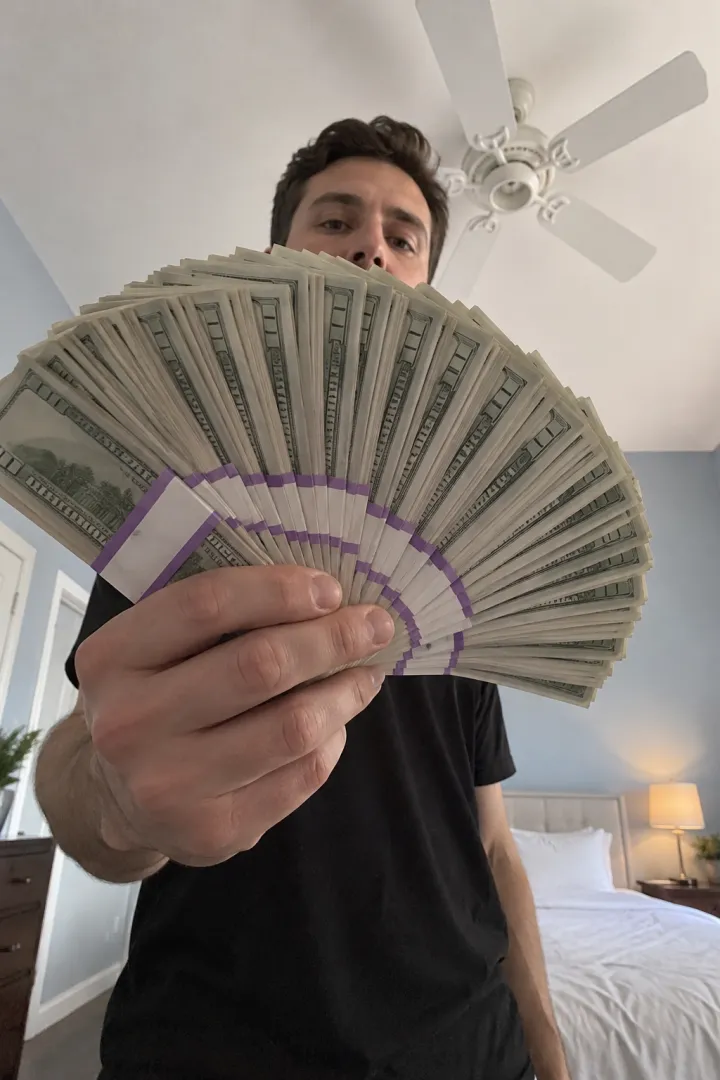
Vertical 9:16 video, 15 seconds (or the longest length available), photoreal, one continuous take with no cuts. Camera: a phone lying flat on a dark wooden table, filming straight up at the person leaning over it. Behind them, a white ceiling and a white ceiling fan; pale blue-grey bedroom walls, a white bed and a bedside lamp, soft daylight. The camera never moves. The person is the one in my reference photo: same face, hair, body and the exact clothes they wear in it. Totally deadpan the whole time: no smile, no laugh, eyes on the lens. The money is obvious movie-prop cash: thick stacks of pale green bills, each wrapped in a purple paper band. 0–3 s: they lean in hugging a huge armful of stacks, then push the whole pile down toward the lens. 3–5 s: they heave the pile up onto one shoulder, then drape a long chain of stacks around the neck like a scarf. 5–7 s: they swing the chain of cash at the camera, an arm sweeping past the lens, then step back with empty palms. 7–10 s: they flip a single stack from one palm to the other, slowly, like counting it. 10–15 s: they spread a giant fan of bills right in front of the lens, so only their eyes and hair show over the top. Hold it. Sound: a slow, heavy hip-hop beat and the soft rustle of paper. I will add the sound afterwards. Avoid: smiling, readable serial numbers or real currency details, other people, a second person, camera movement, cuts, captions, extra or merged fingers, bills melting into hands, a changing face.
How to use it
- Open an AI video tool that takes a reference image: Kling, Higgsfield, Runway, Veo, CapCut’s AI video or similar.
- Attach your photo as the reference or start image. Don’t describe your face in words; the photo does that.
- Paste the prompt. If the tool has a separate negative prompt box, move the “Avoid” line there.
- Set vertical 9:16 and the longest length available. If it’s shorter than 15 seconds, keep the first and last time lines and drop the middle.
- Generate, compare with the shot list below, and fix what slipped with the table further down.
- Add the sound when you post. The sound guide has the taps.
Shot by shot: what each line does
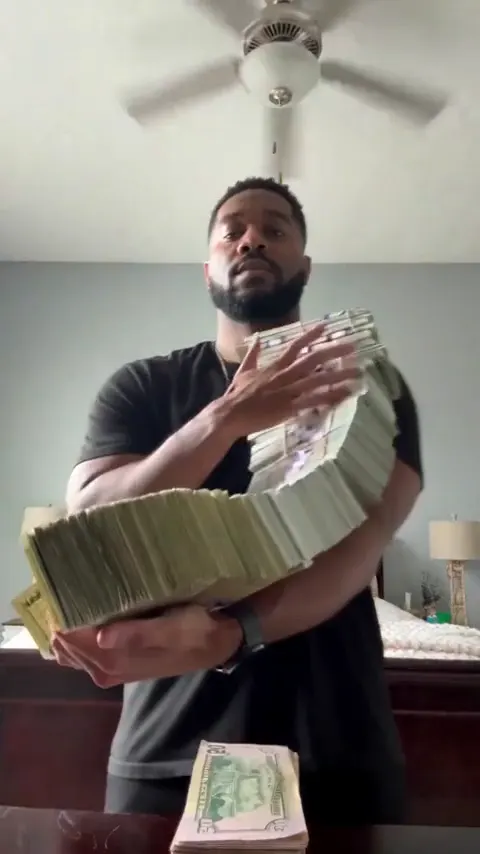
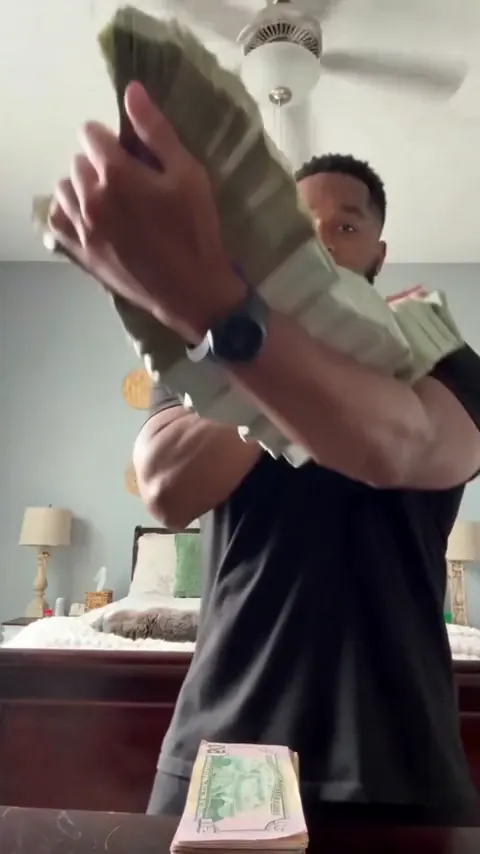
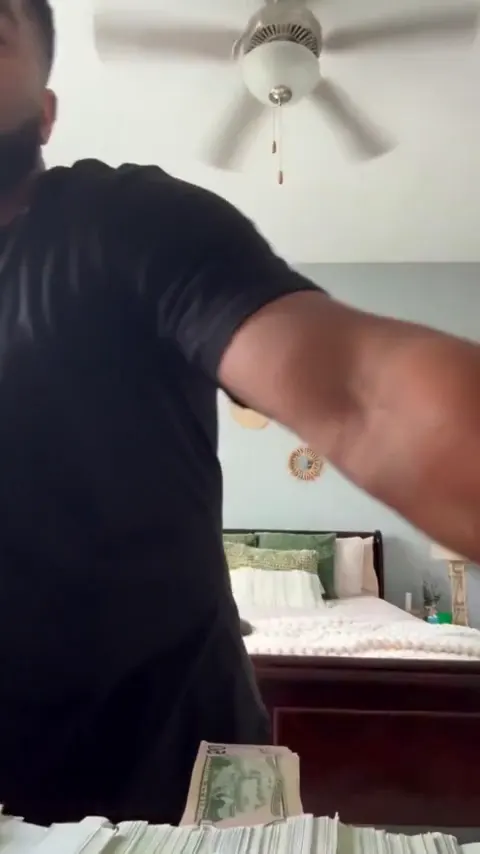
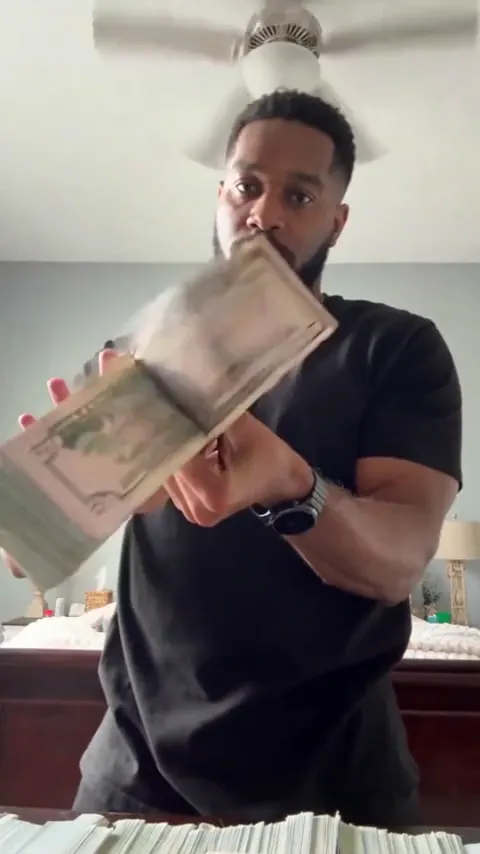
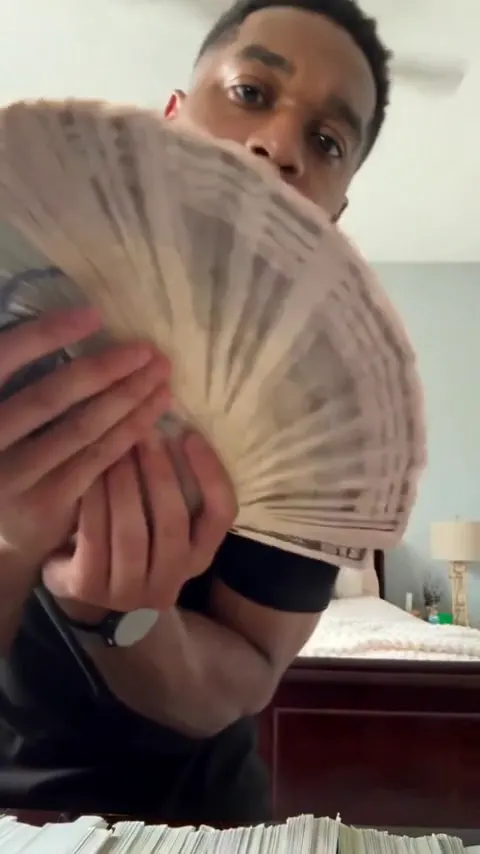
- The camera line makes it Money Flex. A phone flat on a table looking up, with the ceiling fan behind your head, is the look everyone recognizes. Keep “the camera never moves”.
- The deadpan line matters more than any move. The joke is the straight face; tools love to add a grin unless you tell them twice.
- Calling the money “movie-prop cash” with purple bands keeps it looking like the trend and stops tools drawing real currency details.
- The armful and the scarf of stacks are big, simple shapes that tools handle well.
- The flip from palm to palm is where hands go wrong, so it’s slow and to the point.
- The fan at the lens is the ending. Only your eyes show, which is why the photo must show your eyes clearly.
Variants
Swap one line of the main prompt for one of these:
Payday version (swap the 10–15 s line)
10–15 s: they drop the fan, look dead into the lens for one second, then let the whole fan of bills fall onto the camera until the frame is covered in cash.
Office version (swap the camera line)
Camera: a phone lying flat on an office desk, filming straight up at the person leaning over it, with a plain white office ceiling and strip lights behind them. The camera never moves.
Parent version (swap the person line)
The person is the parent in my reference photo: same face, age, grey hair if they have it and the exact everyday clothes they wear in it. Completely deadpan the whole time, like flexing is a serious chore.
Short version (for 5–8 second free tiers)
Vertical 9:16, photoreal, one take from a phone lying flat on a table looking up, ceiling fan behind. The person from my reference photo, totally deadpan, pushes an armful of purple-banded prop cash at the lens, then spreads a fan of bills in front of the lens so only their eyes show. Avoid: smiling, cuts, camera movement, extra fingers.
Only use a photo of yourself or an adult who agreed. Never a celebrity, never anyone under 18. And post it as a joke: the money is fake, never proof of income or an offer.
Fix it: symptom → change
| Symptom | Change to the prompt |
|---|---|
| They smile or laugh | Add “expressionless, mouth closed, no smile at any point” to the person line |
| The camera is at eye level | Start with “worm’s-eye view from a phone lying on the table” |
| The camera moves or cuts | Add “single locked-off shot” to the first line |
| Extra or melting fingers | Use a sharper photo; slow the flip with “slowly, one stack only” |
| The bills look like real currency | Keep “movie-prop cash” and add “no readable text on the bills” |
| Your face changes behind the fan | Add “same eyes and hair as the reference above the fan” |
| Too short for the whole take | Use the short version above |
Photo tips for the prompt
- Face and shoulders, straight on, soft light. A clear selfie works.
- Nothing over your eyes: no sunglasses, no hat brim. Your eyes are the last thing showing over the fan.
- Wear what you want to flex in. The tool copies your top from the photo.
- Just you. Crop group photos down to one person.
- More in the best photo guide.
What the prompt can’t do
- Give you the sound. AI video tools make their own audio or none; add the Money Flex sound when you post.
- Hold a deadpan face every time. Expect a smile to sneak in on some tries.
- Promise clean hands. Cash and fingers are a hard mix, so check every flip.
- Make it a real offer or proof of anything. The money is fake, and the video is a joke.
The no-prompt route
On the Money Flex page there’s no prompt to write: upload one photo and get the whole 15-second flex with the sound in it, vertical, no watermark, in about 5 minutes. One Standard video uses 90 credits. The smallest pack that makes one is $12.90 for 90 credits (1 video), a one-time buy whose credits never expire, and plans start at $19.90 a month for 270 credits. If a video fails, its credits come back.
Prompts for other trends are on the prompt page. New to it? Read what the Money Flex trend is. NowStarring is an independent fan tool, not linked to the creators of the original Money Flex videos. The money in every video is fake, for fun only, and never proof of income. The sound belongs to its rights holders.
Domande frequenti
What is the prompt for the Money Flex AI trend?
A timed shot list from a phone lying on a table: an armful of prop cash pushed at the lens, a scarf of stacks, a throw, a stack flipped palm to palm and a fan of bills with only the eyes showing, all deadpan. The full prompt is at the top of this guide, free to copy.
Which AI tool should I paste it into?
Any AI video tool with an image-to-video or reference-image mode, such as Kling, Higgsfield, Runway, Veo or CapCut’s AI video. Attach your photo as the reference.
Why does the AI keep making me smile?
Tools default to happy faces. Say “deadpan, no smile at any point” in the person line and again in the Avoid line.
Why doesn’t my AI video have the Money Flex sound?
AI video tools make their own audio. Add the trend’s sound in TikTok or Instagram when you post, starting from a Money Flex video you liked.
Can I use the Money Flex prompt with my pet?
It rarely works: the flex is all hands, and pets end up growing fingers. Use a photo of a person.