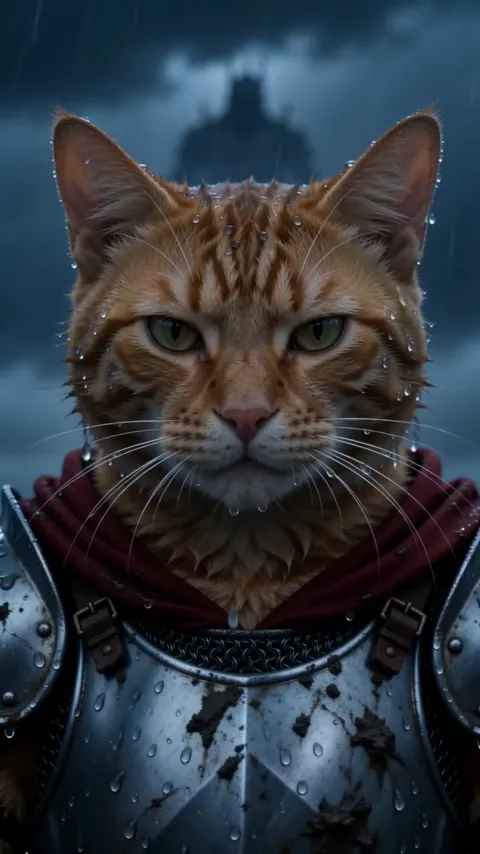
Knight Cat AI: CapCut vs an AI video generator vs one photo
CapCut, an AI generator with a prompt, or a one-photo trend site: which puts YOUR cat in the Knight Cat armor, pulling the sword, with the least effort.
6 lettura minima · Aggiornato
The verdict
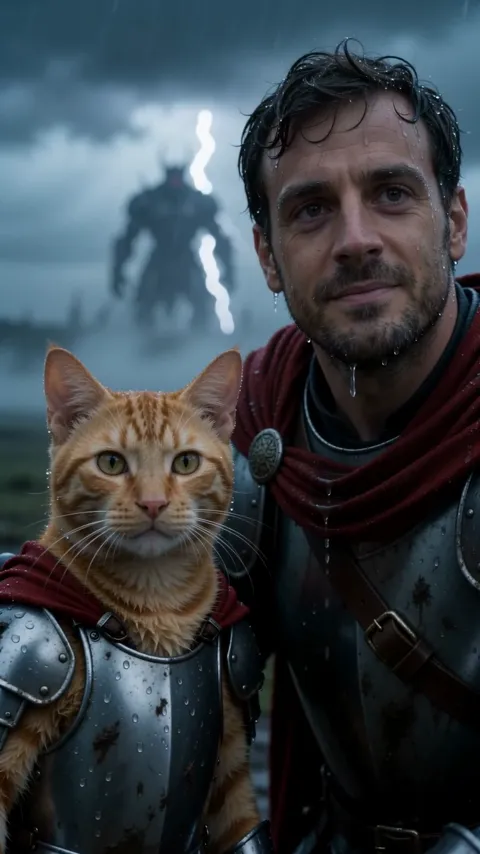
A CapCut template is free and fast for a stormy edit of footage you already have, but it won’t put your pet in armor. For your own cat or dog as the tiny knight pulling the sword, you need AI video made from its photo: either CapCut, Dreamina, Kling or a similar tool with a prompt and a few retries, or a one-photo trend site like ours, which is paid and takes a few minutes.
The prompt route is a fair choice if you enjoy tweaking. The one-photo route wins when you want the exact shots and the sound without trying again. The hard part in every AI tool is the same: keeping your pet small next to the sword, with its own face, while it pulls a blade out of the mud. The Knight Cat page handles that from one photo.
Side by side
| CapCut template | AI video + prompt | One photo here | |
|---|---|---|---|
| Your own pet | Only your footage | Yes, with retries | Yes |
| Armor and sword | No | Yes, scale can slip | Yes |
| The trend’s shots | The template’s cut | Close, the pull is hard | All three |
| You as the big knight | No | With two references | Yes, from a selfie |
| Sound | Template’s sound | Often silent | Storm in the file |
| Effort | Minutes | An evening | One photo |
| Cost | Free to start | Free tier or credits | Paid |

What a template can and can’t do here
A CapCut template is a saved edit: cuts, effects, text and a sound, with empty slots for your clips or photos. Your footage drops into the slots; nothing new is generated.
For the Knight Cat, that means a template can make a stormy edit of your pet: a cold filter, a rain overlay, thunder, slow zooms, a dramatic line of text. What it can’t do is dress your pet in armor, hand it a sword or put it on a moor. Those need new pictures, which is what AI video makes.
When the CapCut template wins
- You filmed a homemade version on a stormy day and want a cold filter, thunder and a caption on it.
- You want the meme as a caption joke over any pet clip, not the full knight.
- You want everything free, in one app.
The free guide has a shot plan for the homemade version.
When an AI video tool with a prompt wins
- You like tweaking and don’t mind retries.
- You want a variant: golden armor, a snowy battlefield, a still image for a profile picture.
- You already pay for Kling, Higgsfield, Runway, Veo, Dreamina or CapCut’s AI video.
- You want two pets in one scene, which a one-photo trend tool doesn’t do.
The Knight Cat AI prompt is free to copy, with solo and duo versions and a fix-it table.
When one photo wins
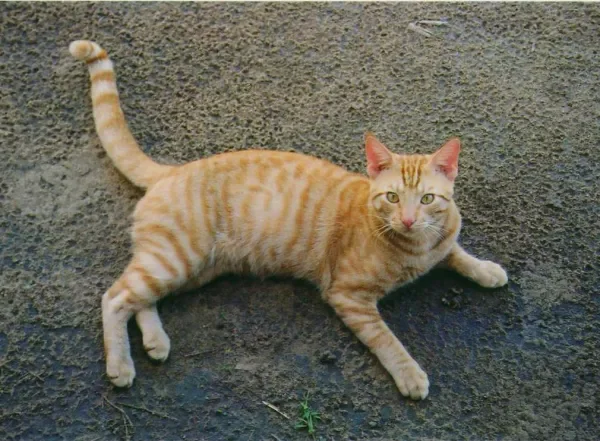
You want your own pet, the trend’s three shots and the storm sound without writing anything. Add your pet’s photo on the Knight Cat page, and yours to kneel beside it; the 10-second video, vertical or widescreen, is ready in a few minutes with no watermark. One Standard video uses 45 credits. The smallest pack that makes one is $12.90 for 90 credits (2 videos), a one-time buy whose credits never expire, and plans start at $19.90 a month for 270 credits. If a video fails, its credits come back.
The image-first route in Dreamina or CapCut
With general tools, two steps often beat one: make a still first, then animate it.
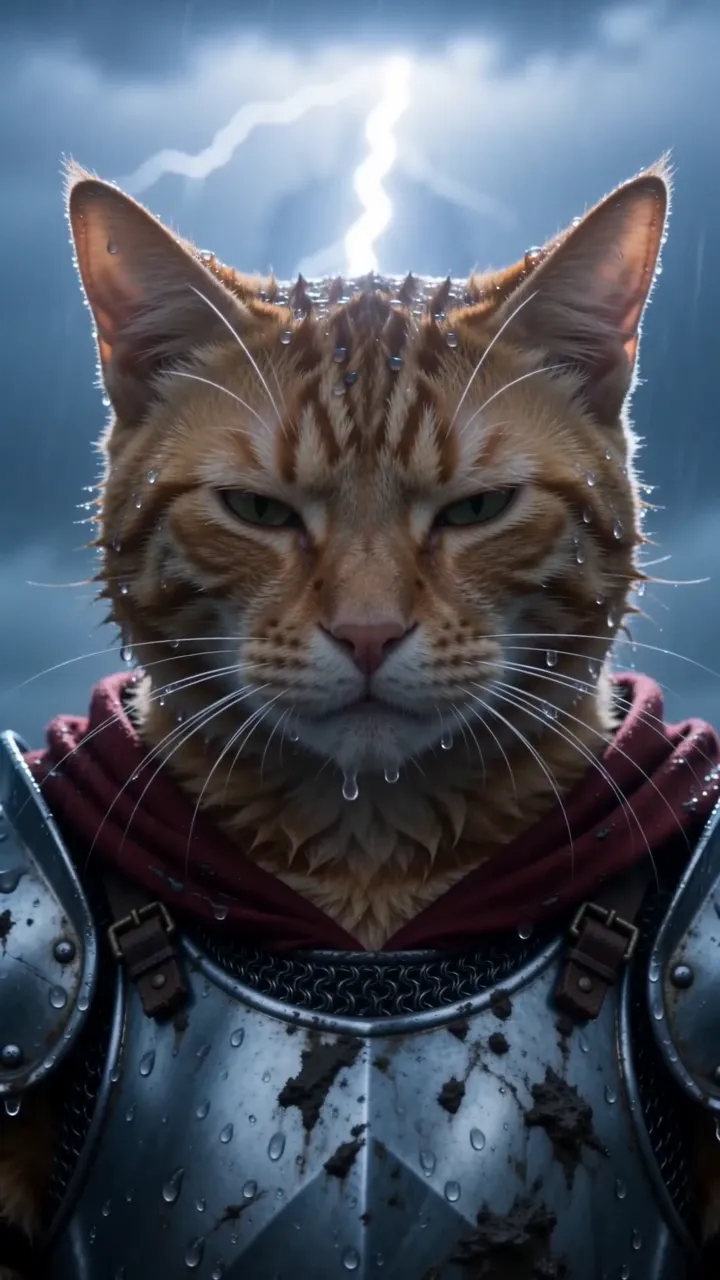
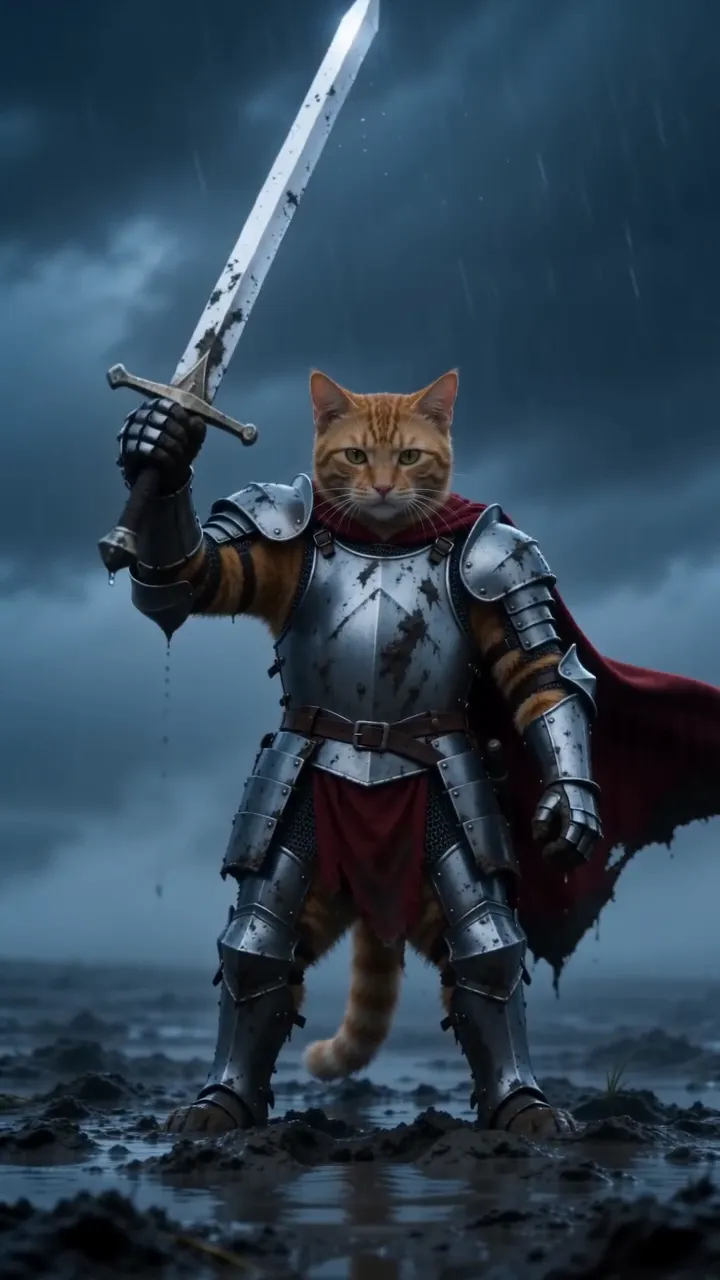
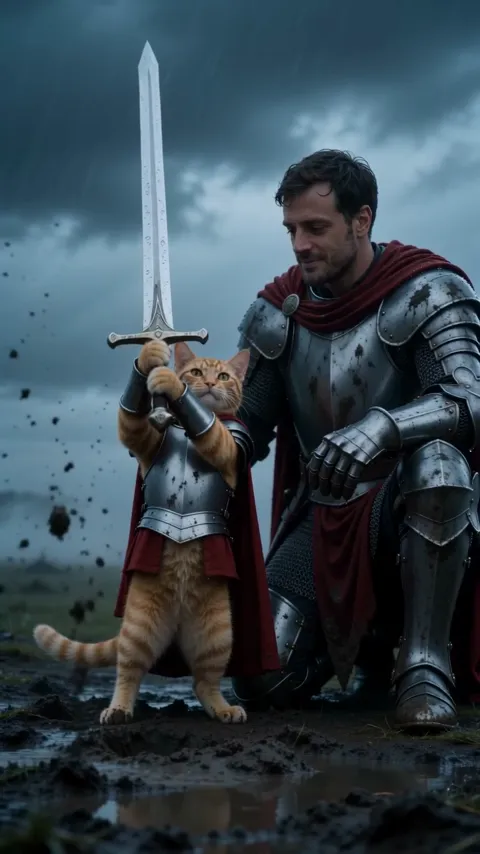
- In an AI image tool, attach your pet’s photo and ask for a tiny armored knight in a crimson cape on a stormy moor, head bare, beside a giant sword.
- Pick the image where the face is most clearly your pet.
- Use that image as the start frame in an image-to-video tool, with the sword pull and close-up lines from our prompt.
- Add storm sound and a caption in the editor.
It takes longer than one prompt, but you choose the look before spending a video try on it.
Mixing the routes
You can also combine them. Make the knight clip with AI, ours or another tool, then open it in CapCut to add your own caption, a trending sound or a real clip of your pet at the end, napping on the sofa after the battle.
Our video downloads as an MP4 with no watermark, so it drops into any editor. Shot ideas and captions are in the how-to guide. Pricing lists the packs and plans.
The CapCut route, step by step
Editing your own footage
- Import your homemade wide, hero and close-up shots.
- Add a cold, blue-grey filter and a rain overlay.
- Add storm sounds or a trending epic sound, plus one line of text.
- Export vertical 9:16.
With CapCut’s AI video or Dreamina
- Open the AI video or image-to-video tool.
- Add your pet’s photo as the reference image and paste our prompt.
- Generate, and retry until the knight is small and the face is your pet’s.
- Trim, add sound and export.
NowStarring is an independent fan tool. It is not linked to the artist behind the original knight cat series, and none of their artwork appears in your video.
Domande frequenti
Is there a CapCut template for the knight cat?
Templates re-cut footage or photos you already have. They can add a storm filter, sound and text, but they don’t put your own pet in armor pulling a sword. For that you need AI video from its photo.
Can I make the knight cat in Dreamina or CapCut’s AI video?
Yes. Dreamina is CapCut’s AI image and video tool. Attach your pet’s photo and paste a shot-by-shot prompt, and expect some retries for the sword pull.
What’s the easiest way to make the knight cat with my own cat?
A one-photo trend tool: add your pet’s photo, and the whole clip comes back with the storm sound. It’s paid, but there’s nothing to prompt or edit.
Is CapCut free for the knight cat trend?
CapCut is free to start for editing and templates. AI image and video generation may use credits or a paid plan; check the app for what your account includes.
Can I be in it with CapCut?
With AI video and two reference photos, yes, after some retries. A one-photo trend tool like ours does the kneeling big knight from a selfie.
Does the knight cat work in widescreen?
Yes. Most AI video tools offer 16:9, and on NowStarring you can pick vertical or widescreen before you make it.
Can I add my own caption to the NowStarring video in CapCut?
Yes. It downloads as an MP4 with no watermark, so you can add text, trim it or put a trending sound on it in any editor.