How to do the Neon Dance trend, beat by beat
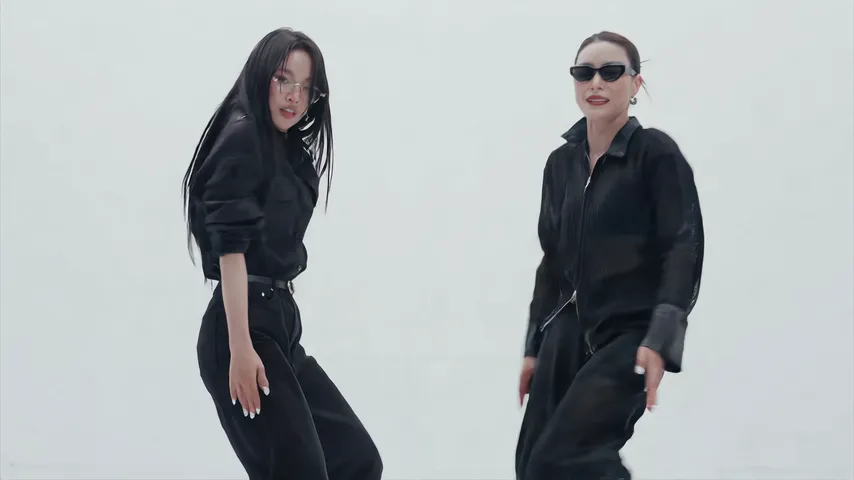
The Neon Dance trend beat by beat: film it yourself, or add a photo of each of you and get the 15-second video with the song and no watermark.
4 lettura minima · Aggiornato
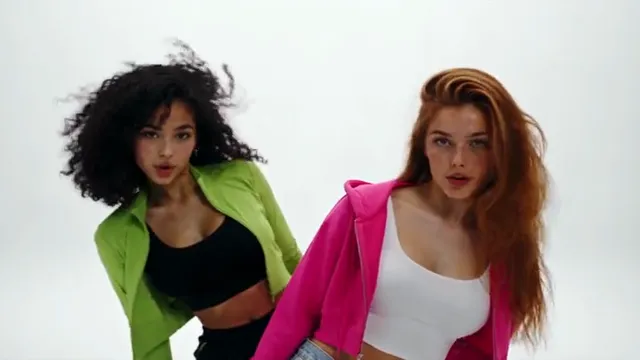
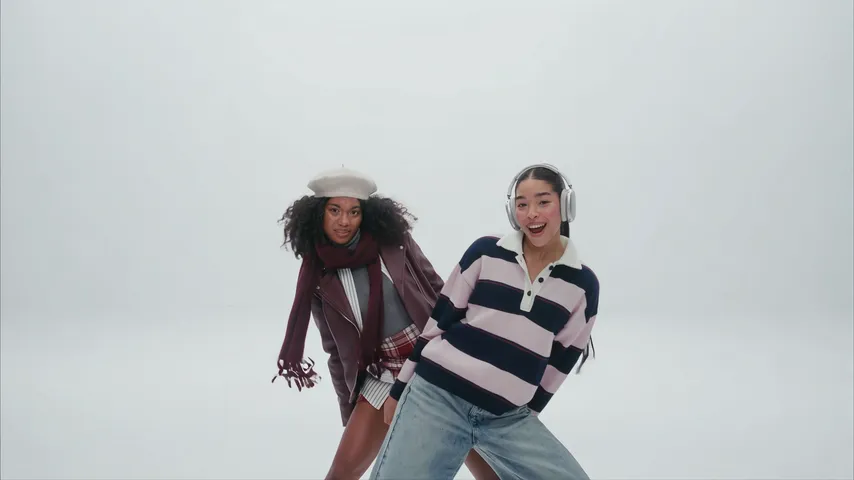
Diventa il protagonista di Neon Dance con una foto
Crea il tuoBeat by beat
The intro is 15 seconds of quick cuts. These are the beats to hit:
- 0:00, the hide: one of you in the middle, the other hidden right behind.
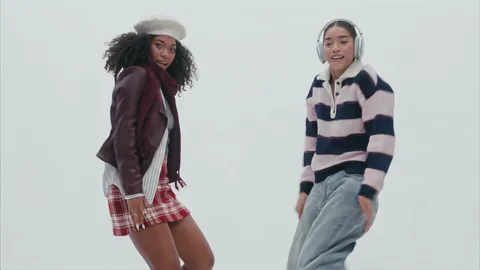
- 0:01, the peek-out: the one behind leans out and you sway side to side together.
- 0:03, the sweep: an arm across a low camera, hair flying, then a hand turning at the wrist and a whip pan.
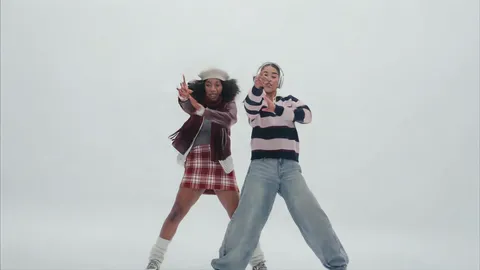
- 0:06, finger guns: side by side, both pointing straight at the lens.
- 0:07, the routine: a very wide shot of the two of you in sync, with a high kick near the end, then a close finish with your arms raised around your heads.
Film it yourself
- Find a plain white or light wall and enough floor to step back from the camera.
- Prop the phone sideways at waist height: the trend is widescreen.
- Film the intro in short pieces, one per beat, and cut them together on the beat.
- Film the routine last from far back so both of you are in frame head to toe, then add the NEON sound when you post.
Post it with the Neon Dance sound, so it shows up with the rest of the trend. Not sure what it is? The explainer has the whole story.
Or make it from a photo of each of you
- Open the Neon Dance page.
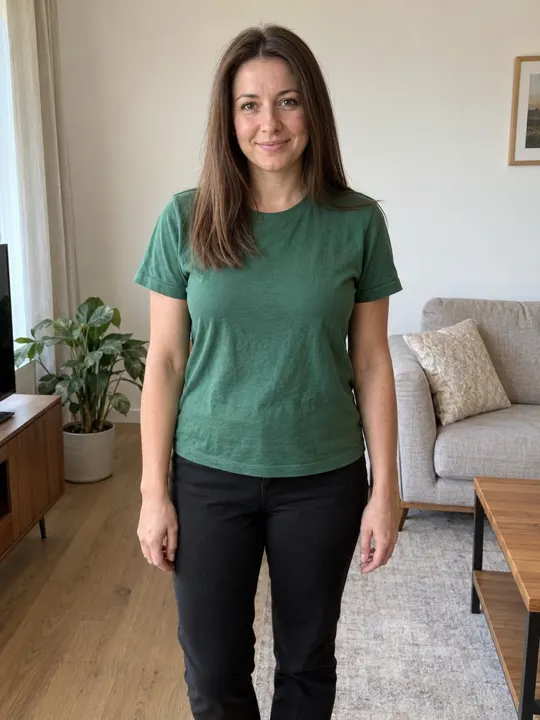
- Add a photo of each of you: one face per photo, toward the camera, head to knees if you can, in good light. The photo guide shows what works.
- Press Make my video and sign in when you’re asked. It’s ready in a few minutes. You can close the page: the video waits in My videos and we email you when it’s ready.
- Download the MP4, with the song and no watermark, and post it to TikTok, Instagram Reels or YouTube Shorts.
Each video uses credits from a pack or a monthly plan. See pricing.
Domande frequenti
Do we need to know the choreography?
Only to film it yourselves. The AI version does the moves for you from two still photos.
Does the AI video come with the song?
Yes. The song is already in your video. If a platform mutes it, pick the NEON sound from its library when you post.
What if the video fails?
You don’t pay for it: what it used goes back to your balance automatically, and you can try again with another photo.