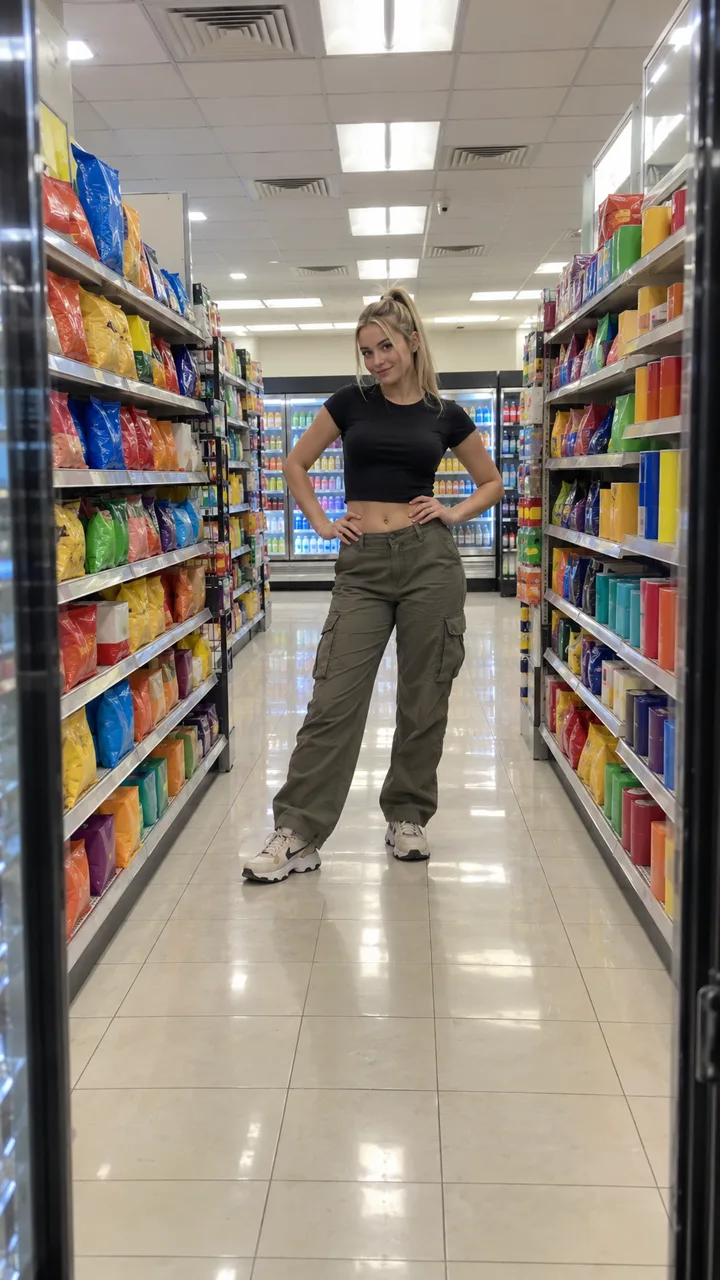
Best photo for the I Feel Like Nicole AI video (do and avoid)
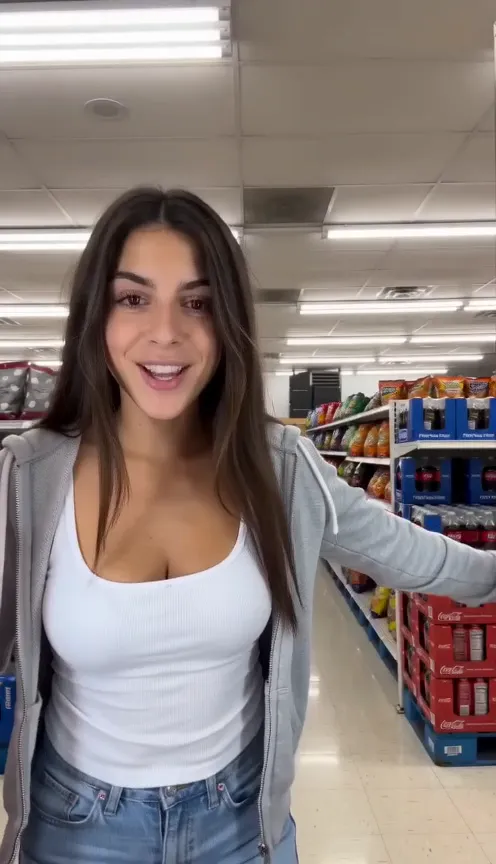
The best photo for the I Feel Like Nicole AI video is just you, head to feet, facing the camera with both eyes showing. Examples, outfit tips and what to avoid.
6 lettura minima · Aggiornato
The short answer
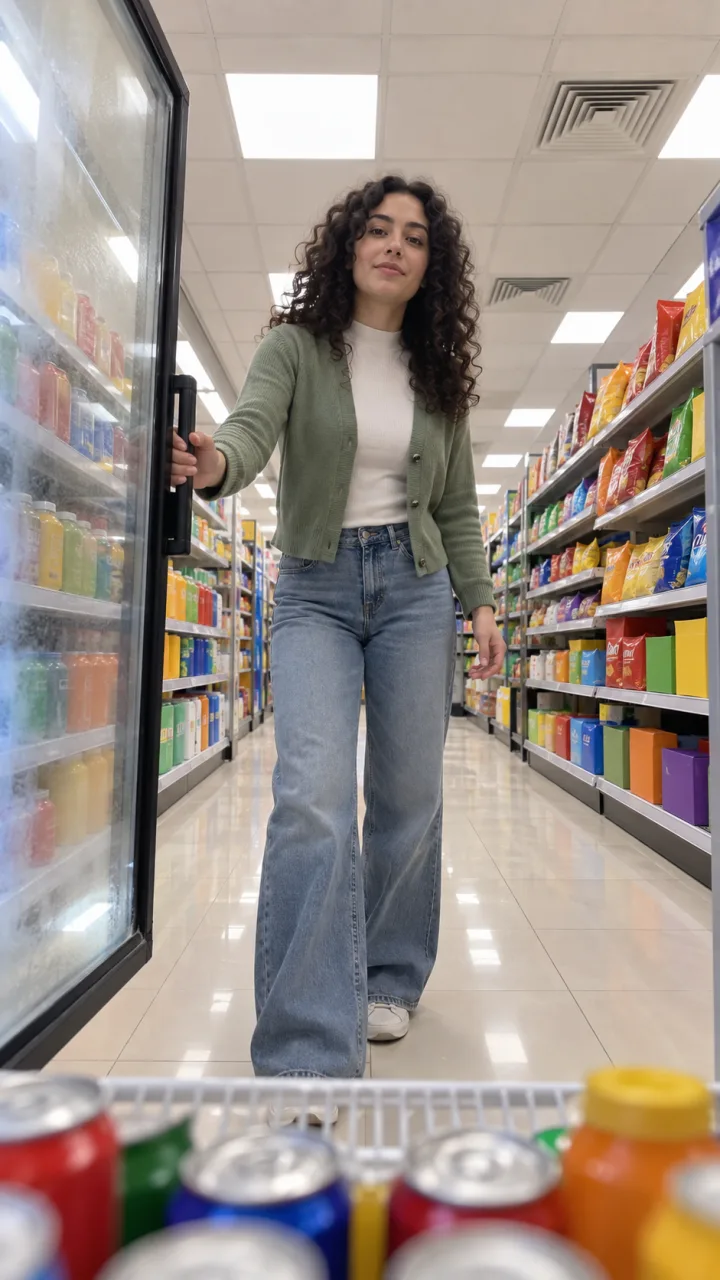
Use one photo of just you, head to feet, facing the camera, both eyes visible, in good light. The I Feel Like Nicole video opens on your face right at the lens and ends with you full length, walking away down the aisle, so it needs both your face and your whole outfit.
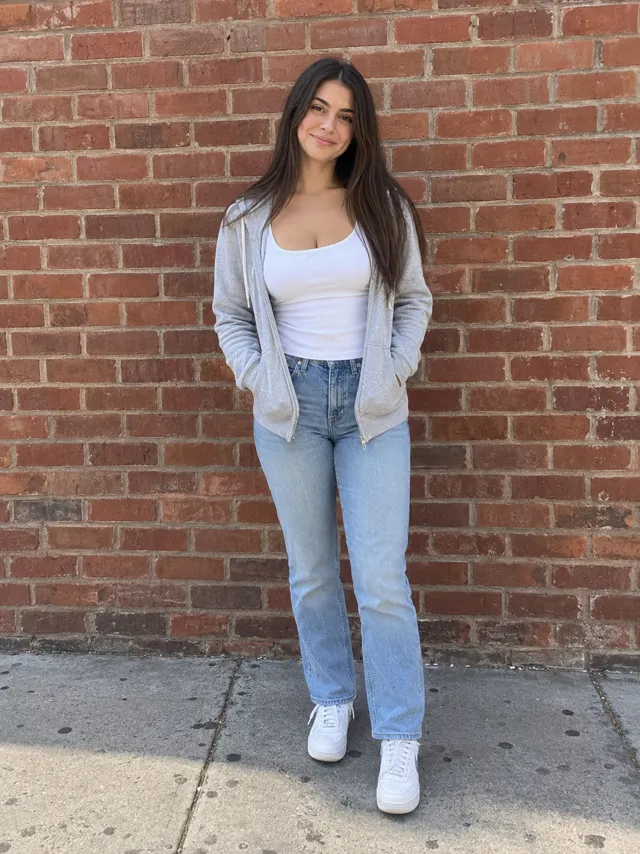
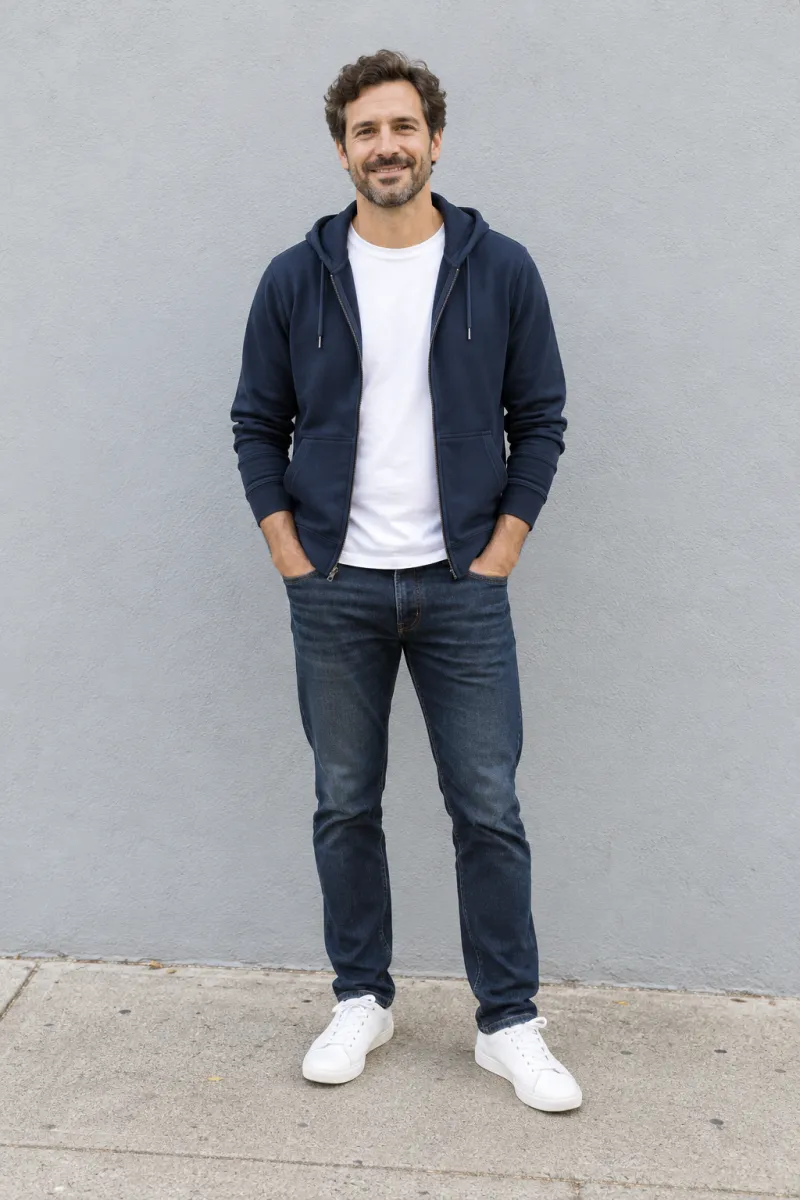

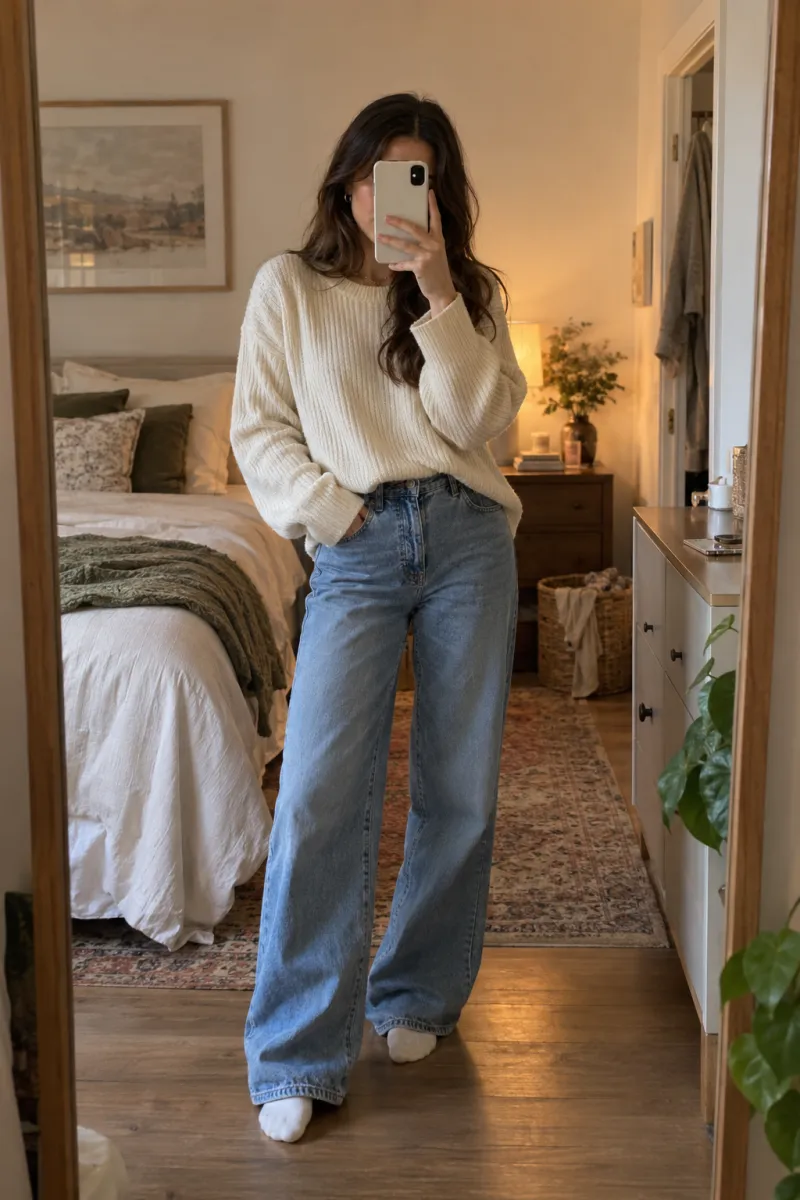
Why head to feet matters for this trend
Most photo-to-video trends only need a face. This one shows you at every distance, from your face filling the screen to a small figure at the end of the aisle. Here’s what each moment takes from your photo:
| Moment | What it shows | What your photo gives |
|---|---|---|
| Door opens | You from the waist up | Face, top, how you hold yourself |
| Lip-sync at the lens | Your face, very close | Sharp eyes, your smile, skin |
| Spin | Your hair in motion | Length, color, how you wear it |
| Hip pops | You full length | Your build, trousers, shoes |
| Walk away | Your back, getting smaller | The whole outfit and your hair |
Anything the photo doesn’t show, the video has to invent. A waist-up photo still works, but your jeans and shoes in the aisle will be a guess.
Pick the outfit you want to dance in
You wear exactly what you wear in the photo. Nothing is swapped for a costume, so the photo is your wardrobe choice.
- Casual works best: the clip is a snack run. A hoodie or cardigan over a tank top, jeans and sneakers is the classic look.
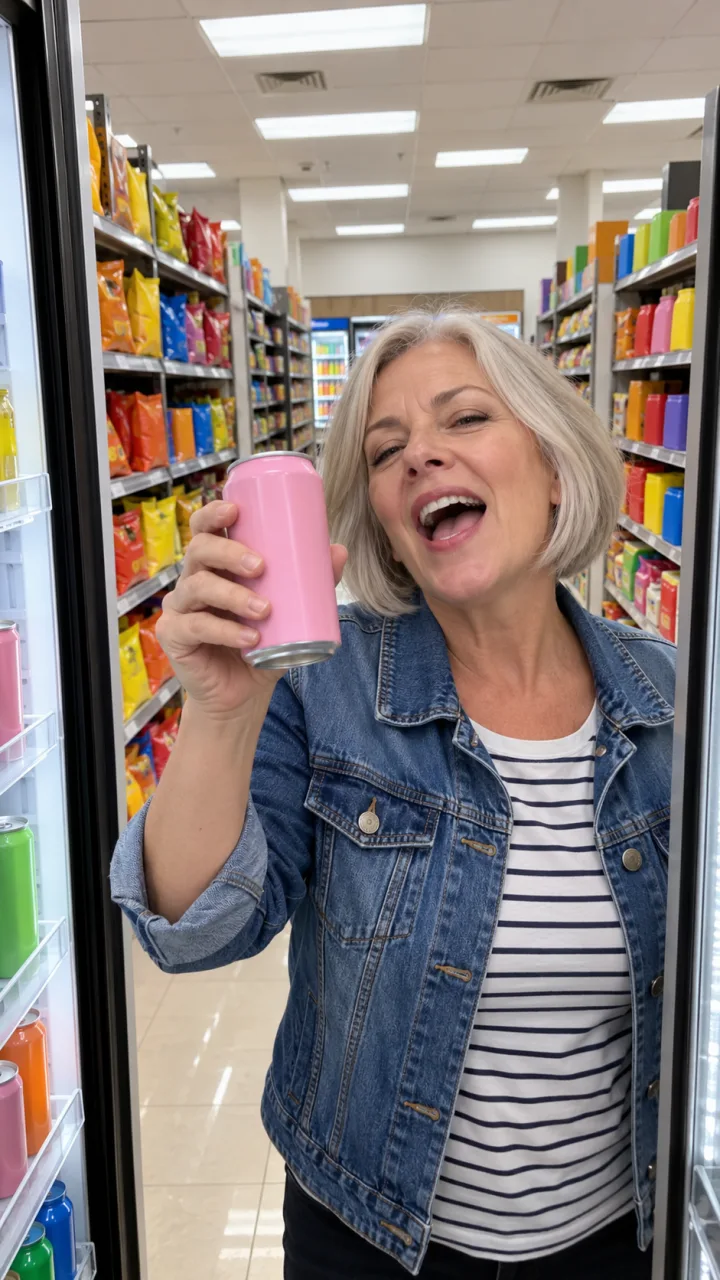
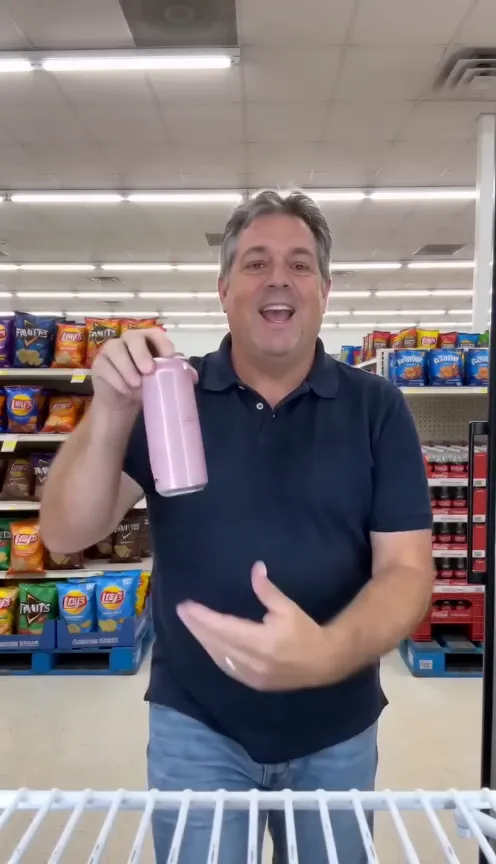
- A dad in a polo or a mom in a denim jacket is funnier than a perfect outfit. Wear what you’d really wear to the store.
- Your hair is the hair in the spin. If you want it to swing, wear it down; a ponytail only appears if the photo has one.
- Skip the backpack and the big shopping bag. Whatever you hold comes with you, and the can should be the only prop.
- A long, heavy coat hides your build, so the hip pops and the walk away look stiffer.
Light, framing and angle
- Stand facing the camera, or close to it. A profile gives the close-up too little to work with.
- Leave a little space above your head and below your shoes. Don’t crop the feet.
- Hold the phone at about waist or chest height. From very low or very high, your proportions stretch.
- Use soft, even light: daylight from a window, open shade or an overcast day. Avoid strong sun behind you.
- Keep it sharp. A blurry photo makes a softer face in the close-up.
- A plain background helps the video separate you from the scene, though a busy one usually still works.
Take the right photo in a minute
- Stand against a plain wall in daylight, in the clothes you want in the video.
- Ask a friend to hold the phone vertically at chest height, a few steps back, until your feet are in the frame. No friend? Prop the phone and use the timer.
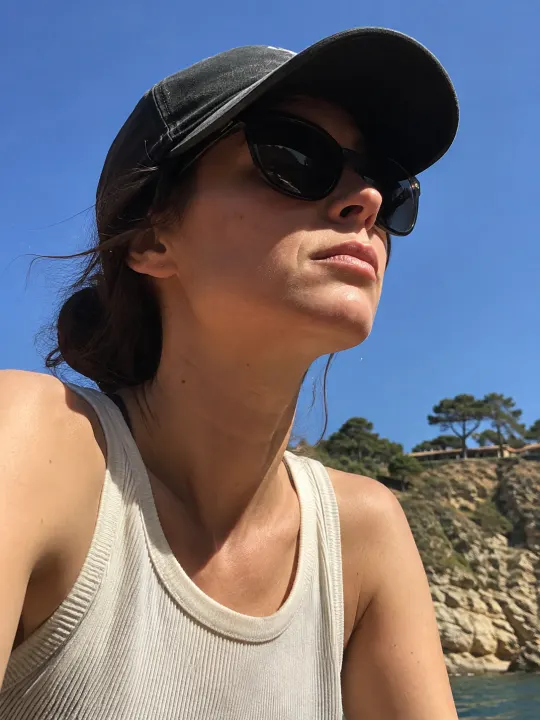
- Look straight at the lens, both eyes open, no sunglasses or hat brim over your eyes.
- Take a few and pick the sharpest. Don’t add a beauty filter or stickers.
Fix a photo that almost works
| Problem | Quick fix |
|---|---|
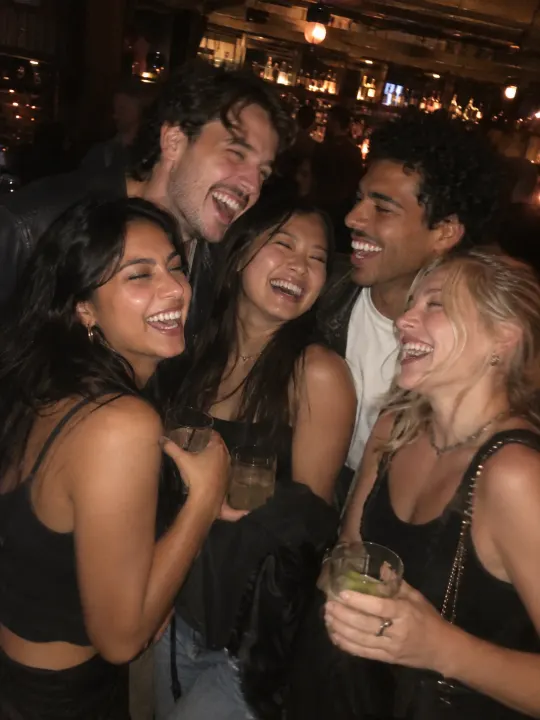
| Friends next to you | Crop to just you, keeping your feet in |
| Too dark | Brighten it a little; don’t add a filter |
| Feet cut off | Use it anyway, or retake with the phone further back |
| Squinting in the sun | Retake in shade, facing the light |
| Sunglasses on your head | Fine, as long as both eyes are clear |
Whose photo you can use
- Your own photo, or one of an adult who has agreed to star in it.
- Never a celebrity or public figure. That includes Nicole Kidman herself: the trend is about feeling like her, not looking like her.
- Never anyone under 18.
- People only. The dancer opens the door, lip-syncs and holds a can, so pets aren’t offered for this trend; try Cheba Man or Toc Toc with your pet instead.
Your photo is used only to make your video and is deleted automatically 7 days after upload. If a video fails, its credits come back, so you can try again with a clearer photo. One Standard video uses 65 credits. The smallest pack that makes one is $12.90 for 90 credits (1 video), a one-time buy whose credits never expire, and plans start at $19.90 a month for 270 credits. If a video fails, its credits come back.
Ready to upload
Upload your photo on the I Feel Like Nicole page and the cooler cam is ready in about 3 minutes. Making it elsewhere? The same photo works as the reference in the I Feel Like Nicole AI prompt. New to the trend? Start with what it is.
NowStarring is an independent fan tool, not linked to ADÉLA, Nicole Kidman or the people in the original clip. The song belongs to its rights holders.
Domande frequenti
What photo should I use for the I Feel Like Nicole AI video?
One photo of just you, head to feet, facing the camera, both eyes visible, in good light. The video uses your face up close and your whole outfit in the aisle.
Can I use a selfie?
Yes, a clear selfie works, but the video then has to guess your body and outfit for the dance and the walk away. A head-to-feet photo looks more like you.
Will I wear my own clothes in the video?
Yes. You dance in the clothes you’re wearing in the photo, so pick the outfit you want to be seen in.
Can I use a photo of Nicole Kidman?
No. Photos of celebrities and public figures aren’t allowed. The trend is about you feeling like a star, so use your own photo.
Can I use a group photo?
Not as is. The video has one dancer, so crop a group photo down to just you, as long as you stay sharp and your feet are still in frame.
Should I smile in the photo?
A relaxed, natural face works best. The video adds the lip-sync and the smirk, so you don’t need to pose them.
What happens to my photo?
It’s used only to make your video and is deleted automatically 7 days after upload.