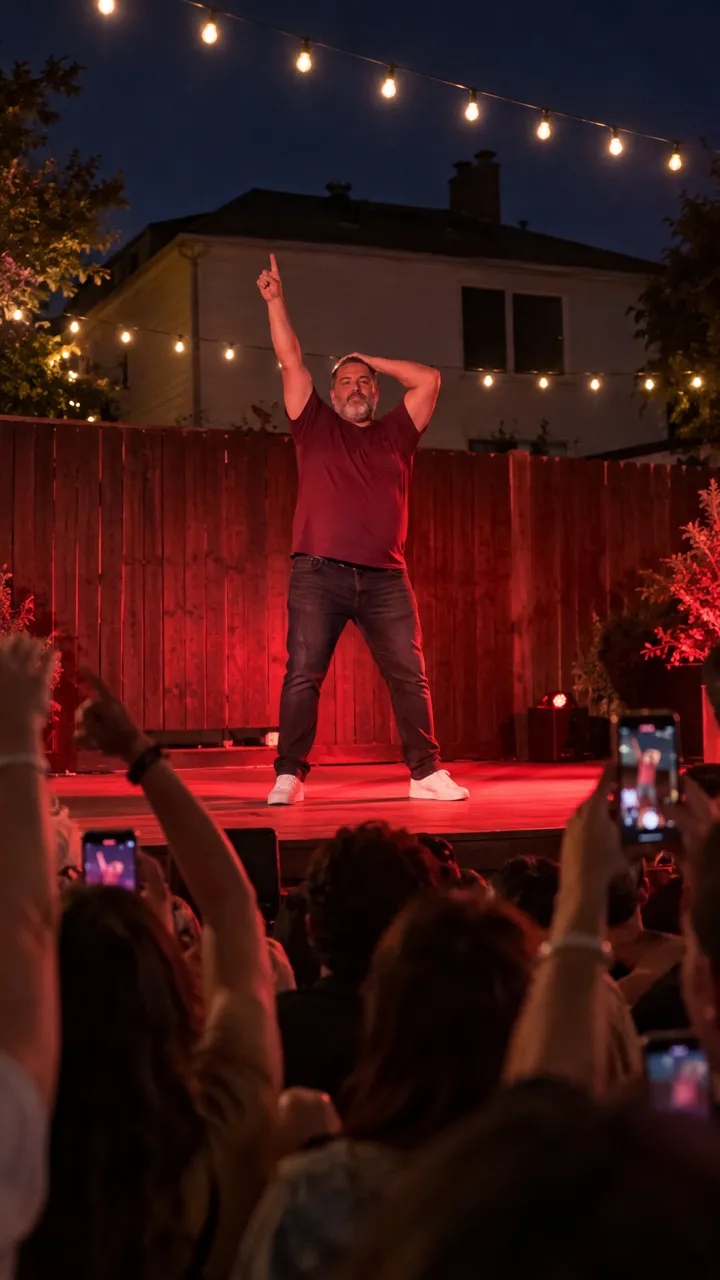
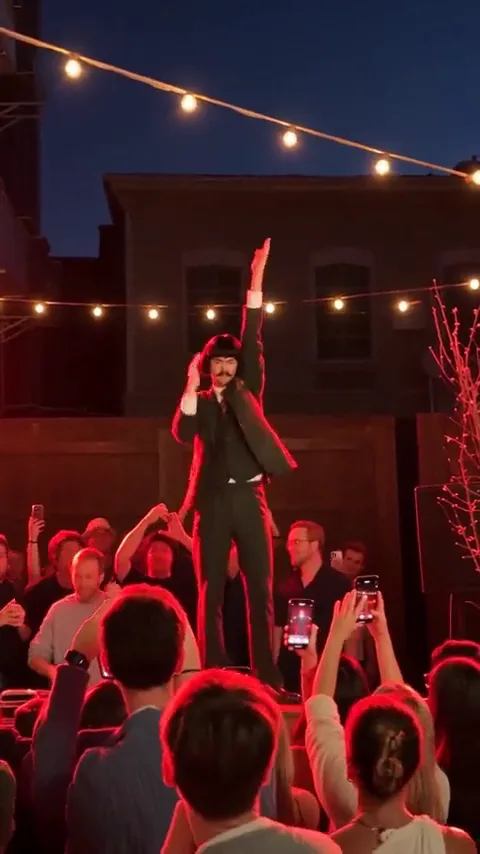
Add the Cheba Man sound on TikTok, Reels and Shorts
How to add the Cheba Man sound to your video on TikTok, Instagram Reels and YouTube Shorts, pick the right version, mix the volume and fix a muted video.
6 lettura minima · Aggiornato
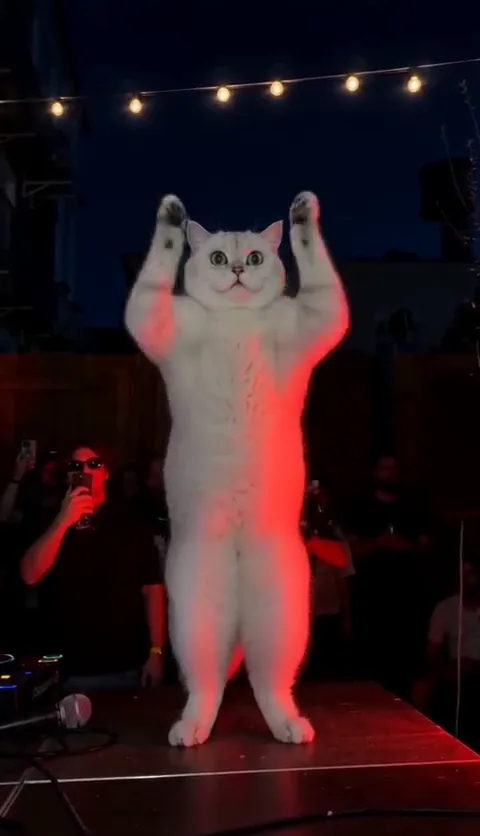
The sound
The Cheba Man trend uses the dance track from the original crowd clip of Cheba on the red stage. We couldn’t confirm the track’s official title and artist, so we won’t guess: the surest way to get it is to open a Cheba Man video, tap the sound name at the bottom and use that sound.
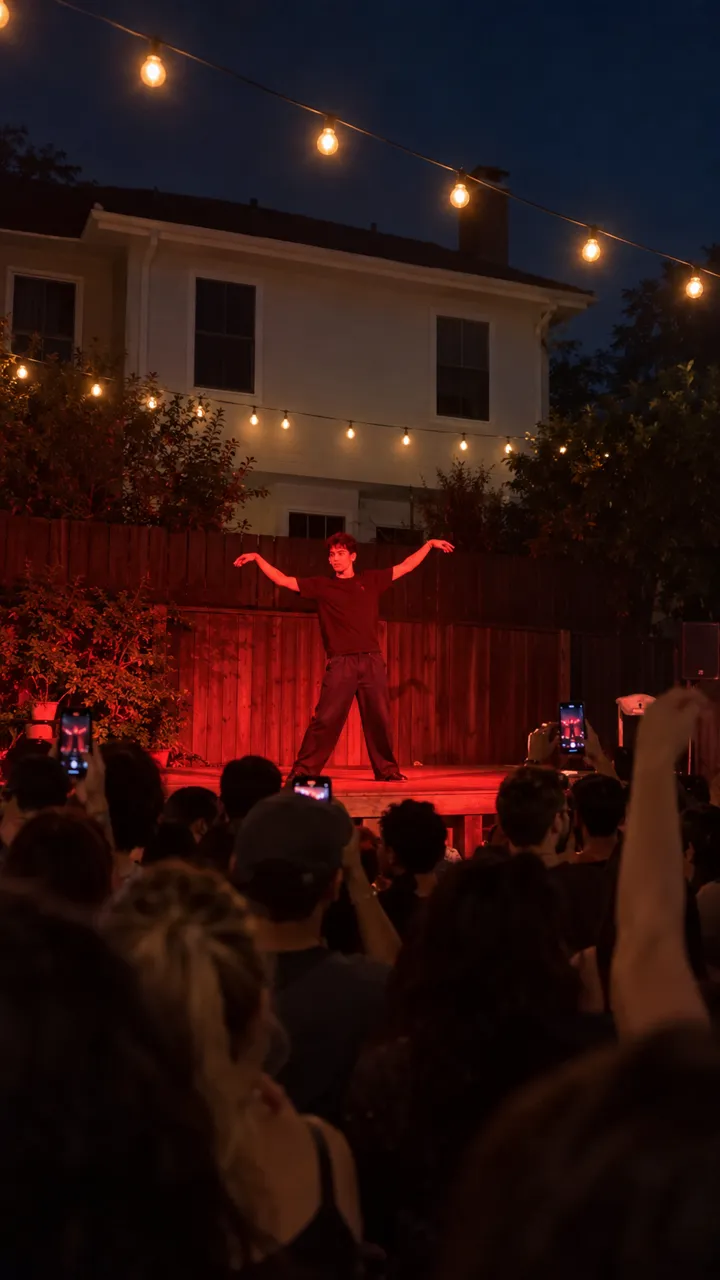
The routine is cut to the beat: arms snapping on every beat, wings on a big hit, and the freeze with a hand on the head on the very last one. So the job is the same in every app: get the trend’s sound on your post and make the freeze land on that last beat.
Why the trend’s sound matters
- Your video shows up on the sound’s page next to everyone else’s Cheba Man.
- Apps recognize their own library tracks, so you’re less likely to be muted.
- People tap the sound to make their own, which sends viewers back to you.
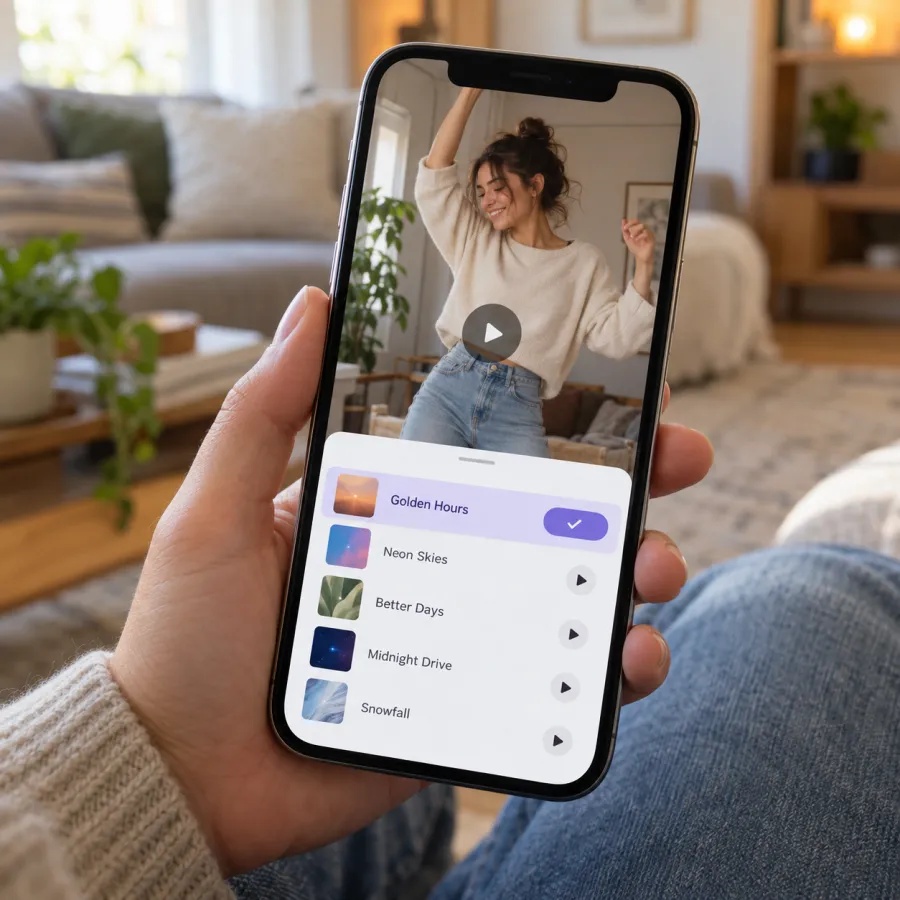
A song that’s only inside your file plays fine, but the app treats it as your own audio: no link to the trend, and a higher chance of being flagged.
On TikTok
From a Cheba Man video (surest)
- Open a Cheba Man video and tap the sound name at the bottom.
- On the sound’s page, check that plenty of Cheba Man dances use it, then tap Use this sound.
- Tap Upload and pick your video.
- Tap Volume to set the levels (see below), then Next and Post.
Saving it for later
- On the sound’s page, add it to your favorites.
- When you post, tap +, then Upload, and pick your video.
- Tap Add sound, open your favorites and pick it.
Before you post an AI-made video, turn on TikTok’s “AI-generated content” label under More options.
On Instagram Reels
- Find a Cheba Man Reel, tap the audio name at the bottom and choose Use audio.
- Pick your video from your gallery.
- Drag the start point so the freeze lands on the last beat.
- Open the volume control to set camera audio and music, then share.
You can also save the audio from its page and add it later with Add audio when you make a Reel.
On YouTube Shorts
- Open a Cheba Man Short, tap the sound and choose to use it.
- Upload your video.
- Set the volume, tap Next and upload.
Button names move between app versions, but the order stays the same: take the sound from a trend video, add yours, mix, post.
Landing the freeze on the last beat
The whole routine builds to one moment: a hand on the head and a dead stop on the final beat. If the freeze lands early or late, the joke goes soft. How much work that takes depends on where your clip came from.
| Your clip | Is it in time? | What to do |
|---|---|---|
| From our Cheba Man page | Yes, the song is in the file | Nothing; keep the start at 0 |
| A silent clip from an AI app | No, the app never heard the song | Slide the sound until the freeze hits |
| Filmed at a party to the song | Yes, if it played while you filmed | Take the sound from the same start |
- Watch your clip once and note the second your freeze starts.
- In the app’s sound editor, drag the waveform until the last big hit sits on that second.
- Play it through twice. If the arms snap a little ahead of the beat, nudge the sound earlier.
- If it still drifts, trim the start of your video in the editor instead of the sound.
Mixing the volume
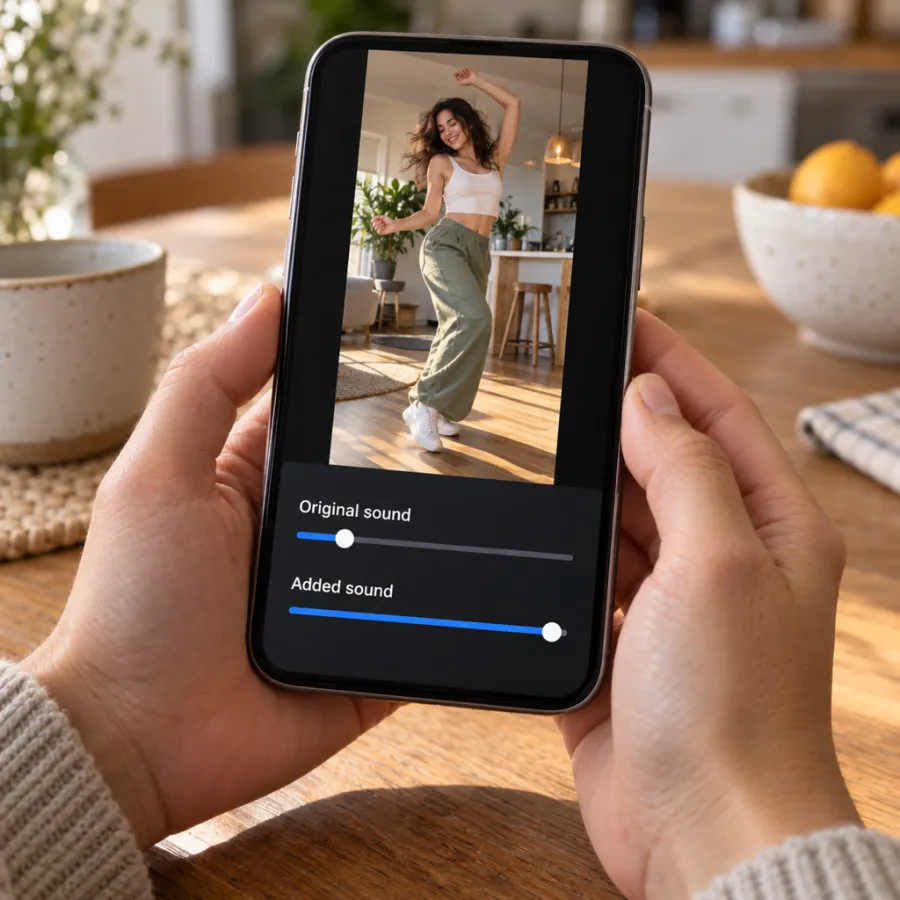
Videos from the Cheba Man page already have the Cheba Man song in the file, timed to the routine. If you add the app’s sound too, you’ll hear two copies slightly apart. Turn one off:
| Your clip | Original sound | Added sound |
|---|---|---|
| Our video + the trend’s sound | 0 | Full, freeze on the last beat |
| Our video, nothing added | Full | None |
| A silent AI clip from another app | 0 | Full, lined up by hand |
| You filmed it at a party | Low, for crowd noise | Full |
The first row is the safest: it sounds the same and joins the sound page. If you filmed it yourself at a real party, a little crowd noise under the track makes it feel like the original.
If the sound is muted or missing
- Muted after posting: the app flagged the song in the file. Post again with the sound taken from a Cheba Man video and the original sound at 0.
- Not available: on TikTok, business accounts get a smaller commercial music library, and what’s available can differ by country. Try a personal account.
- Several versions: many uploads carry the trend’s name. Take the one most Cheba Man dances use by starting from one of them.
- Still stuck: post with the song in our file and nothing added. It plays; it just won’t link to the sound page.
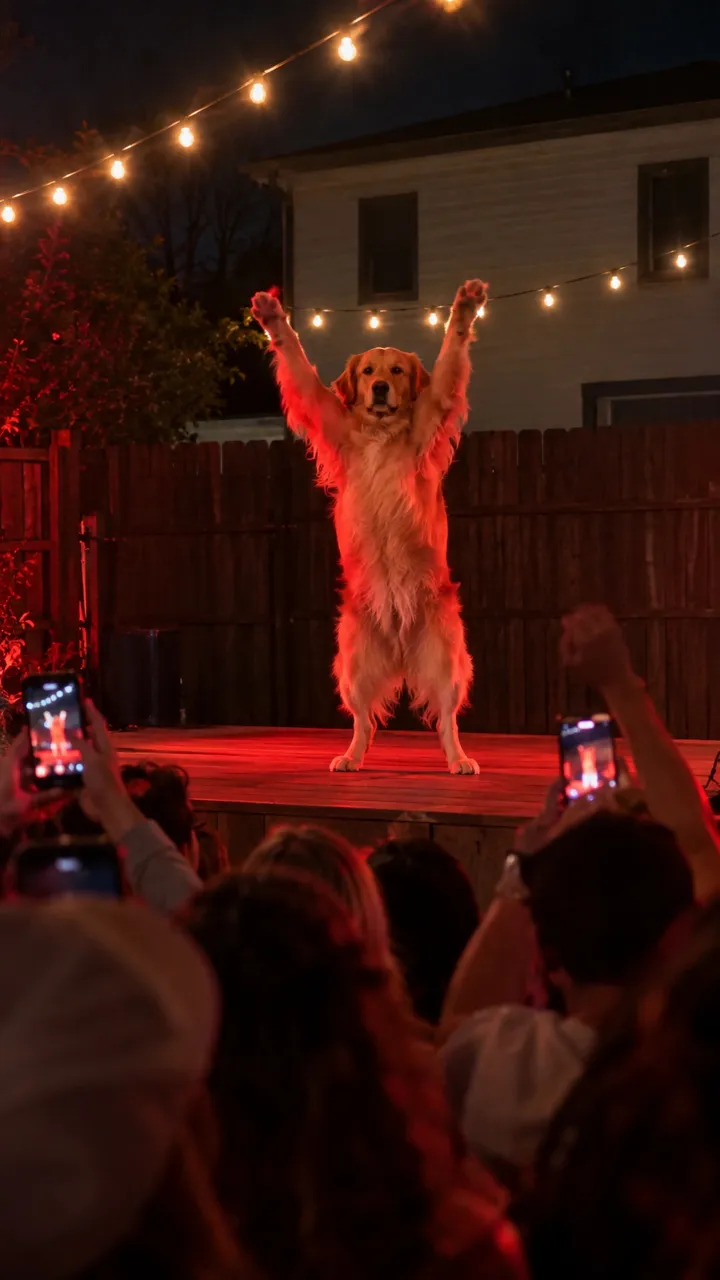
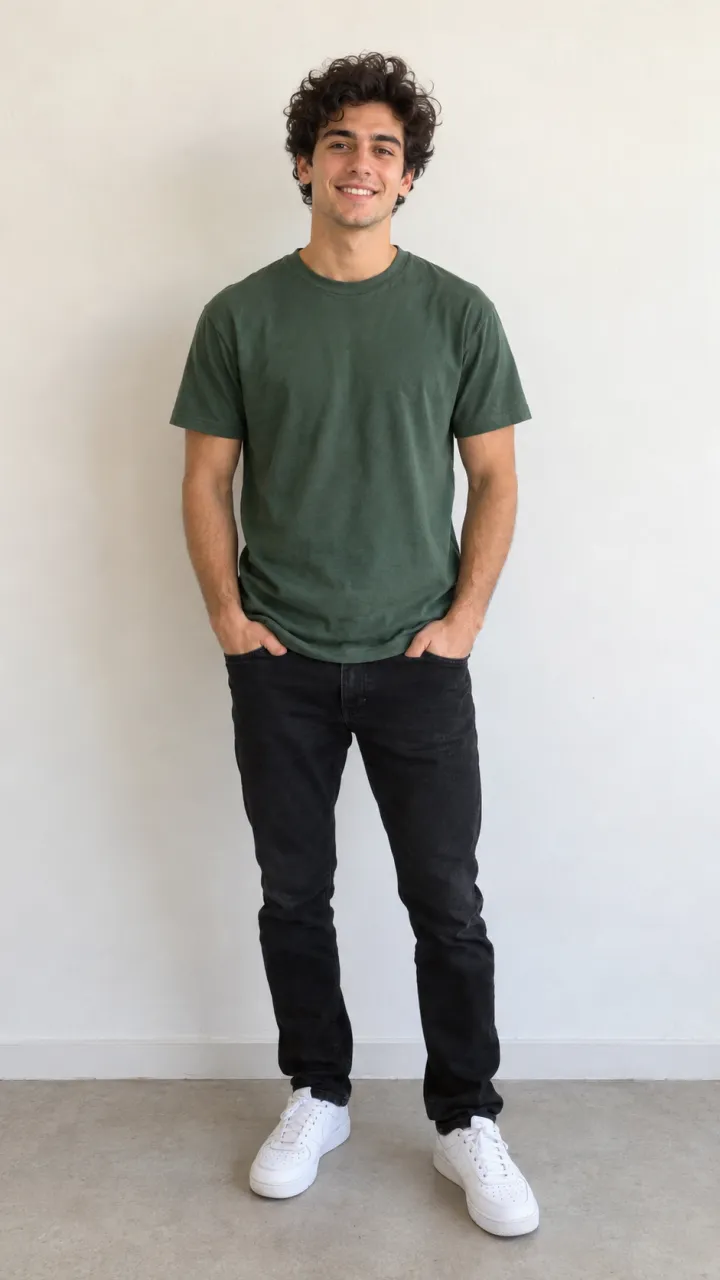
No clip yet? Upload one photo of you or your pet on the Cheba Man page. One Standard video uses 65 credits. The smallest pack that makes one is $12.90 for 90 credits (1 video), a one-time buy whose credits never expire, and plans start at $19.90 a month for 270 credits. If a video fails, its credits come back.
NowStarring is an independent fan tool, not linked to Cheba, the song’s artist or the people in the original clip. The song belongs to its rights holders.
Domande frequenti
What song is the Cheba Man trend?
It’s the dance track from the original Cheba Man clip. We couldn’t confirm its official title and artist, so take the sound straight from a Cheba Man video.
What is Cheba?
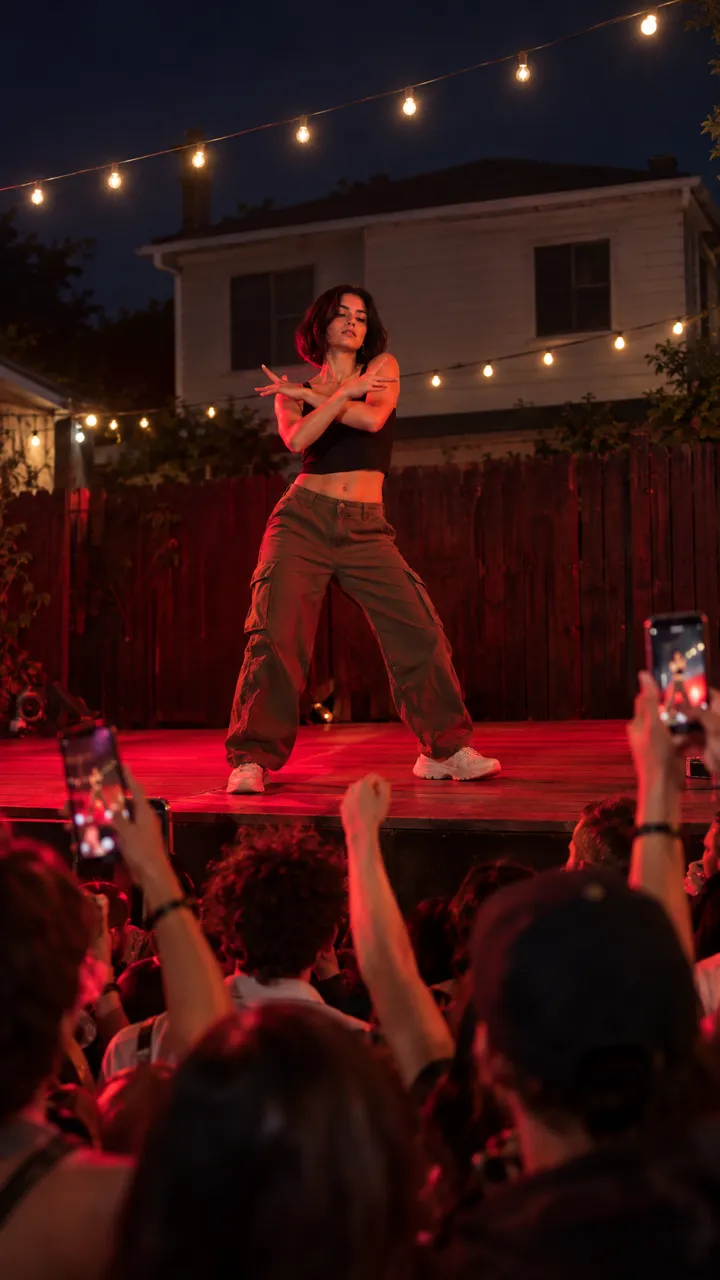
Cheba is the dancer in the original crowd clip, who did the arm routine on a red-lit party stage without a flicker of expression. The trend takes its name from that clip.
How do I add the Cheba Man sound on TikTok?
Open a Cheba Man video, tap the sound name at the bottom, then Use this sound and upload your clip.
Does the NowStarring video already have the song?
Yes. If you add the app’s sound too, turn the original sound down to 0 to avoid hearing it twice.
Why was my Cheba Man video muted?
The app flagged the audio in your file. Post again with the sound taken from a Cheba Man video.
Should I label my Cheba Man AI video as AI?
Yes. On TikTok, turn on the AI-generated content label under More options before you post.