Add the Bad Times sound on TikTok, Reels and Shorts
How to add the Bad Times sound by Imael Angel to your video on TikTok, Instagram Reels and YouTube Shorts, mix the volume, and what to do if it gets muted.
6 lettura minima · Aggiornato
The sound
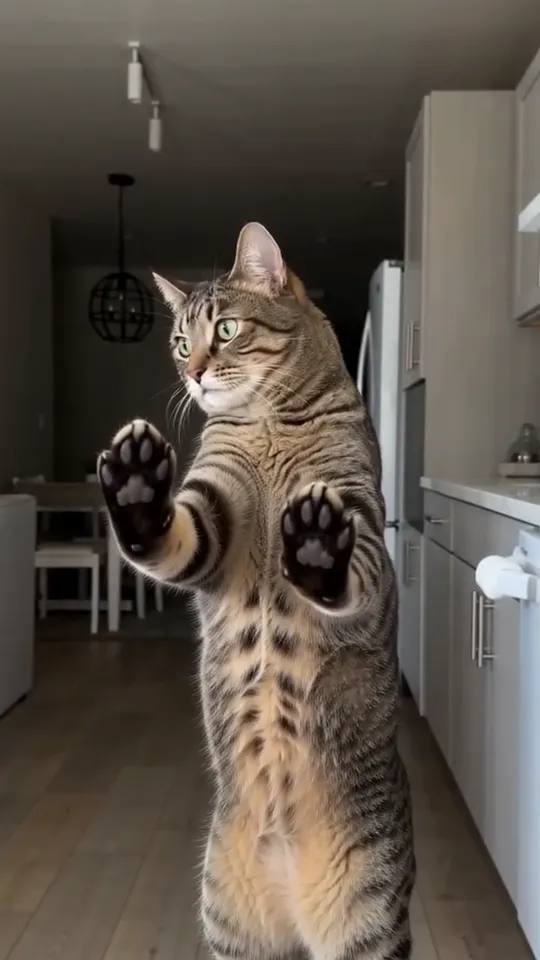
The trend runs on “Bad Times” by Imael Angel, a deep house track. To add it, pick the Bad Times sound from TikTok’s, Instagram’s or YouTube’s own library when you post, so your video joins the trend’s sound page.
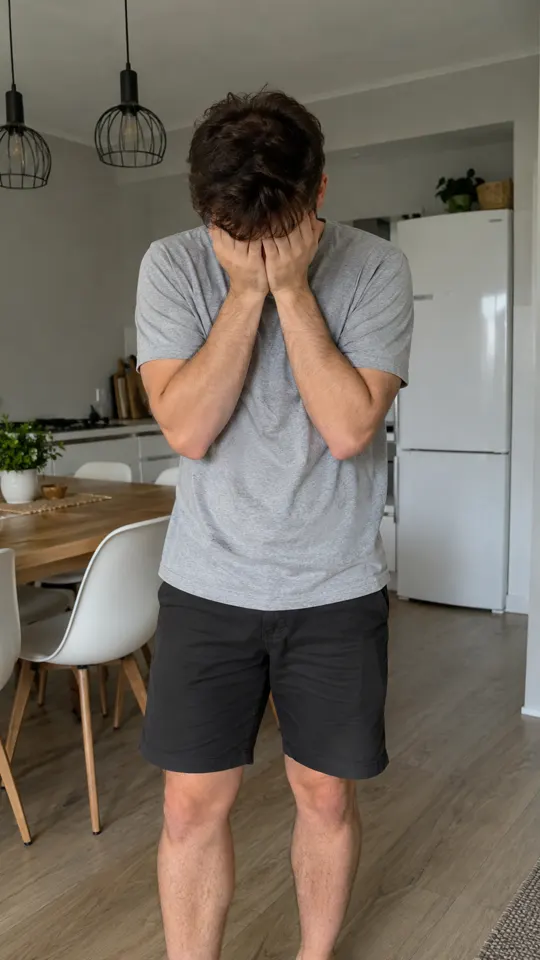
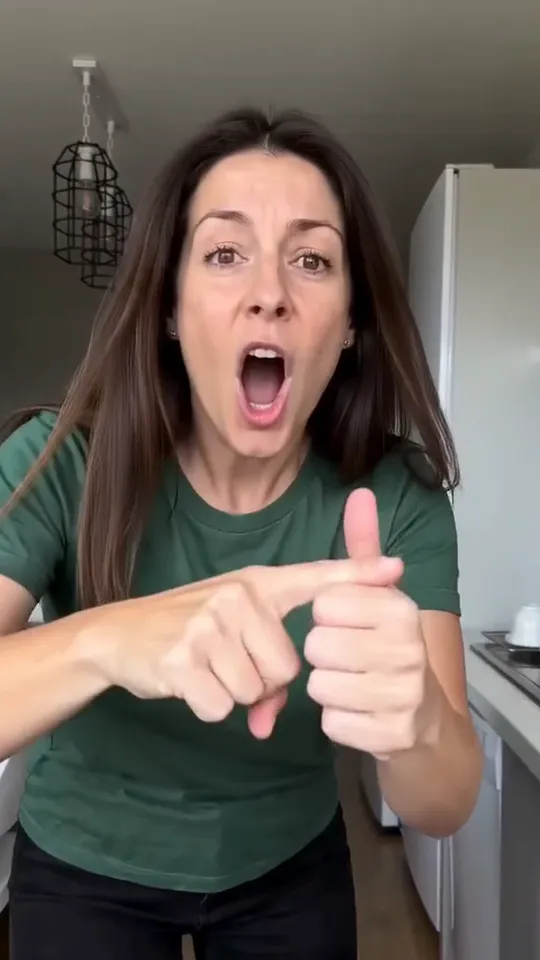
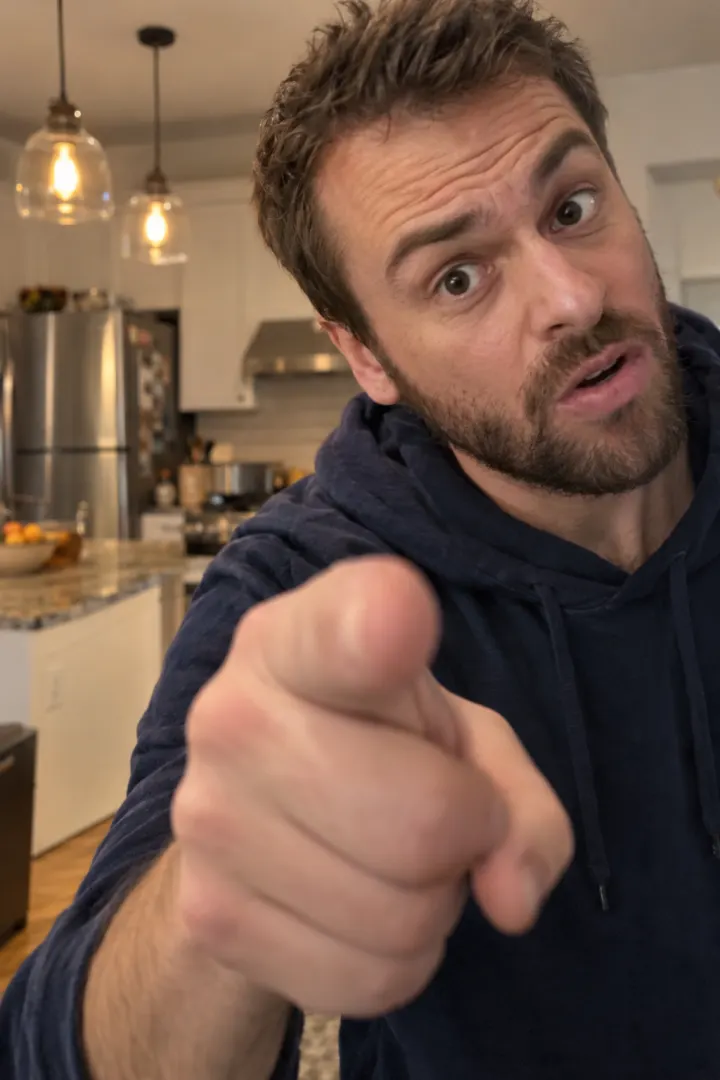
The routine is built around one moment in the song: the drop, when the bass hits and you lunge at the camera. In our video that’s about 10 seconds in. Whatever app you use, the job is the same: get the official sound on your post and make the drop land on the lunge.
Curious where the song comes from? Read is Bad Times by Imael Angel AI-generated?
Why the official sound matters
- Your video shows up on the sound’s page, next to everyone else doing the trend.
- Apps recognize their own library tracks, so you’re less likely to be muted.
- People tap the sound to make their own, which sends viewers back to you.
- It credits the artist, which is the fair thing to do with someone else’s song.
A song that’s only inside your video file plays fine, but the app treats it as your own audio. It won’t link to the trend, and it’s more likely to be flagged.
On TikTok
From a Bad Times video (surest)
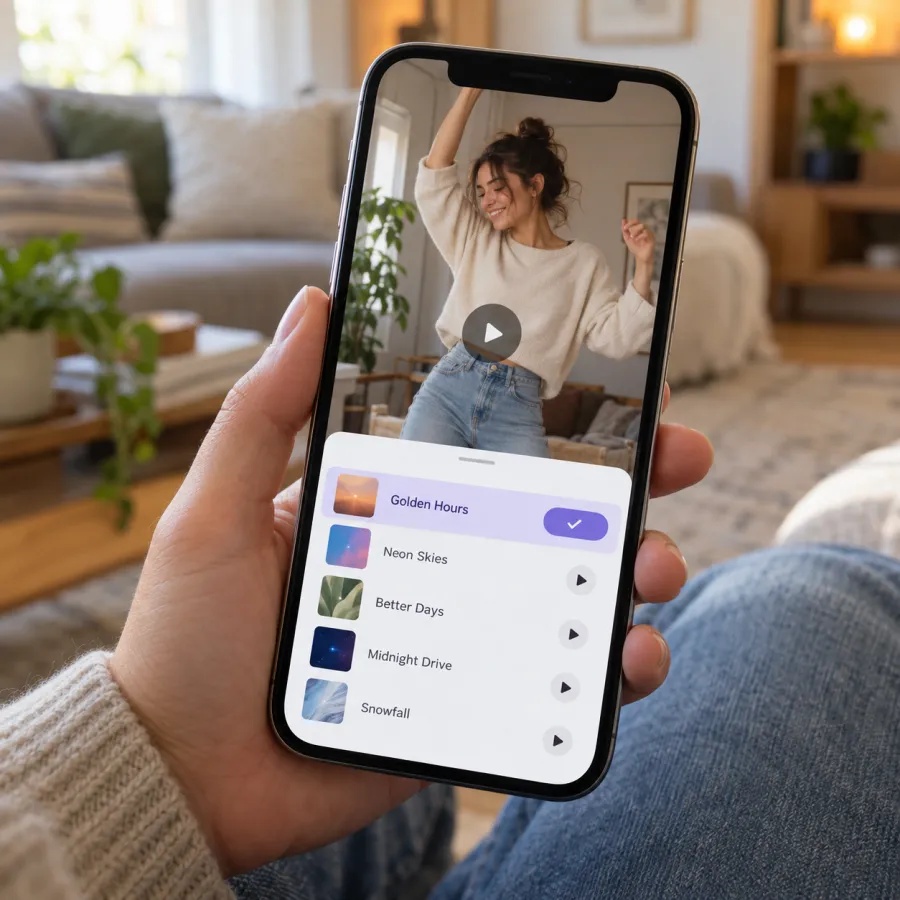
- Open any Bad Times video and tap the sound name at the bottom.
- Check it reads Bad Times by Imael Angel, then tap Use this sound.
- Tap Upload, pick your video and line the drop up with the lunge at the camera.
- Tap Volume and set the levels (see the table below), then Next and Post.
While you post
- Tap +, then Upload, and pick your video.
- Tap Add sound, search “Bad Times Imael Angel” and pick the track.
- Drag the sound so the drop hits the lunge, set the volume and post.
One more switch: turn on TikTok’s “AI-generated content” label under More options before you post an AI-made video.
On Instagram Reels
- Find a Reel using the song, tap the audio name at the bottom, then Use audio. Or start a new Reel, pick your video and tap Add audio.
- Search “Bad Times” and pick the Imael Angel track.
- Drag the start point so the drop lands on the lunge.
- Open the volume control and set your camera audio and the music (see below).
- Tap Next and share.
On YouTube Shorts
- Open a Short using the song, tap the sound and choose to use it. Or start a new Short, upload your video and tap Sound.
- Search “Bad Times” and pick the track.
- Set the volume, tap Next and upload.
Button names shift between app versions, but the order is the same everywhere: pick the sound, add your video, mix, post.
Mixing the volume
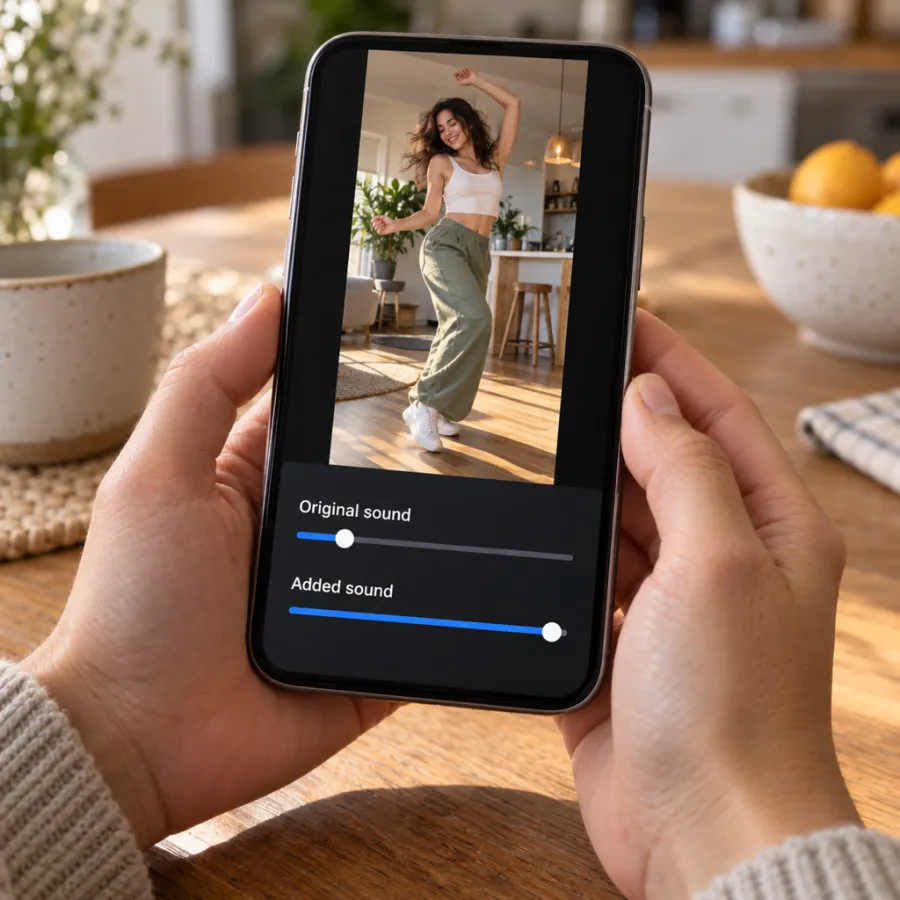
Videos from the Bad Times page already have the Bad Times song in the file, timed to the routine, so the drop lands on the lunge. If you also add the app’s sound, you’ll hear two copies a beat apart. Turn one of them off:
| Your clip | Original sound | Added sound |
|---|---|---|
| Our video + the official sound | 0 | Full, the drop on the lunge |
| Our video, nothing added | Full | None |
| A silent AI clip from another app | 0 | Full, lined up by hand |
| You filmed it yourself | Low, for room sound | Full |
The first row is the safest: your video sounds the same, and it joins the Bad Times sound page.
Lining up the drop
When you add a sound in the app, it usually starts from the part most people use, which may not match your clip. Drag the sound’s start point until the bass drop hits as you lunge at the camera, and the last beat lands on the hand over the lens.
- Watch the lunge, not the timer: that’s the frame the drop belongs on.
- Play it back once with the original sound at 0 to hear the app’s version alone.
- If the app won’t let you move the start point, trim the front of your clip instead.
If the sound is muted or missing
- Muted after posting: the app flagged the song in the file. Post again with the Bad Times sound picked from its library and the original sound at 0.
- Not in the library: on TikTok, business accounts get a smaller commercial music library, and what’s available can differ by country. Start from a Bad Times video and tap Use this sound, or post from a personal account.
- Several versions: sped-up and remixed uploads share the name. Pick the one most Bad Times videos use by starting from one of them.
- Still stuck: post with the song in our file and nothing added. It plays, it just won’t link to the sound page.
Make your Bad Times video
Don’t have a clip yet? Upload one photo of you or your pet on the Bad Times page. You get a vertical MP4 with no watermark and the song in it. One Standard video uses 65 credits. The smallest pack that makes one is $12.90 for 90 credits (1 video), a one-time buy whose credits never expire, and plans start at $19.90 a month for 270 credits. If a video fails, its credits come back.
NowStarring is an independent fan tool, not linked to the song’s artist or the creator of the original video. The song belongs to its rights holders.
Domande frequenti
What song is used in the Bad Times trend?
“Bad Times” by Imael Angel.
How do I add the Bad Times sound on TikTok?
Upload your video, tap Add sound, search “Bad Times Imael Angel” and pick the track. Or tap the sound on any Bad Times video and choose Use this sound.
Does the NowStarring video already have the song?
Yes. If you add the app’s sound too, turn the original sound down to 0 so you don’t hear two copies.
Why was my Bad Times video muted?
The app flagged the audio in the file. Re-post with the sound picked from its library instead.
Why can’t I find the Bad Times sound?
Business accounts only get a commercial music library. Switch to a personal account or open a Bad Times video and tap its sound.
Which version of the Bad Times sound should I use?
The one most Bad Times videos use. Open one, tap the sound name at the bottom and choose Use this sound.
Should I label my video as AI?
Yes. On TikTok, turn on the AI-generated content label under More options before posting.