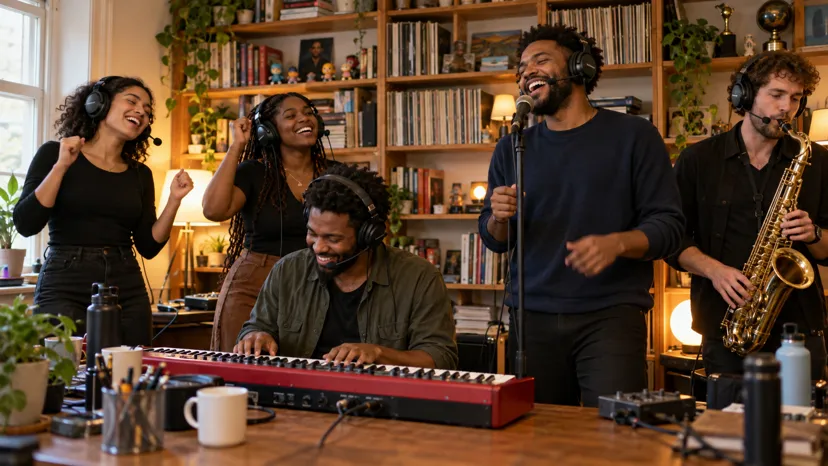
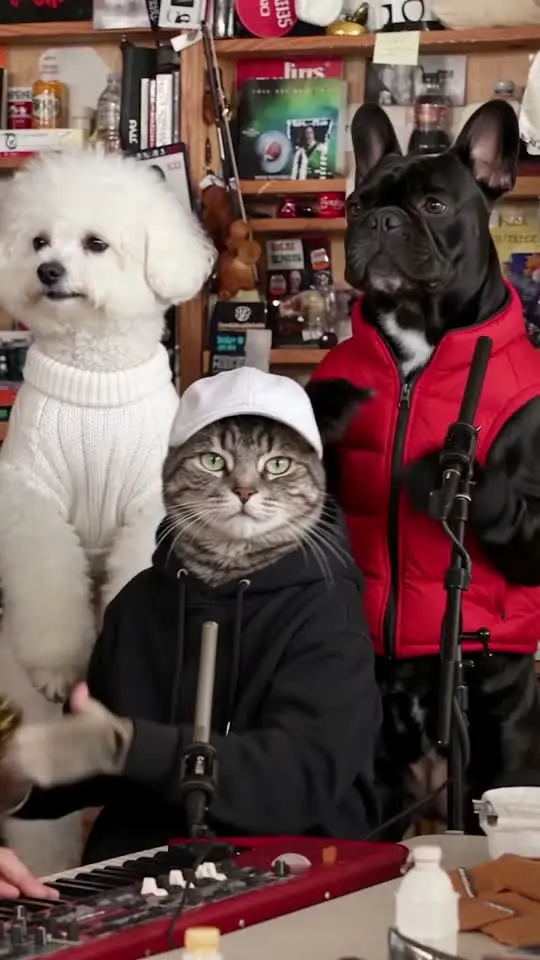
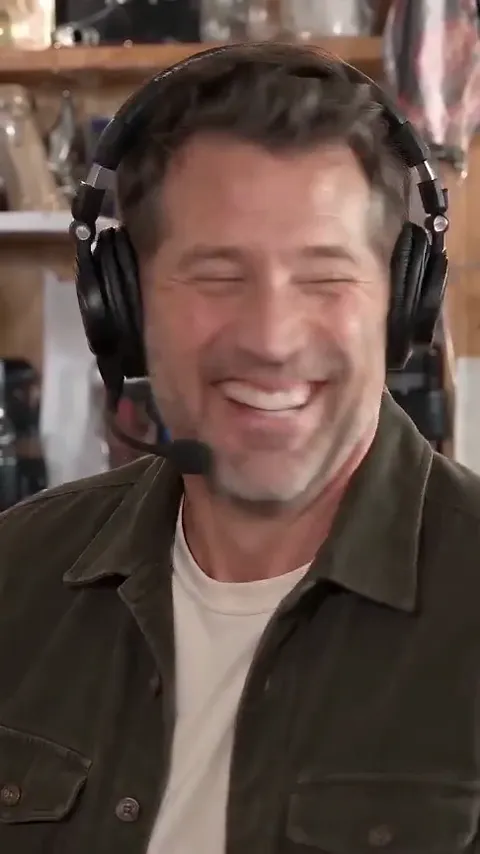
How to make the Tiny Desk AI video from one photo
Make the Tiny Desk AI video: one photo for the lead, up to four friends for sax, keys and backup, the song already on. Step by step, plus posting tips.
Lecture min 5 · Mise à jour
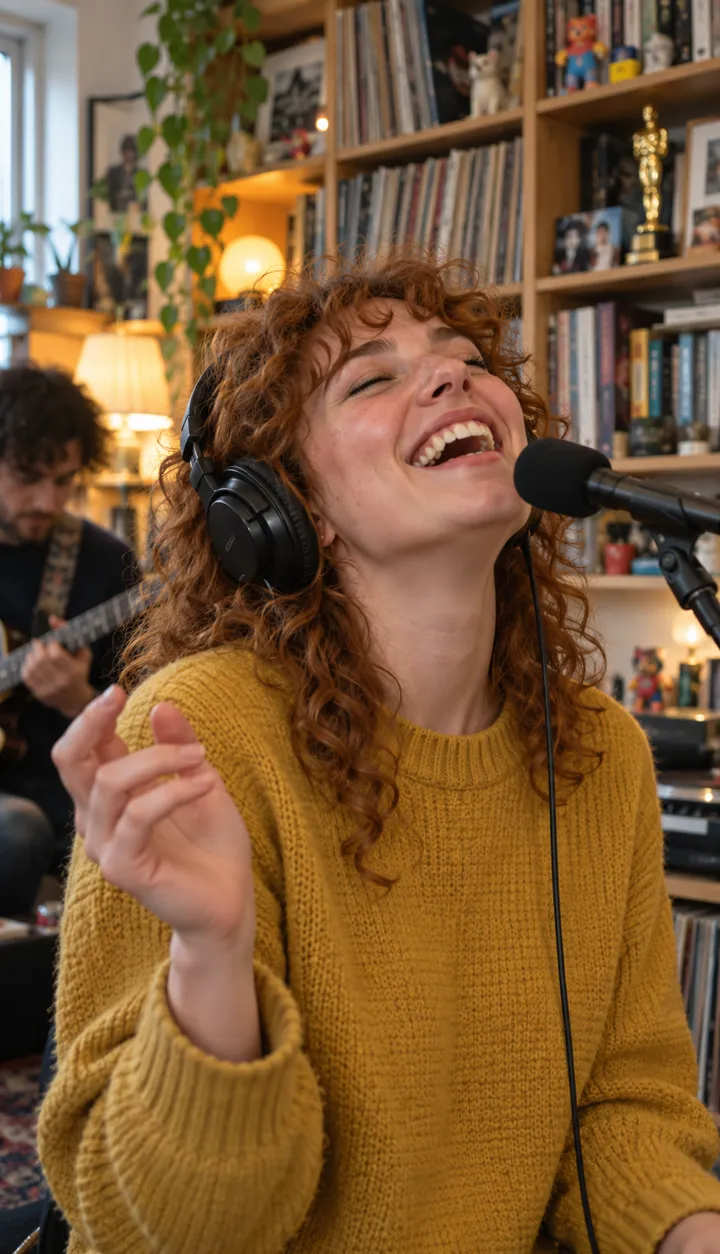
Joue dans Tiny Desk avec une seule photo
Crée le tienFive steps, start to post
- Open the Tiny Desk page. Leave “Who is in the photo” on Person, or switch it to Pet for an animal band.
- Tap the Lead seat and add a photo of whoever should sing lead: one face, looking at the camera, in good light.
- If you like, tap Sax, Keys, Left mic or Right mic and add a friend to each. Seats you skip keep their made-up player.
- Press Make my video. You’ll sign in first if you haven’t.
- When it’s ready, watch it with the sound on, download it and post it with the Outstanding Tiny Desk sound.
What each seat gets you
| Seat | Required? | Screen time |
|---|---|---|
| Lead | Yes | The close-up from about 5 to 12 seconds, laugh included |
| Sax | No | The solo from about 12 to 15 seconds |
| Keys | No | Front and centre in both band shots, and in the corner of the solo |
| Left mic | No | Behind the desk in both band shots |
| Right mic | No | Behind the desk in both band shots |
Keys is the seat people underrate. It’s on screen for more of the video than any other, so it’s a good place for the friend who would otherwise ask why they weren’t the lead.
What comes back
- An 18-second vertical video, 9:16, sized for TikTok, Reels and Shorts.
- Each face in its own seat, in the clothes from its own photo, with studio headphones on everyone.
- The Outstanding song already on it, and no watermark.
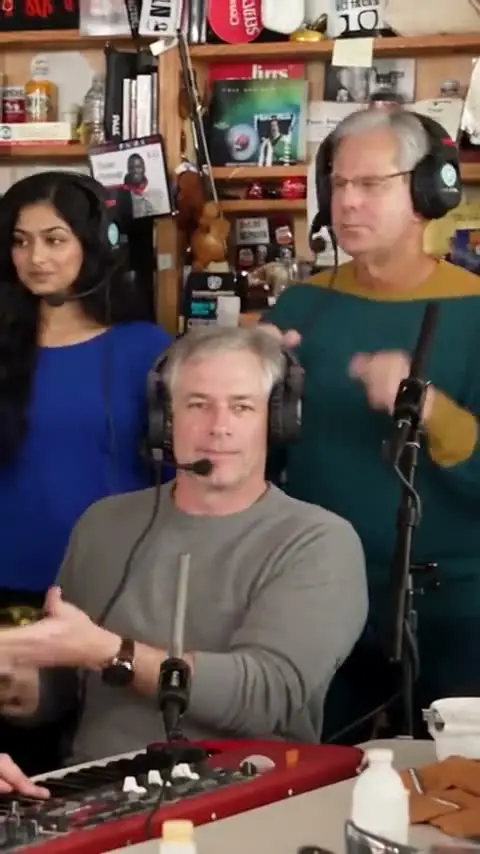
- The desk, the red keyboard and the bookshelves of the meme, rebuilt; it isn’t the real concert footage.
One video uses 90 credits, the same however many friends are in it, and a failed video costs nothing. Photos are deleted automatically 7 days after upload. Packs and plans are on Pricing.
Posting it so it lands with the trend
- Upload the video, then tap the sound button and search “Outstanding Tiny Desk”.
- Pick the trend sound and drag the original sound down to zero, so the song isn’t doubled.
- Write who is on lead in the caption, or tag them. The meme is funnier when people know whose laugh it is.
Before you upload anyone, read the best photos for each seat; it takes a minute and saves a remake. To see what other people made, browse Tiny Desk videos.
NowStarring is an independent fan tool, not linked to NPR, the Tiny Desk series, Charlie Wilson or The Gap Band, and the song belongs to its rights holders.
Questions
How many photos do I need?
One. The lead singer is the only seat you have to fill. The sax, the keys and the two backup mics are optional; any you leave empty are played by made-up band members.
Does adding friends cost more?
No. One video uses 90 credits whether it has one face or five.
How long is the video?
18 seconds, vertical 9:16, the length of the part of the clip the meme uses. It has the Outstanding song on it and no watermark.
How long does it take?
A few minutes. You can close the page: we email you when it’s ready and it waits in My videos.
What if it comes out wrong?
If the video fails, the credits come back. If it finishes but a face looks off, the photo is usually the cause; the photo guide covers what to change.