Add the Bad Times sound on TikTok, Reels and Shorts
Find the Imael Angel “Bad Times” sound on TikTok, Reels and Shorts, line the song’s turn up with the lunge, and fix a muted or missing Bad Times sound.
Lecture min 5 · Mise à jour
Joue dans Bad Times avec une seule photo
Crée le tienWhich sound it is
Every Bad Times clip uses the same track: “Bad Times” by Imael Angel, a slow deep house song with a sung vocal. In the apps it’s listed under that title and artist. Re-uploads called “bad times sped up” or “bad times remix” exist too, but the trend lives on the original. Where the song comes from, and whether it was made with AI, is in is Bad Times by Imael Angel AI-generated?
Where the routine sits in the song
The routine is about 15 seconds of the track. Three moments matter, and they’re what you line up when you add the sound:
| In the clip | In the song | On screen |
|---|---|---|
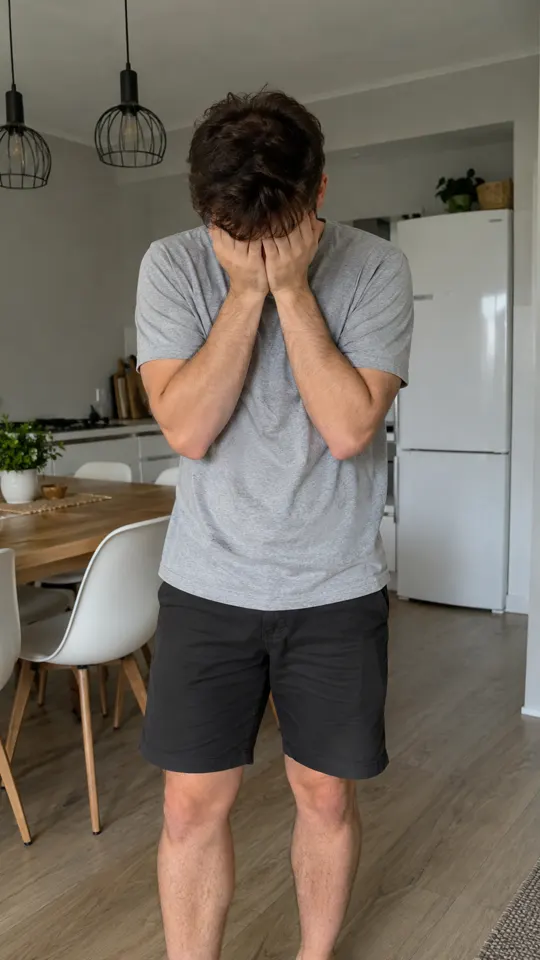
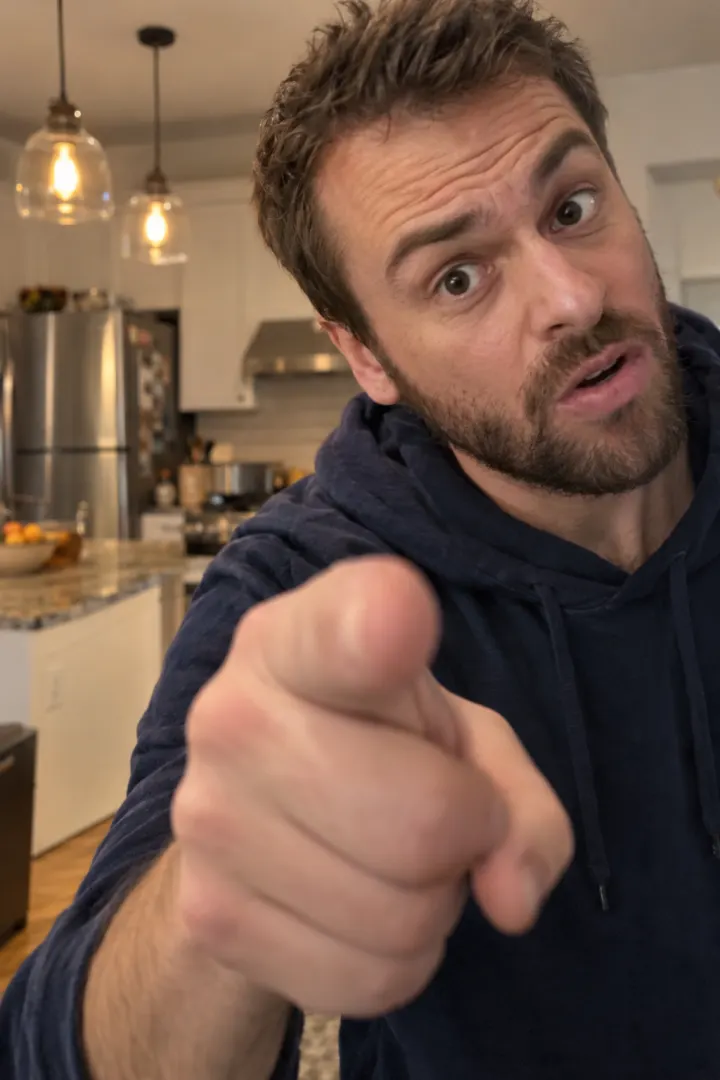
| 0–2 s | Quiet intro, the bass slides in | Face in hands, then the glare |
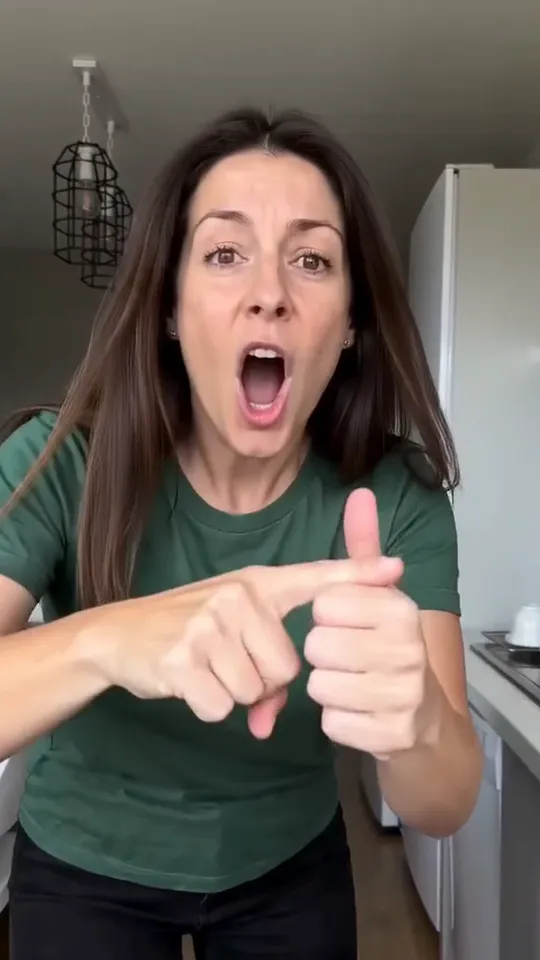
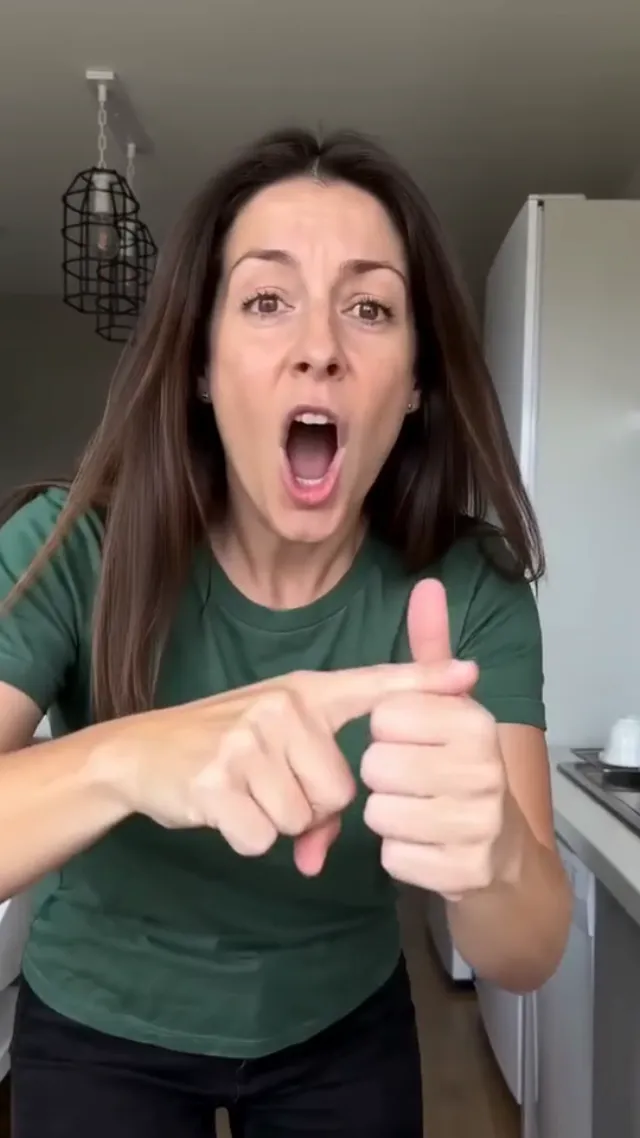
| about 10–11 s | The turn, the line everyone mouths | The lunge at the camera |
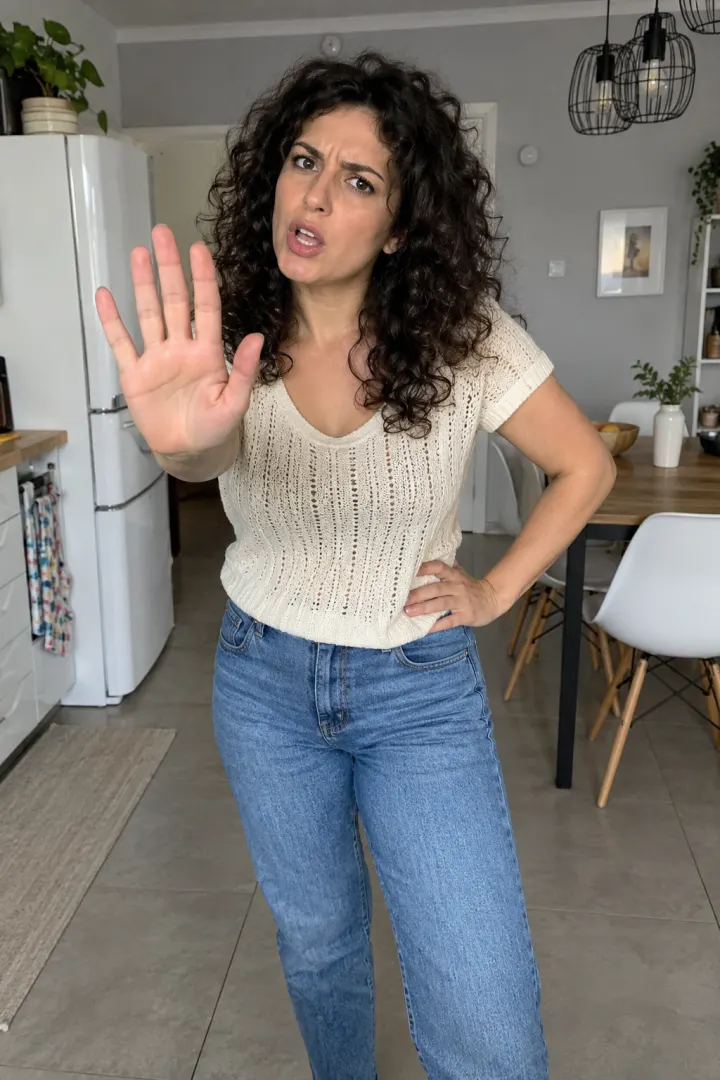
| about 14.5 s | The end of the line | The palm over the lens |
If the turn lands on the lunge, the rest falls into place. Use the lunge as your marker, not the timer.
Adding it in each app
TikTok
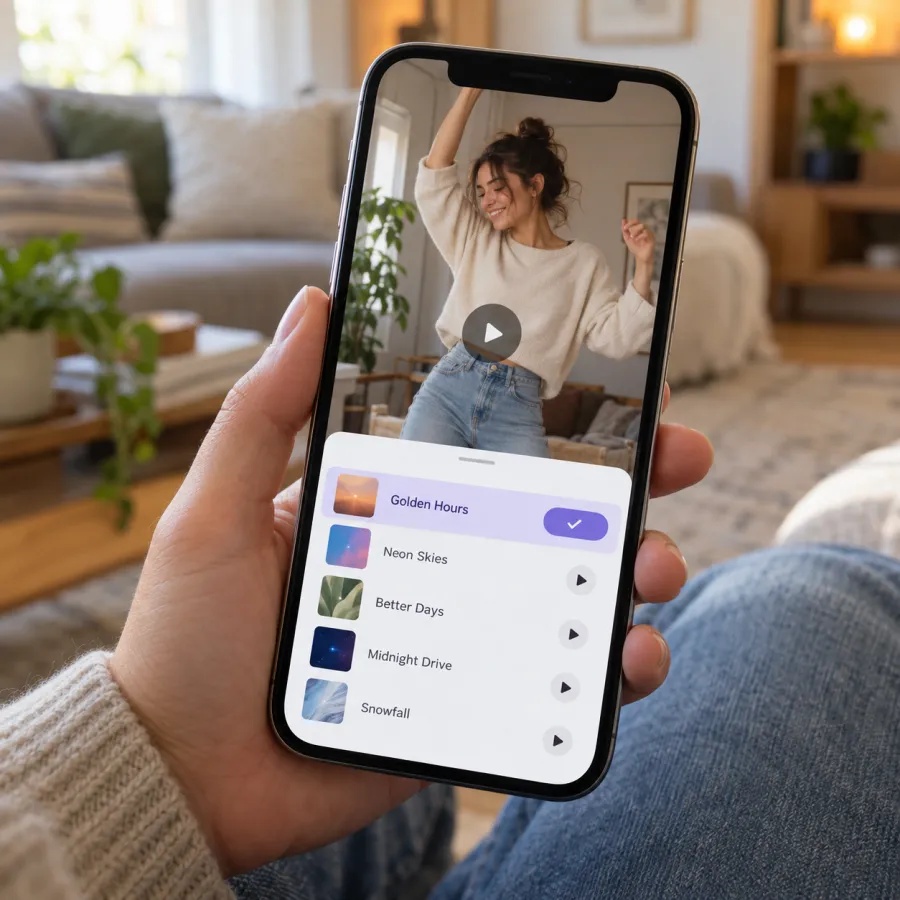
The surest way is to borrow it: open a Bad Times clip you like, tap “Bad Times · Imael Angel” at the bottom, then Use this sound and upload your video. If you start from your own upload, tap Add sound and search the title with the artist’s name. Before posting, switch on the AI-generated content label under More options if your clip was made with AI.
Instagram Reels
Tap the song name under a Bad Times reel and choose Use audio, or pick your clip in a new reel and add “Bad Times Imael Angel” from the music search. Drag the song’s start until the turn sits on your lunge.
YouTube Shorts
Upload the clip as a Short, tap Sound, search “Bad Times” and check the artist reads Imael Angel. Shorts gives you a smaller slice of the song to choose from, so slide it until the lunge and the turn meet.
If your clip already has the song
Videos made on the Bad Times page come with Bad Times already in the file, turn and slap in place. You can post them as they are. To also join the sound page, add the app’s Bad Times sound and pull your clip’s own audio to zero, so you don’t hear the song twice and slightly out of step.
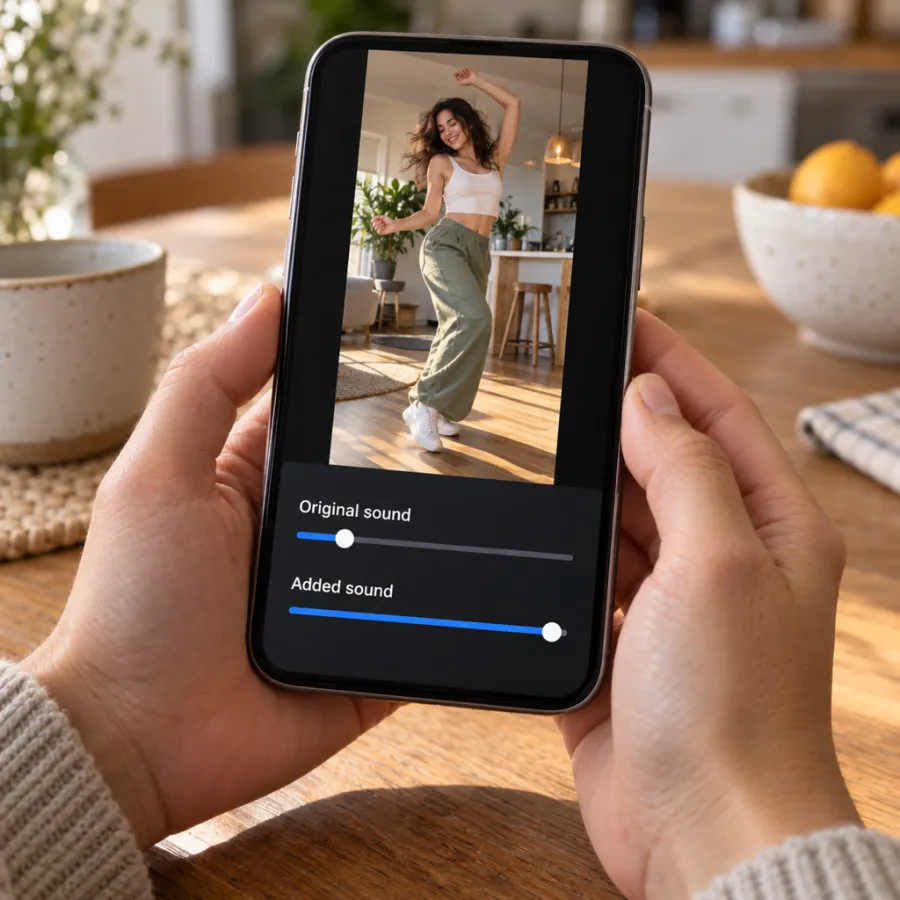
Filmed it yourself? Keep a little of your clip’s audio under the song if the room noise helps, but the mouthing has to follow the app’s copy of the track, so check it once with headphones.
When Bad Times won’t play or won’t show up
- The post went silent: the app didn’t recognise the song inside your file. Re-post with Bad Times chosen from the app’s music and your clip at zero.
- Search comes up empty: TikTok business accounts get a narrower music library, and some songs are blocked in some countries. Borrow the sound from an existing Bad Times clip, or post from a personal account.
- The timing drifts: you picked a sped-up upload. Go back to the Imael Angel original.
No clip yet?
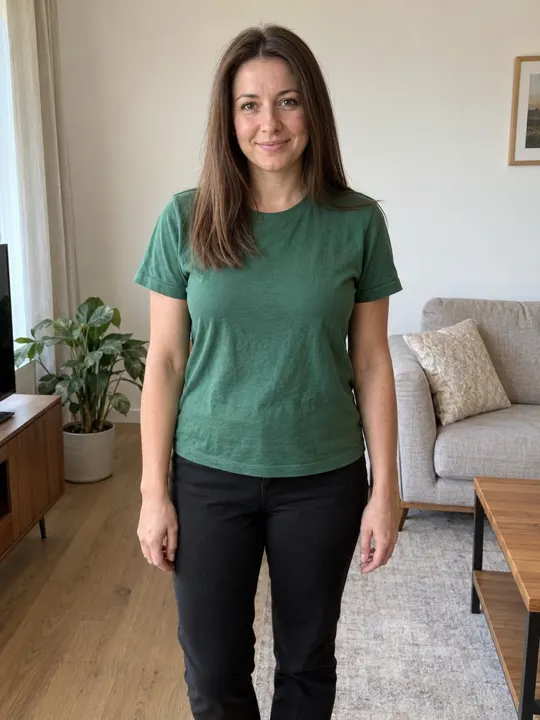
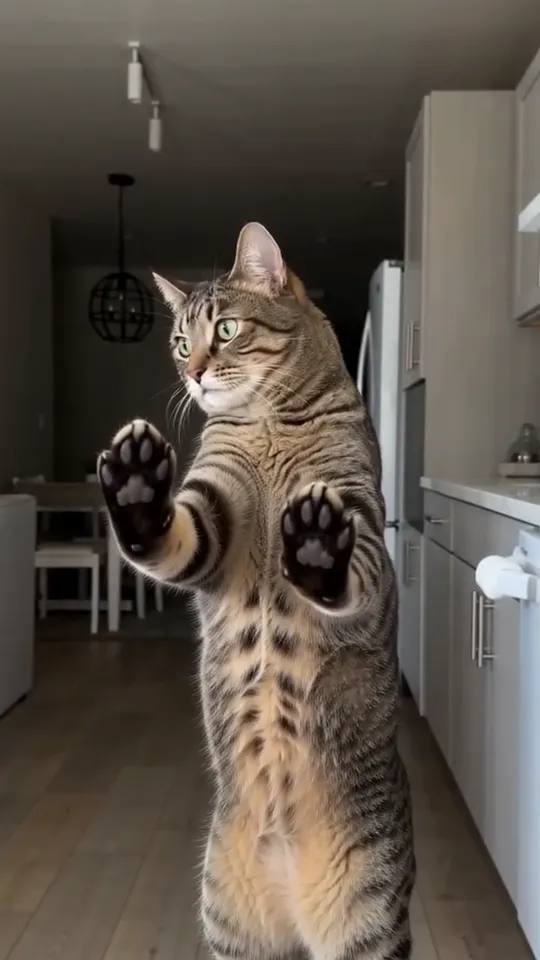
Act it out with the beat-by-beat breakdown, or upload one photo of you or your pet on the Bad Times page and get the kitchen telling-off back with the song in it.
NowStarring is an independent fan tool, not linked to the song’s artist or the creator of the original video. The song belongs to its rights holders.
Questions
What song is used in the Bad Times trend?
“Bad Times” by Imael Angel, a deep house track.
Where does the Bad Times song drop?
The turn the trend is built on comes about 10 to 11 seconds into the clip. That’s where the lunge at the camera goes.
How do I add the Bad Times sound on TikTok?
Tap the sound name under any Bad Times video and choose Use this sound, or search “Bad Times Imael Angel” after you upload.
Why is my Bad Times video muted?
The song was only inside your file, so the app couldn’t match it. Post again with the sound picked from the app and your own audio at zero.
Is the song already in a video made from a photo?
Yes, with the turn on the lunge. Adding the app’s Bad Times sound too? Mute the clip’s own track first.