Turn the Lights Off AI prompt (copy and paste) for you, your dog or cat
Copy-ready Turn the Lights Off AI prompts for you or your pet: eyes closed in a packed club, arms up on the drop, timed shot by shot, with fixes and photo tips.
6 min de lectura · Actualizado el
The Turn the Lights Off AI video prompts
Here are copy-ready prompts for the Turn the Lights Off AI trend, one for a person and one for a pet: eyes closed in a packed club, hands to heart, then arms (or paws) straight up while the camera pulls back into the crowd. Attach your photo as the reference image and paste one in.
Person
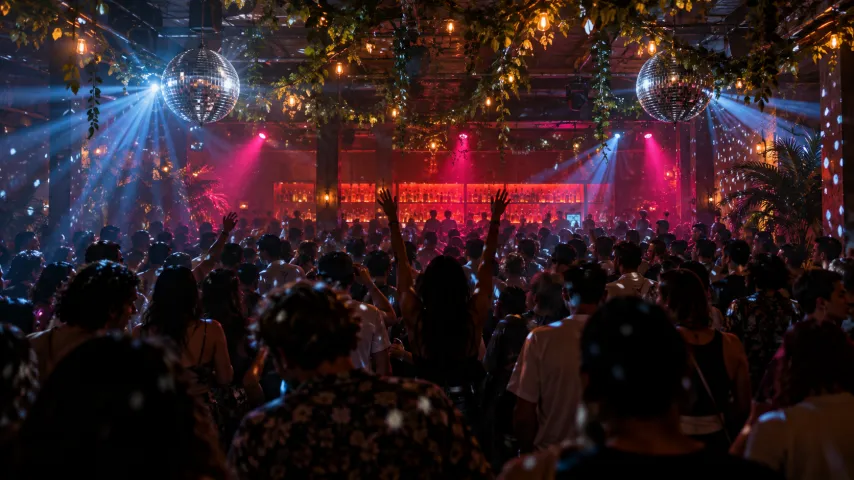
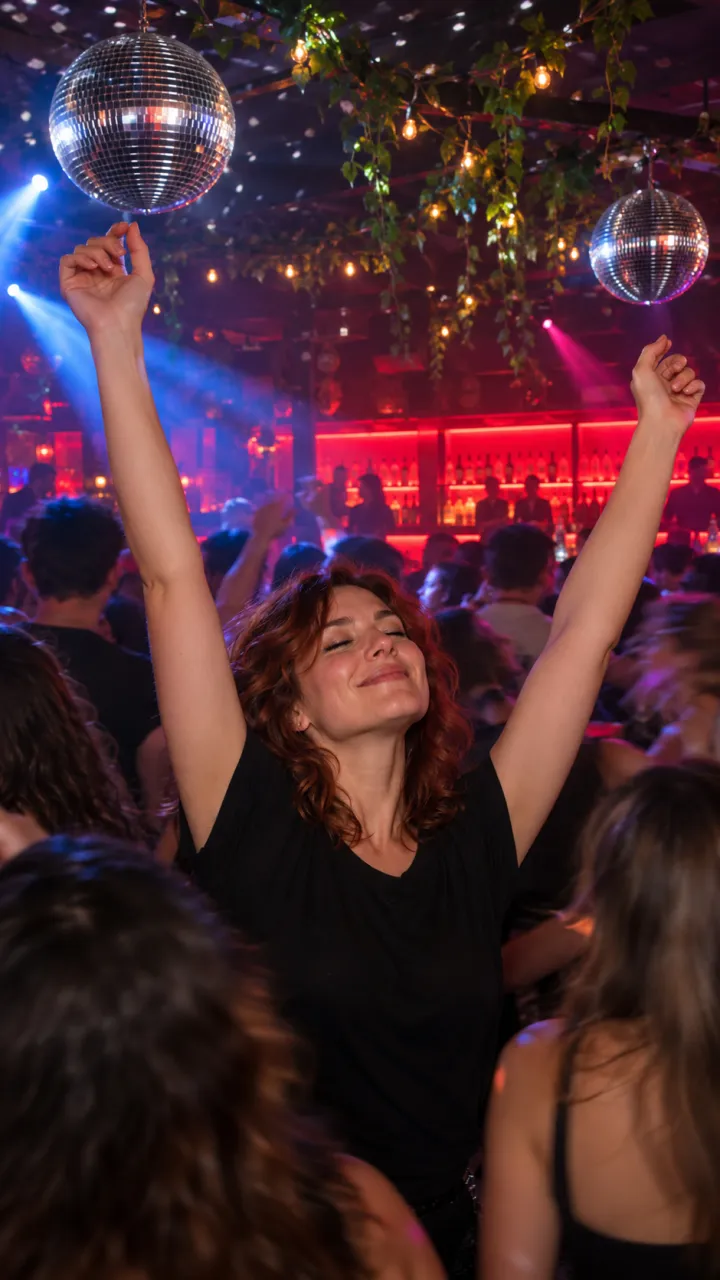
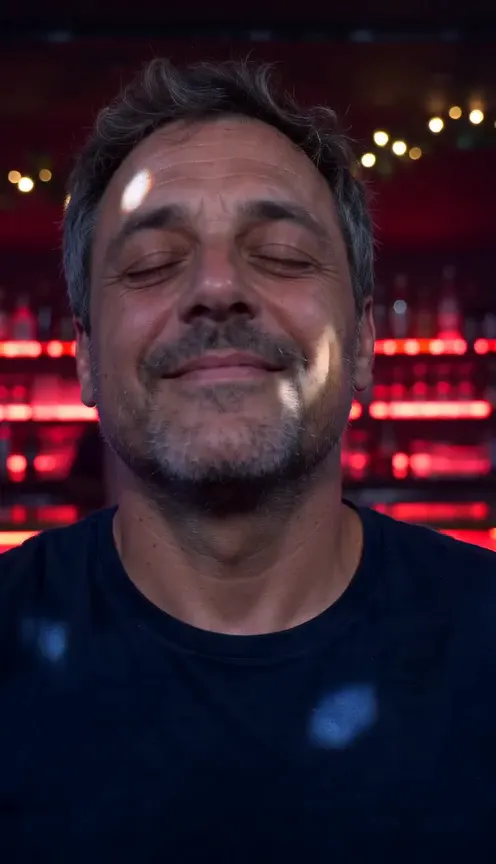
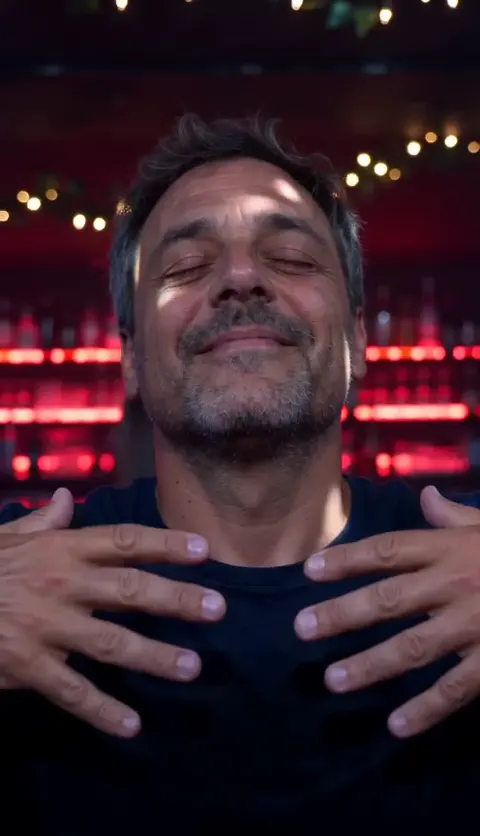
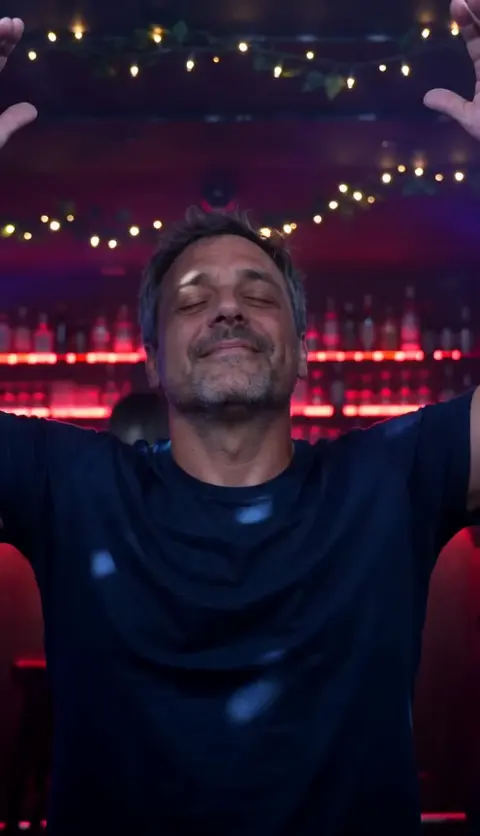
Vertical 9:16 video, 10 seconds, photoreal, one continuous handheld take inside a packed nightclub at night. No cuts, no text, no logos. The dancer is the person in my reference photo: keep their face, hair, skin tone, age and build exactly, and keep the clothes they wear in the photo. Setting: a dark, crowded club. A long bar glowing deep red behind them, green vines and small warm bulbs across the ceiling, two mirrored disco balls throwing moving specks of light, haze in the air, blue and magenta beams sweeping over the crowd. Everyone around them is dancing, seen mostly from behind or blurred by motion. Only the dancer’s face is sharp. 0–2.5 s: tight close-up of their face and shoulders. Eyes closed, chin lifted, a small blissful smile, head nodding slowly to the beat. Red and blue light slides across their face. 2.5–3.5 s: eyes still closed, both hands rise slowly to their chest. 3.5–6.5 s: both arms go straight up above their head and they sway side to side in pure joy, eyes still closed. The camera eases back to a medium shot. 6.5–7.5 s: two dancers pass in front of the lens in a blur. 7.5–10 s: the camera keeps pulling slowly back into the crowd. They stay in the centre, arms raised high, swaying with the whole room. Hold to the end. Sound: none. I’ll add the music myself. Avoid: a suit jacket, a TV set, a famous actor, a second sharp face, eyes opening early, spilled drinks, extra fingers, distorted hands, captions, cuts.
Cat or dog
Vertical 9:16 video, 10 seconds, photoreal, one continuous handheld take inside a packed nightclub at night. No cuts, no text, no logos. The dancer is the animal in my reference photo: keep its breed, fur colour, markings, eye colour and size exactly. Natural anatomy: real paws, never human hands, no clothes. Setting: a dark, crowded club. A long bar glowing deep red behind it, green vines and small warm bulbs across the ceiling, two mirrored disco balls, haze, blue and magenta beams. The people around it are seen from behind or blurred; no human face is sharp. 0–2.5 s: tight close-up of the pet’s face. Eyes closed, chin lifted, a blissful little smile, head bobbing slowly to the beat. 2.5–3.5 s: it rises up on its hind legs, eyes still closed, front paws lifting to its chest. 3.5–6.5 s: both front paws go straight up above its head and it sways side to side on its hind legs. The camera eases back to a medium shot. 6.5–7.5 s: two dancers pass in front of the lens in a blur. 7.5–10 s: the camera keeps pulling slowly back. The pet stays in the centre of the dance floor, both paws raised, swaying with the room. Hold to the end. Sound: none. I’ll add the music myself. Avoid: human hands, a cartoon look, extra legs or paws, a sharp human face, captions, cuts.
A prompt gives the tool a plan, not a promise; two or three runs is normal. Want it without a prompt, with the song in? The Turn the Lights Off page makes it from one photo.
How to use it
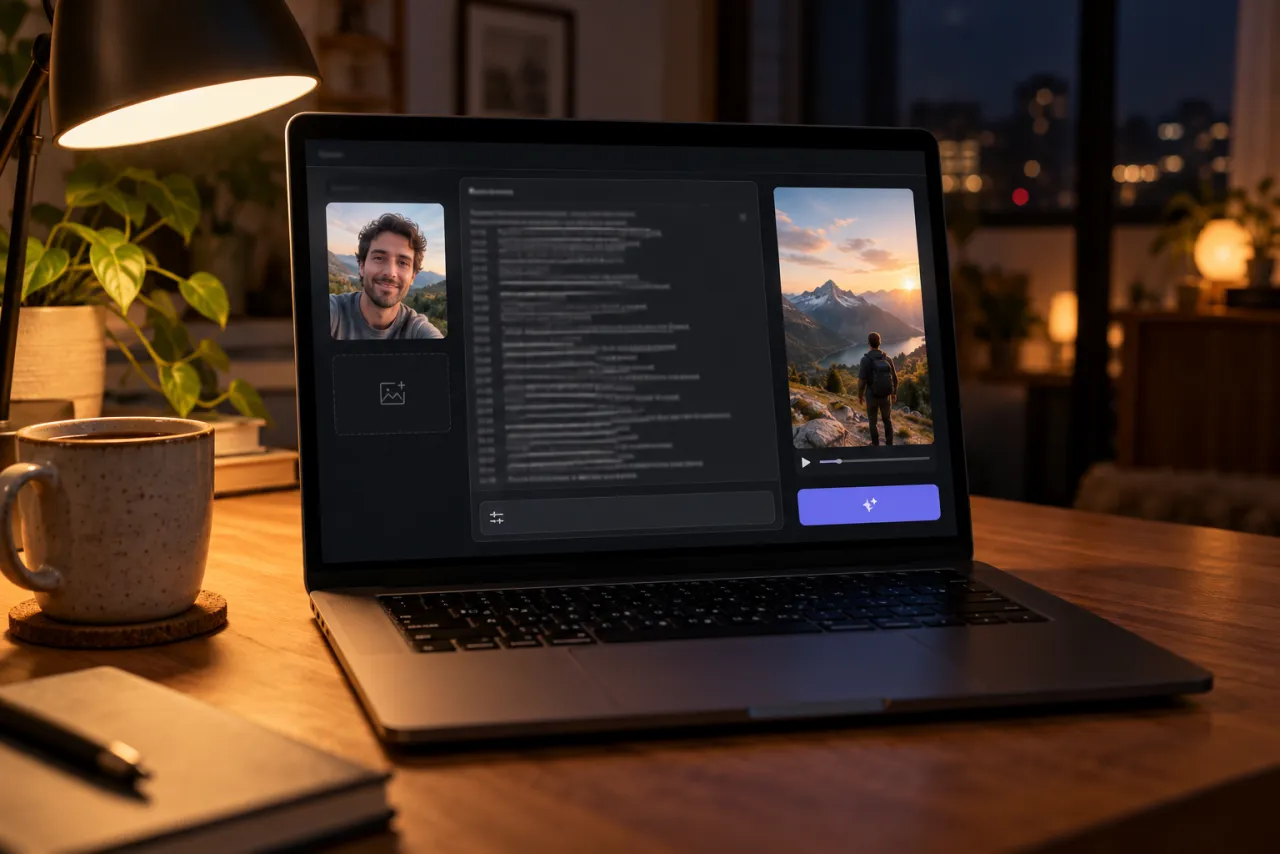
- Open an AI video tool’s image-to-video or reference-image mode: Kling, Higgsfield, Runway, Veo or CapCut’s AI video all have one.
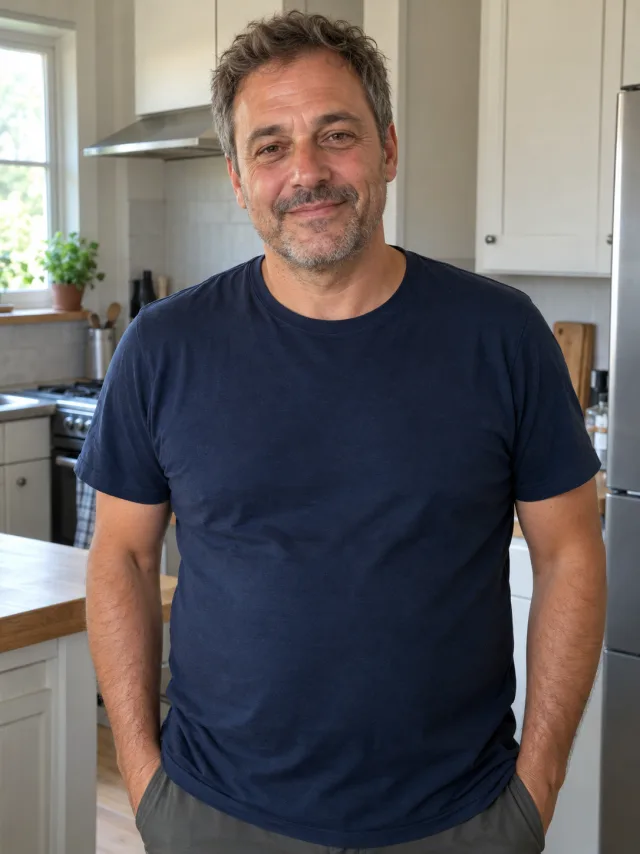
- Attach one photo: your face and shoulders facing the camera, or your pet’s face and front paws.
- Paste the matching prompt. Set 9:16 and 10 seconds, or the nearest length.
- Turn off the tool’s own music if it adds some.
- Generate, watch it against the frames below, and use the fix-it table for anything off.
Shot by shot: what each line does
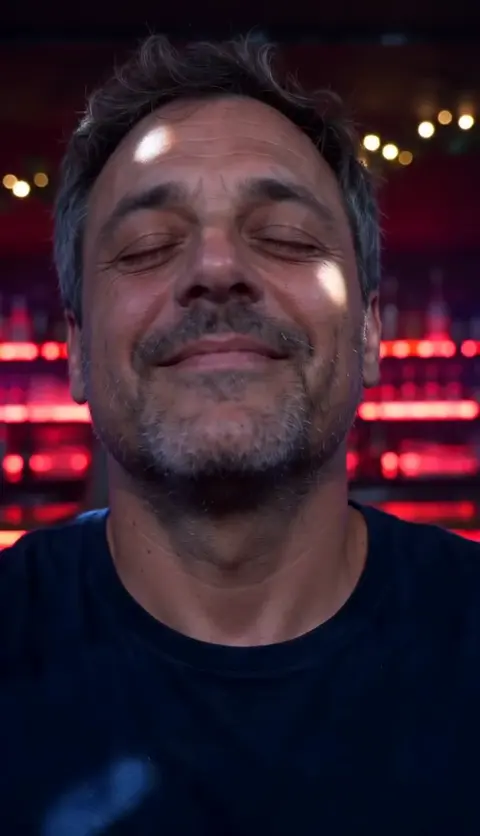
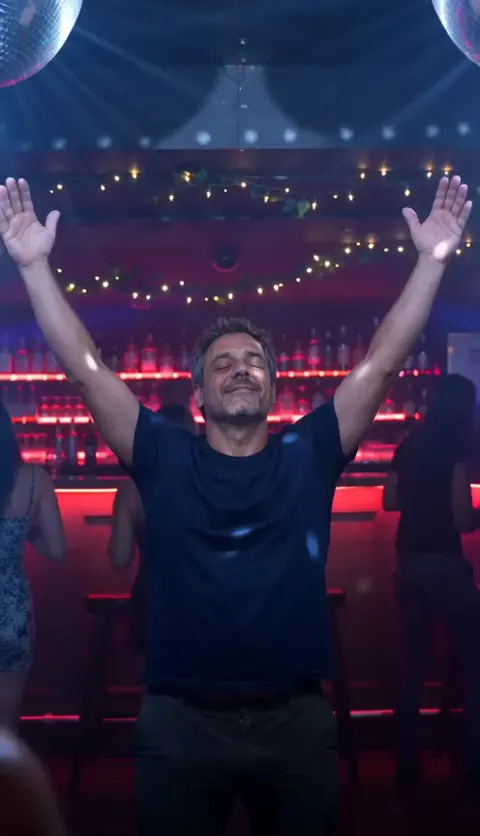
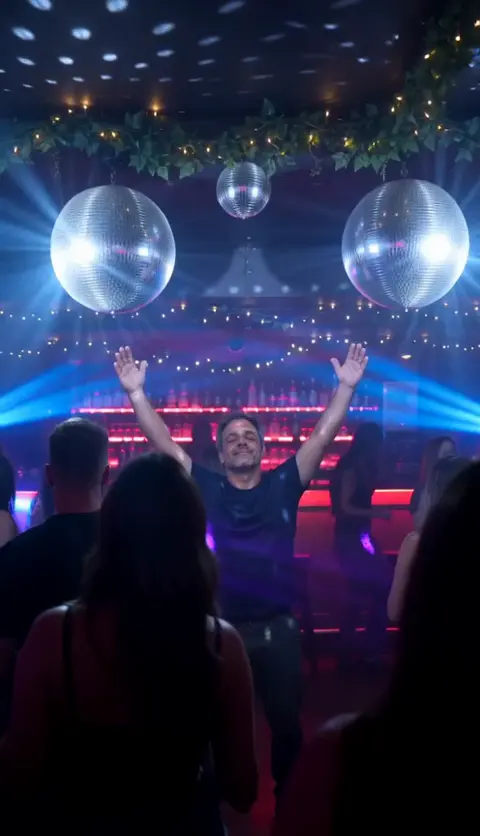
- The close-up: starting tight on a still, blissful face is what makes the drop land. Without it, tools often start mid-dance.
- Hands to heart: a small, slow move that tells the viewer something is coming.
- Arms up: the payoff. “Straight up above their head” gives the tool one clear shape, on the drop.
- The blur: two dancers crossing the lens hides the moment the camera changes distance and makes it feel handheld.
- The pull-back: ending wide, with you still in the centre, gives the clip its crowd and a clean loop point.
Variants
Festival
Replace the setting line with “an outdoor festival at dusk, a big stage glowing behind the crowd, confetti in the air”. The beats stay the same.
House party
Swap the club for “a living room packed with friends, the lights off, one disco light spinning on the ceiling”. It reads more personal and is easier for tools to keep your face sharp.
Shorter clip
If your tool only makes 5 seconds, keep the close-up, hands to heart and arms up, and drop the pull-back.
You and your pet
In tools that take two reference images, put your pet in your arms in the close-up, then both of you with arms and paws up. Expect more retries.
Fix it: symptom and change
| What went wrong | Change in the prompt |
|---|---|
| Your eyes open | Repeat “eyes still closed” in every timed line; add “eyes opening” to Avoid |
| Your face changes when the camera pulls back | Use a sharper, front-lit photo; add “keep their face exactly” to the 7.5–10 s line |
| Arms never go up, or go up at the start | Move “both arms go straight up” to the start of the 3.5–6.5 s line |
| Extra fingers or bent arms | Drop the sway; keep “distorted hands, extra fingers” in Avoid |
| Someone else’s face is sharp | Keep “only the dancer’s face is sharp”; add “a second sharp face” to Avoid |
| Your pet has human hands | Keep “real paws, never human hands”; add “human hands” to Avoid |
| Your clothes changed | Say “the exact clothes from my reference photo” and use a photo that shows them |
The photo you attach
- Face toward the camera, sharp and well lit, nothing covering it. The clip opens on a close-up of it.
- Face and shoulders is enough; head to waist brings your outfit along.
- For a pet: its face and front paws, at its eye level, still and in good light.
- Just you, no group photos, and only your own photo or an adult’s who has said yes. No celebrities and no one under 18.
Examples are in the photo guide.
What a prompt can’t do
- Add the song. You pick Turn the Lights Off as a sound when you post.
- Hit the drop. A silent clip has no beat to follow, so you’ll line the song up afterwards.
- Promise the same take twice. Every run is a new club and a new crowd.
The no-prompt route: add one photo on the Turn the Lights Off page and get the finished video with the arms going up on the drop. If it fails, the credits come back automatically, and prices are on Pricing. Comparing options? See CapCut vs AI vs one photo.
NowStarring is an independent fan tool, not linked to Kato, the TV series the trend comes from or anyone in it. The song belongs to its rights holders.
Preguntas
What is the prompt for the Turn the Lights Off AI trend?
Describe a vertical 10-second take of you in a packed club, eyes closed, hands rising to your chest, then both arms straight up while the camera pulls back into the crowd. The full copy-ready prompts are at the top of this guide.
Is there a prompt for a dog or cat?
Yes. The pet prompt has your pet rise onto its hind legs and put both front paws up, with real paws and no human hands.
Will it look like the original TV scene?
No, and it shouldn’t. The prompt keeps your face and your clothes and puts you in a club of your own, rather than copying a show or its actor.
Will the prompt add the song?
No. AI video tools don’t add a specific commercial song. Pick the Turn the Lights Off sound on TikTok or Reels when you post.
Why do my eyes open halfway through?
Tools like to show open eyes. Repeat “eyes still closed” in every timed line and add “eyes opening” to the avoid line.
What photo works best?
One clear photo of your face and shoulders, facing the camera, in good light. For a pet, its face and front paws at its eye level.