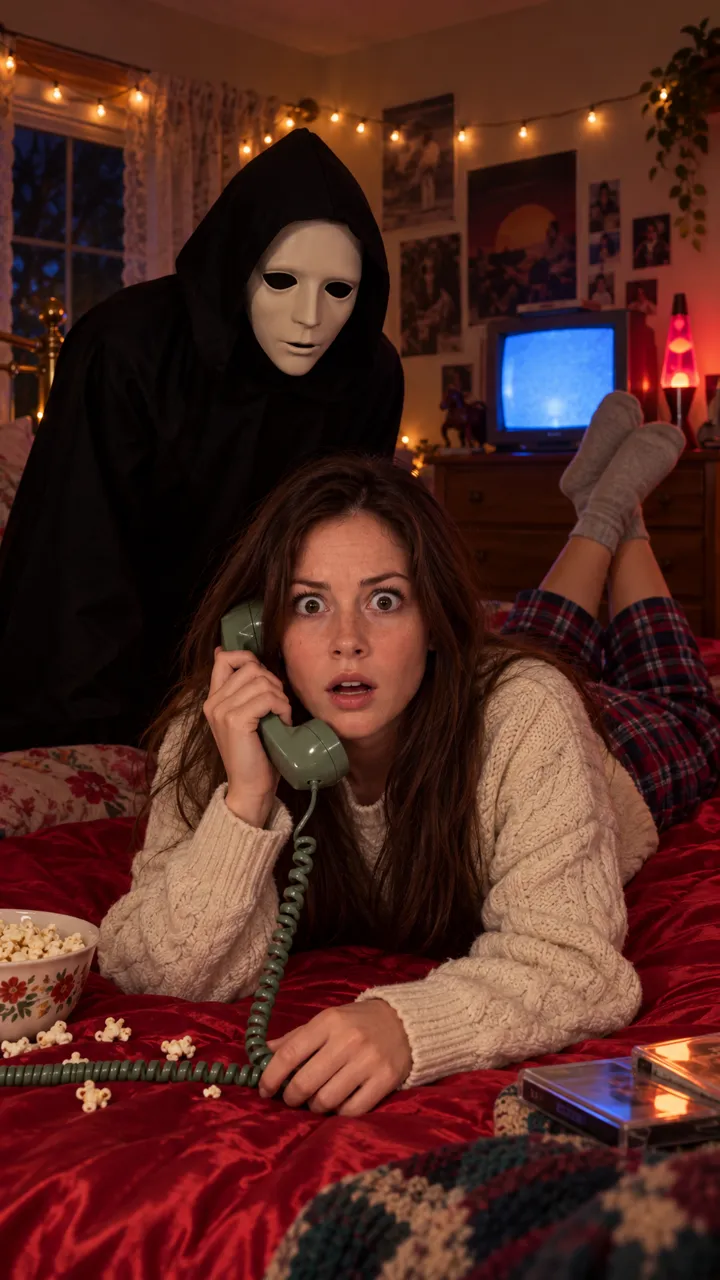
Ghostface AI trend not working? Why tools block it
Ghostface AI trend not working? Tools block the character’s name, weapons and some photos. Describe the costume instead, fix your photo, and try again.
6 min de lectura · Actualizado el

The short answer
When the Ghostface AI trend isn’t working, it’s almost always a word in the prompt, not you. Many image and video tools block the character’s name and the film title, plus words like knife, killer or blood. Describe the costume instead, a long black hooded robe and a plain white mask, and most refusals go away.
When we asked ChatGPT how to do this trend, it gave the same advice: describe the costume rather than naming the character, because tools block the name.
Below: the words and photos that get refused, a costume description you can paste in place of the name, a checklist for your next try, and what to do when the video works but the post doesn’t. Filters change often, so treat these as the usual causes, not a guarantee.
What gets blocked, and the fix
| What you see | Likely cause | Fix |
|---|---|---|
| Prompt refused straight away | The character’s name or the film title | Describe the costume: black hooded robe, plain white mask |
| Refused or blurred | Knife, killer, stalker, blood, scream | Cut them; say “its hands are empty” |
| Refused at the end of generating | Horror sound words, or the tool’s own sound | Turn sound off; add the song when you post |
| Refused, sometimes | Revealing outfit words | Use cosy, covered clothes: sweater, pyjamas, socks |
| Photo rejected | Looks like a celebrity or a minor, or a hidden face | A clear, recent photo of yourself, adult, face visible |
| Figure too close or touching you | Too intense for some filters | Keep it a step behind you; “never touches the person” |
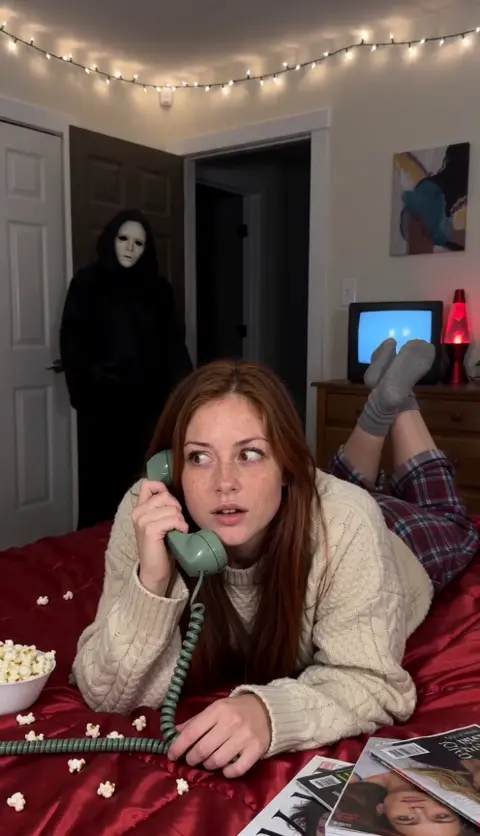
Describe the costume, not the character
Paste this in place of any name. It gives the tool everything it needs to draw the look:
Costume description
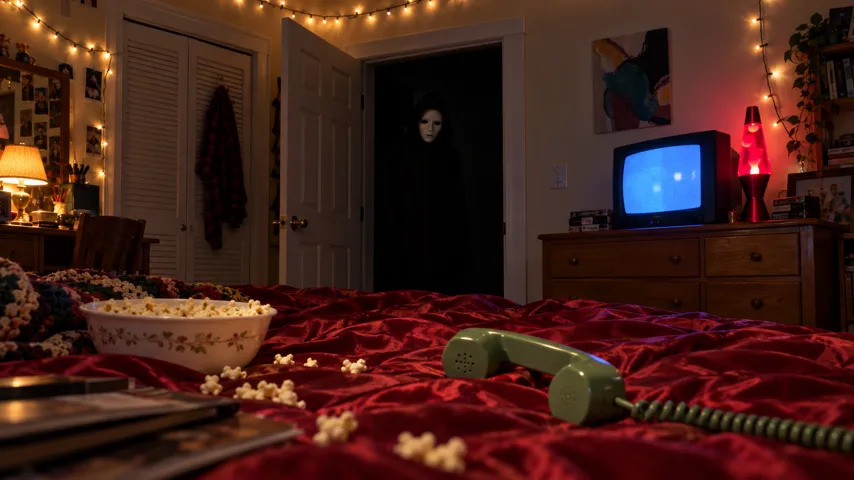
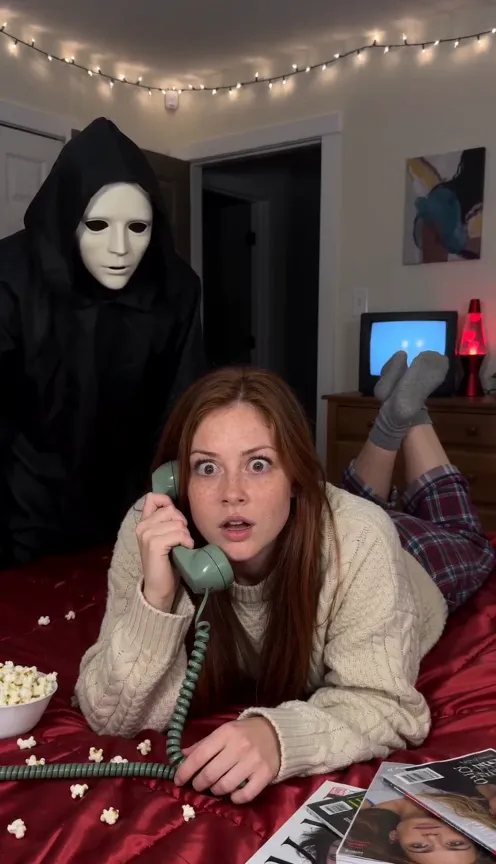
a tall, silent figure in a long black hooded robe and black gloves, wearing a smooth plain white mask with large dark eye holes and a long dark mouth; its hands are empty and it never touches anyone
Also leave out the film’s name in the setting: “a 1990s bedroom at night” is enough. Add “no posters, no titles, no logos” so the tool doesn’t invent them. The full prompt is in the Ghostface AI prompt guide.
Photo problems
- Face hidden: sunglasses, a hand, hair or a mask over your face. The tool can’t keep what it can’t see.
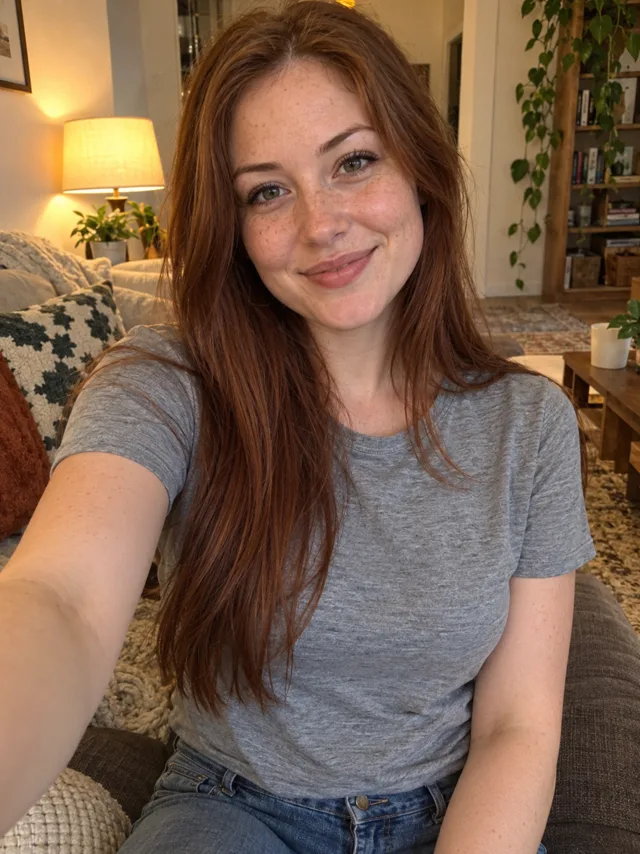
- Too dark or blurry: the result drifts away from you. Use daylight or a bright window.
- More than one person: crop to just you, or see the couples guide for two.
- Someone else’s photo: only use yours, or an adult who has said yes. Tools block celebrities and anyone who looks under 18, and so do we.
- Heavy filters or stickers: use the plain photo.
The photo guide shows good and bad examples.
Other reasons it fails
- Free tier limits: a daily cap or a busy queue can look like an error. Wait, or check the tool’s plan page. On the Ghostface page, a video that fails gives its credits back.
- Length: some modes stop at shorter clips. Pick the longest option, or keep the timed lines but compress them.
- Random refusals: the same prompt can pass on a second try. Change one word and try once more before rewriting everything.
- The figure gets your face: say “the figure has no face, only the plain white mask” in the figure line.
- You barely move: some modes only animate the first frame gently. Use a reference-image mode, or give each time line one clear action.
Before you try again
- Search your prompt for names: the character, the film, any actor. Delete them all.
- Search for weapon and gore words: knife, blade, blood, kill, stab, slasher. Delete them and keep “its hands are empty”.
- Turn off the tool’s sound or music option, or write “Sound: none”.
- Check the outfit line is cosy and covered.
- Swap in a sharp, front-facing photo of just you.
- Try once more before rewriting. If it’s still refused, use the softer version in the prompt guide, with the figure a step behind you.
If your NowStarring video fails
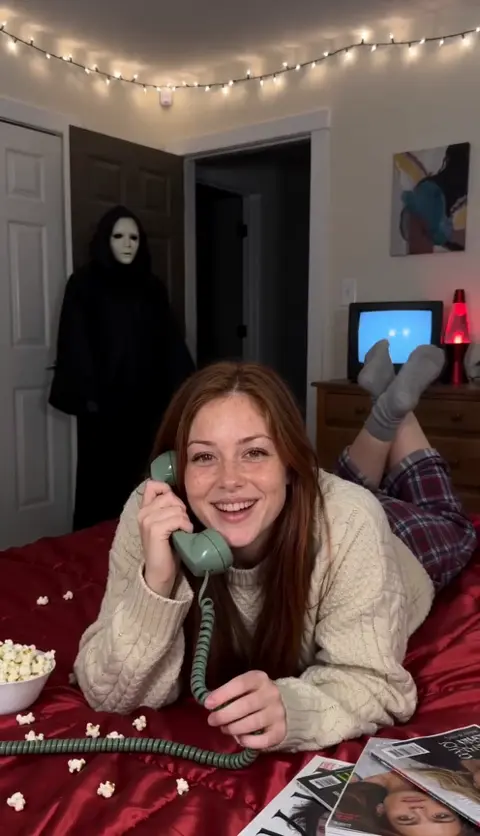
On the Ghostface page there’s no prompt to fix: the scene is already written with a generic masked figure, no weapons and a cosy outfit. If a video still can’t be made, its credits come back automatically, and you can try again with a clearer photo.
What still matters on ours is the photo: one face, toward the camera, sharp and well lit. Your outfit doesn’t matter, since everyone wears the same cosy 90s loungewear in the video. Your photo is deleted automatically 7 days after upload.
One Standard video uses 45 credits. The smallest pack that makes one is $12.90 for 90 credits (2 videos), a one-time buy whose credits never expire, and plans start at $19.90 a month for 270 credits. If a video fails, its credits come back.
Not sure what’s different about the clip? See what the Ghostface AI trend is.
When it works but the post doesn’t
- Muted video: re-upload and pick the Deceptacon sound from the app’s library instead of a song in the file.
- Not on the sound page: you only join it by picking the sound in the app. The sound guide shows how.
- Song missing from your library: switch to a personal or creator account, or start from a trend video’s sound.
NowStarring is an independent fan tool, not linked to the Scream films, their makers or the owners of the Ghost Face mask. The masked figure in our videos is a generic one.
Preguntas
Why is the Ghostface AI trend not working?
Usually because the prompt names the character or the film, mentions a knife or a killer, or asks for horror sounds. Describe the costume instead: a black hooded robe and a plain white mask.
Why does ChatGPT or Gemini refuse the Ghostface prompt?
Image tools often block prompts that name a copyrighted character or film. Describe the look in plain words and leave the name out.
Why does it say my photo can’t be used?
Tools refuse photos that look like a celebrity or someone under 18, and they struggle with covered or blurry faces. Use a clear, recent photo of yourself.
My NowStarring Ghostface video failed. Do I lose my credits?
No. If a video fails, its credits come back automatically. Try again with a clearer photo of your face.
Why is my Ghostface video muted on TikTok?
A song baked into the file can be muted. Re-upload and pick the Deceptacon sound from TikTok’s own library instead.
Why won’t my Ghostface video show on the trend’s sound page?
It only joins the page if you picked the sound in the app. Add the sound when you post rather than uploading a file with music already in it.