How to add the Smalltown Boy sound on TikTok, Reels and Shorts
The Smalltown Boy pet trend uses Bronski Beat’s 1984 song. How to add the sound on TikTok, Reels and Shorts, with the swap on the beat and no doubled song.
6 min de lectura · Actualizado el
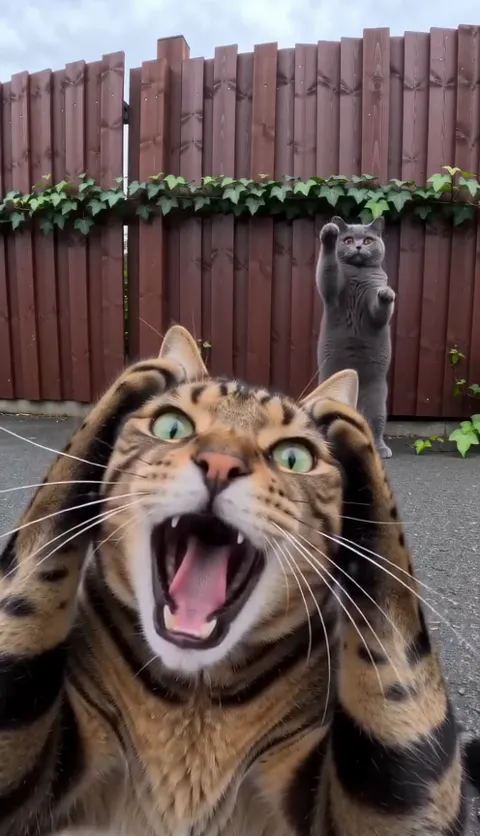
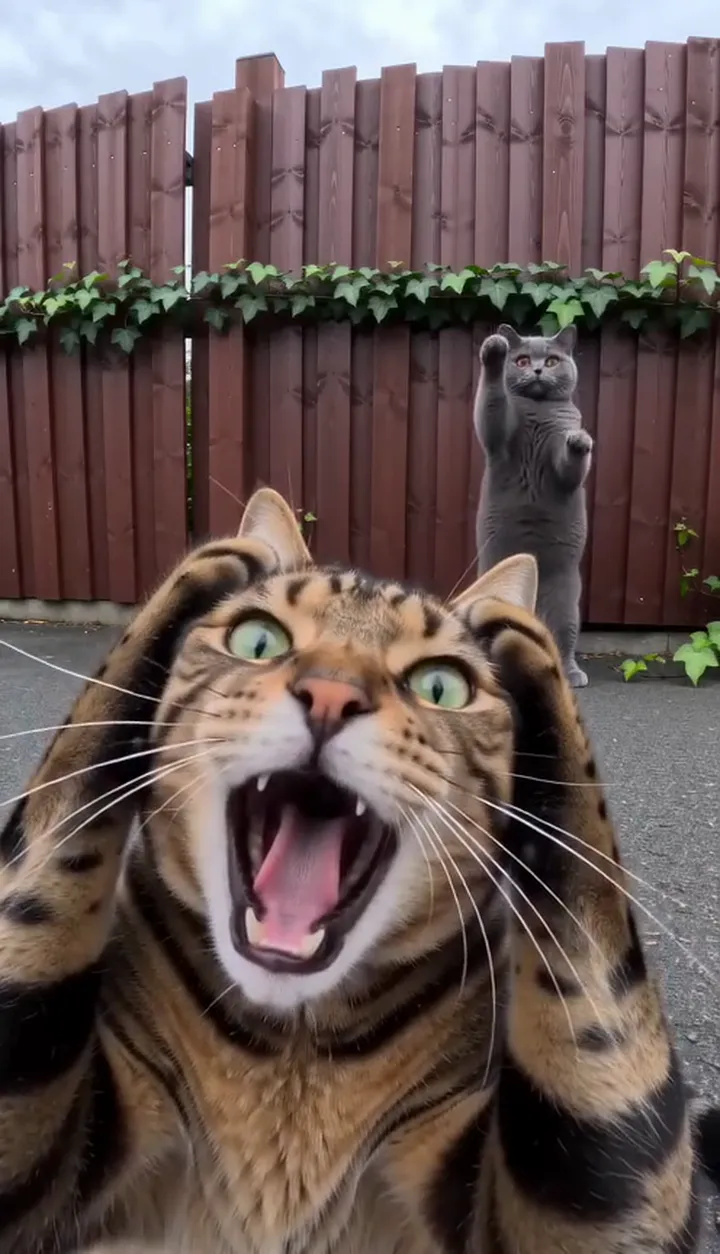
Protagoniza Smalltown Boy con dos fotos
Haz el tuyoThe sound, in one line
The Smalltown Boy trend is posted with Smalltown Boy by Bronski Beat, the 1984 synth-pop song. It’s a steady synth pulse with no big drop, so there’s no single beat to hit; the moment that matters is the swap, at about 6 seconds. Your NowStarring video already has the song over the whole 15 seconds, so it plays as it is. Add the sound in the app too and your post joins the trend’s sound page; just turn your original sound down so the song doesn’t double.
Search results may show several versions: the original, remixes, covers and sped-up edits. Tap the sound name on a Smalltown Boy pet video you like to get exactly the one you want, rather than guessing from the search list.
Why add the sound in the app
- Your post lands on the sound’s page next to every other Smalltown Boy video, where a lot of trend views come from.
- The platform licenses the music it offers. Music only in your file is more likely to be muted on some posts.
- If you post to more than one app, add the sound in each one separately.
- Viewers who tap the sound on your post find the whole trend, and people browsing the trend find you. A post with music only in the file misses both.
Made your clip somewhere else without music, or filmed your pets yourself? Then the app’s sound is your soundtrack, and you’ll want the swap to sit on the music.
On TikTok
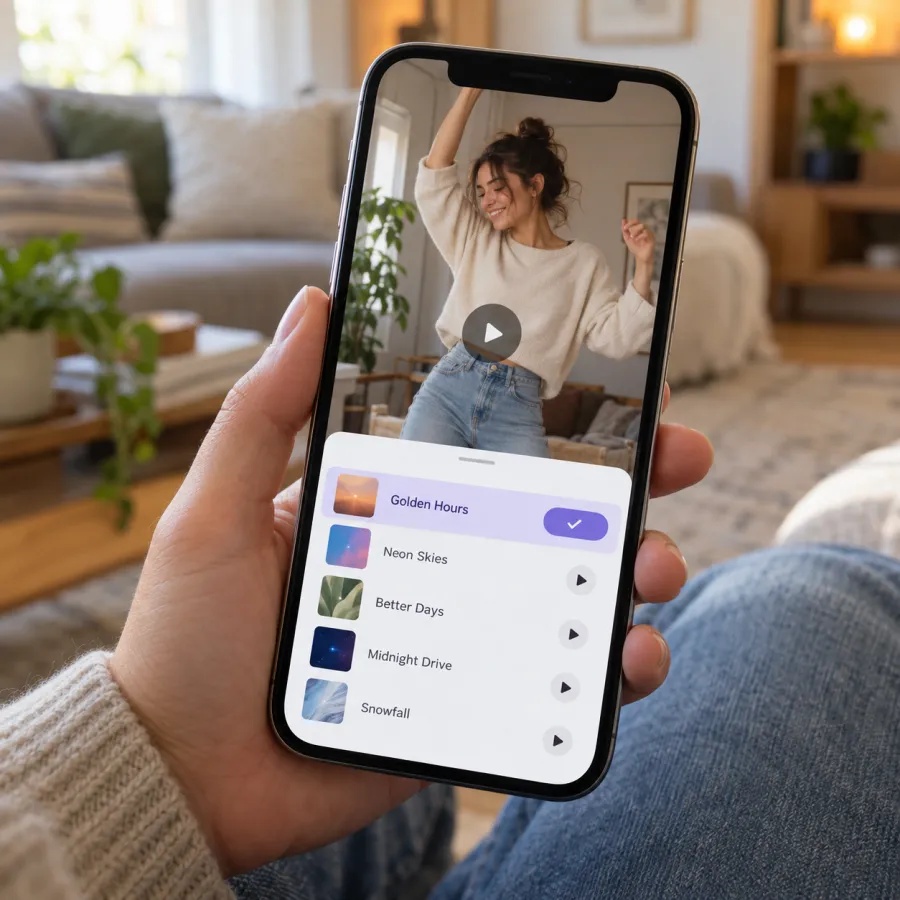
From a trend video (best)
- Find a Smalltown Boy pet video that uses the sound you want.
- Tap the sound name at the bottom, then Use this sound.
- Tap upload and pick your video.
- Tap Volume and turn your original sound down to zero, then post.
From your own video
- Tap + and pick your video.
- Tap Add sound and search Smalltown Boy.
- Pick the version you want and trim it so it starts as your video starts.
- Tap Volume to set the original sound and the added sound, then post.
On Instagram Reels
- On a Reel that uses the song, tap the audio name, then Use audio, and add your video.
- Or tap +, choose Reel, pick your video, tap the music button and search Smalltown Boy.
- Choose which part of the song plays.
- In the volume controls, turn your camera audio down, then share.
Want to keep the song exactly as it plays in our video? Skip the added music and post with the camera audio up. Your Reel won’t show on the song’s audio page, but it still plays with the song.
On YouTube Shorts
- On a Short that uses Smalltown Boy, tap the sound name, then Use this sound, and pick your video.
- Or upload your video as a Short and tap Sound to search the library.
- Set the original sound and the added song, then upload.
- Play it through once before you publish to check the song isn’t doubled.
If Smalltown Boy isn’t in the Shorts library where you are, post with the song already in your video and the original sound on.
Mixing it with the song already in your video
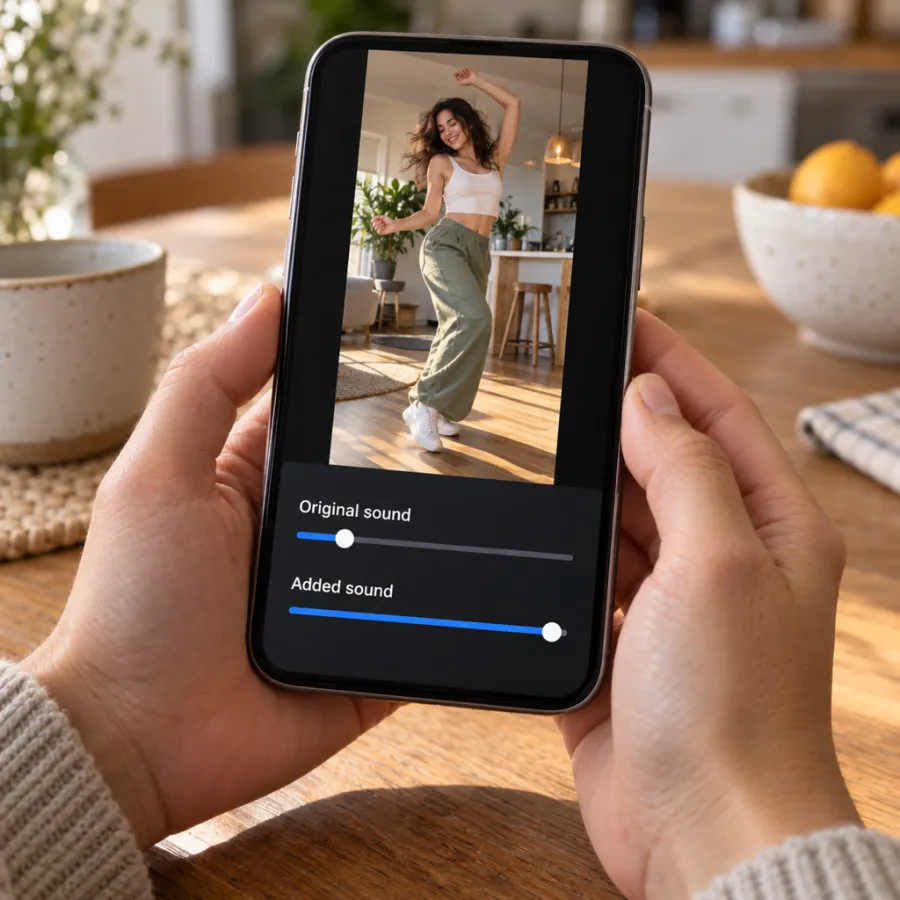
Our file contains only the song. Two copies of the same song a beat apart sound like an echo, so pick one:
| You want | Original sound | Added sound |
|---|---|---|
| To join the trend’s sound page | Off | Full |
| The song exactly as in our video | Full | Off |
| Both, without an echo | Off | Full, lined up by ear |
With a steady pulse like this one, a small offset is hard to hear, but the swap still feels best on the music. Play it back once and nudge the song’s start if the cut feels off.
Lining the swap up with the song
- Play your video with the original sound on once and note where the swap happens, at about 6 seconds.
- Turn the original off and add the Smalltown Boy sound.
- Start the song from the same place the trend videos use; the trimmer usually opens there.
- Watch it once more. If the swap still lands on the music, you’re done.
If you can’t get it right, post with your original sound on and no added sound. The video still plays perfectly on its own.
Filmed your pets yourself, or made it in another tool with no music at all? Then there’s nothing to match: start the song with the first clip and put your cut to the second pet where it feels right, at about 6 seconds.
If the sound is muted or missing

- Muted after posting: re-upload with the original sound off and the Smalltown Boy sound picked from the app.
- Song not in the library: switch from a business to a personal or creator account, update the app, or start from a trend video’s sound.
- Post not on the sound page: you only join it by picking the sound in the app.
If your video is AI-made, label it: on TikTok, turn on the AI-generated content setting before you post.
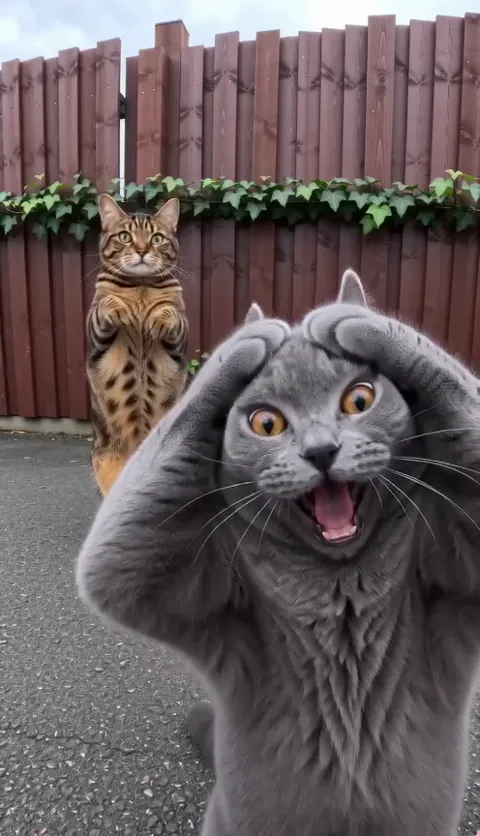
In the caption, name the trend in plain words, such as “Smalltown Boy trend” or “screaming cats”, so people searching for it can find you. Keep it short and away from the bottom of the frame: that’s where the screaming face is for the first 10 seconds.
No video yet? Make yours from two photos, or see the free routes. The Smalltown Boy page has examples with the song on. Prices are on Pricing, and the Smalltown Boy AI prompt is there if you’d rather make the clip yourself.
NowStarring is an independent fan tool, not linked to Bronski Beat, their label, the song’s rights holders or the creators who started the trend, and the song belongs to its rights holders.
Preguntas
What song is the Smalltown Boy trend?
Smalltown Boy by Bronski Beat, from 1984. The trend’s cut of the song plays over your whole video.
Does the NowStarring video already have the song?
Yes. The song plays over the whole 15 seconds. Adding the platform’s sound links your post to the trend; turn your original sound down when you do.
Why does my video sound doubled?
Both the song in your file and the added sound are playing. Turn the original sound off, or the added sound off.
Why was my video muted?
Music in a file can be muted. Re-upload with the original sound turned off and the Smalltown Boy sound picked from the app’s library.
Is this the same as the parents’ Smalltown Boy dance?
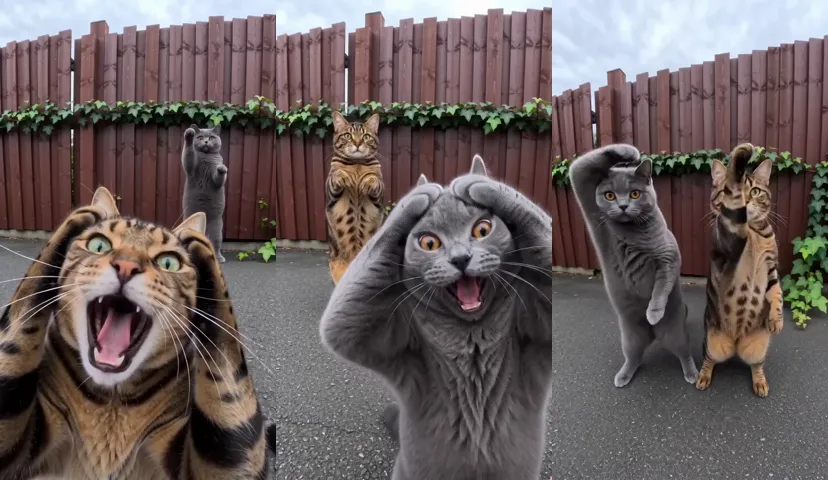
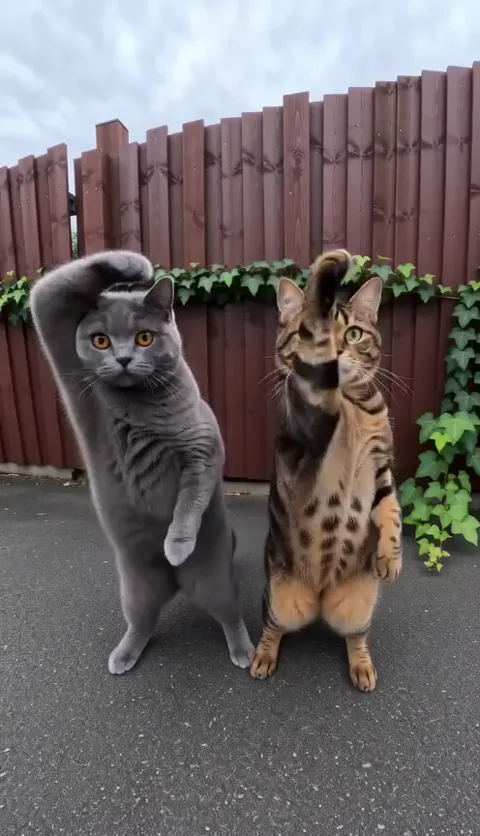
It’s the same song, a different trend. The parents’ dance is people doing an 80s dance to it; this one is two pets screaming and dancing by a red fence. Either way, you pick the same song.
Do I have to label the video as AI?
Label it if it’s AI-made. On TikTok, turn on the AI-generated content setting before you post.