Neon Dance AI: CapCut vs an AI video generator vs two photos
CapCut, an AI video generator or a photo site for the neon dance (A2O LITE NEON) trend? A fair comparison on likeness, the studio, the song and cost.
6 Min. gelesen · Aktualisiert
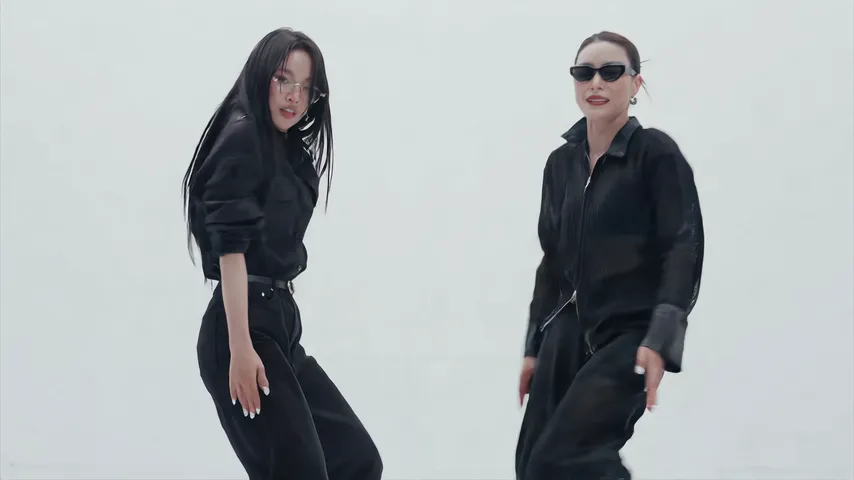
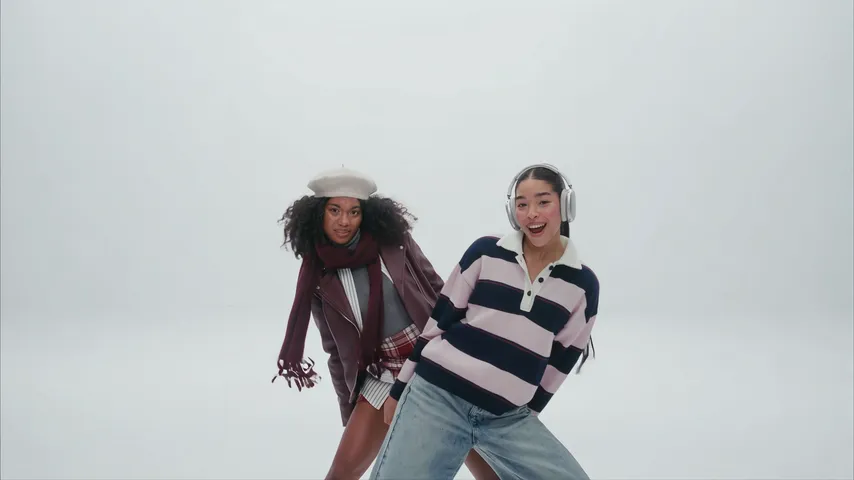
Spiel bei Neon Dance mit nur einem Foto mit
Jetzt erstellenThe honest verdict
For the Neon Dance trend, a CapCut template is great if you and a friend have already filmed the routine; an AI video generator with a good prompt can put you both in a white studio for little or no money but takes retries and adds no song; a photo site like ours gives you the finished clip with the song in, for a price. CapCut is the best place to edit, whichever way you make the clip.
Short version: you have the footage, use a template. You like tinkering, use a generator. You want it done from two photos, use the Neon Dance page.
Side by side

| CapCut template | AI generator + prompt | Two photos here | |
|---|---|---|---|
| Your faces | Real, from your footage | From your photos; can swap or drift | From your photos |
| The studio | Only where you filmed | Yes, from the prompt; can turn dark | Built in: a bright white studio |
| The cuts | The template’s timing | From the prompt, if the tool follows it | Built in, on the beat |
| Song | Template’s sound, or add your own | Usually silent | NEON over the whole video |
| Effort | Learn the routine, film, then minutes | Prompting and retries | Add two photos |
| Cost | Free to start | Free tiers, then paid | Paid, from the price below |
When a CapCut template wins
You and a friend learned the routine, filmed the shots against a white wall, and nailed the finger guns. A template drops your clips into its timing, adds the cuts on the beat, and you’re done in minutes, free. It’s also the only route where you really danced it.
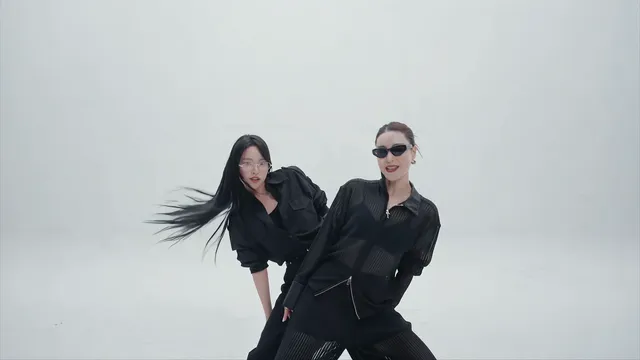
- Pick a template made for several short clips, since the intro is cut on the beat.
- Keep the routine as one long clip so the sync shows.
- Move any template text away from your faces; the finish is a close two-shot.
What a template can’t do is invent the parts you didn’t film. No white wall means no white studio, and only your own footage belongs in it.
When an AI video generator wins
You want to change things: a pastel studio, a shorter cut, matching outfits. With the Neon Dance AI prompt in Kling, Higgsfield, Runway, Veo or CapCut’s AI video tools, you control the scene, and free tiers let you try first.
The trade-offs: faces that swap between the two of you, a white studio that turns into a dark neon room, hands with extra fingers. Not every tool takes two reference images, and you add the song yourself.
Tools differ in how well they keep two faces apart across cuts, and they change often. Try the same prompt in two and keep the one that looks most like you both.
When two photos win
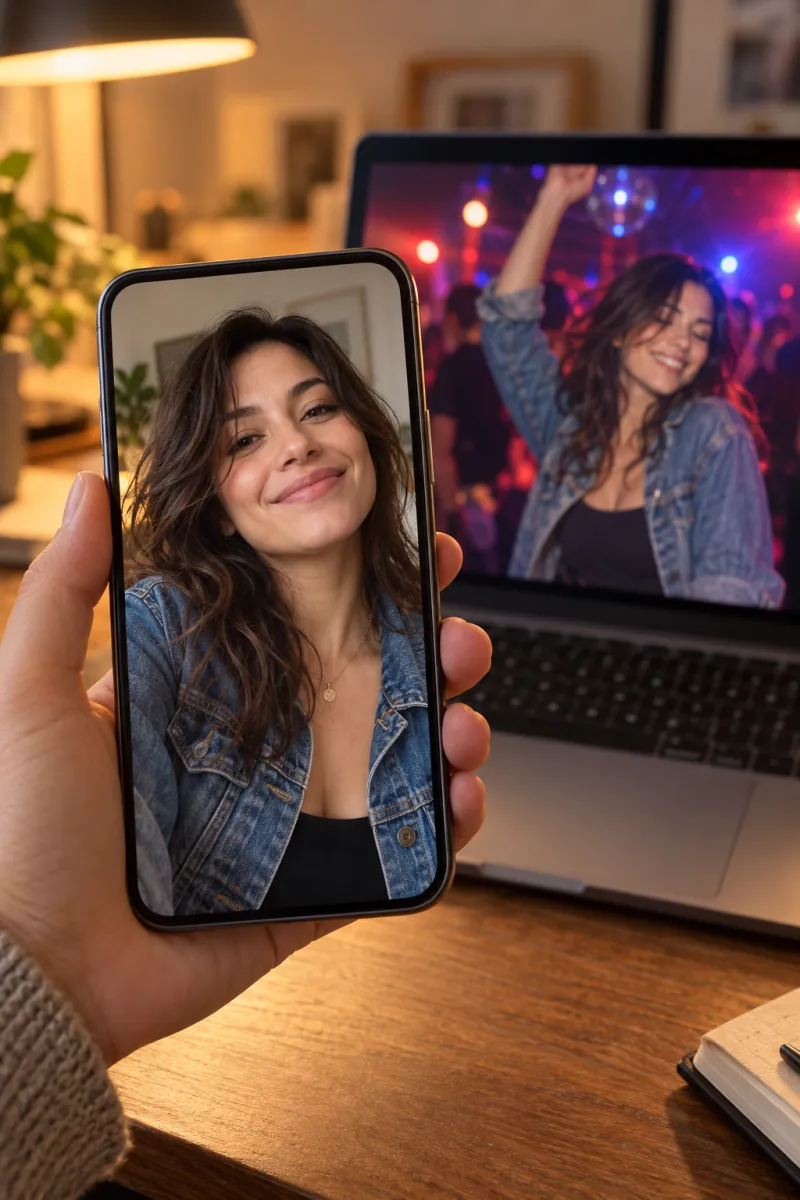
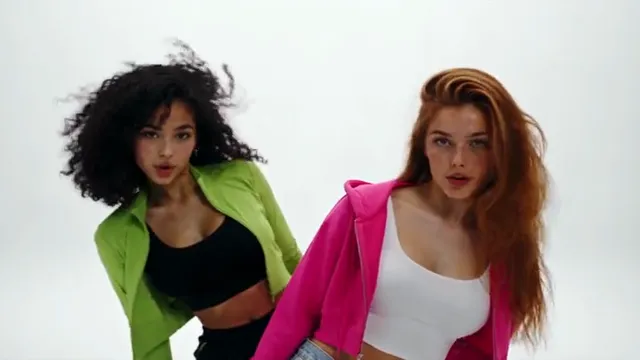
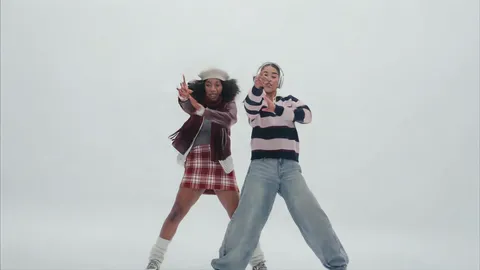
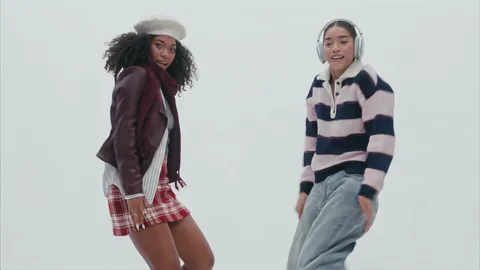
You don’t want to learn the routine, you don’t have a white wall, or you just want the trend as it looks on TikTok. On the Neon Dance page you add a photo of you and one of your partner and get 15 widescreen seconds: you stand in front, your partner leans out, you sway, point finger guns, dance the routine in sync and finish close together, each in the clothes from your own photo, with the NEON song and no watermark.
One Standard video uses 65 credits. The smallest pack that makes one is $9.90 for 90 credits (1 video), a one-time buy whose credits never expire, and plans start at $19.90 a month for 270 credits. If a video fails, its credits come back.
The limits, honestly: two people per video, no pet version for now, the studio is the trend’s, and there’s no free video.
Mixing routes works too
You don’t have to pick just one. Common combinations:
- Make the clip from two photos, then add a caption in CapCut tagging your partner.
- Make one with your best friend and post it on their birthday (with their yes first).
- Post your real take next to an AI version of you both in the white studio.
- Make one with each of a few friends and post them back to back.
Whatever you do, keep the final edit short. The trend lives in about fifteen seconds, and the finger guns lose their punch in a longer cut.
Step by step: the CapCut route
- Film your clips with the shot plan in the free guide, or make one with CapCut’s AI video tool and the prompt.
- In CapCut, start a new project with your clips, or tap Templates, search “neon dance” and use one with your footage.
- Cut each shot on a beat, and keep the hide and the lean-out quick.
- Keep the routine as one uncut shot; it’s the part where the sync shows.
- Export in 16:9, or the template’s format. Post to TikTok or Reels and pick the NEON sound in the app, so the post joins the sound’s page.
The sound guide shows how to add the song and set the volumes.
NowStarring is an independent fan tool, not linked to A2O LITE or the makers of the NEON music video, and the song belongs to its rights holders.
Fragen
Is there a CapCut template for the neon dance?
Creators post templates for most trends, so search “neon dance” or “a2o lite neon” in CapCut’s Templates tab. A template edits clips you already have; it won’t put you two in a white studio.
Can AI make the neon dance video from photos?
Yes. AI video tools that take two reference images can animate you both from a prompt, and photo sites like ours make the whole clip, the white studio and the song included.
Which option includes the song?
Ours has the NEON song over the whole video. Templates may carry their own sound; AI generators usually don’t include the song.
Can I use the original NEON video in CapCut?
Use your own footage. Make your own take, by filming it with a friend or from your photos, rather than editing someone else’s video.
Can I edit the NowStarring video in CapCut?
Yes. It’s a normal widescreen MP4 with no watermark, so you can trim it or add text before you post.
What’s the easiest way to do the neon dance trend?
Two photos on a trend site: no routine to learn, no studio, no prompt, and the song is already in. It costs money; the other routes cost time.