Mi Chico AI: CapCut vs an AI video generator vs one selfie
For the Mi Chico rooftop dance, should you film and edit in CapCut, prompt an AI video generator or use a one-selfie site? Crew, moves, song, effort and cost compared.
قراءة في 6 دقيقة · آخر تحديث
كن نجم Mi Chico بصورة واحدة
اصنع فيديوكThe honest verdict
If you have a crew, CapCut wins: film the ground shot and the dance, join them on the palm over the lens, done, for free. If you don’t, an AI video generator with a good prompt can invent the crew and the rooftop, at the cost of retries and an extra dancer here and there, and without the song. A one-selfie site like ours hands you the finished clip with the song for a price. Whichever way the clip gets made, CapCut is still a good place for the last edit.
In one line each: real friends, CapCut. Tinkering, a generator. No crew and no fuss, the Mi Chico page.
Side by side

| CapCut (film it) | AI generator + prompt | One selfie here | |
|---|---|---|---|
| The crew | Your real friends, if they show up | Invented; sometimes one too many | Two made-up dancers beside you |
| You | Really you | From your selfie; can drift | From your selfie, in the middle |
| The moves | As well as you learned them | From the prompt, roughly | Built in, with the hands-behind-the-head finish |
| The rooftop | Wherever you could film | From the prompt | Built in: the deck at dusk |
| Song | Template sound, or add it yourself | Usually none | Over the whole video |
| Effort | Learning, filming, editing | Prompting and retries | Upload one photo |
| Cost | Free | Free tiers, then paid | Paid, see below |
When CapCut wins
You and your friends are up for it. The trend was made by a real group of friends, and nothing beats that. Film the two clips, the ground shot and the dance, and join them in CapCut right after the hand covers the lens.
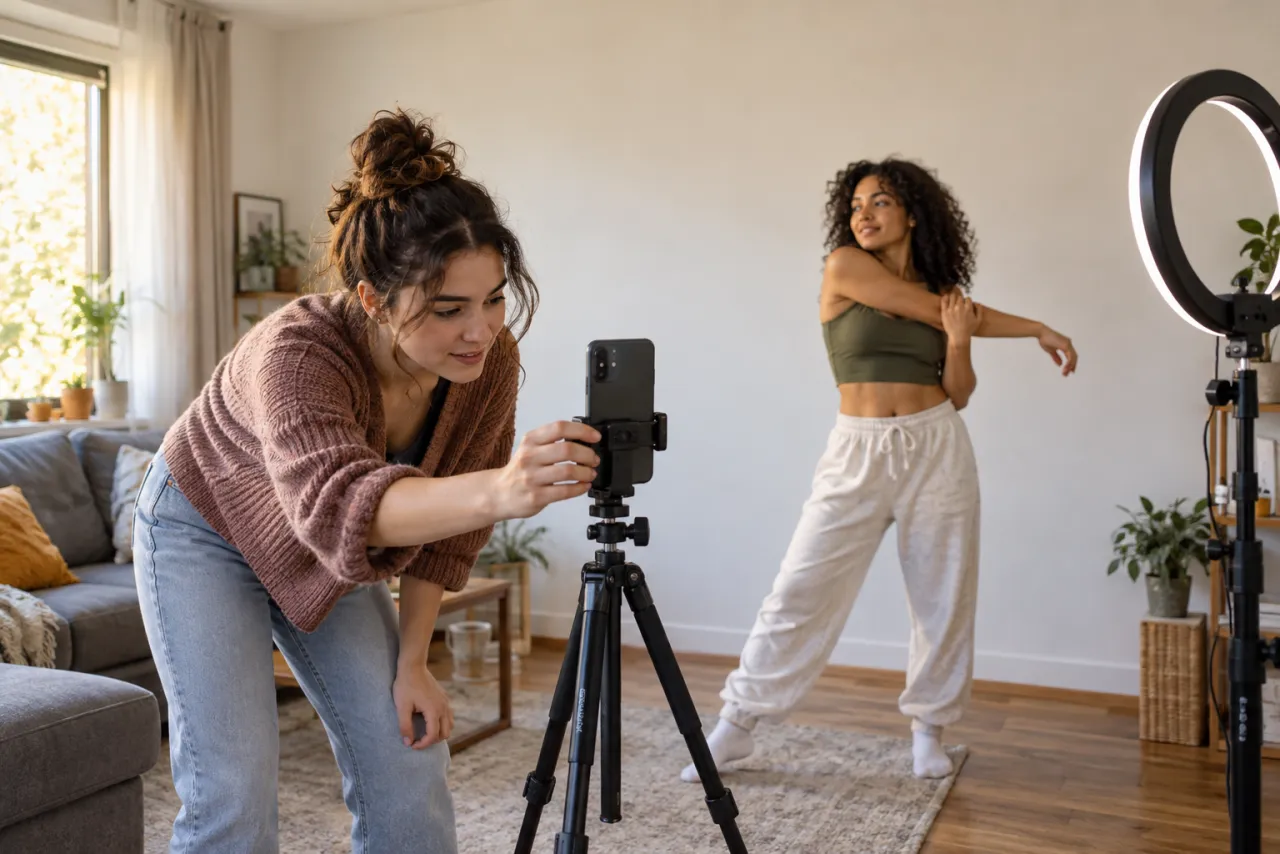
- Film vertical, with the phone at about waist height for the dance.
- Keep everyone in frame from head to toe; mark spots on the ground.
- Line the cut up with the beat getting louder, at about 5 seconds.
- Keep any template text off people’s faces.
The limit is the obvious one: CapCut only edits what you filmed. No crew, no crew in the video.
When an AI video generator wins
You want control: a daytime deck, a shorter clip, more dancers, a different finish. With the Mi Chico AI prompt in Kling, Higgsfield, Runway or Veo you set all of that, and free tiers let you test it first.
What you trade for it: a fourth person turning up, the invented dancers starting to look like you, a back to the camera, a cap you never wear. And the song is missing, so you add it yourself.
Tools change fast and some keep three people apart better than others, so run the same prompt in two and keep the better one.
When one selfie wins
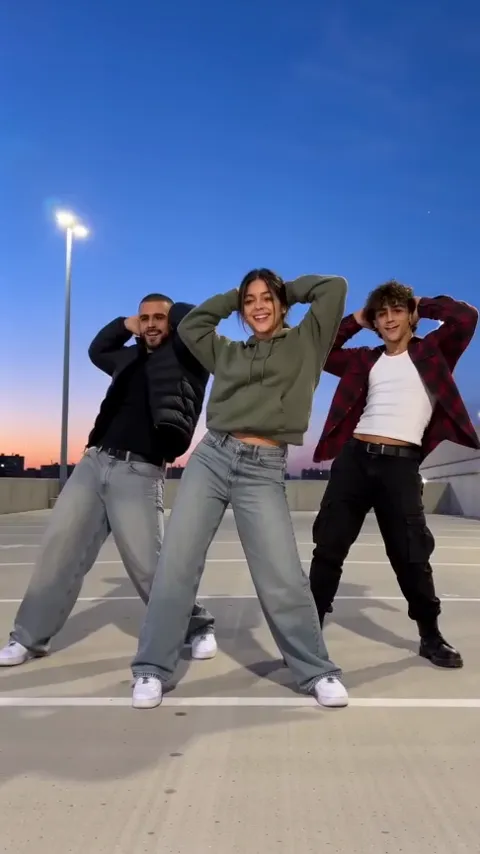
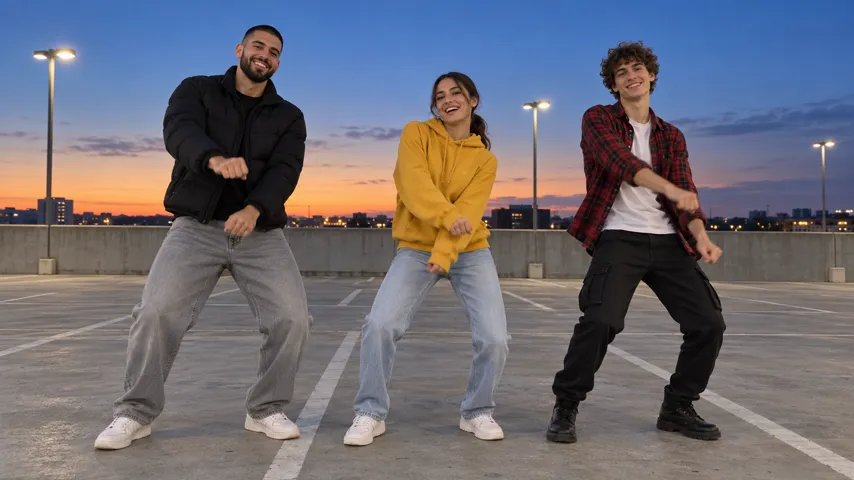
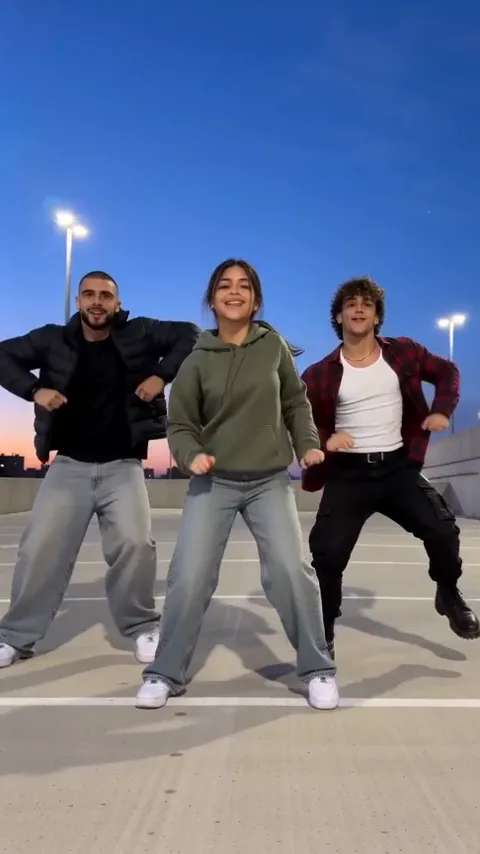
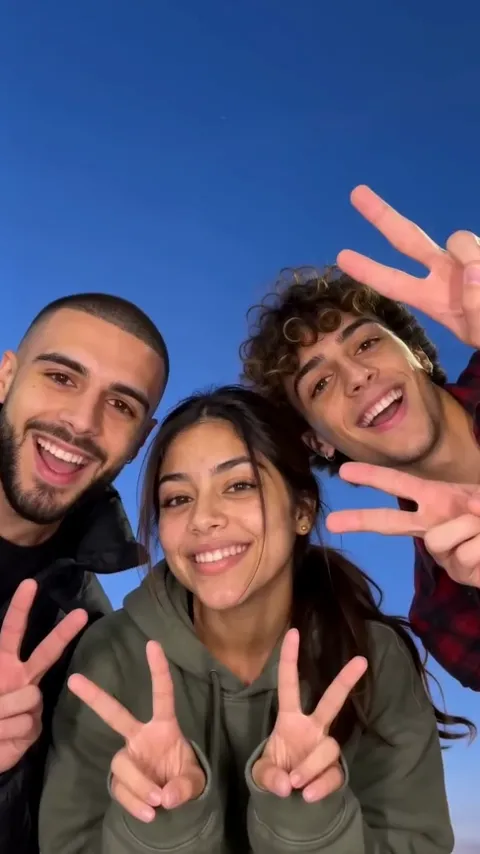
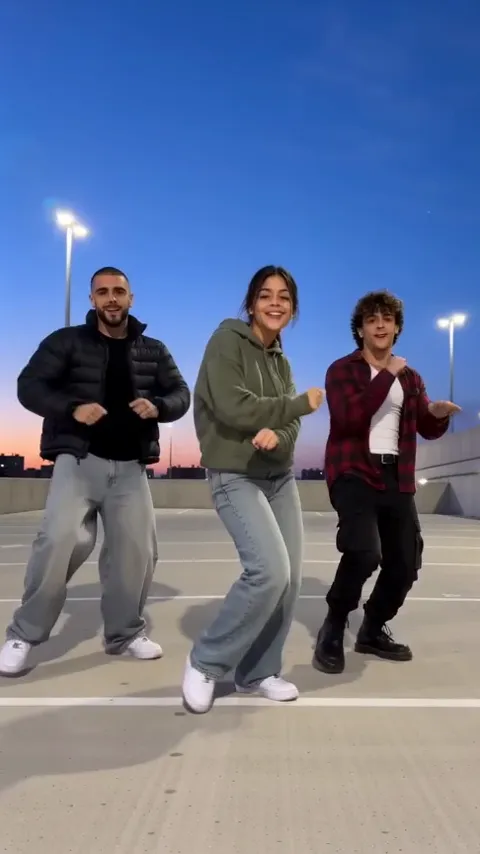
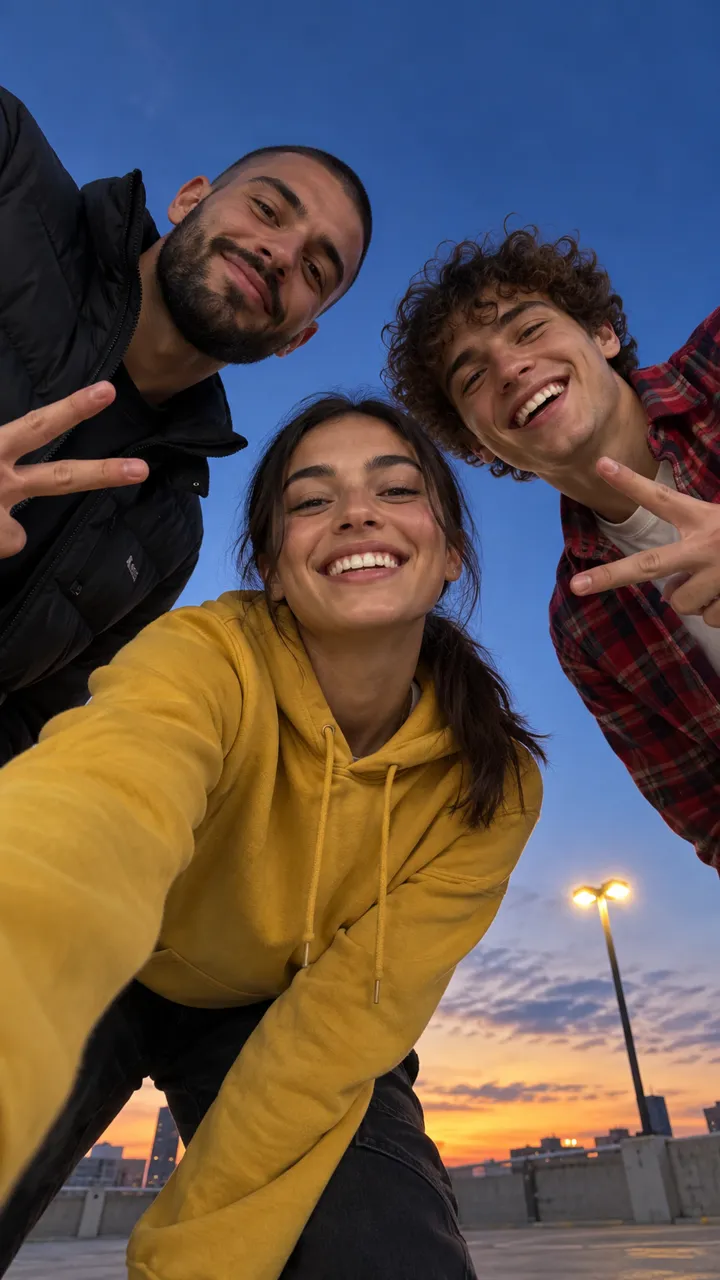
You want the crew, the rooftop and the song, without rounding anyone up or rerunning prompts. On the Mi Chico page one selfie becomes 15 vertical seconds: the phone on the ground, your close-up and palm over the lens, then you leading two dancers through the routine on the deck at dusk, with the song and no watermark.
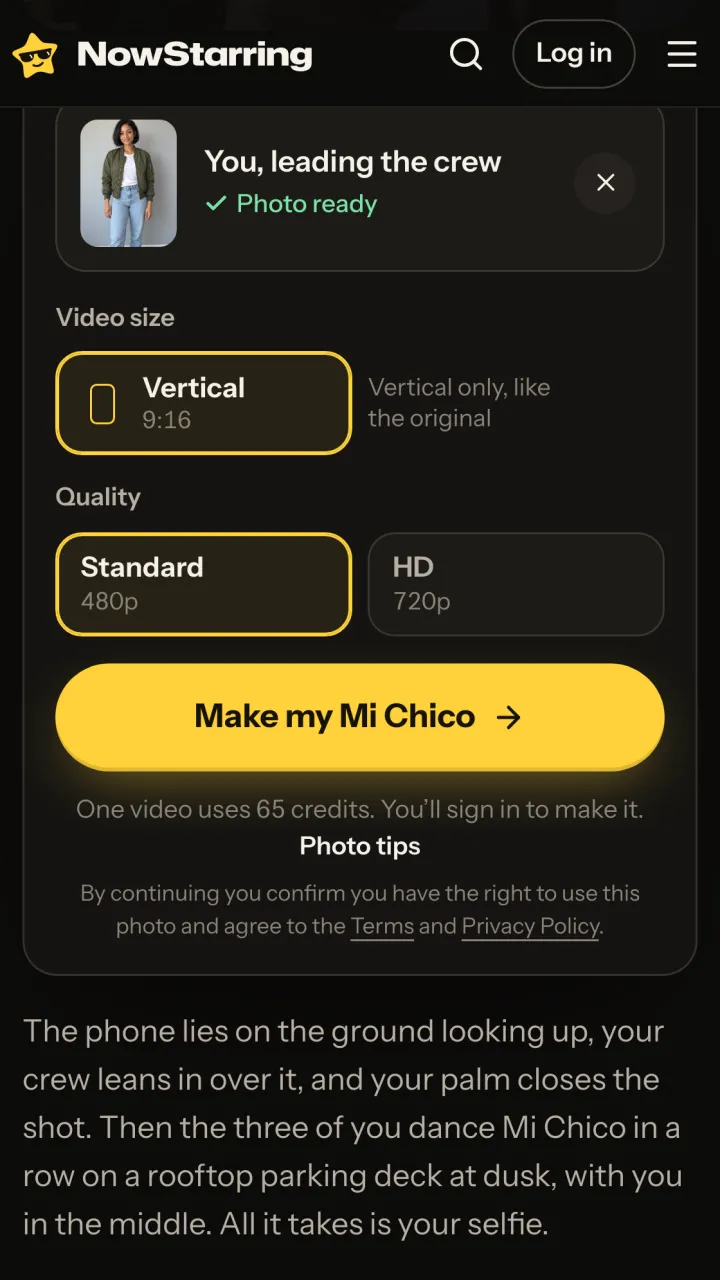
One Standard video uses 65 credits. The smallest pack that makes one is $9.90 for 90 credits (1 video), a one-time buy whose credits never expire, and plans start at $19.90 a month for 270 credits. If a video fails, its credits come back.
The limits, plainly: it’s always you plus two made-up dancers, your real friends and pets can’t join yet, the rooftop is the trend’s, and there’s no free video.
You can mix them
- Make the AI version, then add a caption in CapCut about the friends who “definitely would have come”.
- Post your real crew’s take next to the AI one and let people pick.
- Use the AI clip as a guide: show it to your friends before you film your own.
- Film just the ground-shot opening with your friends, then cut to the AI dance.
Whichever mix you go for, keep it vertical and around 15 seconds. The hands-behind-the-head moment should land near the end, not get lost in a longer edit.
The CapCut route, step by step
- Film the two clips with the plan in the free guide, or make one with an AI tool and the prompt.
- In CapCut, start a project with both clips, or open Templates, search “mi chico” and drop your footage in.
- Trim the ground shot so it ends the moment the hand covers the lens.
- Put the dance straight after it and trim it to end on the hands behind the head.
- Export 9:16, post, and pick the Mi Chico sound in the app so your video joins the sound’s page.
Who sings it, and how to set the volumes: the Mi Chico song guide.
NowStarring is an independent fan tool, not linked to DJ Goja, Jason Derulo, Melody, their labels, the song’s rights holders or the creators who started the trend, and the song belongs to its rights holders.
أسئلة
Is there a Mi Chico CapCut template?
Creators share templates for most dance trends, so search “mi chico” under Templates in CapCut. A template arranges footage you already have; it can’t give you a crew or a rooftop you didn’t film.
Can AI make the Mi Chico dance from my photo?
Yes. AI video tools can animate a selfie from a prompt, and one-selfie sites like ours make the full clip: the ground shot, the crew, the rooftop and the song.
Which route comes with the song?
Ours has Mi Chico over the whole video. A template may bring its own sound; AI generators usually make silent clips, so you add the song when you post.
Which is the best route if I have friends to dance with?
Film it together and edit in CapCut. That’s free, and it’s exactly what the trend is: real friends on a roof.
Can I edit the NowStarring video afterwards?
Yes. You get a plain MP4 with no watermark, so you can trim it, add a caption or drop it into CapCut.