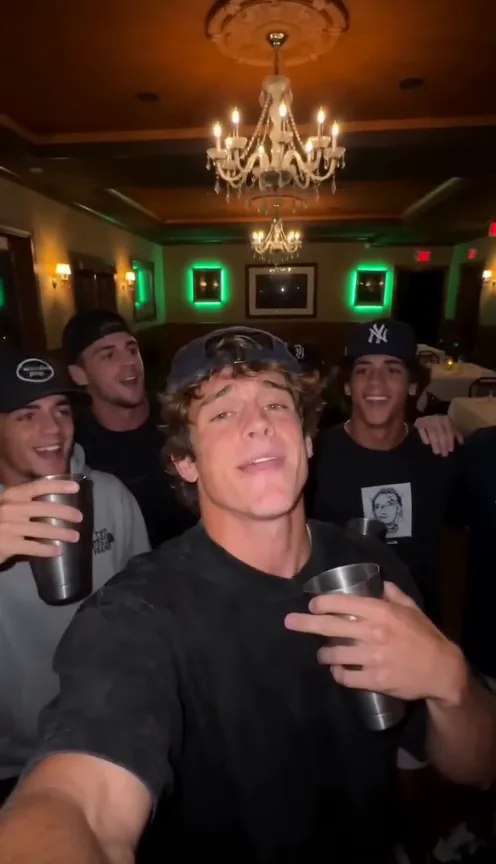
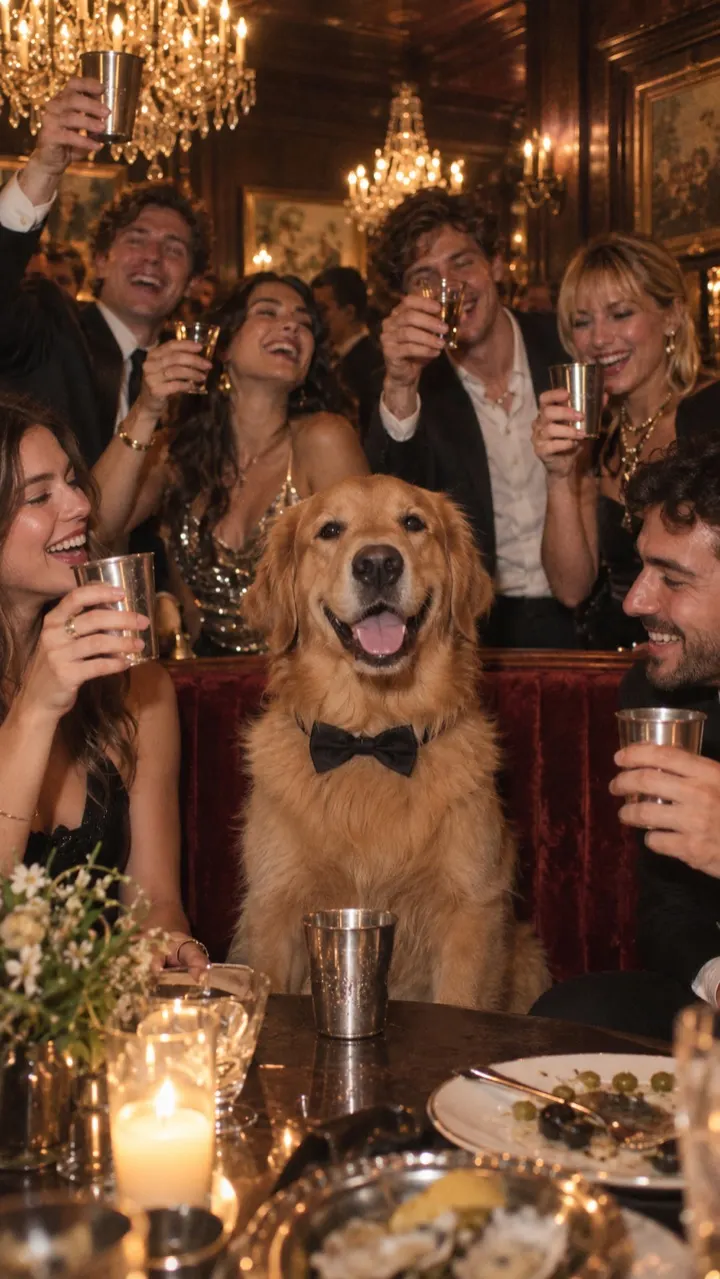
تخطَّ إلى المحتوى
NowStarring

What photo works best for the Burning Bridges AI video

One photo makes the whole Burning Bridges AI video. Here is what a good one looks like for people and pets, and what to avoid.

قراءة في 3 دقيقة · آخر تحديث

The short answer

One clear face, looking at the camera, in good light. That’s it. A plain selfie usually beats a dressed-up photo, because the video dresses you up for the party anyway.
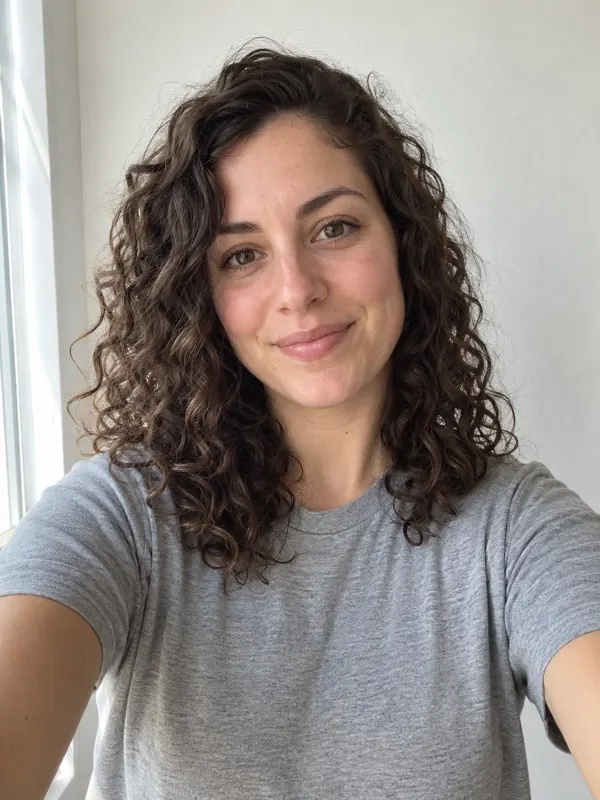
A plain selfie: one face, looking at the camera, in even daylight
مناسبOne face, eyes to the camera, even light, nothing covering the face.

For a photo of a person

  • Face the camera, or close to it. Profile shots give the video less to work with.
  • Use soft, even light: a window or open shade. Avoid strong shadows across the face.
  • Keep the face sharp. A slightly blurry photo makes a blurrier video.
  • Head and shoulders are enough. You don’t need a full-body shot.
  • Your clothes don’t matter much: the video puts you in a night-out outfit.

For a photo of a pet

  • Get your pet looking toward the lens. A treat held just above the camera helps.
  • Show the whole head and some of the body, so the coat and markings carry through.
  • One animal only. Two pets in one photo confuse the lead.

What to avoid

  • Group photos, or anyone else partly in the frame.
  • Sunglasses, masks, or hands covering the face.
  • Heavy beauty filters, stickers or text over the photo.
  • Very dark, grainy or tiny photos.
  • Photos of celebrities, public figures or anyone under 18. These aren’t allowed.

If a video still fails, its credits come back automatically, so you can try again with a clearer photo. Ready? Upload your photo.

أسئلة

Can I use a group photo?

Not as is. The video has one lead, so the photo should show one person or one pet. Crop a group photo down to one face, as long as it stays sharp.

Can I use a photo of someone else?

Only of an adult who has agreed to it, and only a photo you have the rights to use. No celebrities, no public figures and no one under 18.
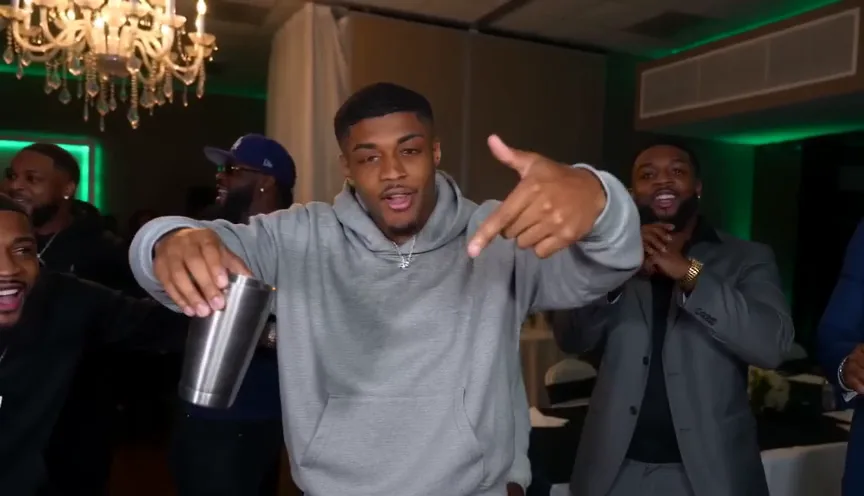
  • How to make the Burning Bridges AI video (3 ways + free prompt)

    Three ways to make the Burning Bridges AI video: one photo here, our free prompt in Higgsfield or Kling, or CapCut. Steps and the full prompt inside.

    قراءة في 6 دقيقة · آخر تحديث

  • How to add the Burning Bridges sound on TikTok and Reels

    Your Burning Bridges AI video already has the song. Here is how to post it with the official sound on TikTok and Instagram Reels so it joins the trend page.

    قراءة في 3 دقيقة · آخر تحديث

  • What is the Burning Bridges AI trend (and where it started)

    The Burning Bridges AI trend puts you at the centre of a chandelier-lit party, posted with Drake’s song. What the clips look like, where they came from and how to make one.

    قراءة في 4 دقيقة · آخر تحديث

  • Burning Bridges AI trend ideas: TV show, sports and pet versions

    The Burning Bridges AI clips that spread furthest all change who is at the party. Ideas for TV-show, sports, pet and family versions, and how to make each from one photo.

    قراءة في 4 دقيقة · آخر تحديث

  • Do the Burning Bridges AI trend with your dog or cat

    Turn one photo of your dog or cat into the Burning Bridges AI party clip: your pet lifts a paw to the lens, bobs to the beat and gets the whole table cheering.

    قراءة في 4 دقيقة · آخر تحديث

  • How to do the Burning Bridges AI trend for free

    Honest free routes for the Burning Bridges AI video: a free prompt, free tiers on AI video tools, and what each costs you in watermarks, length and retries.

    قراءة في 4 دقيقة · آخر تحديث

هناك مقعد
يحمل اسمك

أنشئ الفيديو الخاص بي